Do I need technical skills to set up an AI chatbot?
No technical skills required. The setup process is designed for non-technical users: enter your website URL, customize the colors and branding, then copy one line of JavaScript to your site. Most users go from signup to live chatbot in under 5 minutes. If you're on WordPress or Shopify, we have dedicated plugins that require zero code. Just install and activate.
What AI models power Boei's chatbot?
Boei uses the latest large language models from OpenAI (GPT-5), Anthropic (Claude), and Mistral AI. These are the same AI models used by ChatGPT and other leading AI products. Boei automatically selects the best model for each conversation based on the complexity of the question. You always get optimal responses without managing anything yourself.
Will the AI chatbot make up incorrect answers?
No. This is a key differentiator for Boei. The chatbot only answers based on content you've provided (your website, uploaded documents, FAQs). Every response includes source links showing exactly where the information came from. If the bot doesn't know something, it honestly says so and offers to connect the visitor with a human instead of guessing. This prevents the 'hallucination' problem that plagues generic AI assistants.
Can the AI chatbot transfer conversations to human agents?
Yes. You can watch AI conversations live in your inbox and take over anytime with one click. You can also configure automatic escalation rules: for example, transfer to live chat when the AI can't answer, when visitors request a human, or for specific topics like pricing negotiations. When handoff occurs, the human agent receives the complete conversation history and an AI-generated summary. They have full context without asking the visitor to repeat themselves.
How do I receive leads captured by the chatbot?
Multiple delivery options: instant email notifications, webhook to your CRM or marketing automation (works with Salesforce, HubSpot, Zapier, Make, etc.), or check Boei's built-in inbox. Each lead includes the visitor's contact information, the full conversation transcript, and an AI-generated summary of what they're looking for and how qualified they are.
Is Boei GDPR compliant for European websites?
Yes, fully GDPR compliant. Our servers are located in Amsterdam, Netherlands (EU). We never train AI models on your private conversations. You can run the chatbot in completely cookieless mode for maximum privacy compliance. We provide a Data Processing Agreement (DPA) for businesses that need one, and all data handling follows EU data protection regulations.
What's included in the from $19/month AI chatbot plan?
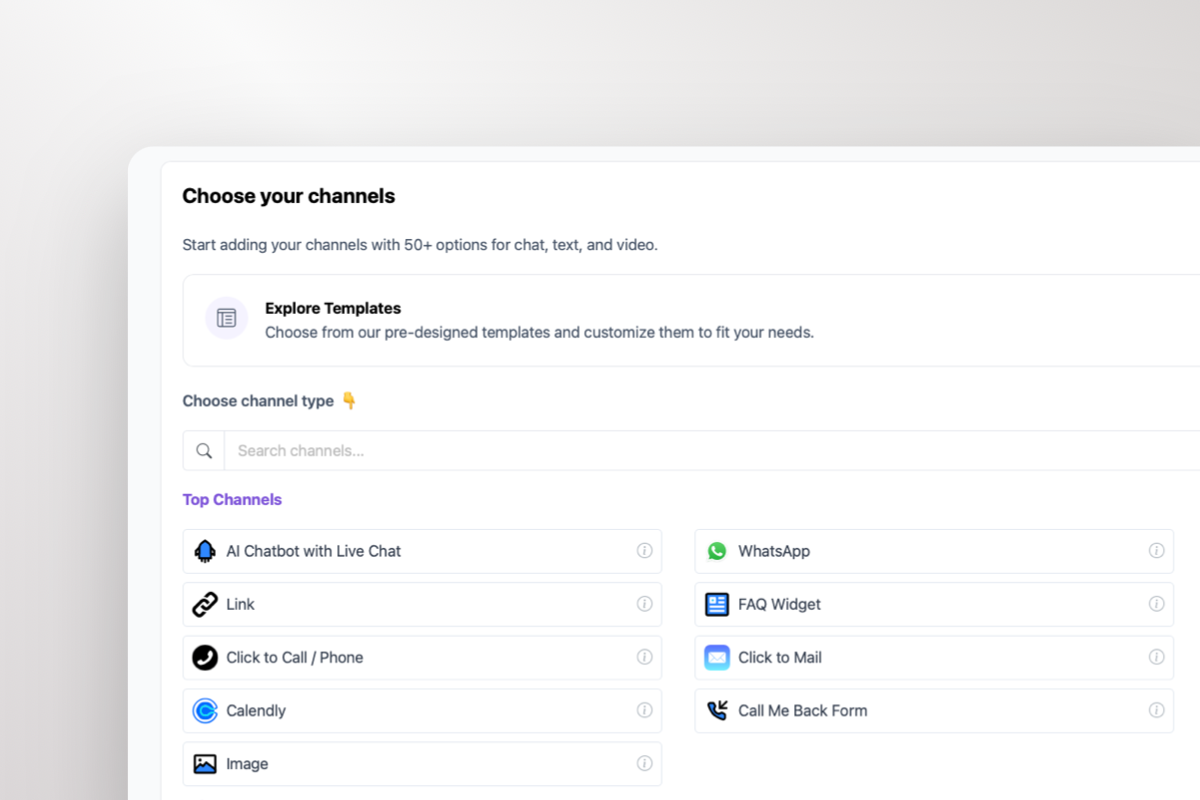
The plan includes: 2,000 AI-powered conversations per month, training on up to 1,000 pages of your content, all 50+ communication channels (WhatsApp, contact forms, Messenger, etc.) at no extra cost, full lead capture functionality, conversation analytics. You can use it on unlimited websites. Unlike competitors who charge €39-76/month and add fees for extra channels, Boei includes everything in one simple price.
Can I try the AI chatbot before paying?
Yes. We offer a 7-day free trial with full access to all features. No credit card required to start. This gives you enough time to set up the chatbot, train it on your content, install it on your website. See real conversations come in. Most users know within the first day whether Boei is right for their business.
How much does an AI chatbot cost?
AI chatbot pricing ranges from €15-40/month for basic solutions to €500-5,000+/month for enterprise platforms. The main cost factors are: pricing model (per-conversation vs flat rate), AI message limits, and included features. Boei costs from $19/month and includes 2,000 AI messages, WhatsApp, contact forms, and 50+ channels. Features that competitors charge €100+ extra for. See our full pricing comparison for details.
What's the difference between an AI chatbot and live chat?
An AI chatbot uses artificial intelligence to answer questions automatically, 24/7, without human involvement. Live chat connects visitors to human agents in real-time. AI chatbots handle unlimited conversations simultaneously at low cost but may struggle with complex or emotional issues. Live chat provides personal service but requires staffing and has limited hours. Many businesses use both: AI chatbot handles 70-80% of questions automatically, then hands off complex cases to live agents.
Can I override AI answers for specific questions?
Yes. Boei's Exact Answers feature lets you define precise responses for specific questions, ensuring critical topics like pricing, legal disclaimers, or compliance information are always answered exactly as you want. You can add them one by one or bulk-import hundreds of Q&A pairs via an Excel template. The AI will use your exact answer whenever a visitor asks a matching question.
What is Lead Flow and how does it capture leads?
Lead Flow is Boei's structured question flow system built into the chatbot. Instead of a static contact form, Lead Flow guides visitors through a conversational sequence collecting name, email, phone, company, and any custom fields you configure. You can choose between classic form mode or AI-powered conversational collection where the chatbot naturally asks for details during the conversation. You can also trigger lead collection after a set number of chat messages using the 'After X Replies' feature, so visitors get value first.
What happens when the AI hands off to a human agent?
When a conversation is escalated to a live agent, Boei's AI automatically generates a handoff summary covering what the visitor asked, what was discussed, and what they need. The human agent sees the full conversation history plus this summary, so they can pick up seamlessly without asking the visitor to repeat anything. You can configure automatic escalation rules based on topics, unanswered questions, or visitor requests.
Can I pass visitor data to the chatbot via the SDK?
Yes. Boei's SDK prefills let you pass visitor information like name, email, phone, company, a unique ID, tags, and notes directly via JavaScript. This is useful when visitors are already logged in to your platform. The chatbot recognizes them, skips redundant questions, and personalizes the conversation. It also means leads are automatically enriched with data you already have.
What if my chatbot covers multiple topics that could conflict?
Use content tagging. Tag your training data by category (e.g., 'Car Insurance' vs 'Home Insurance') and add pre-chat questions so visitors select their topic first. The chatbot then only searches matching content plus general untagged content - so it never mixes up answers across products. Questions can be conditional (e.g., 'Which tier?' only appears after selecting 'Car Insurance'), and tags can also be passed via JavaScript SDK or URL parameters when the context is already known.
































 from Utrecht