 Ruben Buijs
Most customer service chatbots can answer an FAQ. The useful ones can also check an order, collect missing details and hand a difficult case to a person without making the customer start again.
I compared eight products by the same six criteria: knowledge sources, actions, human handoff, channel coverage, helpdesk depth and pricing model. The right choice depends on the support work you need to finish and the system your team already uses. Test each option with the same customer questions, source material and handoff before you compare polished demos. If you need the category explained first, read the customer service chatbot guide.
Quick verdict: Start with Boei when AI and people should use one customer profile across conversations. It keeps replies personal, can complete useful actions and gives a person the context to continue. Choose Intercom when your support operation already lives there. Choose Zendesk when formal queues, service levels and reporting drive the decision.
I reviewed the vendors' public product pages, documentation and pricing on November 17, 2026. Packaging changes often, so check any price or plan claim on the vendor's own site before purchase.
The 8 best AI chatbots for customer service:
Compare the eight tools at a glance
| Product | Best fit | Support workspace | Pricing model to verify |
|---|---|---|---|
| Boei | Support teams combining AI, actions, routing and human replies | Built-in shared inbox and CRM context | Workspace plan with included AI usage |
| Intercom Fin | Teams already operating in Intercom | Full Intercom service platform | Seats plus outcome-based AI usage |
| Chatbase | AI agent across several channels | Built-in ticketing plus helpdesk integrations | Plan and message limits |
| Tidio Lyro | Ecommerce or service teams using Tidio live chat | Tidio inbox and live chat | Platform plan plus AI allowance |
| Zendesk AI | Formal ticket operations | Zendesk Agent Workspace | Suite, add-ons and AI usage |
| Freshchat | Teams in the Freshworks product family | Freshchat and Freshdesk workflows | Seats, plan and AI packaging |
| Ada | Managed enterprise automation programs | Integrates with enterprise service systems | Sales-led contract |
| Crisp | Messaging-first support teams | Crisp shared inbox | Workspace plan plus AI allowance |
What these tools cost for teams of 1, 5 and 10
Seat prices can make an affordable AI tool expensive as the support team grows. The table below shows the lowest published monthly setup that includes customer-facing AI and a workspace for people. It uses annual billing where the vendor offers it and excludes taxes.
This is the team price before variable AI use, except for Tidio. Tidio includes up to ten operators, so a seat-only comparison would show the same price three times. Its examples instead assume 100 Lyro conversations per support user each month. A message credit, session, conversation and successful outcome are not the same thing.
| Product | 1 support user | 5 support users | 10 support users | AI usage |
|---|---|---|---|---|
| Boei | $19 | $61 | $91 | AI credits included; extra 1,000 credits cost $6 monthly on annual billing |
| Intercom Fin | $19 | $95 | $190 | $0.99 per successful Fin outcome |
| Chatbase | $120 | $400 | Quote | 4,000 message credits on Basic; 15,000 on Business |
| Tidio Lyro | $62.50 | $291.67 | $583.33 | 100, 500 and 1,000 Lyro conversations; up to 10 operators included |
| Zendesk AI | $55 | $275 | $550 | Successful AI outcomes are charged separately; public rate not shown |
| Freshchat Freddy AI | $19 | $95 | $190 | $49 per 100 sessions after the one-time 500-session allowance |
| Ada | Quote | Quote | Quote | Contract and usage price require a sales quote |
| Crisp | $45 | $95 | $95 | About 90 automated conversations on Mini or 450 on Essentials |
Prices checked November 17, 2026. Verify the current details on the official pricing pages for Boei, Intercom, Chatbase, Tidio, Zendesk, Freshchat, Ada and Crisp. Boei's five-user example uses Growth plus two extra live agents. The ten-user example adds seven extra live agents. Tidio's annual equivalents use its published prices for 100, 500 and 1,000 Lyro conversations. Team size is only used to choose a realistic conversation allowance because Tidio includes up to ten operators.
The 8 Best AI Chatbots for Customer Service
1. Boei AI Chatbot
Best for support teams that want AI support, actions, routing and a shared inbox
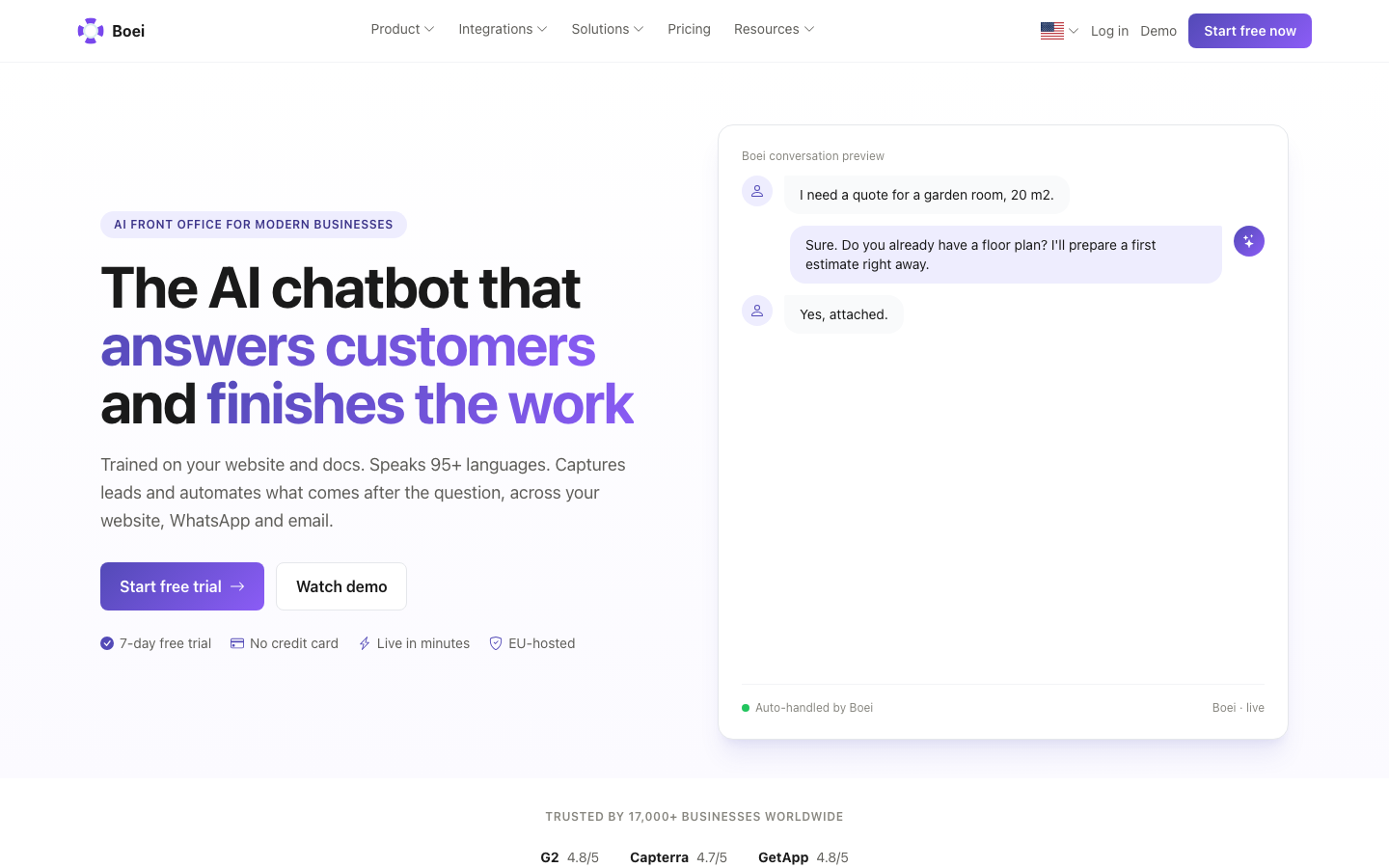
Boei combines trained AI, actions, human handoff and a shared inbox across website chat, WhatsApp, email and SMS. Supported conversations, known details, notes and actions build one customer profile, so later replies stay personal across channels.
Why shortlist it
It trains on pages, files, products and exact answers. AI Actions can read or update other systems. A person can approve sensitive work, take over or edit an AI draft.
Where it fits
Boei fits support teams that want answers, actions, routing and human replies in one workspace. At handoff, a person can continue with the conversation, customer details and completed AI work. Plans start at $19 per month when paid annually.
Watch for
Boei is strongest when AI, customer context, actions, approvals and human replies should work together. Test one complete request, not only an answer.
If Zendesk or Intercom already owns every support process, test whether Boei should replace first-line work or connect to it.
See how the Boei AI helpdesk works
2. Intercom Fin AI
Best for teams already using Intercom

Intercom combines Fin with its messenger, inbox and service platform. The surrounding support operation is the main reason to choose it.
Why shortlist it
Fin can answer from support content and take actions in connected systems. Intercom adds tickets, routing, workflows, agent tools and reporting around those conversations. Teams can inspect both AI and human work in one established service platform.
Where it fits
Intercom fits SaaS and digital businesses that already run customer support there. It also suits teams that want a broad service suite and have someone who can own its setup and reporting.
Watch for
Fin uses outcome-based AI pricing alongside the rest of the Intercom platform. Model seats, AI resolutions and required features with your own volume. A small team starting fresh may pay for more service infrastructure than it needs.
3. Chatbase
Best when the AI agent itself is the main product

Chatbase focuses on customer-facing AI agents trained on company content. It offers a more focused starting point than a full ticketing suite.
Why shortlist it
Chatbase supports website and file training, actions, several customer channels and human escalation. It is quick to evaluate when the AI agent itself is the main purchase. The product also gives teams conversation logs, ticketing and controls for improving answers.
Where it fits
Chatbase fits teams that want an AI agent across several customer channels. It can use its own ticketing or hand a conversation to an existing helpdesk, which gives teams more than one way to fit it into their support setup.
Watch for
Check the current message limits, channel support, action limits and security features on the exact plan you need. Also test how much context reaches a person after escalation, since that is where many otherwise good chatbot demos become weak support workflows.
4. Tidio Lyro
Best for stores that already want Tidio live chat

Tidio Lyro sits inside Tidio's live chat and customer service product. The combination of AI and live chat is the reason to shortlist it.
Why shortlist it
Lyro answers from company knowledge and hands conversations to people in the same Tidio workspace. Tidio adds live chat, an inbox and ecommerce-focused integrations around the AI layer. That makes the customer and agent experience easier to test as one flow.
Where it fits
Tidio fits ecommerce and service teams that already want Tidio for live chat. It is especially relevant when the team needs a familiar inbox before it needs formal ticket operations.
Watch for
Check how AI conversations, live chat seats and add-ons are packaged on the plan you need. Test product, delivery and policy questions from your own catalog. A polished demo does not prove that the bot handles your source quality or handoff rules.
5. Zendesk AI
Best for formal support operations already on Zendesk

Zendesk AI belongs on the shortlist when Zendesk already owns your tickets, queues, reporting and service rules.
Why shortlist it
Zendesk brings customer-facing AI and agent assistance into a mature ticket operation. It can use knowledge and ticket context, route work, support several channels and report on a larger service team. The value is keeping AI inside the same operating model.
Where it fits
Zendesk fits existing customers and teams that need formal queues, roles, service targets and support reporting. It is a strong option when the unresolved ticket matters as much as the automated answer.
Watch for
Zendesk can be more system than a small team needs. Verify which AI features are included, usage-based or sold as add-ons. Ask the demo team to show one full request from AI answer through human investigation, not only the first reply.
6. Freshchat with Freddy AI
Best for teams using the Freshworks suite

Freshchat combines messaging, agent work and Freddy AI inside the Freshworks product family.
Why shortlist it
Freshchat gives teams a messaging inbox, routing, conversation context and AI assistance. It can connect with Freshdesk and other Freshworks products when a conversation becomes a longer support case. That wider family is its practical advantage.
Where it fits
Freshchat fits teams already using Freshdesk, Freshsales or another Freshworks product. It also suits buyers who want customer messaging now and may add more formal service tools later.
Watch for
Plan names and AI packaging change. Build a quote around your real seats, AI volume, channels and required Freshworks products. Check whether your chosen setup keeps the customer conversation intact when work moves from chat into a ticket.
7. Ada
Best for complex enterprise automation programs
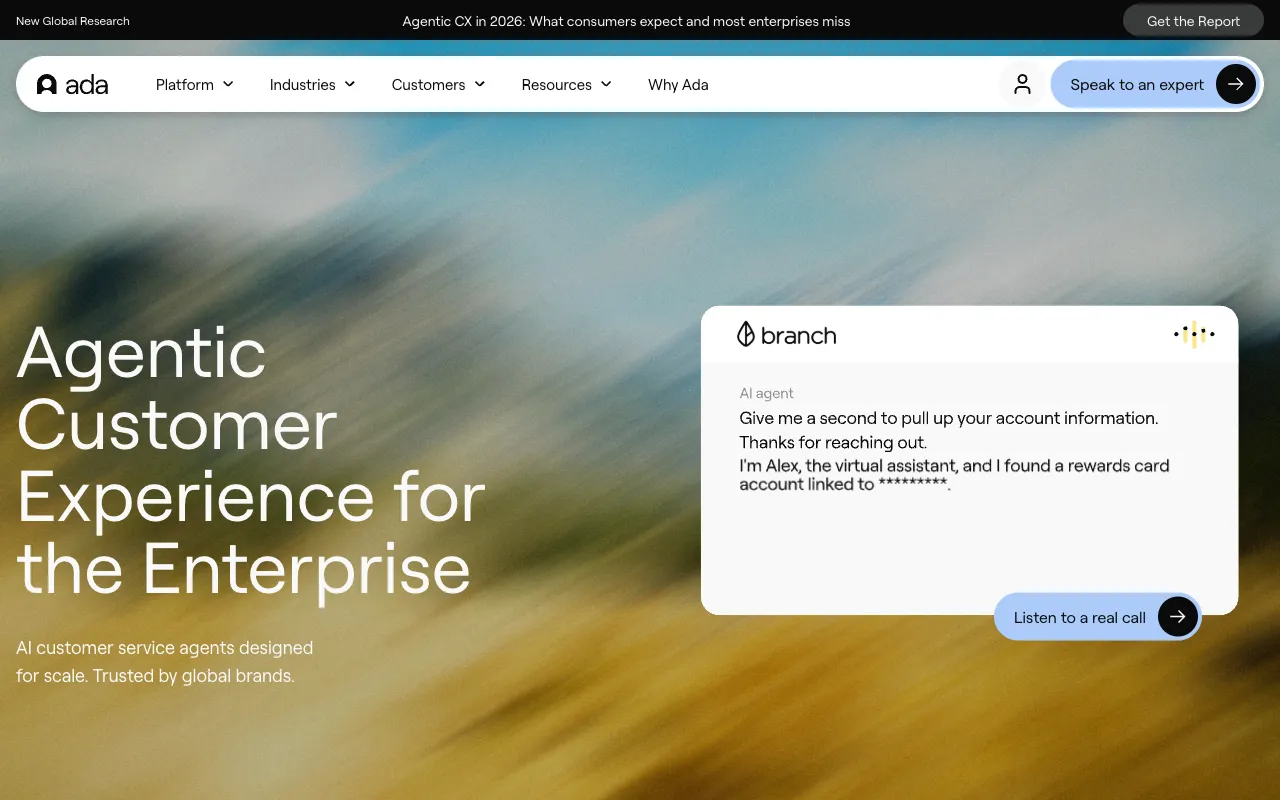
Ada focuses on enterprise AI customer service. It is designed for organizations that treat automated support as a managed program.
Why shortlist it
Ada supports multi-step workflows, enterprise integrations, controls and several digital or voice experiences. It gives larger organizations a platform for designing and reviewing automation across more than one support journey.
Where it fits
Ada fits businesses with complex workflows, dedicated implementation owners and clear governance. It makes more sense when several teams and systems must agree on what the AI may do.
Watch for
Ada is a sales-led platform, so ask for a scoped implementation plan and a full cost model. Include integration work, internal ownership and ongoing review. A small team with one website and a shared inbox should compare simpler tools before committing to an enterprise program.
8. Crisp
Best for teams that want messaging first and AI in the same workspace

Crisp is a messaging platform with live chat, a shared inbox, knowledge tools and AI features.
Why shortlist it
Crisp combines customer messaging and team collaboration around the chatbot. People can take over conversations in the same workspace, while the wider product covers live chat and several messaging channels. It is easier to understand than a full service desk.
Where it fits
Crisp fits teams that put messaging and collaboration ahead of formal ticket operations. It is a useful option when the shared inbox is the center of support and AI is one part of that setup.
Watch for
Do not assume the free messaging plan includes the AI capacity you need. Check current AI allowances, channel limits and required add-ons. Test a handoff with your own team to see whether the person receives enough customer and conversation context.
When an AI Chatbot Helps Customer Service
An AI chatbot helps when a large share of requests has a documented answer or a safe lookup. It gives the customer a direct route into that knowledge and preserves the context when a person needs to continue.
It helps much less when sources are weak, every request is an exception or the team cannot review failures. Before buying a tool, label recent conversations as knowledge, lookup, judgment or sensitive action. That tells you which workflow to test first.
Two Workflows to Use in a Product Trial
Use the same workflows in every trial. This makes the comparison about useful work instead of the vendor's best demo.
Ecommerce support example
Customer: "I ordered a blue sweater last week but received a red one. How do I return it?"
Expected workflow: the AI collects the order number, reads the order through an approved action and explains the return policy. The replacement or refund waits for a person when your policy requires approval.
SaaS support example
Customer: "My team can't access the dashboard since yesterday. Is there an outage?"
Expected workflow: the AI checks the status source, asks one useful diagnostic question and runs a read-only account lookup. If the source or lookup does not explain the problem, it hands over the evidence and attempted steps.
Score whether the product preserves context, shows the source and makes the human boundary obvious. Do not reward a confident answer that the product cannot verify.
Build a scorecard before the demos
Vendor demos are difficult to compare because every team shows its strongest workflow. Write down your scoring rules before the first call, then make each product handle the same sources and requests.
| Criterion | What to inspect | Useful evidence |
|---|---|---|
| Answer quality | Does the answer match the approved source and acknowledge uncertainty? | Transcript plus the exact source used |
| AI actions | Can it read or update the systems your workflow needs? | A completed action with input, output and error state |
| Human handoff | Does the person receive the conversation, customer details and attempted actions? | A handoff completed without asking the customer to repeat information |
| Team workflow | Can agents assign, comment, edit and see what the AI is doing? | One request worked jointly by AI and two teammates |
| Channel fit | Does the full workflow work on the channels you will actually launch? | The same test on website chat and one secondary channel |
| Governance | Can you restrict sources, require approval and inspect activity later? | A sensitive action blocked until a person approves it |
| Total cost | What will seats, AI use, channels and required add-ons cost at your volume? | A written monthly scenario using your expected usage |
Score each criterion from one to five and attach the evidence. Weight the first three criteria most heavily when your goal is customer support. A polished widget should not compensate for wrong answers or a handoff that loses context.
Also record who will own the system after launch. A broad enterprise platform may be the right choice when there is a service-operations team to configure it. The same platform can become unnecessary overhead for a small team that needs one dependable AI workflow and a shared inbox.
How to Choose the Right AI Chatbot for Your Business
Use this decision framework after running the same two workflows in each product:
For most growing businesses
Start with Boei when you want AI, actions, channels and a simple shared inbox. Start with Tidio when its live-chat and ecommerce workflow already fits the team.
For startups testing AI
Compare Crisp, Tidio and Boei using your real sources. Verify which AI allowance is included before treating a free messaging plan as a free AI plan.
For enterprise organizations
Consider Intercom, Zendesk or Ada when support operations, governance and integrations justify a broader platform.
For existing platform users
Test your current platform's AI first if you are happy with everything else. That avoids replacing the inbox, routing and reporting before you know whether the native option falls short.
For complex workflows
Shortlist Ada, Intercom and Zendesk when several systems and formal controls are part of the workflow. Include implementation ownership in the comparison.
For budget-conscious teams
Compare Boei, Crisp and Tidio by total monthly cost at your expected AI volume. Do not compare only the lowest advertised plan.
How to Run a Useful Trial
1. Start with your knowledge base
Connect the sources your team already trusts. Do not rewrite the whole help center before you know which gaps matter.
2. Set clear escalation rules
Define exactly when the AI should hand off to human agents. Too aggressive, and you lose automation benefits. Too conservative, and customers get frustrated with unhelpful responses.
3. Monitor conversation quality
Review the transcripts yourself to understand where the AI succeeds and fails. Use ratings when the product offers them, but do not let one aggregate score replace conversation review.
4. Train progressively
Do not handle every possible question on day one. Start with one repeated topic and expand after the answer and handoff work together.
5. Test on mobile
Test the customer chat and the agent handoff on a small screen. Long answers, tables and action confirmations often behave differently there.
6. Measure what matters
Track ticket deflection rates, customer satisfaction scores, and resolution times rather than just conversation volume. Quality matters more than quantity.
The Verdict
Choose the operating model before you compare feature lists:
-
Boei keeps the chatbot, actions, team routing, channels and human replies in one workspace
-
For an existing Intercom, Zendesk or Freshworks team, compare the native AI option first. Moving the whole support operation has a cost too
-
For an enterprise automation program, Intercom, Zendesk and Ada deserve the shortlist because the surrounding controls matter as much as the model
-
For messaging-first support, compare Chatbase, Tidio and Crisp by the channels and handoff workflow you will actually use
Try it with your own work: Set up one AI helpdesk workflow. Then run the same questions, lookup and handoff through every shortlisted product.
The best AI chatbot is the one that completes your chosen workflow at a cost you can model. Start with one repeated request, inspect the result and expand only after the answer, action and handoff work together.
Use a trial to test real sources and anonymized versions of recent questions. Review conversation quality, handoff context and repeat contact before expanding the scope.
The right AI chatbot should answer only what it can support, make its boundary clear and give a person usable context when it hands off. Choose the operating model that fits your team, not the longest feature list.
Frequently Asked Questions
What is the best AI chatbot for small business customer service?
For a team that wants AI answers, actions, routing and a shared inbox, Boei is the clearest fit in this comparison. Crisp and Tidio are useful alternatives when their broader messaging or live-chat workflow is the priority.
How much does an AI customer service chatbot cost?
Products use different combinations of seats, platform plans, AI allowances and usage charges. Boei plans start at $19 per month when billed annually. Intercom documents outcome-based Fin charges. Check each vendor's pricing page and ask for a total-cost example at your own monthly conversation volume.
Can AI chatbots actually replace human support agents?
Not completely. AI can handle documented repeat questions and configured actions. Complex, sensitive or uncertain issues still need a person. The best setup defines that boundary explicitly and hands over the full context.
How long does it take to set up an AI customer service chatbot?
A narrow website chatbot can be configured quickly when the source content already exists. Actions, external helpdesk connections and enterprise controls take longer because they need field mapping, failure handling and testing.
Do AI chatbots work in multiple languages?
Many products support multilingual conversations, but language count does not prove answer quality. Test your real sources, terminology, action fields and human handoff in the languages that matter to your customers.
AI Chatbot for Your Website
Ready to test the workflow? See the Boei AI helpdesk or follow the five-step setup guide.