How to install Boei on your Elementor website
You can install Boei on your Elementor website in just a few minutes. Elementor runs on WordPress, so installation is straightforward.
Just grab a cup of coffee ☕️, and you can do the installation in 5-mins yourself.
Step 1. Create an account
Create a Boei account if you don't have one yet. The onboarding will guide you through selecting channels, choosing a theme, and positioning your widget.
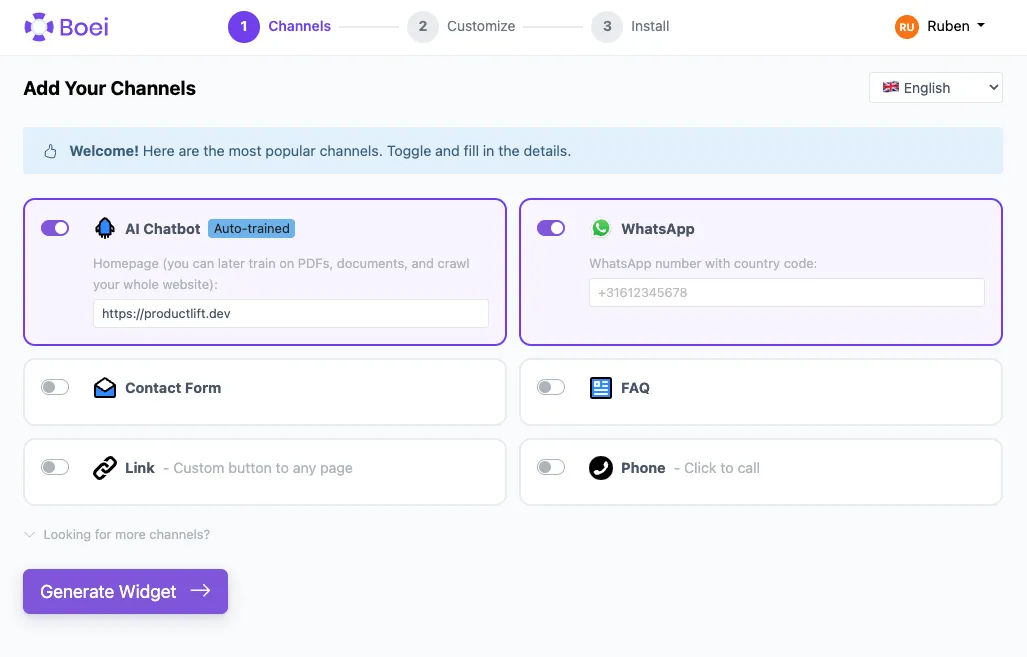
Step 2. Copy installation code
In your Boei dashboard, open your widget and click the Install tab. Select WordPress and copy the installation code.
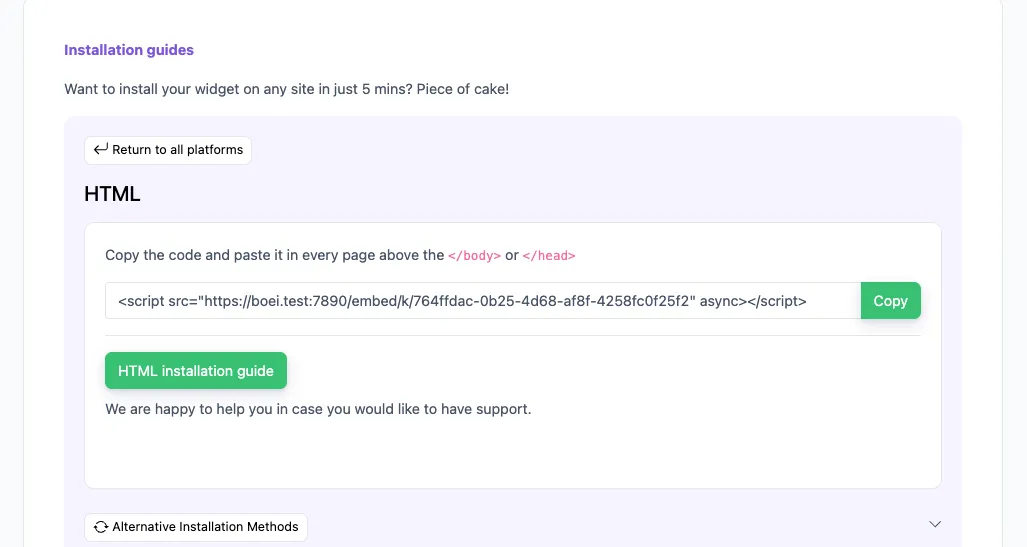
Tip: The Install tab also offers a landing page link, QR code, and iframe embed.
Step 3. Open Elementor Custom Code
In your WordPress admin, go to Elementor → Custom Code (requires Elementor Pro). Click Add New to create a new custom code snippet.
Don't have Elementor Pro? Use the WordPress plugin method instead: go to Plugins → Add New, search for "Boei", install and activate. Then go to Settings → Boei and enter your Widget Key.
Step 4. Configure the snippet
Give it a name like "Boei Chatbot". Set the Location to </body> - End and Priority to 10. Paste the Boei script code into the code area.
Step 5. Publish and verify
Click Publish and visit your site. The chatbot widget will appear on all pages, including those built with Elementor's visual editor.
Congrats, you are done! You now have the Boei AI chatbot installed on Elementor.
- Install on AdPage
- Install on Adobe Muse
- Install on BigCommerce
- Install on Blogger
- Install on carrd
- Install on Divi
- Install on Drupal
- Install on Ecwid
- Install on Elementor
- Install on Framer
- Install on Ghost
- Install on Google Tag Manager
- Install on HTML
- Install on Hostinger
- Install on Jimdo
- Install on Joomla
- Install on JouwWeb
- Install on Kajabi
- Install on Lightspeed
- Install on Magento
- Install on OpenCart
- Install on Phoenix
- Install on Prestashop
- Install on Shopify
- Install on Squarespace
- Install on Strato
- Install on Tilda
- Install on Umbraco
- Install on Webflow
- Install on Webnode
- Install on Weebly
- Install on Wix
- Install on WordPress
- Other
 from Utrecht