Shopify logo

Best AI Chatbot for Shopify

AI Chatbot for Shopify

Add an AI chatbot to your Shopify store in 5 minutes. Answer product questions instantly, capture leads, and support customers around the clock. No coding required.

Trusted by 17,220 online stores

Shopify app available

Andrew Lee David S. Vance W. Grant Nitesh Manav
from 159 reviews

Try the Shopify AI Chatbot

Why Add an AI Chatbot to Shopify?

Your Shopify store is open 24/7, but you're not. While you sleep, visitors browse products, have questions, and leave without buying. An AI chatbot for Shopify changes that. It answers product questions instantly, helps shoppers find what they need, and captures leads from visitors who aren't ready to buy yet.

Boei's Shopify chatbot learns your entire product catalog automatically. Just connect your store, and the AI understands your products, pricing, shipping policies, and return procedures. It answers questions like a knowledgeable sales associate who knows every item in stock.

Why Shopify store owners choose Boei:

  • Product-aware AI: Learns your entire catalog, answers specific questions about features, sizing, availability
  • Reduce cart abandonment. Answer hesitation questions at checkout: shipping costs, return policy, delivery time
  • Capture leads 24/7. Collect emails from browsers who aren't ready to buy, nurture them later
  • WhatsApp and more. Let customers reach you on their preferred channel, all from one widget
  • Works with any theme: Dawn, Debut, custom themes. The chatbot adapts to your store's design

The average Shopify store converts just 1-3% of visitors. An AI chatbot helps turn more browsers into buyers by answering questions before they leave. Perfect for Shopify stores. See our complete ecommerce chatbot guide. Shopify merchants love our simple transparent pricing. See all AI chatbot features available for Shopify.

Key Benefits

Why Shopify Stores Love Boei

🛍️

Answer Product Questions Instantly

Shoppers ask about sizing, materials, compatibility, stock levels. The AI answers immediately using your product descriptions, reducing the 'I'll think about it' exits.

🛒

Reduce Cart Abandonment

Most cart abandonment happens due to unanswered questions. The chatbot proactively addresses concerns about shipping costs, delivery times, and return policies.

👤

Capture Leads From Browsers

Not everyone buys on their first visit. The chatbot collects email addresses from interested browsers, giving you a second chance to convert them.

🎧

Free Up Your Support Time

Stop answering 'Where's my order?' manually. The AI handles repetitive questions, escalating only complex issues to your team.

Quick Setup

Simple Setup

Get your AI chatbot live on Shopify in under 5 minutes

1

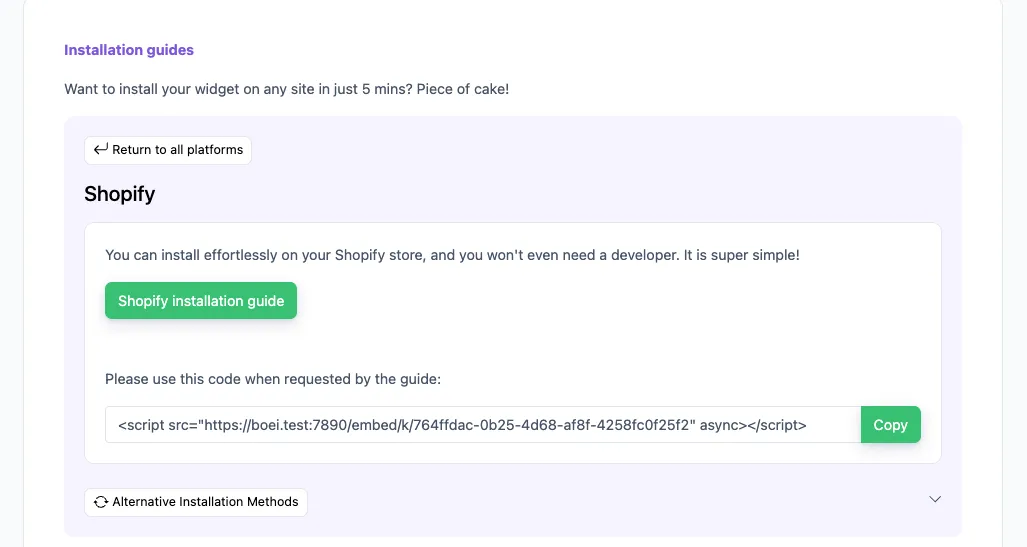
Copy installation code

In your Boei dashboard, open your widget and click the Install tab. Select Shopify and copy the installation code.

Tip: The Install tab also offers a landing page link, QR code, and iframe embed.

Copy installation code
2

Open your Shopify theme code editor

In your Shopify admin, go to Online Store → Themes.

On your live theme (the one labeled "Current theme"), click the ... menu next to Customize and choose Edit code.

3

Open theme.liquid

In the Layout folder on the left, click theme.liquid. This is the master template that wraps every page on your store, so installing Boei here means it loads everywhere.

4

Paste the Boei code

Press Ctrl+F (Windows) or Cmd+F (Mac) inside the editor to open the search box. Search for </body> to jump straight to it. You'll see it near the bottom of the file.

Click on the line just above </body> and paste the Boei code from Step 2. Click Save in the top right.

5

Verify

Open your storefront in a new tab. The Boei chatbot should appear in the corner.

If you don't see it immediately, hard-refresh the page (Cmd+Shift+R on Mac, Ctrl+Shift+R on Windows) to bypass Shopify's cache.

Stuck? If the chatbot doesn't appear, double-check that the Boei code is on the line just above </body>, not above </html> or somewhere else in the middle of the file.

Congrats, you are done! You now have Boei live chat installed on Shopify.

Watch: Shopify Chatbot Setup

Complete installation walkthrough

Shopify Features

Built for Ecommerce

Everything your Shopify store needs

📦

Product Q&A

AI learns your entire catalog: names, prices, variants. Answer 'Do you have this in blue?'

🛒

Cart Recovery

Address checkout hesitation: 'Free shipping over €50', 'Easy returns', 'Ships in 24 hours'.

🚚

Shipping & Orders

Train on shipping policies, delivery times. Instant answers to 'When will my order arrive?'

🏪

Multi-Store Support

Run multiple Shopify stores? Create separate chatbots for each, manage from one dashboard.

🎨

Theme Independent

Works with Dawn, Debut, Brooklyn, custom themes. Matches your brand colors automatically.

🌍

International Stores

Auto-detects visitor language. Responds in 95+ languages. Perfect for Shopify Markets.

📋

Lead Flow

Capture leads with structured question flows. Ask for name, email, phone, and company inside the chat conversation.

🧠

Choose Your AI Model

Pick from OpenAI, Anthropic, Google, or Mistral. Switch models anytime from your dashboard.

🎯

Exact Answers

Override AI responses for specific questions. Bulk-import Q&A pairs via Excel template.

Compare Options

Boei vs Other Shopify Chatbots

See how we compare to popular alternatives

Feature Boei Tidio Gorgias Shopify Inbox
Starting price from $19/mo €39/mo €60/mo Free (limited)
AI conversations 2,000/mo 50-1,000 Add-on Basic auto-replies
Train on products ✓ Yes ✗ Limited ✗ Limited
WhatsApp, forms, 50+ channels ✓ Yes ✗ Limited
Lead capture ✓ Yes ✓ Yes ✓ Yes ✗ Limited
GDPR compliant (EU servers) ✓ Yes ✓ Yes

Bottom line: Boei offers AI chat with automatic product training and 50+ channels for from $19/mo. Tidio charges €39/mo with manual setup. Gorgias starts at €60/mo.

Your 24/7 Sales Assistant

Imagine having a sales associate who knows every product in your store, never takes breaks, and can help hundreds of customers simultaneously. That's what Boei's AI chatbot does for your Shopify store.

  • Answer 'What size should I get?' with sizing guide information
  • Explain product differences and help shoppers compare
  • Share current promotions and discount codes
  • Check if items are in stock (when trained on inventory data)
  • Collect wishlists and notify when items are available
Shopify AI Sales Assistant

Pro Tips

Get More From Your Shopify Chatbot

1

Write Detailed Product Descriptions

The AI learns from your product pages. More detail means better answers about features, materials, sizing.

2

Train on FAQ and Policy Pages

Create pages for shipping, returns, sizing guides. Include these URLs when training the AI.

3

Set Up Quick Reply Buttons

Configure buttons: 'Shipping info', 'Track order', 'Size guide'. Faster answers, happier customers.

4

Enable Lead Capture Strategically

Help first, ask for email later. Offer to send recommendations or restock notifications. Higher conversion.

Need Help?

Troubleshooting Common Issues

Widget not showing on store?
Check that the code injection app is enabled in your theme customizer. Go to Online Store → Themes → Customize and look for app embeds or third-party code sections.
Chatbot not learning products?
Make sure your product pages are public (not password protected). Try adding your sitemap URL (yourstore.com/sitemap.xml) to the Boei training section for faster crawling.
Wrong answers about products?
Re-crawl your store in the Boei dashboard to pick up recent product changes. Also check that product descriptions are accurate. The AI learns from what you've written.
Not appearing on checkout page?
Shopify restricts third-party scripts on checkout for security. The chatbot works on all other pages. Consider adding a 'Questions?' link that opens chat before checkout.

What Shopify Store Owners Say

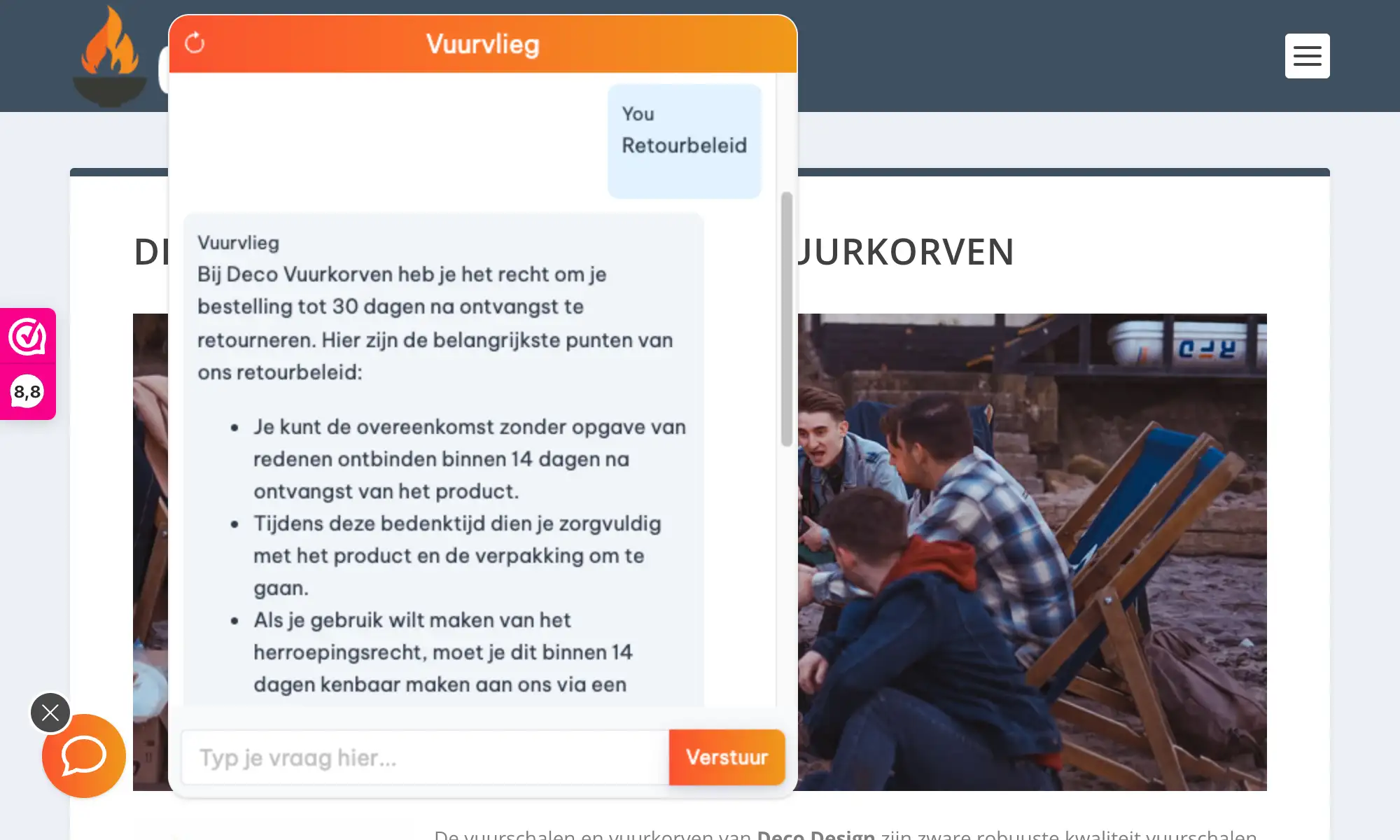
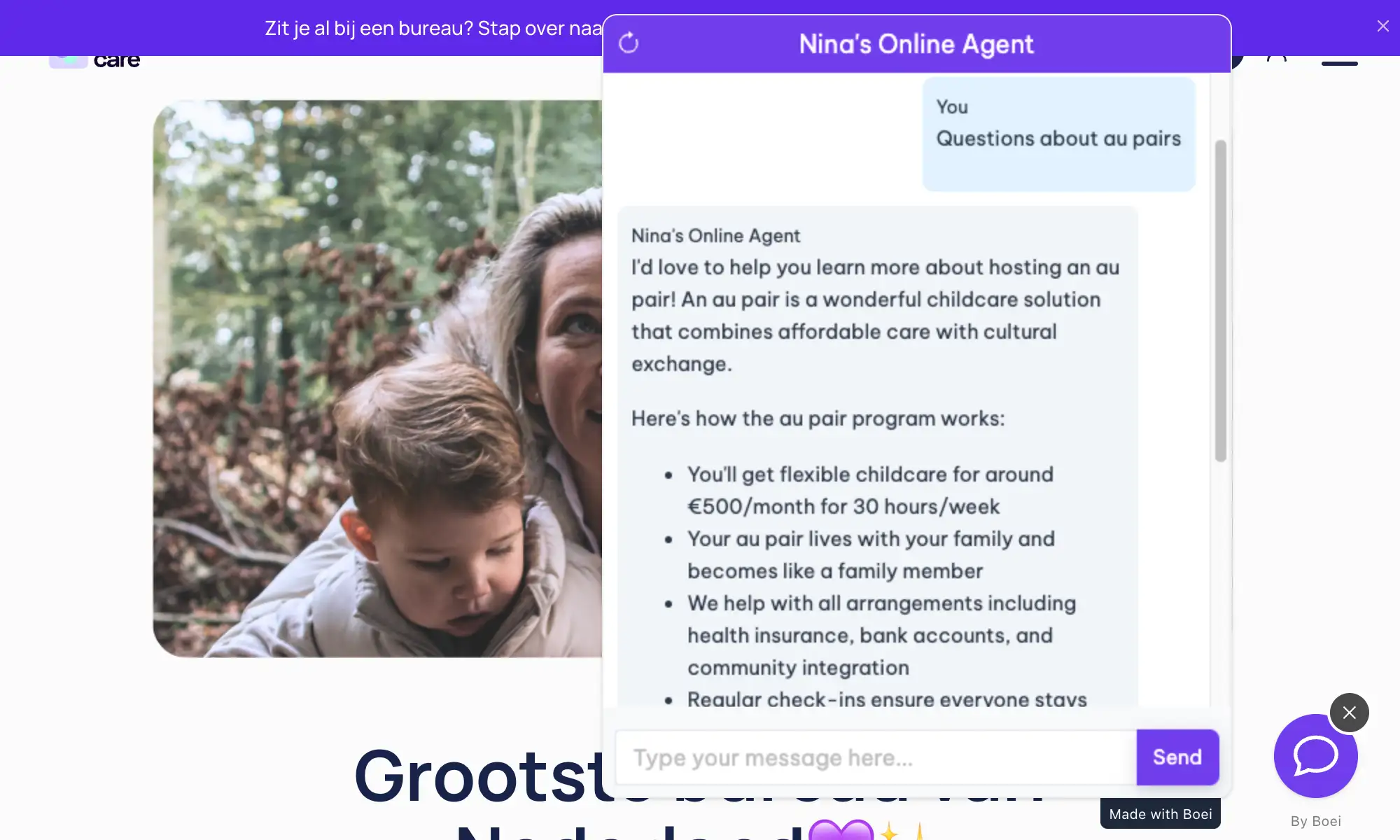
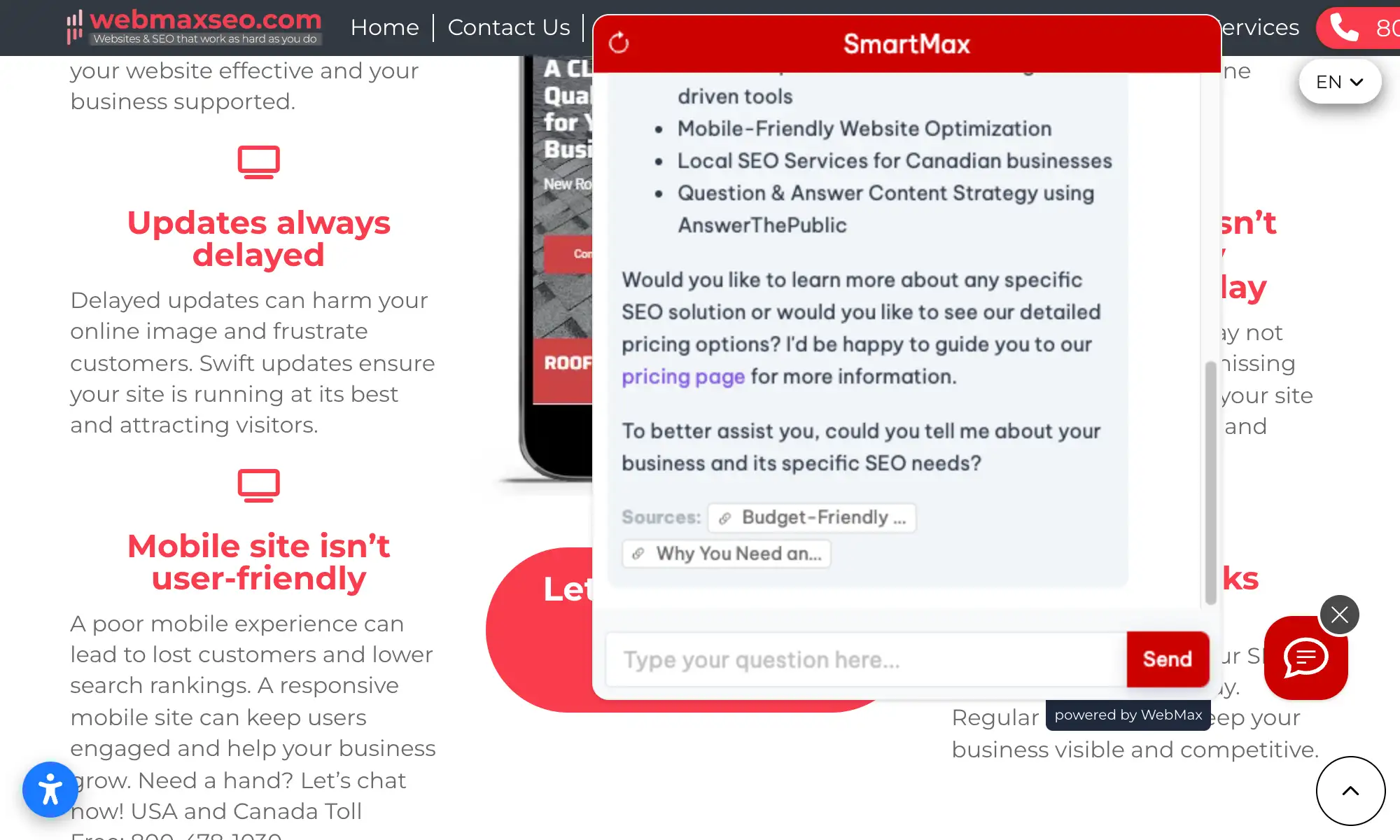
See AI Chatbot in Action

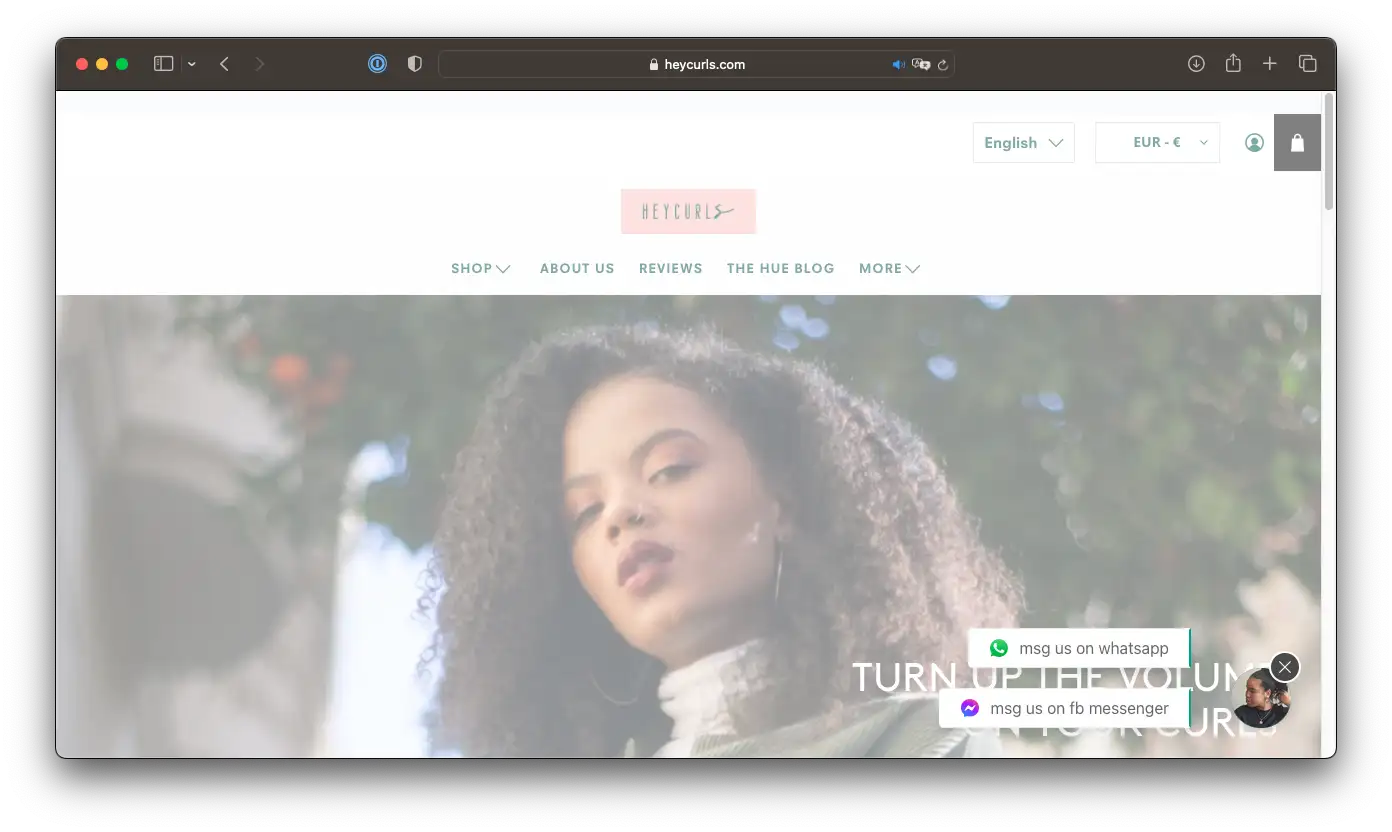
Real Shopify stores using Boei's AI chatbot

Add More Contact Channels

Combine AI chatbot with other ways for shoppers to reach you

Related Resources

Learn more about AI chatbots

Shopify Chatbot Pricing

Simple, transparent pricing with AI chatbot included

Vance
Vance: " Helps me to convert website visitors to warm leads " ★★★★★

Starter

Solo and small sites

$19/mo
Billed at $228/yr
  • 1 domain, 1 chatbot
  • 50+ contact channels
  • 2,000 AI credits/mo
  • 1,000 training pages
  • 50 product training
  • Email + WhatsApp chatbot
  • Lead collectors
  • Source gap detect
  • 5 AI actions/bot
  • CRM & advanced integrations
Most popular

Growth

Teams + automation

$49/mo
Billed at $588/yr
  • Everything in Starter, plus:
  • 3 domains, 3 chatbots
  • 7,000 AI credits/mo
  • 3,500 training pages
  • 500 product training
  • 10 AI actions/bot
  • 3 live chat agents
  • Auto retrain, Tagging
  • Ticket training
  • AI summary on handover
  • Deal pipeline
  • API access
  • Webhooks

Business

Agencies + volume

$129/mo
Billed at $1,548/yr
  • Everything in Growth, plus:
  • 10 domains, 10 chatbots
  • 20,000 AI credits/mo
  • 10,000 training pages
  • Unlimited product training
  • 15 AI actions/bot
  • 5 live chat agents
  • Custom domain
  • White-label
  • Branding removed

Scale

Enterprise compliance

$229/mo
Billed at $2,748/yr
  • Everything in Business, plus:
  • 25,000 AI credits/mo
  • 15,000 training pages
  • 20 AI actions/bot
  • 7 live chat agents
  • Custom DPA
  • 99.5% uptime SLA
  • Priority support
  • Dedicated 60-min onboarding
  • Quarterly review call

7-day free trial · No credit card required · Prices exclude VAT

Compare Plans

Starter
$19/mo
Growth
$49/mo
Business
$129/mo
Scale
$229/mo
Core Limits
Domains11010
WidgetsUnlimitedUnlimitedUnlimited
Chatbots11010
Contacts/moUnlimitedUnlimitedUnlimited
AI Chatbot
AI credits/mo2,00020,00025,000
Training pages1,00010,00015,000
Product training new50 productsUnlimitedUnlimited
Email + WhatsApp chatbot newYesYesYes
AI actions/bot51520
Lead collectors newYesYesYes
Source gap detectYesYesYes
Auto retrainYesYes
Tagging newYesYes
Ticket training newYesYes
AI summary on handover newYesYes
Live Chat & Inbox
Live chat agents157
Inbox + contactsYesYesYes
Deal pipelineYesYes
Integrations
Analytics GA4, GTM, Plausible, Simple AnalyticsYesYesYes
Facebook PixelYesYesYes
MailchimpYesYesYes
HubSpot CRMYesYesYes
Missive AI reply on emailsYesYesYes
SDK PrefillsYesYesYes
WebhooksYesYes
Platform
API accessYesYes
Custom domainYesYes
White-labelYesYes
BrandingAdd-onRemovedRemoved
Enterprise & Support
Custom DPAYes
Uptime SLA99.5%
Priority supportYes
Dedicated onboardingYes
Quarterly review callYes

Add-ons

Extra domain
$9/mo per domain
Extra chatbot
$6/mo annual
Extra live agent
$6/mo annual
AI credits
$6/mo per 1,000 credits
Branding removal
$14/mo
SMS credits
$10 per 100 credits

Need an Agency or Enterprise Solution?

Get custom pricing, priority support, and advanced features

Contact Sales

Your AI Employee Knows Your Shopify Store

Connect your Shopify data via webhooks so your AI agent can take real actions during conversations

Order Status Lookup

Customers ask 'Where is my order?' and the AI agent calls your Shopify API via webhook to fetch real-time order status, tracking numbers, and delivery estimates.

Product Recommendations

The AI suggests products from your catalog based on what the customer is looking for. Trained on your product data with in-chat product cards showing images and prices.

Inventory Checking

Connect your stock data so the AI can answer 'Is this available in size M?' with live inventory info pulled from your Shopify store via webhook.

Discount Code Application

Set up the AI agent to validate and share discount codes during conversations. Help customers apply the right promo before they check out.

Draft Order Creation

Your AI agent can collect product selections and customer details, then create a draft order in Shopify via webhook for your team to review and finalize.

Questions?

Shopify AI Chatbot FAQ

How do I install the AI chatbot on Shopify?

Install a free code injection app like 'XO Insert Code' from the Shopify App Store. Create a new code snippet, paste the Boei script in the footer section, and enable it.

Will it slow down my Shopify store?

No. The Boei script is under 50KB and loads asynchronously after your page content. It won't affect your store's loading speed or SEO performance.

Does it work with my Shopify theme?

Yes. Boei works with all Shopify themes: Dawn, Debut, Brooklyn, Prestige, custom themes, and Shopify 2.0 themes.

Can I use it on multiple Shopify stores?

Yes. Your Boei subscription covers unlimited stores. Create separate chatbots for each, each trained on that store's products.

Which AI models does Boei use?

We use GPT-5 from OpenAI and Claude from Anthropic. The most advanced language models available.

Will the AI make up product information?

No. The chatbot only answers based on your actual product descriptions. It shows sources and admits when it doesn't know something.

How do I receive leads from the chatbot?

Get leads via email, webhook to Klaviyo/Mailchimp, or check Boei's inbox. Each lead includes the conversation and products they asked about.

Is it GDPR compliant?

Yes. EU-based servers (Amsterdam), no training on your conversations, optional cookieless mode. DPA available on request.

Does the AI chatbot work on WhatsApp too?

Yes. Boei's AI chatbot works on your website and on WhatsApp. Incoming WhatsApp messages get automatic AI replies, and all conversations land in your shared inbox with AI summaries.

Can I choose which AI model powers the chatbot?

Yes. Boei supports OpenAI, Anthropic, Google, and Mistral models. You can switch models anytime from your dashboard settings. All models train on your website content automatically.

Ready to Boost Your Shopify Sales?

Join thousands of Shopify stores using Boei. Setup takes 5 minutes.

7-day free trial • No credit card required • Works with any theme
Andrew Lee David S. Vance W. Grant Nitesh Manav
from 159 reviews