 Ruben Buijs
Are you tired of giving out your personal phone number to every customer who wants to connect with you on WhatsApp? Are you afraid that they'll start calling you at 3 AM to ask about your latest product? Well, fear not, because I am here to help you set up a WhatsApp account with a virtual phone number.
You can also integrate WhatsApp into your website to chat with visitors directly, capture leads, and offer instant support. All without sharing your personal number.
Table of contents
- Step by step guide for setting up a virtual phone number on WhatsApp
- Popular virtual phone number providers
- Benefits of using a virtual or fake phone number for WhatsApp
- Any downsides?
- FAQ
- Conclusion
Step by step guide for setting up a virtual phone number on WhatsApp
These are the steps to get a virtual number up and running for WhatsApp:
- Pick the country for your WhatsApp Business account: Choose where you'll use WhatsApp, as your phone number needs to match this location.
- Select a phone number provider: Options like Twilio or Nexmo offer virtual numbers. Pick the one that fits your needs.
- Get a virtual number: Sign up with your chosen provider and pick a number from their list.
- Verify the number: Complete the verification steps required by your provider.
- Set up WhatsApp Business: Use your verified number to register on the WhatsApp Business app. Add your business info during setup.
- Start chatting: With everything set, you can now message customers, share media, and set up auto-replies on WhatsApp Business.
Popular virtual phone number providers
Twilio
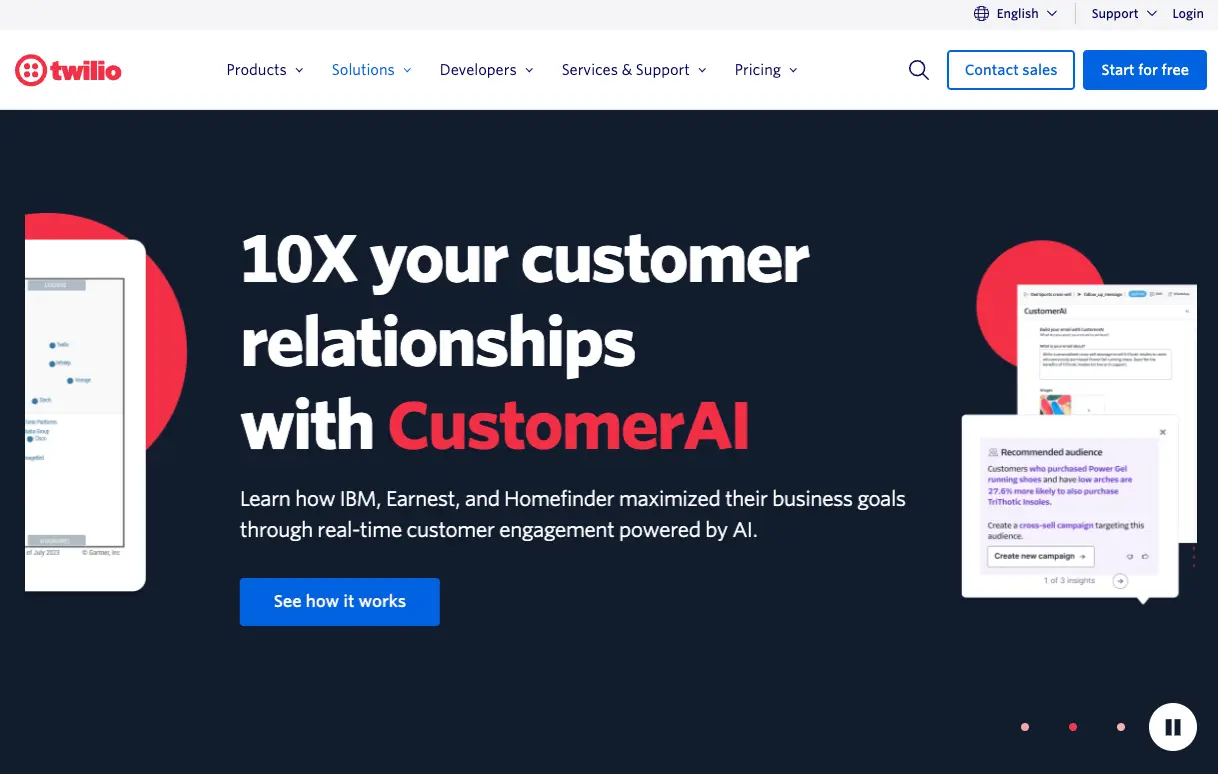
Twilio is a cloud communications platform. It provides APIs for developers to integrate SMS, voice, and video capabilities into applications.
Pricing for a virtual phone number
Twilio offers pricing based on country, number type, and usage. In the United States, local numbers start at $1/month and toll-free numbers at $2/month. Check Twilio's website for pricing in your country.
Vonage
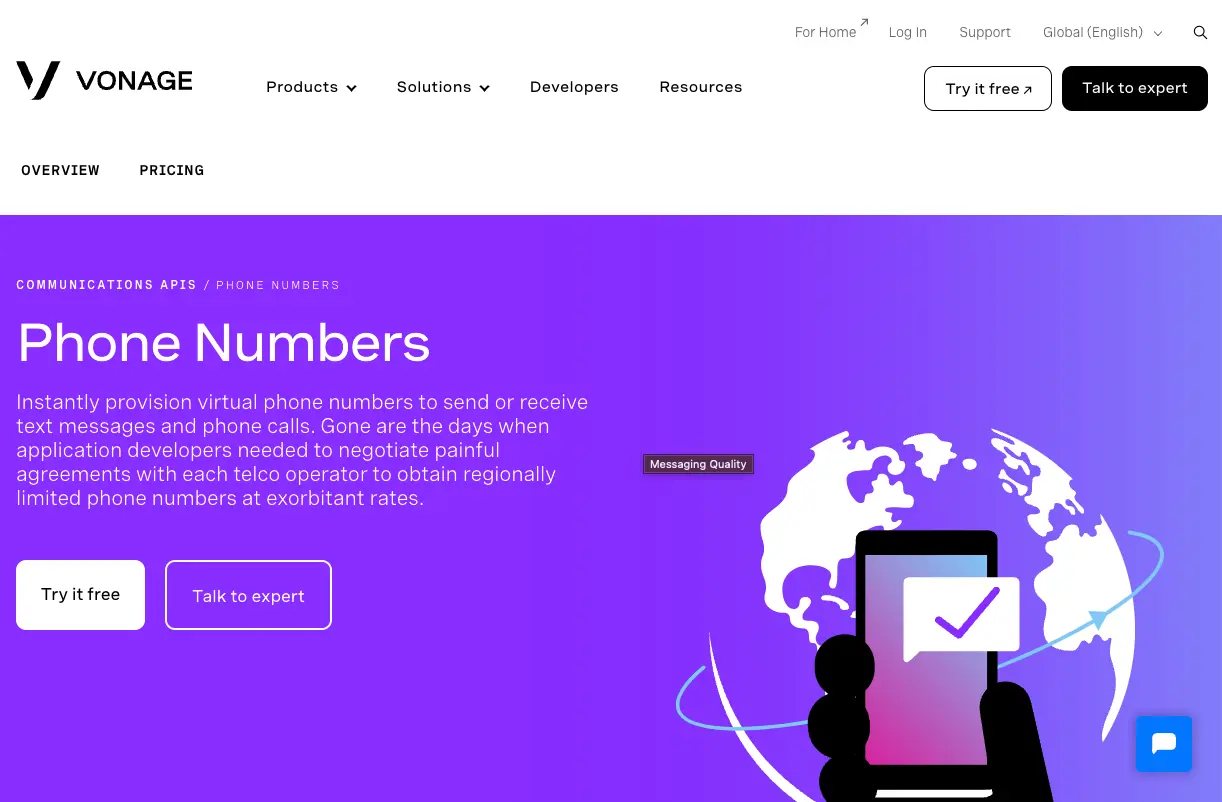
Pricing for a virtual phone number
Vonage offers pricing based on country, number type, and usage. In the United States, local numbers start at $0.50/month and toll-free numbers at $2.50/month. Check Vonage's website for pricing in your country.
Plivo
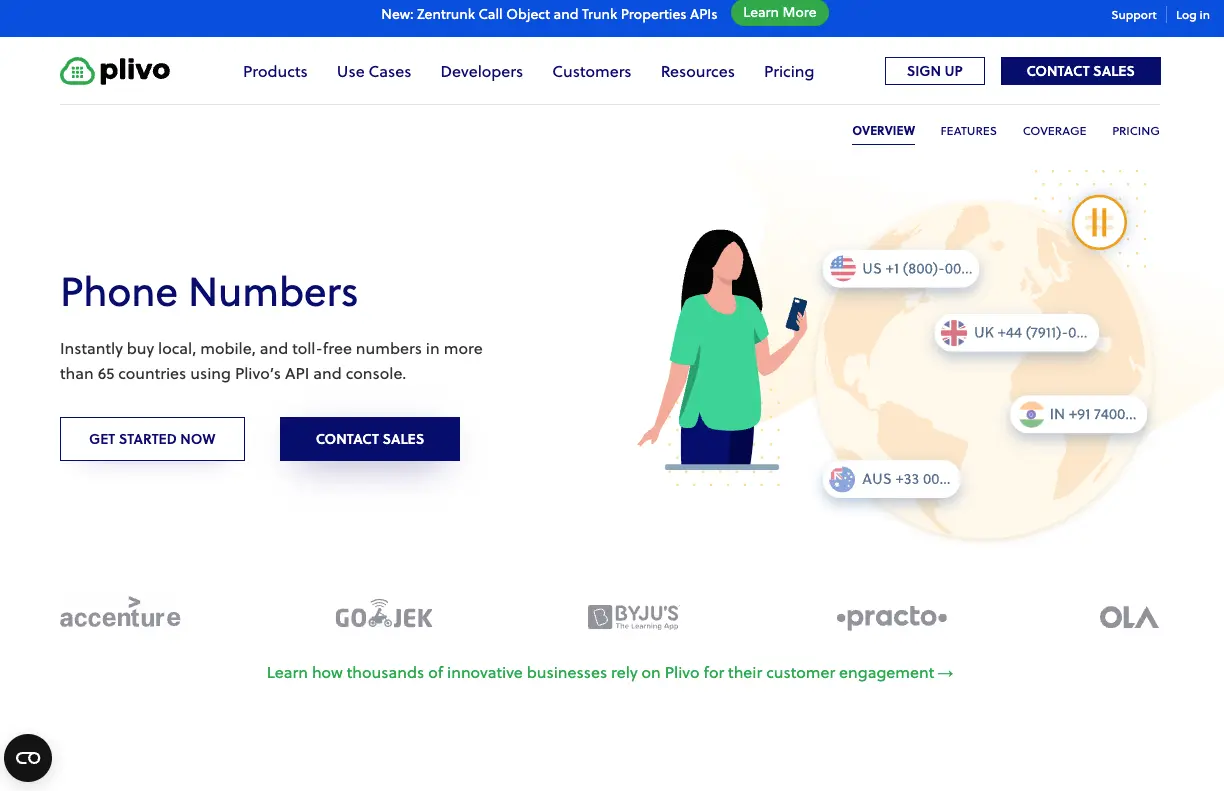
Plivo is a cloud communication platform. It provides APIs for developers to integrate SMS, voice, and video capabilities into applications and websites.
Pricing for a virtual phone number
Plivo offers pricing based on country, number type, and usage. In the United States, local numbers start at $0.80/month and toll-free numbers at $1/month. Check Plivo's website for pricing in your country.
Telnyx
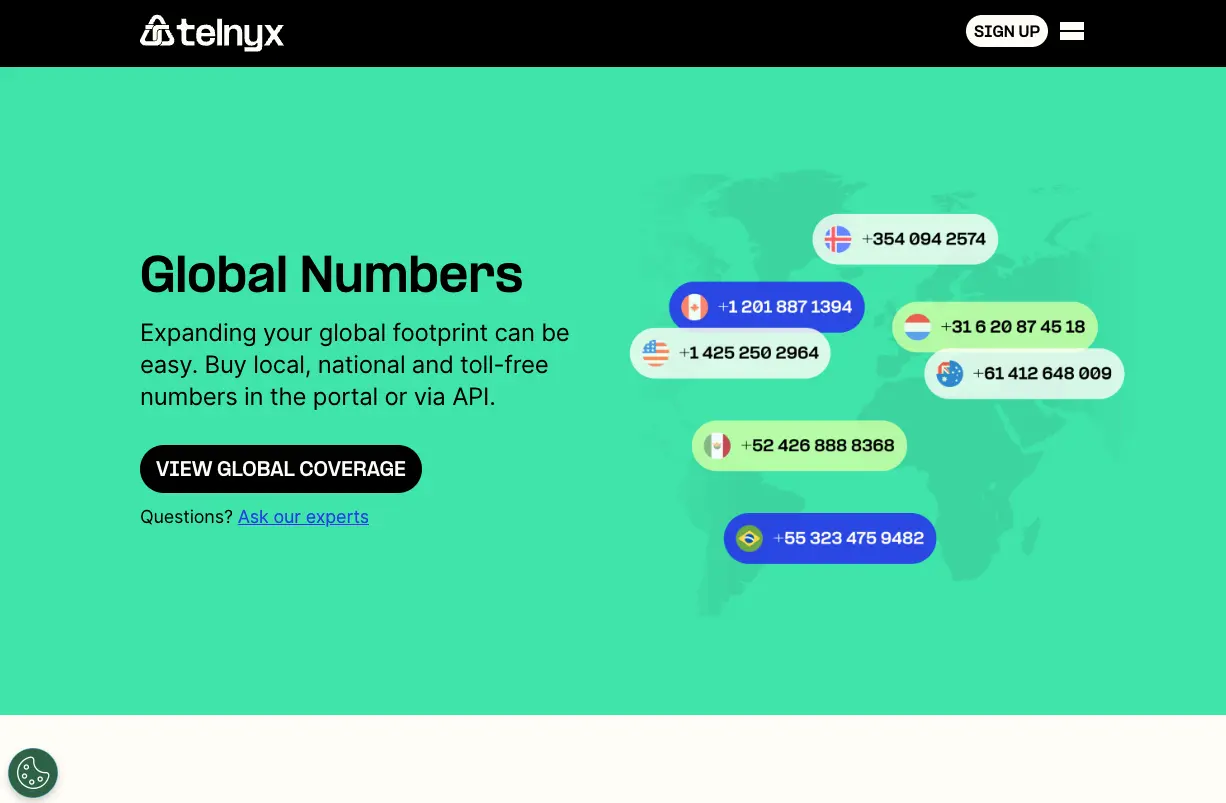
Telnyx is a cloud communication platform with a global carrier-grade network. It enables businesses to communicate via voice, messaging, and other channels. Features include number porting, call routing, and analytics.
Pricing for a virtual phone number
Telnyx offers pricing based on country, number type, and usage. In the United States, local numbers start at $0.50/month and toll-free numbers at $1/month. Check Telnyx's website for pricing in your country.
MessageBird
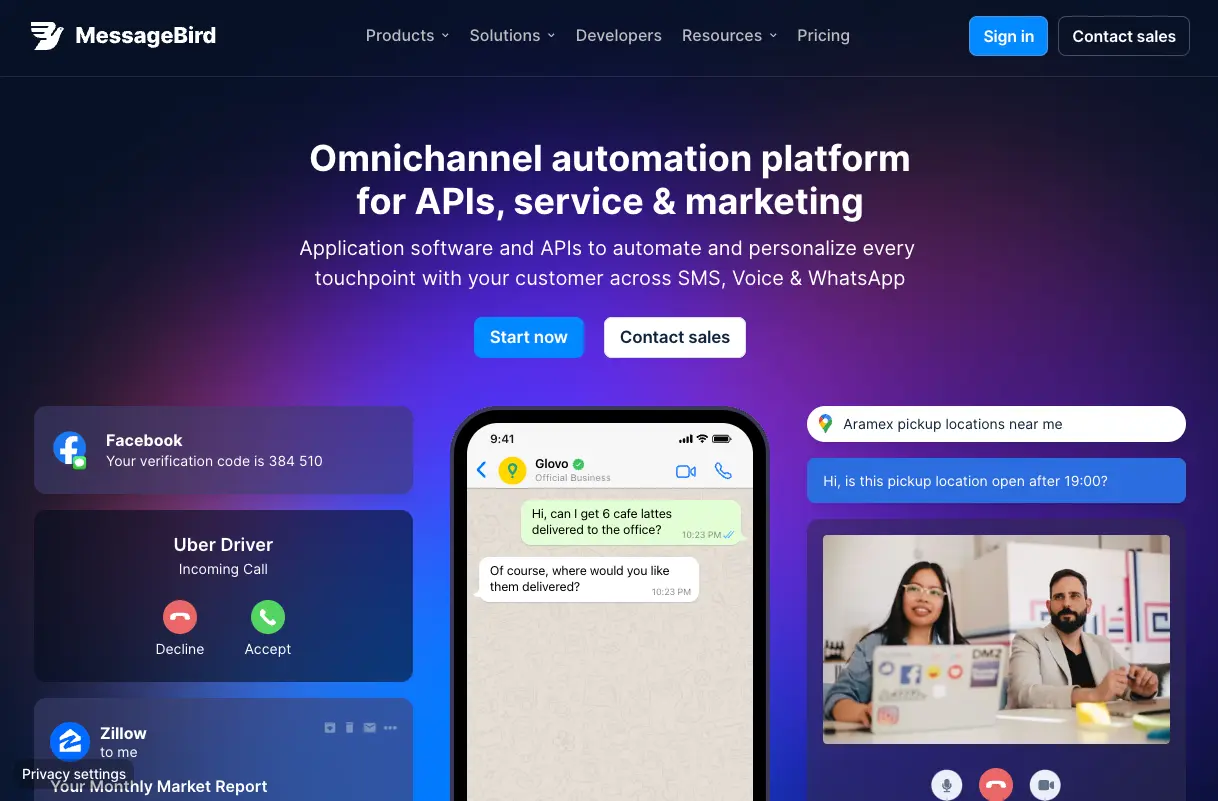
MessageBird is a cloud communication platform. It provides APIs for developers to integrate SMS, voice, and chat capabilities into applications. Features include two-way messaging, voice calling, and customer service tools.
Pricing for a virtual phone number
MessageBird offers pricing based on country, number type, and usage. In the United States, local numbers start at $1.00/month and toll-free numbers at $1.50/month. Check MessageBird's website for pricing in your country.
Benefits of using a virtual or fake phone number for WhatsApp
- Protecting personal privacy and security by keeping personal phone numbers separate from business communication
- Enabling businesses to maintain a professional presence on WhatsApp with a dedicated phone number
- Offering flexibility to use WhatsApp on multiple devices without the need for a physical SIM card
- Allowing businesses to communicate with customers from anywhere in the world without additional international calling fees
- Providing additional features such as automated messages, message templates, and analytics to improve customer engagement and communication efficiency
Any downsides?
The benefits of using a virtual phone number for WhatsApp often outweigh the downsides. Still, it's important to weigh both pros and cons before deciding if it's right for your business.
- Limited availability: Some countries may not support the use of virtual or fake phone numbers for WhatsApp. Could limit the ability to use this approach in certain regions.
- Compliance with WhatsApp policies: WhatsApp requires users to provide accurate and truthful information when registering an account. Failing to comply with these policies may lead to account suspension or other penalties.
- Cost: Virtual phone numbers typically come with a monthly fee, which can add up over time. Depending on the provider and the features needed, the cost can vary.
- Customer confusion: If a business uses a virtual phone number for WhatsApp, communicate this clearly to customers. This avoids confusion or mistrust.
FAQ
Can I use a virtual number for WhatsApp Business?
Yes. WhatsApp Business supports virtual phone numbers as long as they can receive SMS or voice calls for verification. Most major providers like Twilio and Vonage offer numbers that work with WhatsApp.
Is it legal to use a virtual phone number on WhatsApp?
Using a virtual number is legal in most countries. However, WhatsApp requires accurate registration information. Always check local regulations and WhatsApp's terms of service before setting up your account.
Will customers know I'm using a virtual number?
Customers cannot tell whether you are using a virtual or physical SIM number. The experience looks identical on their end. Just make sure your business profile is complete and professional.
What happens if my virtual number provider goes down?
If your provider has an outage, you may temporarily lose the ability to send and receive WhatsApp messages. Choose a provider with strong uptime guarantees and consider having a backup number ready.
Conclusion
And there you have it, my dear readers! You are now the proud owners of a WhatsApp Business account with a virtual phone number. You can now communicate with your customers without revealing your personal phone number. You can finally get some sleep without worrying about late-night calls from that one customer who just can't get enough of your products.
So, go forth and conquer the digital world, my friends! And remember, with great virtual phone numbers come great responsibility (and hopefully, fewer awkward phone calls).
Want to take it further? See how WhatsApp Business Web works.