 ProductLift
How ProductLift Runs Support and Sales with Boei
ProductLift uses Boei to answer customer questions and handle what comes next. Finn helps on the website, in the app and by email. The team picks up support requests, checks account details and follows up on sales conversations in the same system.
ProductLift helps software teams collect feedback, plan a roadmap and share product updates. For its own support and sales, the team uses Boei.
Some customers need a quick product answer. Others need someone to check their account, record a suggestion or return to a sales discussion. The team handles those requests in Boei, from the first message through to the next task.
ProductLift and Boei are built by the same team. This is how they use Boei in their own daily work.
Help where customers already are
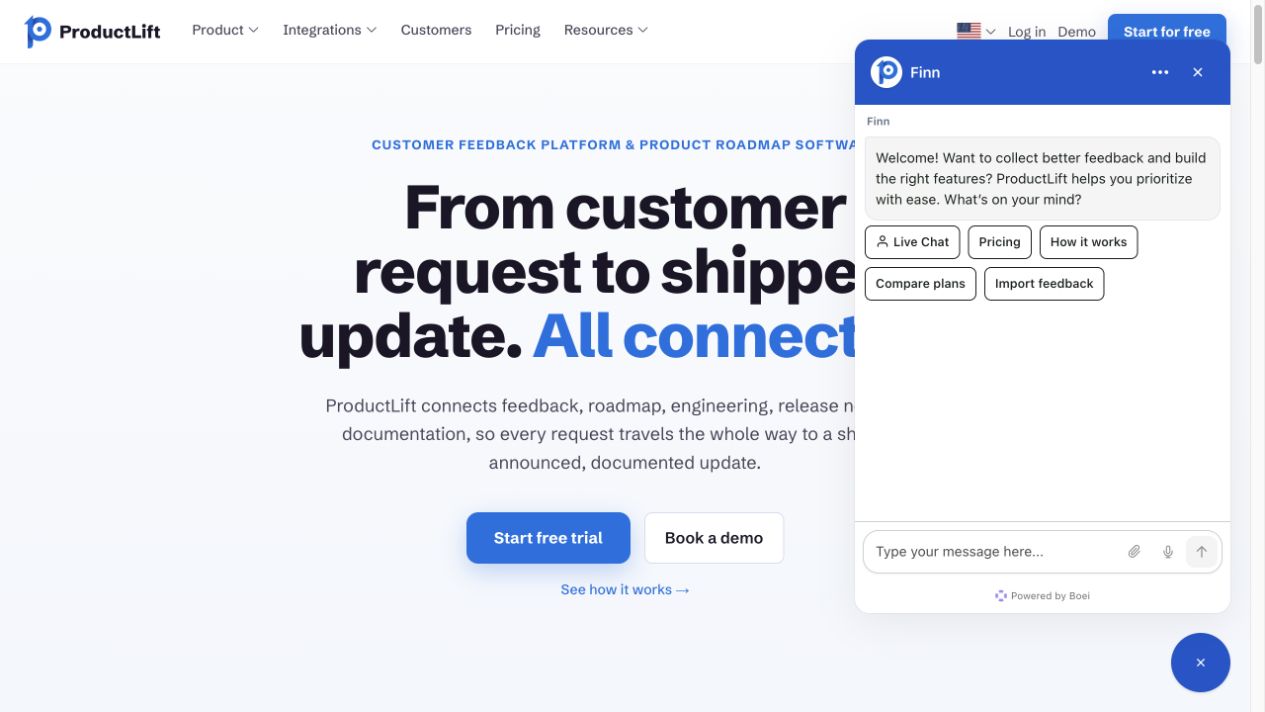
On the ProductLift website, visitors can ask Finn about plans, features or moving feedback from another tool. Finn is ProductLift's Boei AI assistant. It answers using the website and documentation, with links to the sources behind its answers.
The opening screen offers topics such as pricing and importing feedback, plus a Live Chat option for contacting the team.
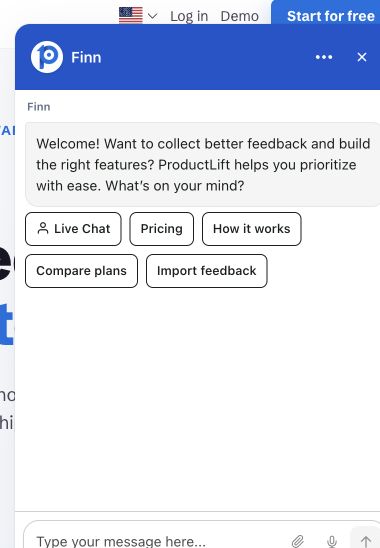
Customers can also open Finn inside the app while working on their portal. The app sends the signed-in administrator's name and email to the widget, so those details are available when the team follows up.
Both widgets use the same assistant. The app also offers documentation and contact options for customers who want another way to get help.
When a person needs to take over
Website chats, app conversations and support email arrive in Boei's shared inbox. The team can read the exchange, reply to the customer and leave internal notes for colleagues.
For email support, Finn can send one automatic reply. If the customer replies again, a person takes over. They can read what Finn already said and continue the discussion.
The team also uses the inbox Copilot to help prepare replies. It draws on the conversation and ProductLift's knowledge. The person handling support reviews the draft before sending it.
Check the customer's account beside the conversation
A product question often depends on the customer's setup. If an integration isn't working, the team needs to check that account's settings. If someone can't change billing, their account role may explain why.
ProductLift has connected a customer panel to the Boei inbox. It uses the customer's email to find their ProductLift account and display the portal and account details.
The team can check the plan, account role, trial information and recent activity. They can also see board and team-member usage, email settings and whether an integration is enabled or has a sync error.
Capture feature requests while customers explain them
Sometimes the answer is that a feature doesn't exist yet. Finn can turn the suggestion into a request in ProductLift, without sending the customer to another form.
Finn asks for an email address to link the request to the person who made it. It then creates the feedback item in ProductLift.
This is already being used in customer conversations. The suggestion becomes an item the product team can review, while the original discussion stays in Boei.
Keep track of sales conversations that need a next step
A prospect comparing plans may need more time before buying. Someone moving from another tool may have questions to resolve first. ProductLift tracks these opportunities as deals in Boei.
Each deal belongs to a contact and can link back to the inbox conversation. The team records the stage, owner, notes and next activity there. Completed tasks and emails remain in the activity history.
When someone returns to a deal, they can read what was discussed and see what still needs doing. That could mean answering a question, sending a follow-up or closing the opportunity.
Follow up on the discussion, with room for the team to step in
ProductLift also uses automated deal follow-up. Boei uses the deal details, recent conversation and product knowledge to prepare a relevant message. Sent follow-up emails appear in the deal's activity history alongside drafts and planned steps.
The process responds to changes in the conversation. A customer's question can pause follow-up so the team can answer. A request to stop contact blocks further messages. Closed deals and opportunities on hold don't keep receiving sales reminders.
That gives the team a way to continue sales discussions after the first exchange. They can see what was sent, what is planned and when a deal needs their attention.
For ProductLift, Boei covers both the reply and the work it creates: helping a customer, recording an idea or following up on an opportunity.
Explore the shared inbox and customer records and deals, or book a demo to discuss your own setup.