With over 2 billion users, WhatsApp is the go-to channel for customer engagement. So the question isn't if you should add it to your site, but which plugin will work best.
I tested the options and narrowed it down to 7 standout plugins worth your attention.
TL;DR: Boei is the best overall WordPress WhatsApp plugin for growing businesses, offering 50+ channels and AI automation starting at EUR 8/month. Free options like Click to Chat and Simple Chat Button work for basic WhatsApp-only needs. Prices range from free to EUR 8/month, and most businesses outgrow free plugins within 3-6 months.
How I picked these plugins: I tested each plugin for ease of setup, real-world use cases, feature set, mobile experience, and pricing.
| Plugin | Best For | Monthly Cost | What You Get |
|---|---|---|---|
| Boei | Growing businesses | €8/month | 50+ channels + AI automation + analytics |
| Click to Chat | Budget-conscious | Free | WhatsApp only, basic features |
| WP Chat App | WooCommerce | $25 once ($2/mo if used 1yr) | WhatsApp only, multi-agent |
| Chaty | Multi-channel | €4.92/month (billed yearly) | 25 channels, no AI |
| Social Chat | Designers | Free | WhatsApp only, high customization |
| WPForms | Form users | Varies | WhatsApp notifications only |
| Simple Chat | Minimalists | Free | WhatsApp only, ultra-basic |
The best free options are:
Click to Chat offers the best free features including analytics, office hours, and mobile optimization. Making it the top free choice for most WordPress sites.
The top WhatsApp plugins for WooCommerce are:
All three plugins support WooCommerce product variables in WhatsApp messages, letting customers ask about specific products they're viewing.
Looking for AI-powered chat solutions? Check out our comprehensive guide on the best AI chatbot WordPress plugins for automated customer support.
Best Comprehensive Solution
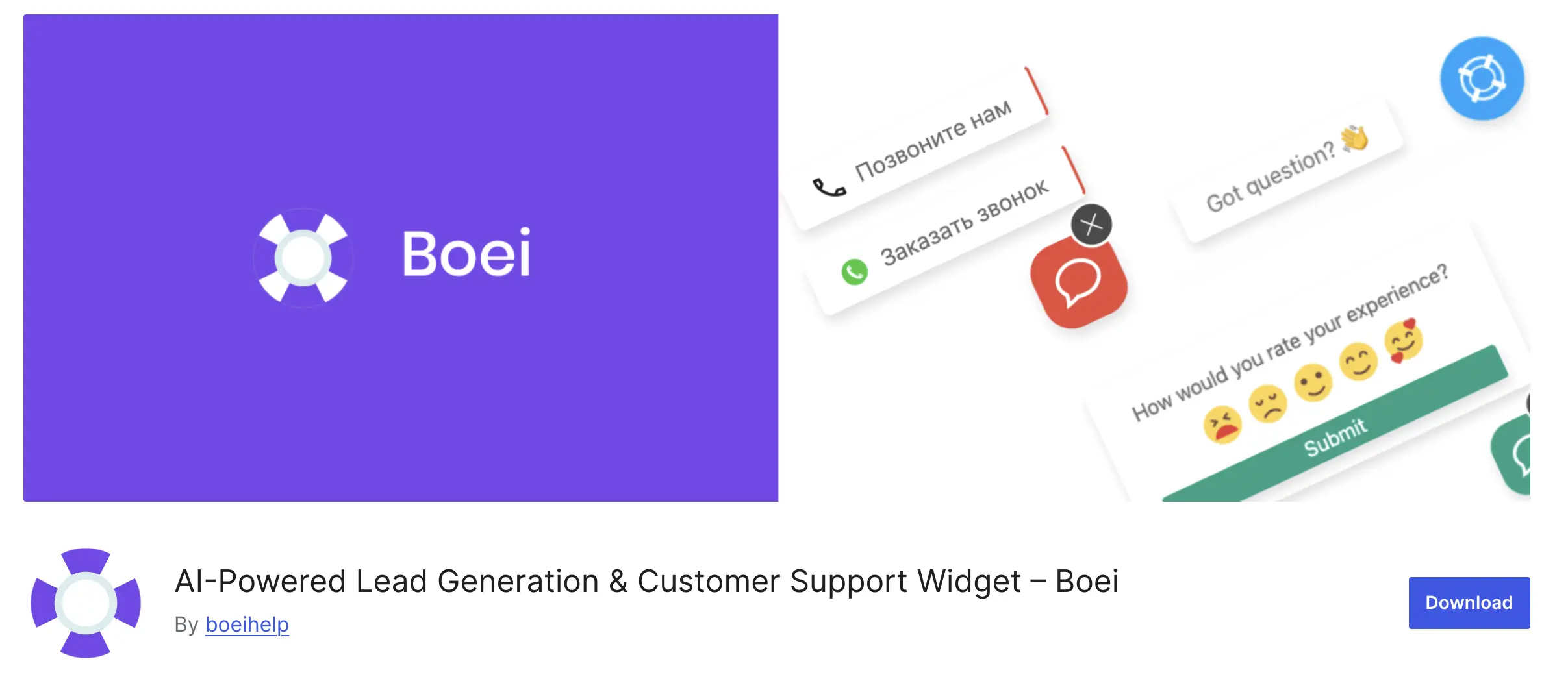
Boei is a WhatsApp solution for WordPress trusted by 10,000+ businesses with 160+ positive reviews. Unlike single-purpose plugins, it offers 50+ communication channels and AI-powered automation in one platform.
Key features:
What sets it apart: The AI capabilities handle 70-85% of routine inquiries automatically, freeing your team for complex questions. The multi-channel approach means customers can start on your website and continue via WhatsApp. All tracked in one dashboard.
Best for: Growing businesses needing more than just WhatsApp, e-commerce stores wanting AI automation, agencies managing multiple client websites.
Pricing: Free trial | Paid plans from €8/month | AI Agent from €6/month | Agency pricing available
Best Free Option
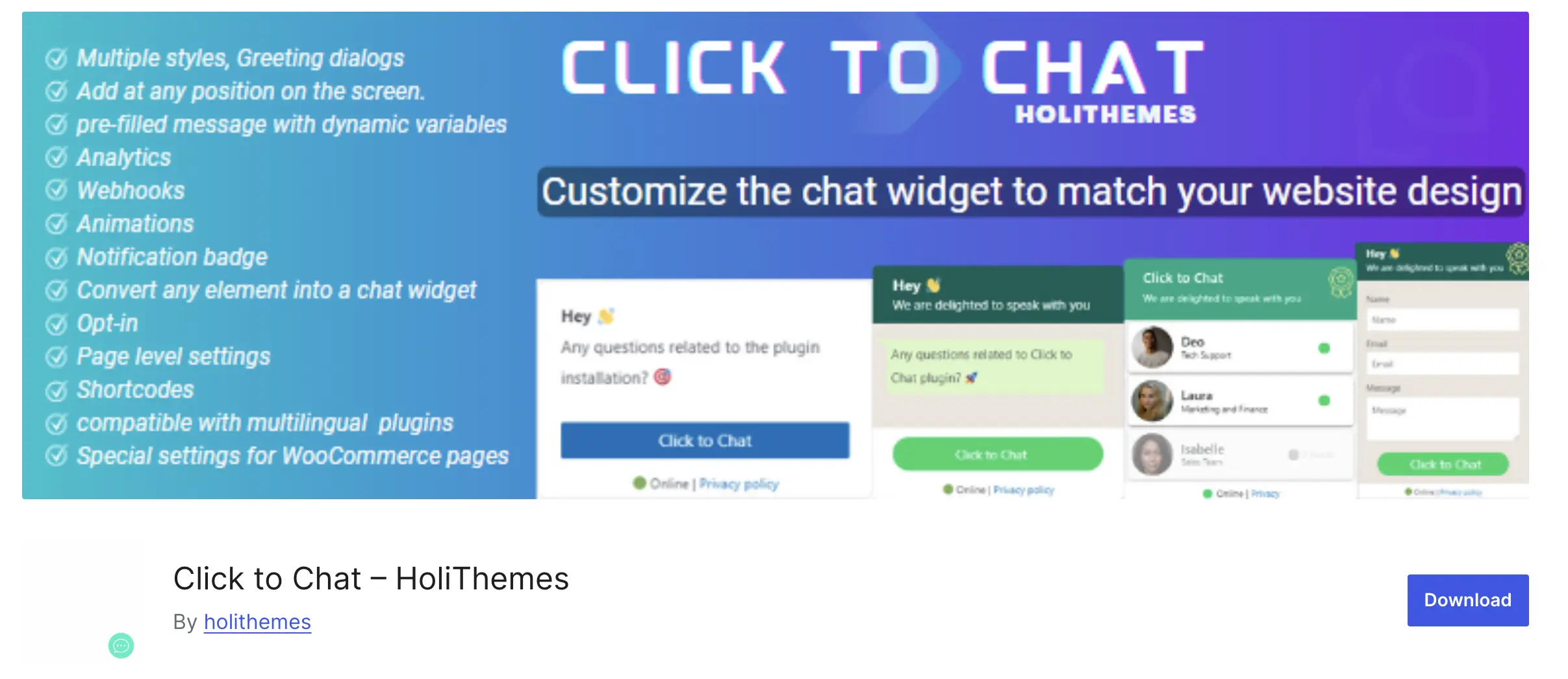
Click to Chat is the most feature-complete free WordPress WhatsApp plugin available. It includes analytics, customizable popups, and office hours functionality. All without paying a cent.
Key features:
Best for: Budget-conscious WordPress users who want solid WhatsApp functionality without paying for premium features.
Pricing: Completely free
Best for WooCommerce Stores
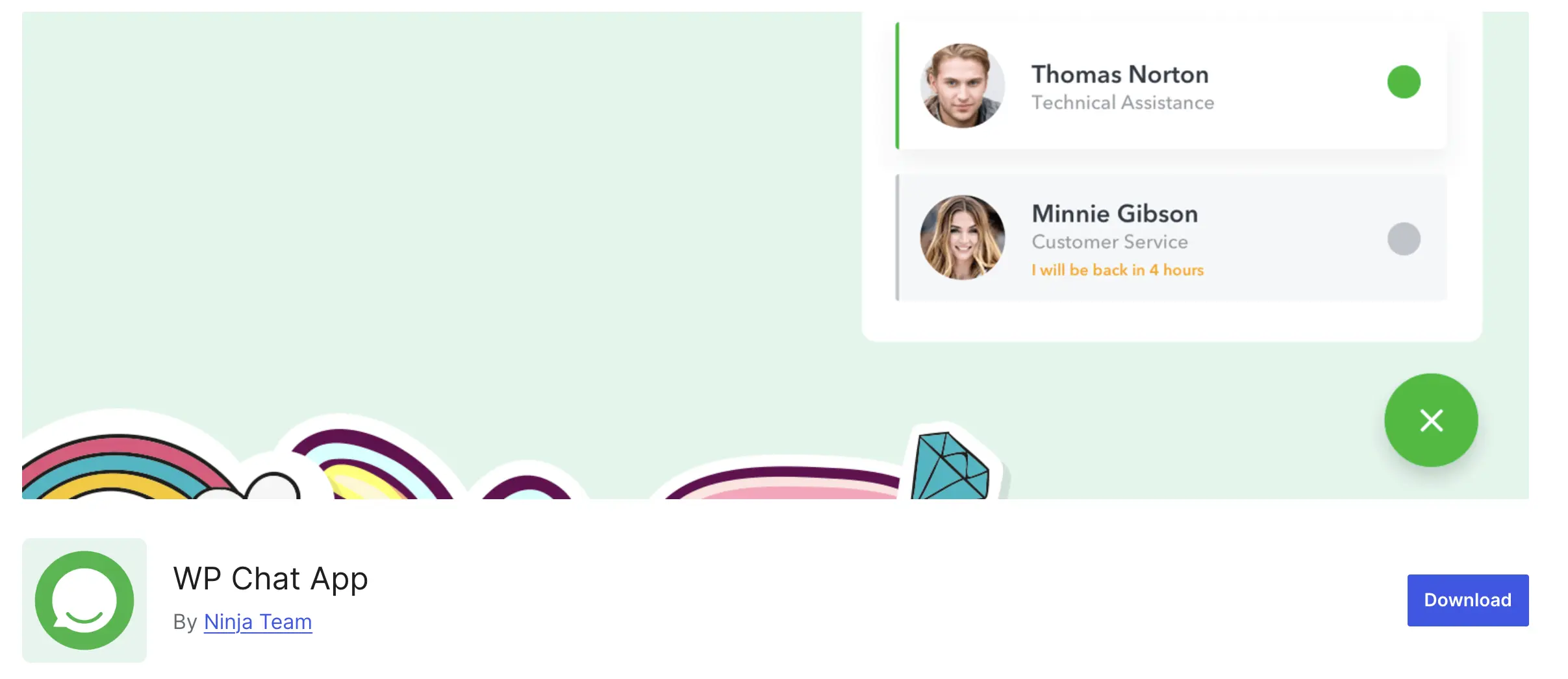
WP Chat App was built specifically for e-commerce, offering product-specific chat buttons and multi-agent support designed for online stores.
Key features:
Best for: WooCommerce store owners with dedicated customer service teams who need product-level WhatsApp integration.
Pricing: Free version | Pro version from $25 (one-time payment)
Best Multi-Channel Widget
Chaty supports 25+ different communication channels including Facebook Messenger, Telegram, TikTok, and Instagram. It's a comprehensive communication hub widget.
Key features:
Best for: Agencies and larger businesses that need to offer customers multiple contact options beyond just WhatsApp.
Pricing: Free (limited) | Pro at €59/year
Most Customizable Interface
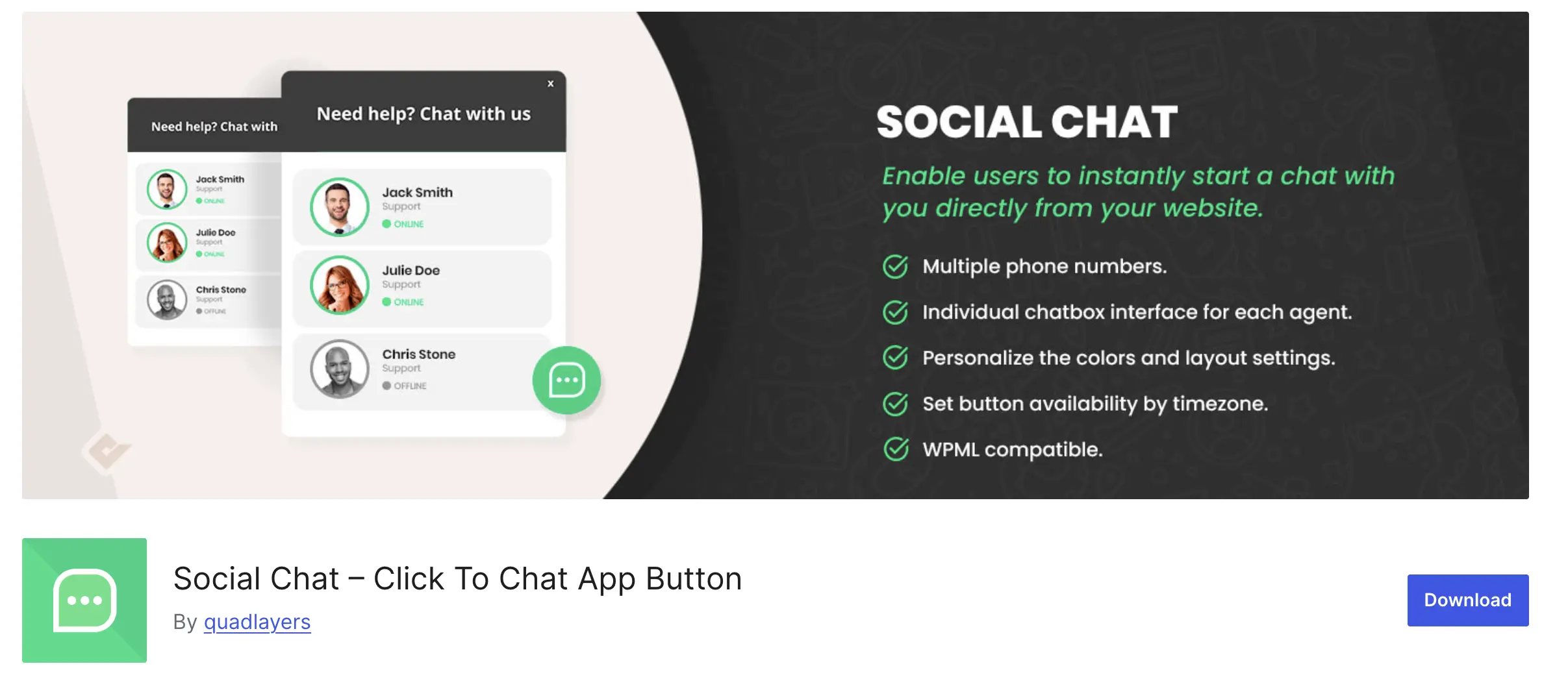
Social Chat (formerly "WhatsApp Chat") offers extensive customization through WordPress's live customizer. It's ideal when you need complete control over appearance.
Key features:
Best for: Designers and developers who want granular control over the chat button's appearance and behavior.
Pricing: Free | Premium addons pricing varies
Best for Form-Based Communication
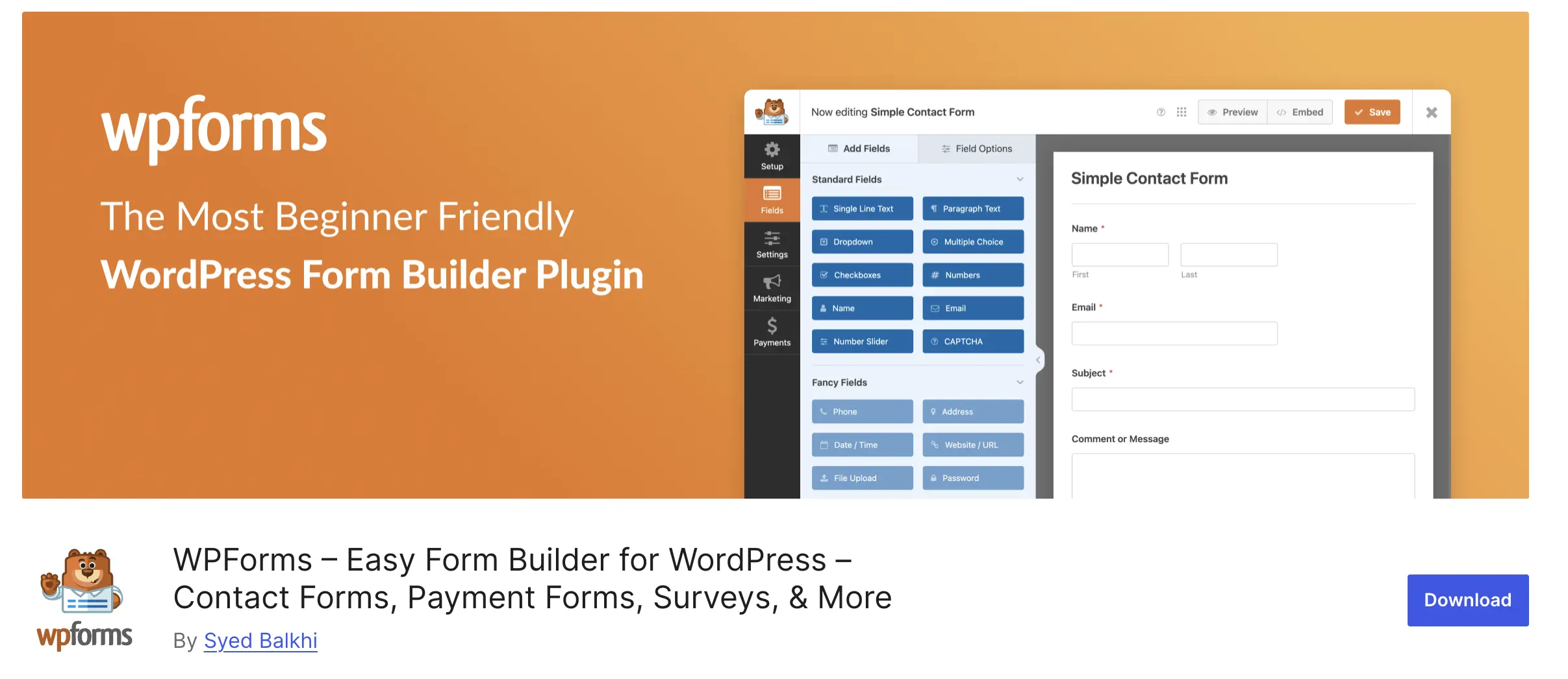
WPForms integrates with Uncanny Automator to send WhatsApp notifications when forms are submitted. This isn't live chat. It's notification automation.
Key features:
Best for: Websites that rely heavily on contact forms but want faster notification of new leads via WhatsApp.
Pricing: Depends on WPForms plan and Twilio costs
Best Budget Option
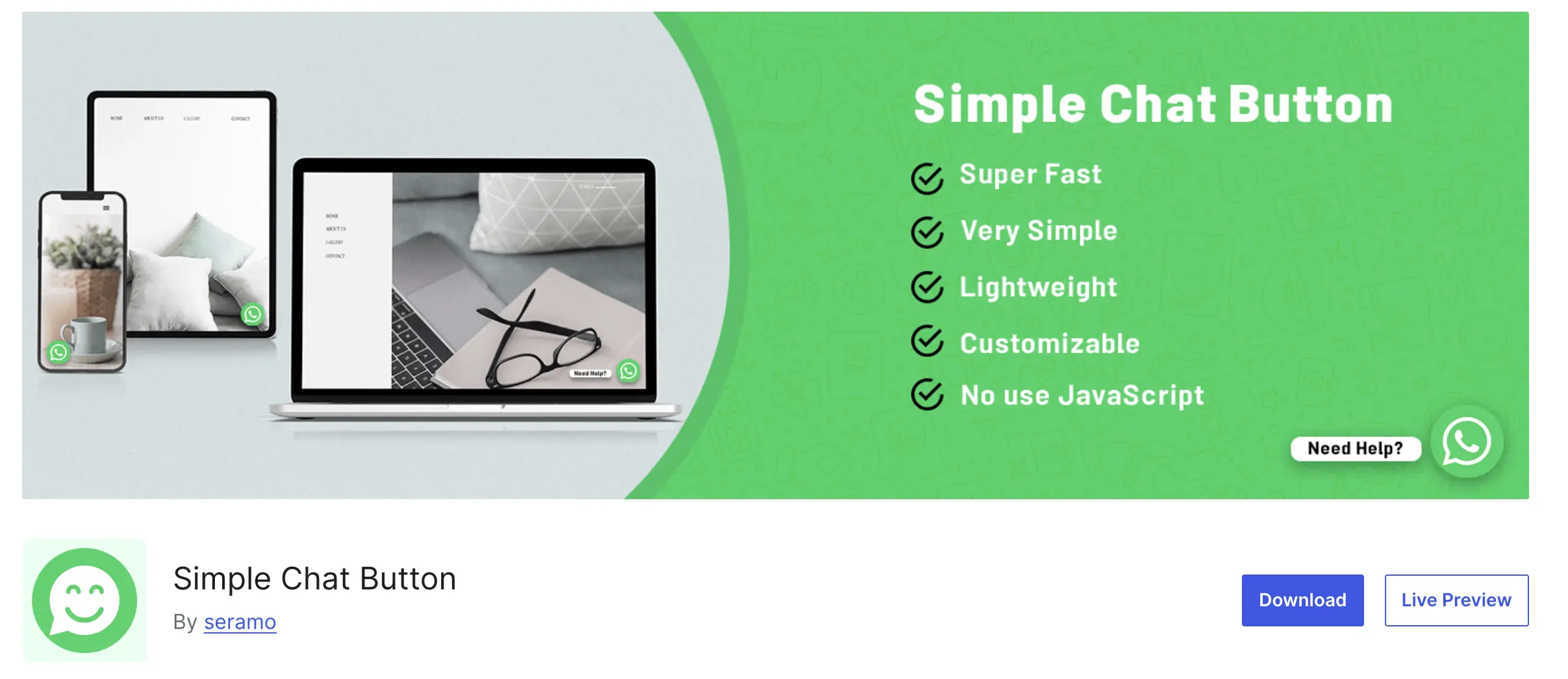
Simple Chat Button delivers exactly what its name promises. A basic WhatsApp button with no complexity.
Key features:
Best for: Solo entrepreneurs and simple business websites that just need basic WhatsApp connectivity.
Pricing: Completely free
Most plugins (like Boei and Click to Chat) take under 5 minutes to set up with no coding required.
Yes. WPForms integrates with WhatsApp through Uncanny Automator and the Twilio addon. When someone submits a form, you receive an instant WhatsApp notification.
This setup costs extra (WPForms Pro + Twilio fees) but works well for businesses that prefer form submissions over live chat.
Alternative approach: Most businesses find a direct WhatsApp chat button (like Boei or Click to Chat) converts better than forms + notifications, because visitors get instant responses.
Choose free plugins if:
Choose Boei (€8/month) if:
Reality check: Most businesses outgrow free plugins within 3-6 months. Starting with Boei means you won't need to migrate and retrain later.
Free WhatsApp plugins give you a button. That's it.
Boei (and premium plugins) give you:
For small hobby sites: Free plugins work fine.
For real businesses: The time saved and conversions gained pay for €8/month in the first week.
| Feature | Boei | Click to Chat | Chaty | WP Chat App | Social Chat | WPForms Integration | Simple Chat |
|---|---|---|---|---|---|---|---|
| Setup Time | 5 minutes | 10 minutes | 15 minutes | 15 minutes | 20 minutes | 30 minutes | 5 minutes |
| Multiple Agents | Yes | Yes (Pro) | Yes (Pro) | Yes | Yes (Pro) | No | No |
| AI Support | Yes | No | No | No | No | No | No |
| Channels Supported | 50+ | WhatsApp only | 25+ | WhatsApp only | WhatsApp only | WhatsApp via forms | WhatsApp only |
| Analytics/Tracking | Yes | Yes | Yes (Pro) | No | No | Yes | No |
| WooCommerce Integration | Yes | Yes | Yes | Yes | Yes | Yes | No |
| Office Hours | Yes | Yes (Pro) | Yes (Pro) | Yes (Pro) | No | No | No |
| Quick Reply Buttons | Yes | No | No | No | No | No | No |
| QR Code Generation | Yes | No | No | No | No | No | No |
| White Label | Yes | No | No | No | No | No | No |
| Free Version | Trial only | Yes | Limited | Limited | Yes | Depends | Yes |
| Starting Price | €8/month | Free | €59/year | $25 one-time | Free | Varies | Free |
Most lightweight plugins like Boei, Click to Chat, and Simple Chat Button add minimal load. They use small scripts that load asynchronously. Avoid plugins that load heavy JavaScript frameworks, as those can impact page speed.
Yes. Most plugins work with both regular WhatsApp and WhatsApp Business numbers. However, a WhatsApp Business account gives you extra features like business profiles, quick replies, and automated greetings.
No. Most WordPress WhatsApp plugins use direct WhatsApp links (wa.me) rather than the API. The API is only needed for advanced features like AI chatbots, broadcast messaging, or CRM integration.
Plugins like Boei and Chaty Pro include built-in analytics. You can also set up Google Analytics event tracking to measure how many visitors click your WhatsApp button and convert into customers.
For most WordPress sites: Start with Click to Chat (free) to test WhatsApp engagement, then upgrade to Boei if you need more channels or AI features.
For WooCommerce stores: Use WP Chat App for product-specific integration, or Boei if you want multi-channel support.
For agencies: Choose Boei for white-label options and multi-client management.
For tight budgets: Click to Chat or Simple Chat Button will get the job done.
The best WordPress WhatsApp plugin isn't the one with the most features. It's the one that matches your specific needs and budget. Start with a free option, test it with real traffic, and upgrade only when you hit limitations.

Article by
Ruben is the founder of Boei, with 12+ years of experience in conversion optimization. Former IT consultant at Ernst & Young and Accenture, where he helped product teams at Shell, ING, Rabobank, Aegon, NN, and AirFrance/KLM optimize their digital experiences. Now building tools to help businesses convert more website visitors into customers.
Get 30% more conversations and effortlessly convert them into customers.
Don't wait, experience it for free yourself!
URL
Trusted by 10,000+ businesses
Quick 5-min, no code setup






Learn how to add Facebook Messenger chat to your WordPress site. Let readers message you directly from your blog without leaving the page.

Easily add a WhatsApp chat button to your website with our step-by-step guide. Enhance communication and user engagement effortlessly.

I compared message credit systems across 8 AI chatbot platforms. See what each response actually costs on budget, mid-tier, and premium AI models.

I compared how 10 AI chatbot platforms measure training data: characters, pages, MB, and words. See normalized costs per dollar.

Discover 18 proven AI chatbot use cases across customer support, sales, e-commerce, and HR. Real examples with ROI metrics and implementation tips.



 from Utrecht