WhatsApp has over 2 billion active users, and for many businesses, it has become the primary channel for customer conversations. Whether you run an e-commerce store, a SaaS product, or a local service business, your customers are already on WhatsApp and they expect fast replies.
The problem is volume. Once you start getting 50, 100, or 500+ WhatsApp messages per day, no human team can keep up without burning out. That is where AI chatbots come in. A well-configured WhatsApp AI chatbot can handle routine questions, qualify leads, send order updates, and hand off complex issues to your team. All automatically.
I spent several weeks testing 8 WhatsApp chatbot platforms to compare their AI quality, WhatsApp Business API support, pricing, and ease of setup. This guide covers everything you need to make the right choice. If you are new to AI chatbots in general, our guide on how to build an AI chatbot is a good starting point. For a broader comparison across all use cases, see my 12 best AI chatbots in 2026. If you're a small business on a budget, check out the best AI chatbots for small business.
TL;DR: Boei is our top pick for WhatsApp AI, offering WhatsApp included (not as a paid add-on) alongside 50+ other channels for a flat from $11/month. Prices range from from $11/month (Boei) to $74+/seat/month (Intercom), with most platforms charging €49-79/month just for WhatsApp access. If WhatsApp is your only channel, WATI ($49/month) has the deepest WhatsApp-specific features; for everyone else, a multi-channel tool saves money and complexity.
Before diving into detailed reviews, here is a side-by-side overview of all 8 platforms.
| Platform | Starting Price | WhatsApp Included? | AI Model | Best For |
|---|---|---|---|---|
| Boei | from $11/mo flat | Yes, included | GPT-based | SMBs wanting WhatsApp + 50 other channels |
| WATI | $49/mo | Yes (WhatsApp-only) | Custom NLP | WhatsApp-focused businesses |
| Respond.io | $79/mo | Yes, multi-channel | AI Assist | Teams managing multiple messaging channels |
| Tidio | €29/mo + €59+ WhatsApp | No, add-on | Lyro AI | E-commerce with live chat + WhatsApp |
| Intercom | $74/seat/mo+ | Add-on | Fin AI | Enterprise support teams |
| Freshchat | €79/agent | Via Freshworks | Freddy AI | Companies already using Freshworks |
| Twilio | Pay-per-message | API-only | Bring your own | Developers building custom solutions |
| Chatbase | $19/mo+ | Via integration | GPT-5 | Quick GPT chatbot on WhatsApp |
Key takeaway: Most platforms either specialize in WhatsApp but lack other channels, or offer WhatsApp as an expensive add-on. Only a few include WhatsApp as part of their standard plan.
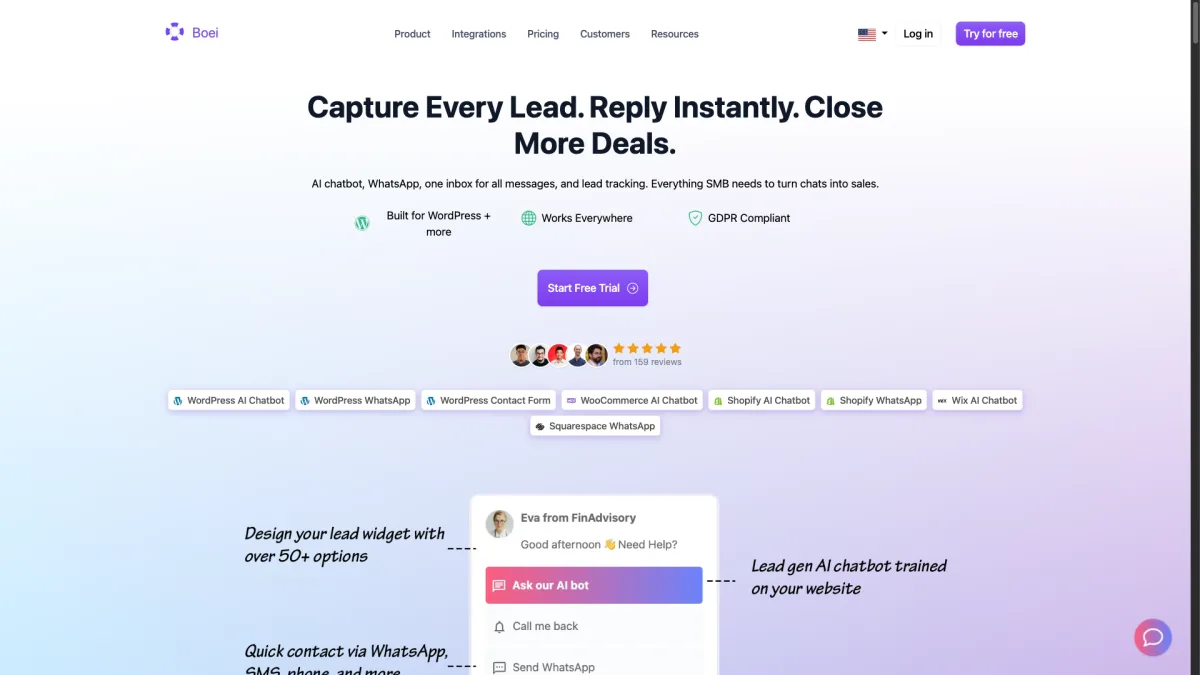
Price: from $11/month flat | WhatsApp: Included | AI Messages: 2,000/month | Trial: 7 days free, no credit card
Boei was built for businesses that want to be reachable across every channel their customers use. WhatsApp is one of the most-requested channels we support. Unlike most competitors, WhatsApp is not a paid add-on or a premium-tier feature. It is included in the standard from $11/month plan alongside 50+ other channels like Facebook Messenger, Instagram DM, Telegram, live chat, email, SMS, and more.
How WhatsApp AI works in Boei:
When a customer sends a WhatsApp message, Boei's AI can automatically respond using your knowledge base, product documentation, FAQs, or any content you have trained it on. The AI handles routine questions like "What are your opening hours?" or "Do you ship to Germany?" without any human involvement.
For complex questions the AI cannot confidently answer, it routes the conversation to your team in a shared inbox where agents can pick up the thread on WhatsApp or any other channel. The customer never notices the transition.
What I like:
What could be better:
Who it is best for: Small to mid-size businesses that want WhatsApp AI along with every other communication channel in one affordable plan. If you are tired of paying per-agent and per-channel fees, Boei eliminates both.
If you want to set up WhatsApp auto-replies specifically, check out our complete WhatsApp auto-reply guide. You can also learn more about our full AI chatbot features and pricing. For ecommerce stores, WhatsApp cart recovery messages consistently outperform email.
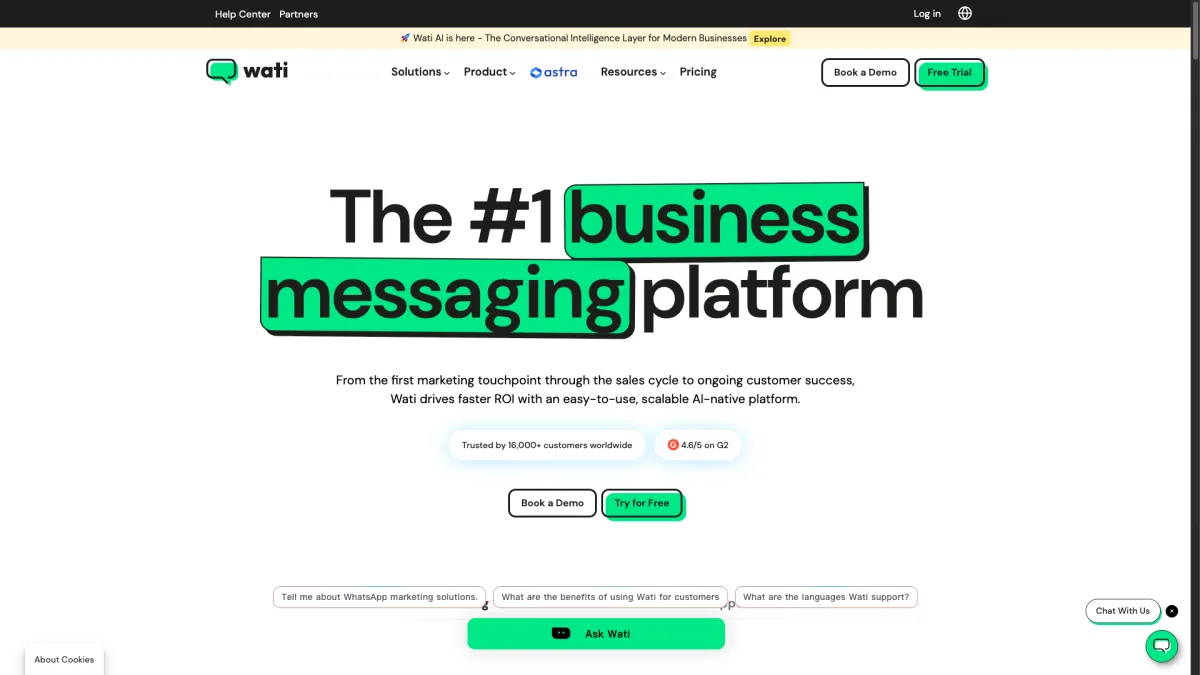
Price: From $49/month | WhatsApp: Core product | AI: Custom NLP + ChatGPT integration | Trial: 7 days
WATI (WhatsApp Team Inbox) is one of the most established WhatsApp-specific platforms. If WhatsApp is your only customer channel and you need deep WhatsApp Business API features, WATI is a strong choice.
WATI is an official WhatsApp Business Solution Provider (BSP), which means they can help you apply for and manage your WhatsApp Business API access directly. This can save time compared to going through Meta's approval process independently.
How WhatsApp AI works in WATI:
WATI uses a combination of keyword-based flows and a newer AI-powered chatbot feature called KnowBot. KnowBot lets you upload documents, FAQs, and product catalogs that the AI uses to answer customer questions. You can build conversation flows with their no-code builder and set up AI to handle the parts that do not fit a predefined flow.
Template management is where WATI really shines. You can create, submit for approval, and manage WhatsApp message templates directly from the dashboard. This matters because WhatsApp requires pre-approved templates for outbound messages (the ones you initiate), and managing those templates can be painful on other platforms.
What I like:
What could be better:
Who it is best for: Businesses in markets where WhatsApp is the dominant channel (India, Brazil, Southeast Asia) and where you do not need other messaging channels. If WhatsApp is 90%+ of your customer communication, WATI's depth of WhatsApp features is unmatched.
Price: From $79/month | WhatsApp: Included | AI: Respond AI (assist + prompts) | Trial: 7 days
Respond.io positions itself as an omnichannel conversation management platform, and it delivers on that promise. WhatsApp, Facebook Messenger, Instagram, Telegram, WeChat, LINE, Viber, SMS, and email are all supported. If you operate in markets where customers use different messaging apps, Respond.io handles the complexity well.
How WhatsApp AI works in Respond.io:
Respond.io's AI Assist feature helps agents draft replies based on conversation context, previous interactions, and your knowledge base. It is more of an agent-assist tool than a fully autonomous chatbot. Agents can click a button to get an AI-suggested reply, edit it, and send it.
For fully automated responses, you use their Workflows automation builder to create rules-based flows. You can combine AI Assist with Workflows to create semi-automated experiences where the bot handles initial qualification and the AI helps agents respond faster to complex questions.
What I like:
What could be better:
Who it is best for: Growing teams that manage conversations across multiple messaging apps and want a unified inbox with workflow automation. Respond.io is overkill if you just need a simple WhatsApp chatbot, but it excels when complexity is your problem.
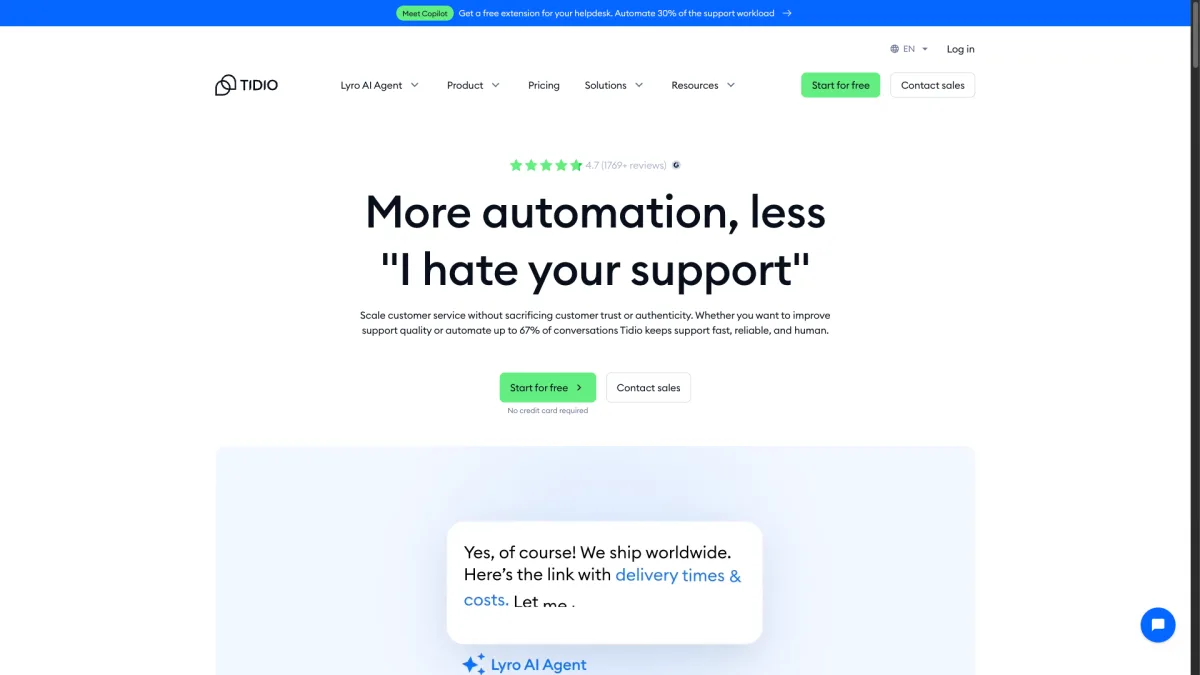
Price: From €29/month + WhatsApp from €59/month | WhatsApp: Paid add-on | AI: Lyro AI | Trial: 7 days
Tidio is primarily known as a live chat and chatbot platform for e-commerce, with strong Shopify and WooCommerce integrations. Their AI chatbot, Lyro, is one of the better e-commerce-focused AI assistants on the market. However, WhatsApp support is where things get complicated.
How WhatsApp AI works in Tidio:
WhatsApp is available as a separate add-on starting at €59/month on top of your existing Tidio subscription. This means even on the free Tidio plan, you need to pay at least €59/month for WhatsApp. On a paid plan, you are looking at €88+ per month minimum (€29 base + €59 WhatsApp).
Once WhatsApp is connected, Lyro AI can respond to WhatsApp messages using the same knowledge base it uses for your live chat widget. The experience is consistent across channels, which is good. Lyro is trained on your website content and support docs, and it handles e-commerce queries (order status, return policies, product questions) particularly well.
What I like:
What could be better:
Who it is best for: E-commerce businesses on Shopify or WooCommerce that already use Tidio for live chat and want to extend the same AI experience to WhatsApp. Be prepared for the added cost.
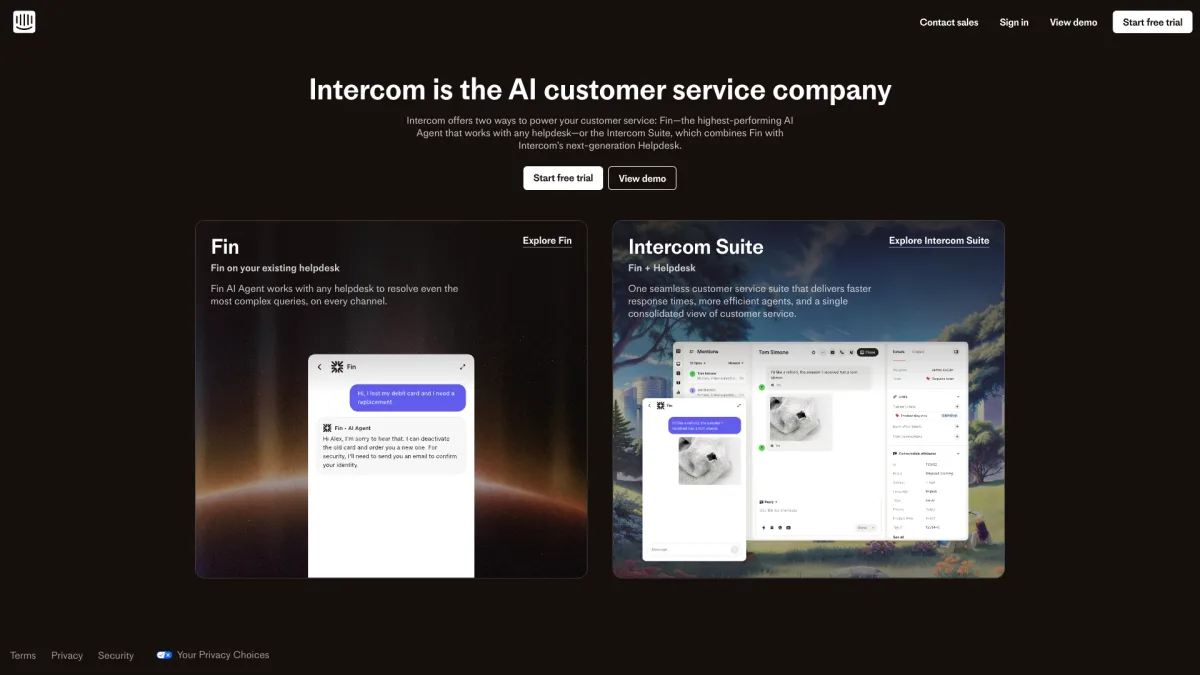
Price: From $74/seat/month (Essential plan) | WhatsApp: Available on paid plans | AI: Fin AI Agent | Trial: 14 days
Intercom is the 800-pound gorilla of customer messaging platforms. Their AI agent, Fin, is one of the most capable AI support bots available, and it works across channels including WhatsApp. The catch is Intercom's pricing model, which starts accessible but scales dramatically.
How WhatsApp AI works in Intercom:
Fin AI can fully resolve WhatsApp conversations autonomously, using your help center articles, previous support conversations, and custom knowledge bases. Intercom charges $0.99 per AI resolution, which means every time Fin successfully handles a WhatsApp conversation without human intervention, it costs you a dollar.
For a business getting 500 WhatsApp inquiries per month where Fin resolves 60% automatically, that is 300 resolutions at $0.99 each ($297/month) plus your base seat cost. The math works out if your alternative is hiring more agents, but it can feel expensive for smaller teams.
What I like:
What could be better:
Who it is best for: Enterprise and mid-market companies with large support volumes where the per-resolution cost of Fin is cheaper than additional human agents. If you are already on Intercom, adding WhatsApp makes sense. If you are not, the migration cost is significant.
For a broader comparison of AI chatbot platforms, see our review of the best AI chatbots for customer service.
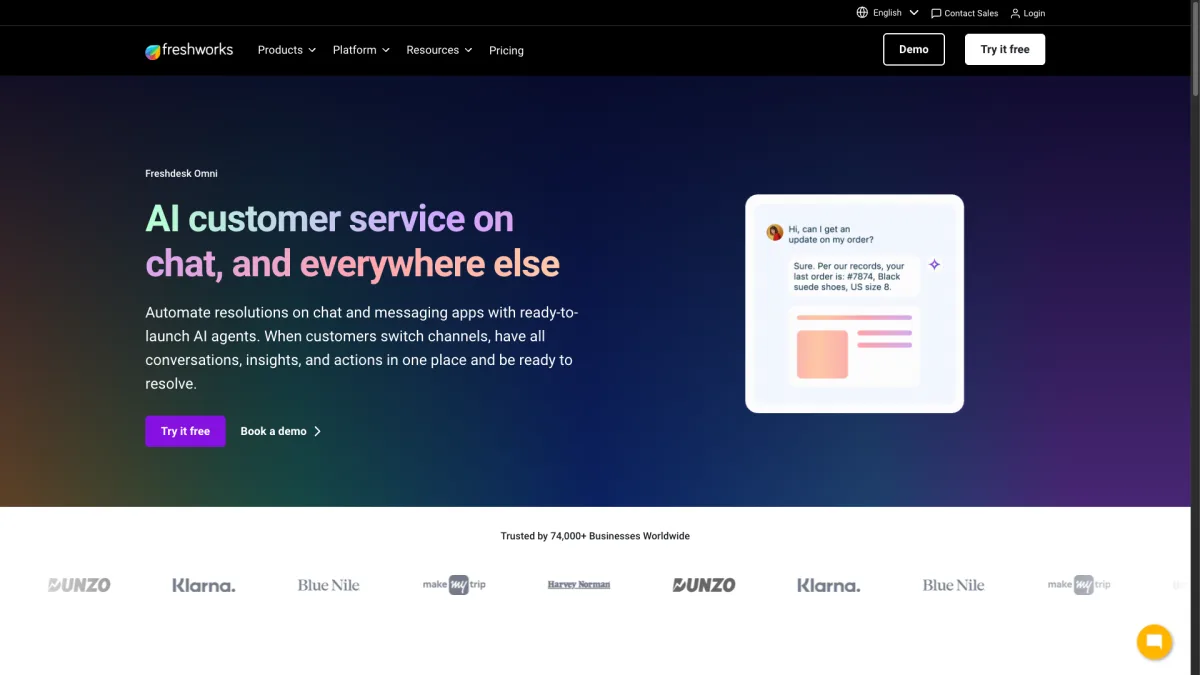
Price: From €79/agent/month (for WhatsApp) | WhatsApp: Via Freshworks marketplace | AI: Freddy AI | Trial: 14 days
Freshchat is Freshworks' customer messaging product, and if your business already uses Freshdesk, Freshsales, or other Freshworks tools, adding WhatsApp through Freshchat is the natural path. The integration between Freshworks products is tight, and Freddy AI ties everything together.
How WhatsApp AI works in Freshchat:
Freddy AI powers automated responses on WhatsApp by learning from your Freshdesk knowledge base and past resolved tickets. You can set up bot flows for common WhatsApp interactions (appointment booking, order tracking, FAQ responses) and let Freddy handle the rest with AI-generated answers.
The best part of Freshchat's WhatsApp integration is the CRM connection. When a WhatsApp message comes in, Freddy can pull up the customer's history from Freshsales, their open tickets from Freshdesk, and their subscription status. All in one view. This context makes both AI and human responses significantly more relevant.
What I like:
What could be better:
Who it is best for: Companies already invested in the Freshworks ecosystem (Freshdesk, Freshsales, Freshmarketer). The combined data and workflow advantages are significant if you are already paying for Freshworks. Otherwise, the price is hard to justify.
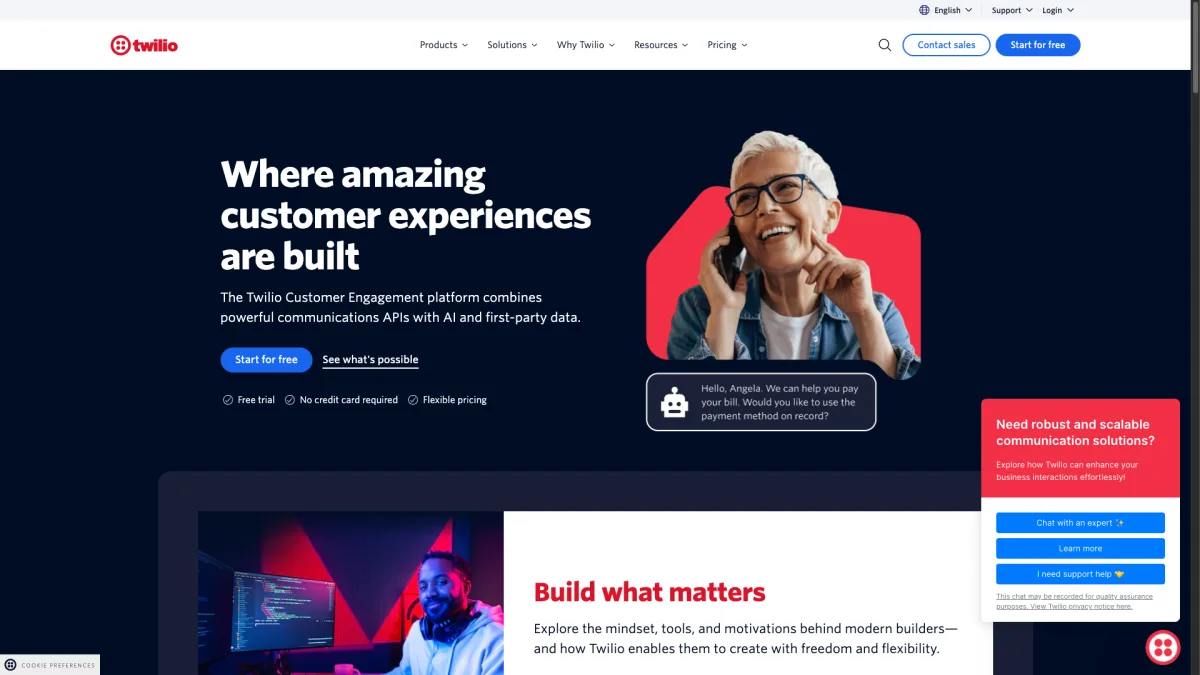
Price: Pay-per-message (from $0.005/message + WhatsApp fees) | WhatsApp: Via API | AI: Bring your own | Trial: Free credits to start
Twilio is not a chatbot platform in the traditional sense. It is a communications API that lets developers build custom WhatsApp integrations from scratch. If you have a development team and specific requirements that no off-the-shelf platform can meet, Twilio gives you the building blocks.
How WhatsApp AI works with Twilio:
It does not, out of the box. Twilio provides the WhatsApp Business API connection and messaging infrastructure, but you build the AI layer yourself. Most businesses using Twilio for WhatsApp AI connect it to OpenAI's API, Anthropic's Claude, or their own fine-tuned models via Twilio Functions or their backend server.
This means you have complete control over the AI behavior, but also complete responsibility for building, testing, and maintaining it. A typical Twilio + OpenAI WhatsApp chatbot requires a developer to set up the webhook, handle message routing, manage conversation context, implement fallback logic, and handle edge cases.
What I like:
What could be better:
Who it is best for: Tech companies and development teams that want full control over their WhatsApp AI experience and have the engineering resources to build and maintain a custom solution. Not suitable for non-technical teams.
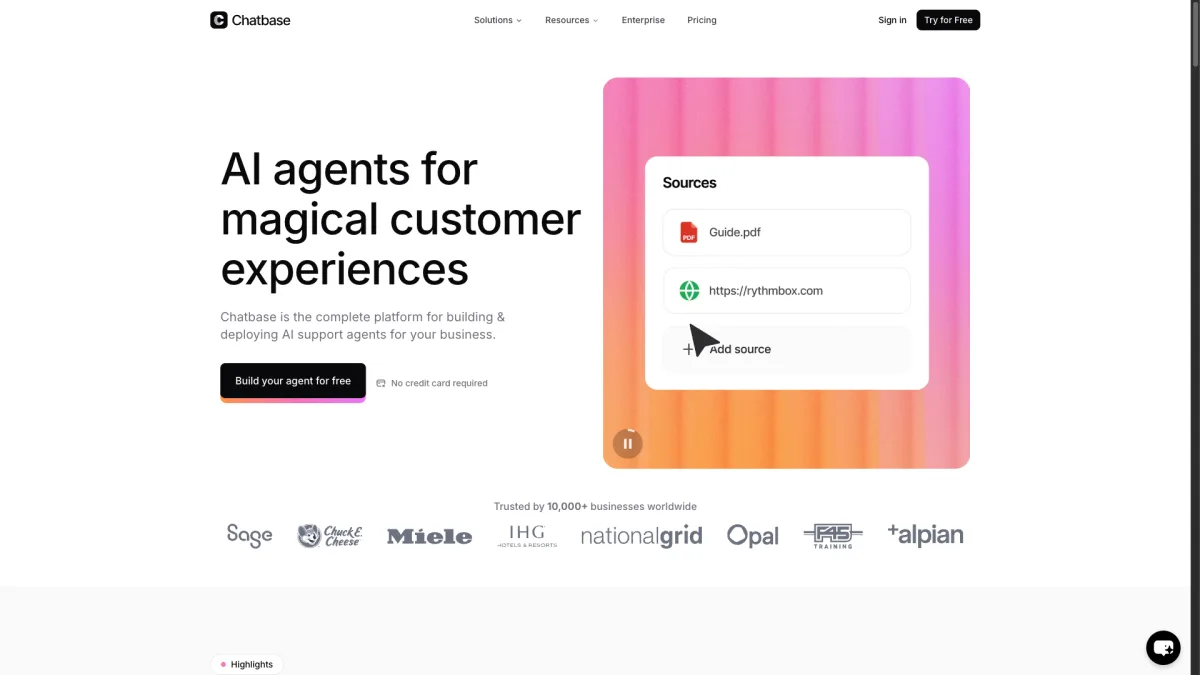
Price: From $19/month | WhatsApp: Via integration | AI: GPT-5 based | Trial: Free tier available
Chatbase is a relative newcomer that gained popularity by making it extremely easy to create a GPT-powered chatbot trained on your own data. You upload documents, paste URLs, or connect your knowledge base, and Chatbase creates a chatbot that can answer questions about your business. WhatsApp integration is available on paid plans.
How WhatsApp AI works in Chatbase:
Chatbase generates a fully autonomous AI chatbot that you can connect to WhatsApp via their integration or through a Twilio bridge. The AI is trained on whatever content you provide: website pages, PDF documents, text files, or manually entered Q&As.
The setup is remarkably simple. You paste your website URL, Chatbase crawls it, and within minutes you have a working chatbot that knows about your products, pricing, and policies. Connecting it to WhatsApp takes another 10-15 minutes if you have WhatsApp Business API access.
What I like:
What could be better:
Who it is best for: Small businesses and solopreneurs that want a quick, affordable GPT-powered chatbot on WhatsApp without complex setup. Works best as a first-line bot that handles 60-70% of questions, but you will need another tool if you want human agents in the loop.
With eight options reviewed, here is how to narrow down your choice based on your specific situation.
If WhatsApp is your only customer channel, a WhatsApp-specific tool like WATI makes sense. But most businesses communicate across multiple channels. In that case, a platform that handles WhatsApp alongside live chat, email, Facebook Messenger. Other channels in one inbox saves you from juggling multiple tools and paying multiple subscriptions. See the full WhatsApp features overview for what to look for in a WhatsApp platform.
The advertised starting price rarely tells the full story. Here is what to watch for:
A flat-rate plan like Boei's from $11/month (with WhatsApp included, unlimited seats, and 2,000 AI messages) is predictable. Per-agent and per-resolution pricing is not.
Every platform on this list requires WhatsApp Business API access, which requires Meta's approval. Some platforms (WATI, Respond.io) are official WhatsApp Business Solution Providers and can help you get approved faster. Others (Chatbase, Boei) connect via Meta's Cloud API, which has a simpler self-service approval process.
If you do not have WhatsApp Business API access yet, factor in the approval timeline (typically 1-7 days for Cloud API, sometimes longer for on-premise API) when planning your rollout.
There is a spectrum between fully autonomous AI bots and agent-assist tools:
For simple, repetitive queries (hours, pricing, shipping info), fully autonomous AI works well. For complex sales conversations or sensitive support issues, agent-assist with human oversight is safer.
Every AI chatbot will encounter questions it cannot handle. The difference is what happens next:
If smooth human handoff matters to your business (and it should), test this specifically before committing.
Yes. All AI chatbot platforms require WhatsApp Business API to send and receive messages programmatically. The regular WhatsApp or WhatsApp Business App does not support third-party integrations. The good news is that Meta's Cloud API has simplified the approval process significantly. Most businesses get approved within a few days. See our guide on how to share your WhatsApp number for more on setting up your business WhatsApp presence.
Costs range from from $11/month (Boei, WhatsApp included) to hundreds of dollars per month (Intercom, enterprise plans). The main cost variables are your number of agents, monthly message volume, and which features you need. WhatsApp itself charges per-conversation fees (initiated by the business), which most platforms pass through to you. Expect to budget $0.03-0.08 per business-initiated conversation depending on your country. For a detailed breakdown, see our AI chatbot pricing comparison.
Yes, most modern AI chatbots can respond in whatever language the customer writes in. GPT-based chatbots (Boei, Chatbase) are particularly strong at multilingual support because the underlying language model handles 90+ languages. Keyword-based and flow-based bots (older WATI flows, for example) typically need separate flows per language, which is more work to maintain.
A WhatsApp auto-reply sends a fixed, predetermined message when someone contacts you (like "Thanks for your message, we'll get back to you within 24 hours"). A WhatsApp AI chatbot actually understands the customer's question and generates a relevant, contextual response. Auto-replies are a feature of the WhatsApp Business App itself and require no third-party tools. AI chatbots require a platform and WhatsApp Business API. For more on auto-replies, read our WhatsApp auto-reply setup guide.
Some platforms support WhatsApp broadcast messaging (WATI, Respond.io, Freshchat), but this is a marketing feature, not a chatbot feature. WhatsApp has strict rules about broadcast messages. You need pre-approved templates and customer opt-in. Platforms like WATI handle template approval and contact management for broadcasts well. Others (Boei, Chatbase) focus on inbound conversations rather than outbound marketing.
Setup time varies significantly. Chatbase can be deployed in under 30 minutes if you already have API access. Boei takes about 10-15 minutes for basic AI auto-replies on WhatsApp. WATI and Respond.io require 1-2 hours to properly configure flows and templates. Intercom and Freshchat may need days or weeks for full enterprise deployment. The biggest variable is usually WhatsApp Business API approval, not the platform setup itself.
No. AI chatbot platforms connect through WhatsApp Business API (also called WhatsApp Business Platform). Is different from the WhatsApp Business App you download from app stores. When you connect a chatbot via the API, you typically lose access to the WhatsApp Business App for that phone number. Your team manages all conversations through the chatbot platform's interface instead.
No. Each WhatsApp Business phone number can only be connected to one platform at a time. If you want to switch providers, you need to disconnect from the current platform and connect to the new one. The phone number itself stays with you, but there may be a brief period where messages are not received during the transition.
The WhatsApp AI chatbot market has matured significantly. You no longer need a development team or an enterprise budget to get intelligent, automated responses on WhatsApp.
Here is my honest summary after testing all eight:
Whichever platform you choose, the key is getting started. Every day without an AI chatbot on WhatsApp is a day your team spends answering the same questions manually. Even a basic setup that handles 40-50% of incoming messages will free up significant time for your team to focus on conversations that actually need a human touch.
Ready to try WhatsApp AI without the complexity? Start your free Boei trial. WhatsApp is included from day one, along with 50+ other channels. No credit card required.

Article by
Ruben is the founder of Boei, with 12+ years of experience in conversion optimization. Former IT consultant at Ernst & Young and Accenture, where he helped product teams at Shell, ING, Rabobank, Aegon, NN, and AirFrance/KLM optimize their digital experiences. Now building tools to help businesses convert more website visitors into customers.
Get 30% more conversations and effortlessly convert them into customers.
Don't wait, experience it for free yourself!
URL
Trusted by 17,000+ businesses
Quick 5-min, no code setup






Easily add a WhatsApp chat button to your website with our step-by-step guide. Enhance communication and user engagement effortlessly.
AI agent vs AI chatbot: what's the real difference? Learn how agents take actions while chatbots answer questions, and which one your business needs.
How to use an AI chatbot for booking appointments. Setup guide, industry examples, and comparison with Calendly and Acuity.
AI chatbot for car dealerships captures leads after hours, books test drives, and shows inventory. See how dealerships automate sales in 2026.
Use an AI chatbot for customer onboarding to reduce churn, speed up activation, and guide new users to value faster.



 from Utrecht