Finding the right AI chatbot for small business is not about getting the most powerful enterprise tool on the market. It is about getting something affordable, quick to set up, and genuinely useful from day one.
I have been building Boei's AI chatbot for the past few years, and along the way I have tested dozens of competitors. Some are incredible tools. But built for companies with 200-person support teams and six-figure software budgets. That is not most small businesses.
If you are running a small business, you probably need a chatbot that:
I tested 8 AI chatbots that fit this profile and ranked them based on what matters most to small business owners: real cost, setup time, AI quality, and value for money. If you want a deeper breakdown of pricing models, check out my chatbot pricing comparison for 2026. For the full picture across all business sizes, see my 12 best AI chatbots in 2026. And if WhatsApp is important to your customers, I also compared the best WhatsApp AI chatbots.
TL;DR: Boei is our top pick for small business, offering AI, live chat, and 50+ channels for a flat from $11/month with no per-seat fees. Prices across these 8 tools range from free (Tawk.to, Tidio) to $52/month (ChatBot.com), but "free" tools often cost more once you add AI features. For most small businesses spending under €50/month, Boei delivers the best value with 2,000 AI messages included.
Before we dive into the details, here is how all 8 stack up side by side:
| Chatbot | Starting Price | AI Included? | Setup Time | Best For |
|---|---|---|---|---|
| Boei | from $11/mo flat | Yes (2,000 msgs) | 5 minutes | Best overall value |
| Tidio | Free (AI from €29/mo) | Extra cost | 15 minutes | Beginners on a budget |
| Crisp | Free (AI from €29/mo) | Extra cost | 10 minutes | EU-based startups |
| Tawk.to | Free forever | AI add-on ($29/mo) | 10 minutes | Zero-budget basics |
| HubSpot | Free CRM bot | Limited AI | 20 minutes | HubSpot users |
| Chatbase | $19/mo | Yes (pay per msgs) | 10 minutes | Custom GPT chatbots |
| Kommunicate | $40/mo | Yes | 15 minutes | AI-first automation |
| ChatBot.com | $52/mo | Template-based | 20 minutes | Visual bot builders |
Key takeaway: "Free" tools often become expensive once you add AI features. A from $11/mo flat-rate tool with AI included can be cheaper than a "free" tool with paid add-ons.
Now let me walk you through each one in detail.
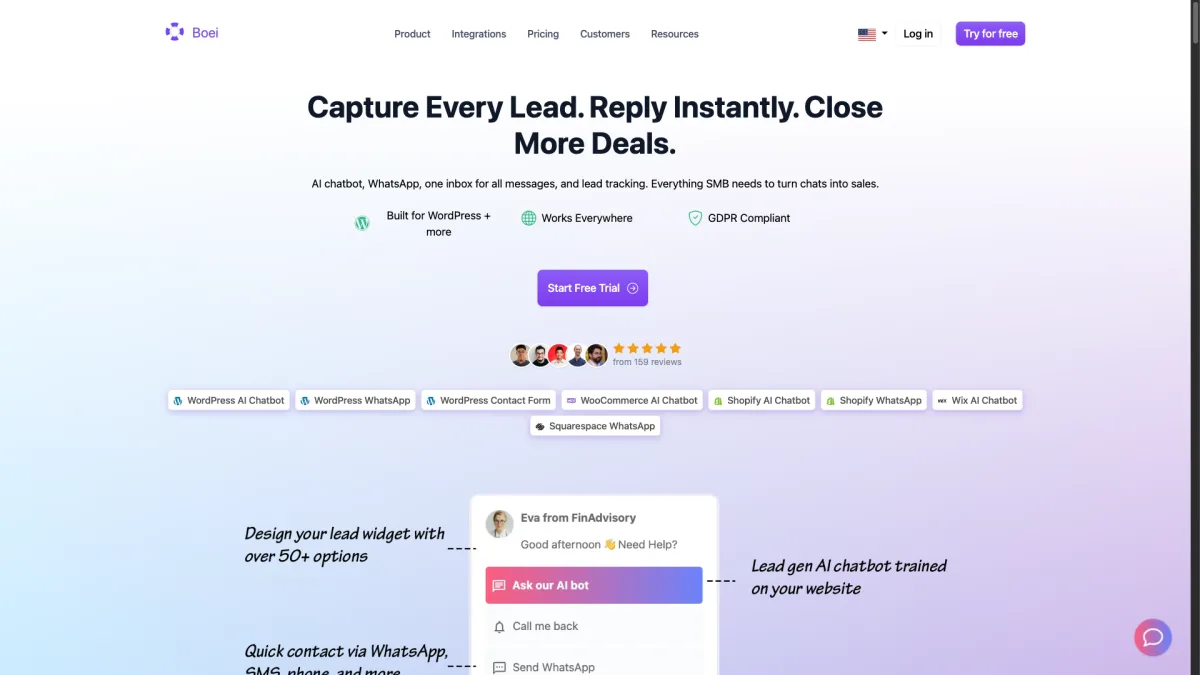
Pricing: from $11/month flat (paid annually) | 7-day free trial, no credit card required
When I started building Boei, I was running a small business and paying over €200/month for a combination of live chat, chatbot, and messaging tools. Most of the features I was paying for went unused, and the AI capabilities were either nonexistent or locked behind enterprise tiers. I wanted to build something that a solo founder or a five-person team could set up in minutes and actually afford.
What you get for from $11/month:
Setup experience: I timed this with a fresh account. Copy a code snippet, paste it into your website, and the AI starts crawling your pages. Within 5 minutes, you have a working AI chatbot that knows your business. No coding, no complex configuration. If you are on WordPress, we have a dedicated plugin that makes it even simpler (see our WordPress plugin roundup for comparisons).
What small businesses love about it:
The flat pricing is the big one. With Boei, from $11/month means from $11/month. You do not get surprise bills when your chatbot handles more conversations than expected. You do not pay extra when you add a team member to help with live chat. And you do not need to upgrade to an enterprise plan to unlock basic AI features.
The multi-channel approach is the other standout. Most small businesses communicate with customers across WhatsApp, email, social media, and their website. Boei handles all of these from a single inbox instead of requiring separate tools for each channel.
Where Boei could improve:
Real-world results: Our small business clients typically see a 60% reduction in repetitive support questions within the first month. The AI handles things like "What are your opening hours?", "Do you ship to Germany?". "How do I return a product?" without any human involvement.
Best for: Small businesses that want everything in one affordable package. AI chatbot, live chat, multi-channel messaging. Without worrying about per-seat or per-conversation costs.
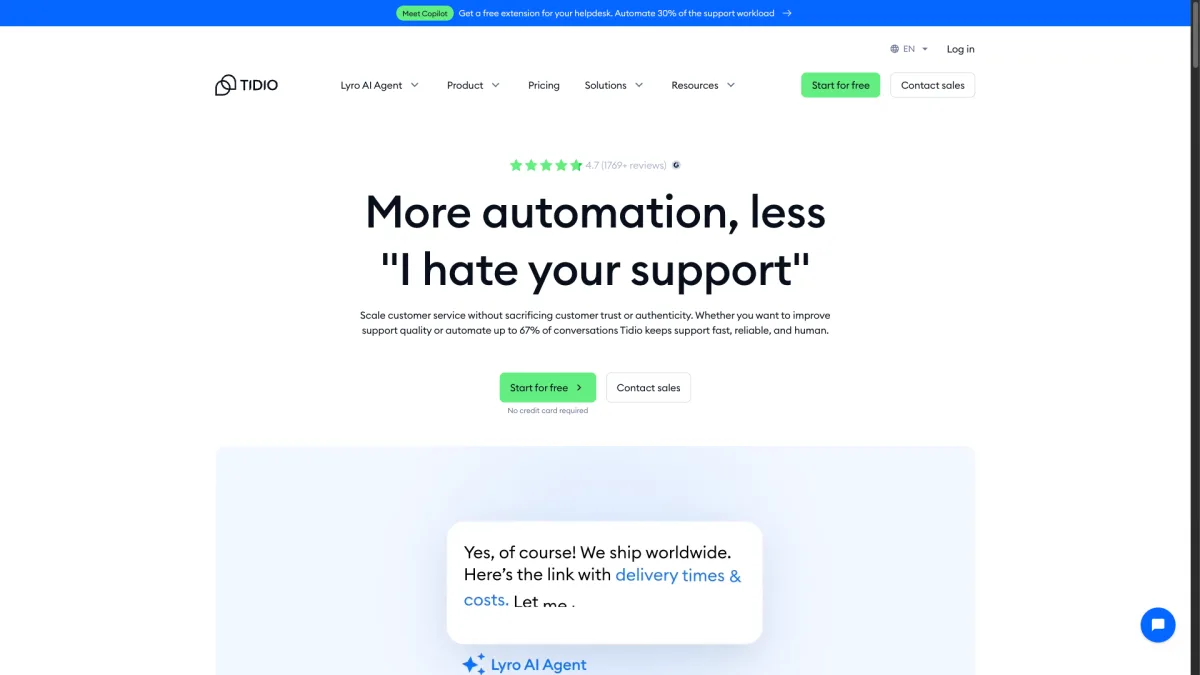
Pricing: Free plan available | Lyro AI from €29/month | Growth plan from €59/month
Tidio is one of the most popular chatbot platforms for small business, and for good reason. Their free plan is genuinely usable, their interface is intuitive, and their AI assistant (Lyro) has improved significantly over the past year.
What makes Tidio work for small businesses:
The pricing reality:
Tidio's free plan gives you 50 live chat conversations per month and basic chatbot flows. That is fine for a brand-new website with minimal traffic. But once you want AI responses, you need the Lyro add-on starting at €29/month for 50 AI conversations. If your chatbot handles 200 AI conversations per month, you are looking at higher tiers.
Compare that to a flat from $11/month for 2,000 AI messages with Boei, and the math gets interesting quickly.
Where Tidio shines:
The onboarding experience is excellent. Tidio walks you through setup with templates tailored to your industry. If you run an e-commerce store, you get pre-built flows for order tracking, shipping questions, and product recommendations. For someone who has never set up a chatbot before, this hand-holding is valuable.
Where Tidio falls short for small business:
Best for: Complete beginners who want to start with a free plan and gradually add AI capabilities as they grow.
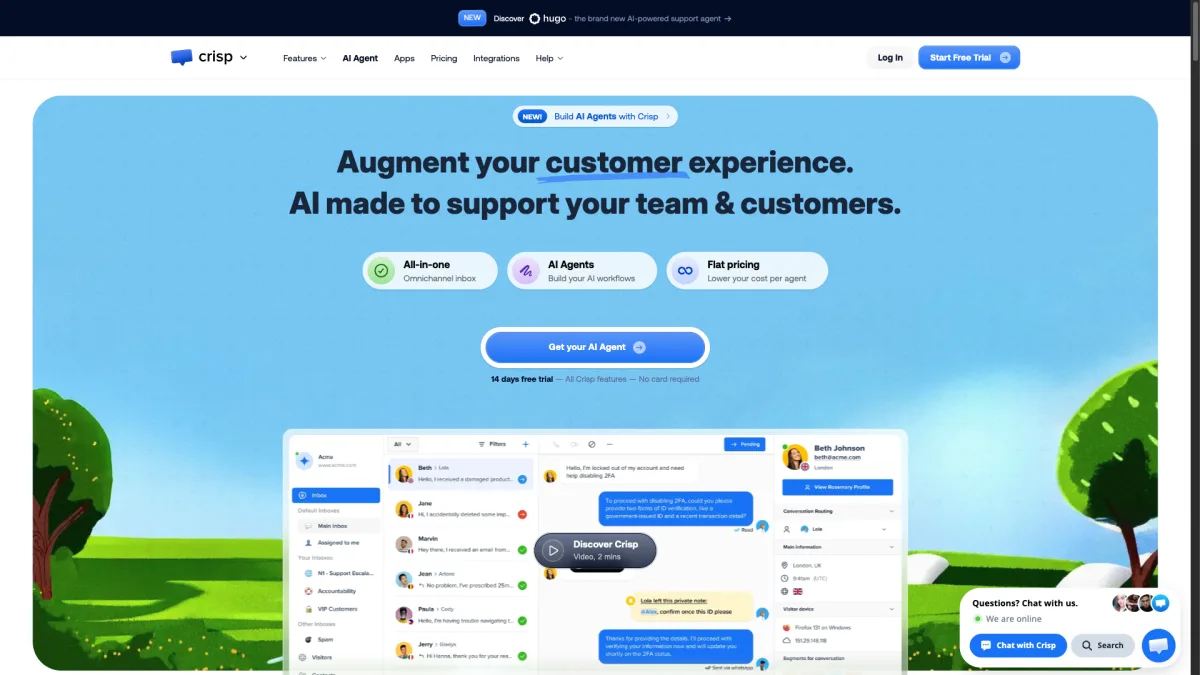
Pricing: Free plan available | Pro from €25/month | Unlimited from €95/month
Crisp is a French company that has built a solid all-in-one customer messaging platform. For EU-based small businesses that care about data privacy and GDPR compliance, Crisp is a strong contender.
What makes Crisp appealing:
The AI situation:
Crisp introduced AI features through their MagicReply tool, available on the Unlimited plan (€95/month per workspace). The AI uses your knowledge base articles to suggest responses. It works, but it is not as sophisticated as dedicated AI chatbot platforms. On lower plans, you get the chatbot builder but not the AI-powered responses.
Where Crisp works well for small business:
The free plan is one of the more generous ones available. Two seats, basic live chat, and a contact form. Enough to get started if you are pre-revenue or just launching. The upgrade path to Pro at €25/month adds the knowledge base and automated messages, which covers most small business needs without AI.
Where Crisp falls short:
Best for: EU-based startups and small businesses that prioritize data sovereignty and want a clean, affordable messaging platform with room to grow.
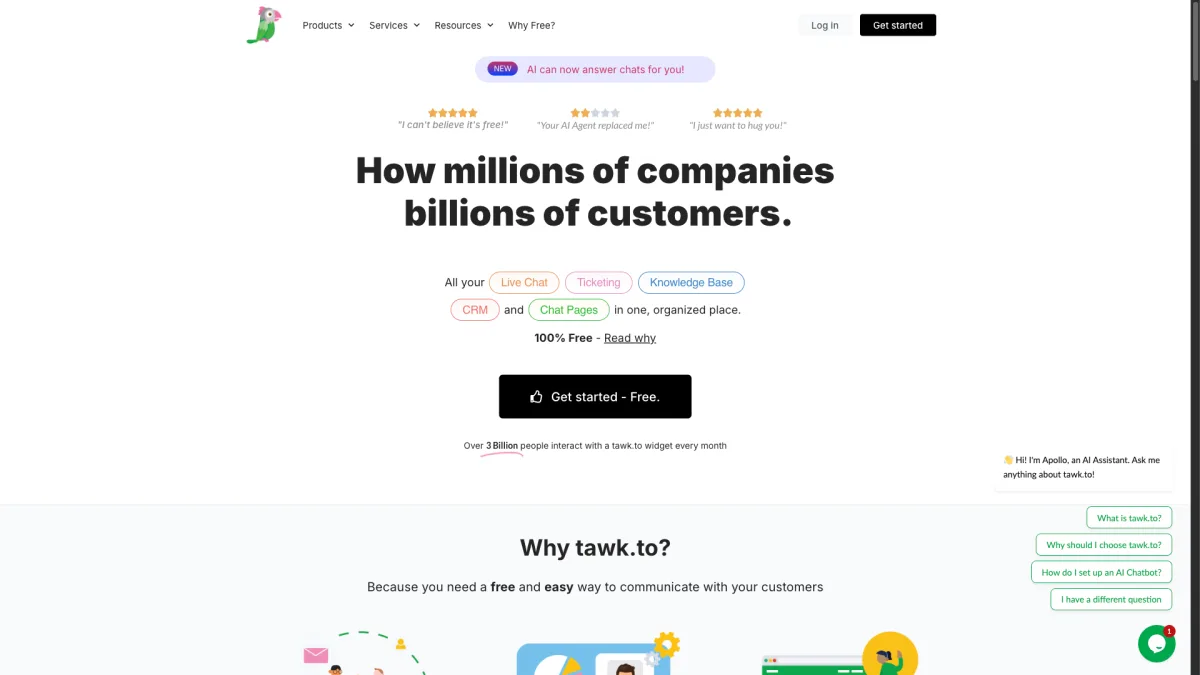
Pricing: Free forever (with branding) | Branding removal $19/month | AI Assist $29/month
Tawk.to's pitch is simple: free live chat, forever. They make money through paid add-ons and their Hired Agents service. For small businesses with literally zero software budget, it is hard to argue with free.
What you get for free:
The catch:
The free version shows "Powered by tawk.to" branding on the widget. Removing it costs $19/month. If you want AI-powered responses (AI Assist), that is an additional $29/month. So a "free" tool with AI and no branding costs $48/month. More than three times what Boei charges for a more feature-rich package.
Where tawk.to works for small business:
If you genuinely cannot spend any money on software right now, tawk.to gets you a working live chat with no expiration date. The knowledge base is surprisingly good for a free tool. You can create FAQ pages that help customers self-serve before they even start a chat.
Where tawk.to falls short:
Best for: Businesses with zero software budget that need basic live chat functionality right now and plan to upgrade later.
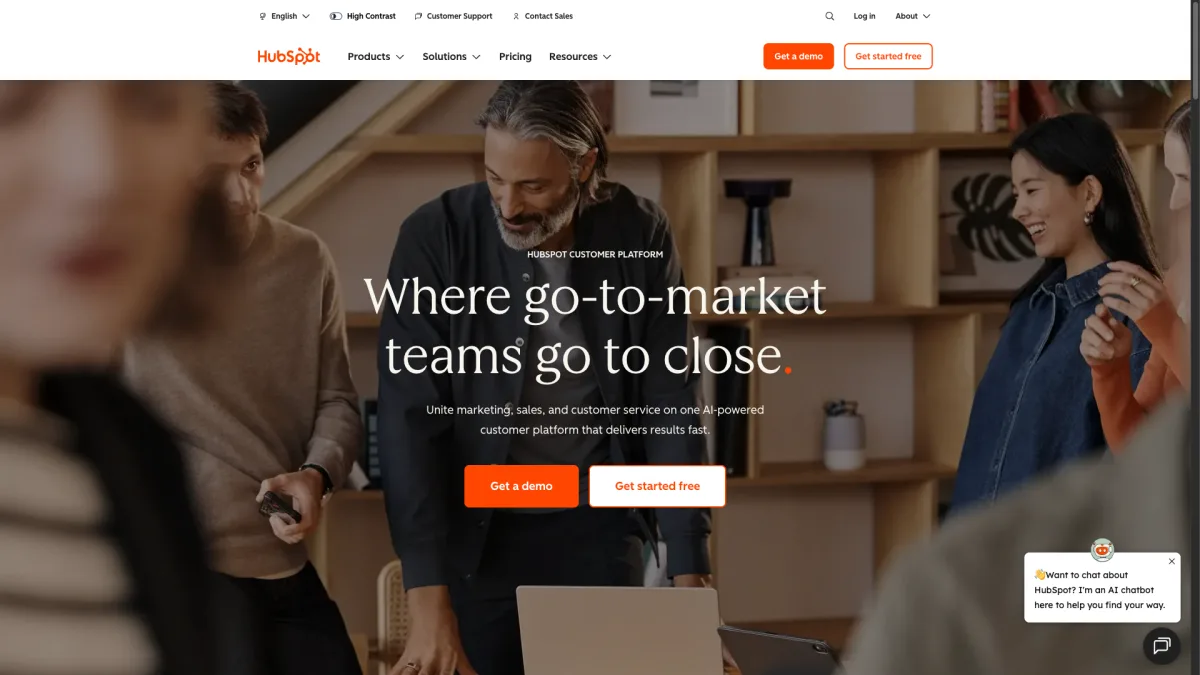
Pricing: Free CRM bot | Starter from $20/month | Professional from $800/month
HubSpot offers a free chatbot builder as part of their free CRM. If you are already using HubSpot for marketing, sales, or support, adding their chatbot is a easy choice. If you are not already in the HubSpot ecosystem, this probably is not where you should start.
What the free chatbot includes:
The AI reality:
HubSpot's AI chatbot features (ChatSpot and the AI-powered customer agent) are impressive, but they sit firmly in the paid tiers. The free chatbot is rule-based. You build decision trees, not AI conversations. For AI responses that understand context and learn from your content, you need Professional ($890/month) or higher. That is not a small business price.
Where HubSpot works for small business:
If you are already using HubSpot's free CRM to manage contacts and deals, the chatbot slots right in. Conversations become contacts, chats become deals, and everything is tracked in one place. The lead qualification bot can ask visitors a few questions and route them to the right person without any AI needed.
Where HubSpot falls short for small business:
Best for: Small businesses already invested in the HubSpot ecosystem that want to add basic chat functionality without switching platforms.
Learn more about HubSpot Chatbot
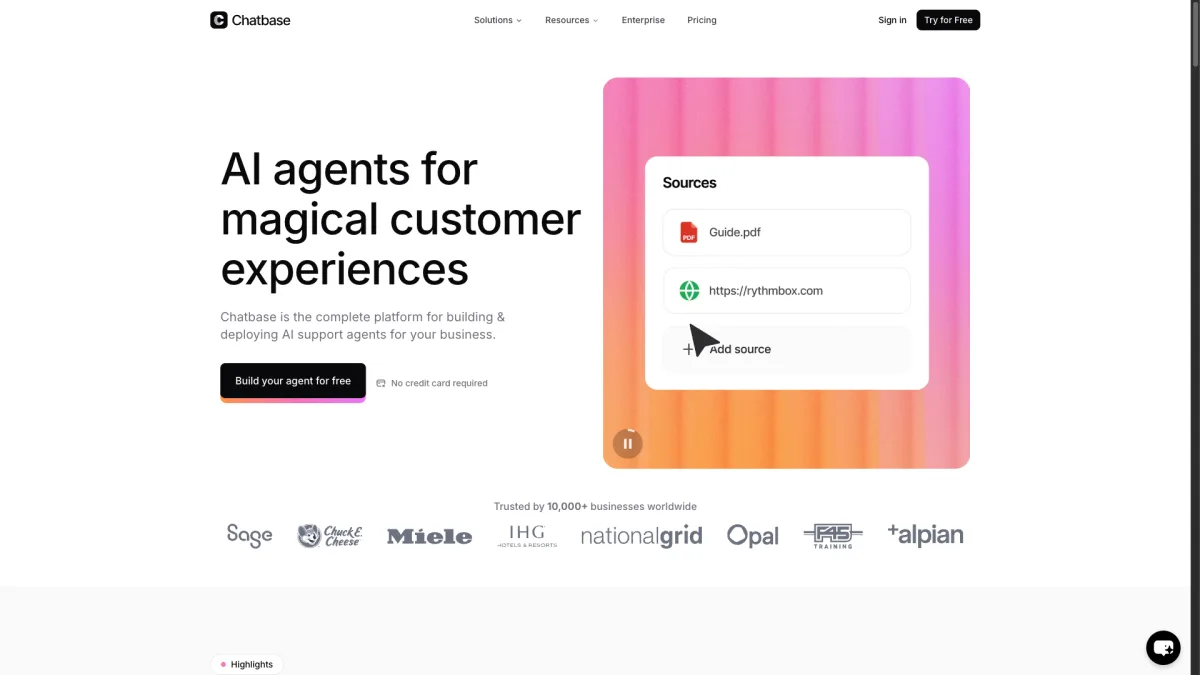
Pricing: Free plan (20 msgs/mo) | Hobby $19/month | Standard $99/month
Chatbase takes a different approach from traditional chatbot platforms. Instead of building a full customer support suite, they focus on one thing: letting you create a custom ChatGPT-like bot trained on your data. Upload documents, paste your website URL, and get an AI chatbot that speaks your business.
What makes Chatbase different:
The pricing model:
Chatbase uses message credits. The free plan gives you 20 messages per month (essentially useless for anything real). The Hobby plan at $19/month gives you 2,000 messages. The Standard plan at $99/month bumps that to 10,000. If you need more, prices go up from there. For a detailed pricing breakdown of message credit models, read my chatbot pricing comparison.
Where Chatbase shines for small business:
If you have a lot of product documentation, FAQs, or knowledge base content and you want an AI that can answer detailed questions about your specific business, Chatbase is genuinely good at this. The training process is straightforward, and the AI responses are usually accurate and relevant.
Where Chatbase falls short:
Best for: Small businesses that want a focused AI Q&A bot trained on their specific content and do not need live chat, ticketing, or multi-channel support.
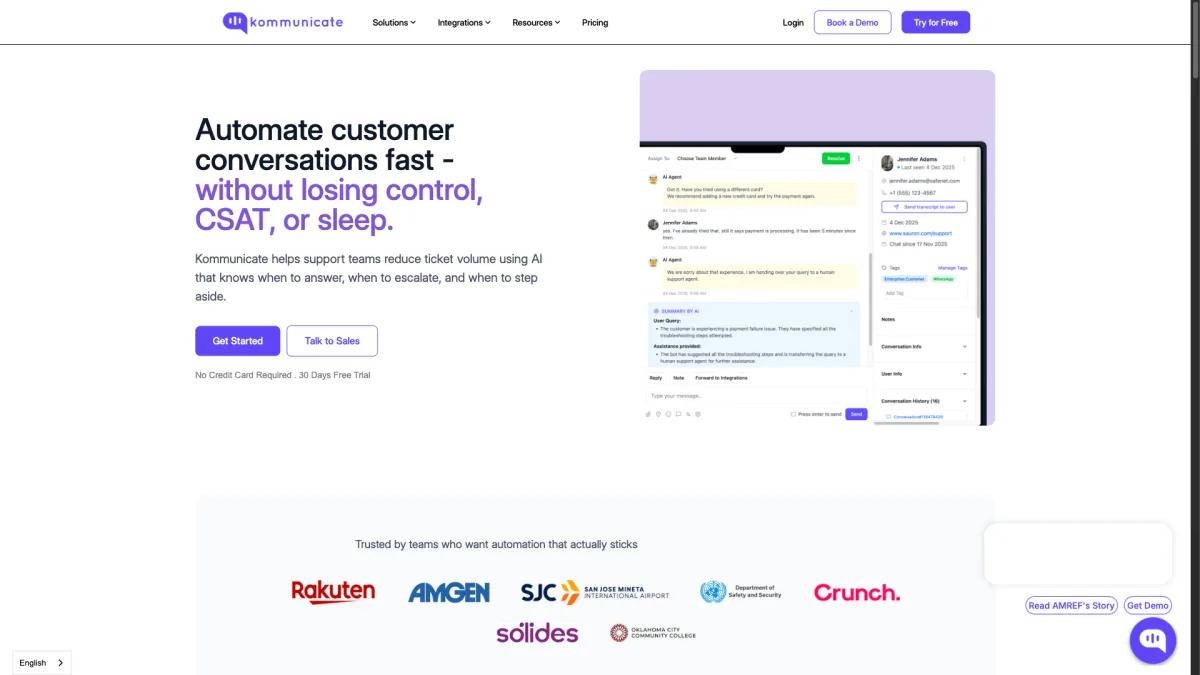
Pricing: Starts at $40/month | Enterprise pricing available
Kommunicate positions itself as an AI-first customer service platform, and they deliver on that promise. Their integration with various AI models (including GPT-5 and their own fine-tuned models) is solid, and their pricing is more transparent than many competitors.
What Kommunicate offers:
The value proposition:
At $40/month, Kommunicate is not the cheapest option, but you get a genuinely capable AI chatbot with human handoff. Something the cheaper tools often lack or charge extra for. The AI trains on your website and help docs, and the handoff to human agents is smooth.
Where Kommunicate works for small business:
If you want an AI chatbot that can handle the majority of questions but still route complex issues to your team, Kommunicate does this well. The balance between automation and human support is thoughtfully designed. Their analytics also help you understand what questions the AI struggles with so you can improve your training data.
Where Kommunicate falls short:
Best for: Small businesses that want a dedicated AI-first chatbot with reliable human handoff and are willing to pay a bit more for it.
Pricing: Starter $52/month | Team $142/month | Business $424/month
ChatBot.com (part of the LiveChat family) offers a visual drag-and-drop chatbot builder with pre-made templates. It is designed for people who want to build conversation flows visually rather than relying purely on AI.
What ChatBot.com offers:
The pricing reality:
At $52/month for the Starter plan (1 active chatbot, 1,000 chats), ChatBot.com is one of the more expensive options for small businesses. The Team plan at $142/month gives you 5 chatbots and 5,000 chats. These prices add up, especially when you realize that AI-powered responses are a separate layer on top of the visual flows.
Where ChatBot.com works for small business:
If you prefer building specific conversation paths rather than relying on AI to figure things out, the visual builder is excellent. You can create precise flows for common scenarios. Like qualifying a lead, booking a demo, or troubleshooting a specific product issue. The templates save time and give you a working bot quickly.
Where ChatBot.com falls short:
Best for: Small businesses that want precise control over conversation flows and prefer a visual building approach over AI-driven responses.
With 8 solid options on the table, here is how to narrow it down based on your specific situation.
Be honest about what you can spend monthly on a chatbot tool:
Remember to factor in hidden costs. A "free" tool with $48/month in add-ons is more expensive than a from $11/month tool that includes everything.
If you need AI that learns your business: Boei, Chatbase, or Kommunicate all train on your content automatically. Tidio's Lyro does this too but at a higher price point.
If you need multi-channel support: Boei is the standout here with 50+ channels. Crisp and Tidio offer some multi-channel features but with limitations on lower plans. For more on specific channels, check out our guides on setting up WhatsApp, Facebook Messenger, or Instagram DM chatbots.
If you need human handoff: Boei, Tidio, Kommunicate, and ChatBot.com (with LiveChat) all support smooth AI-to-human transitions. Chatbase does not.
If you need e-commerce integration: Tidio and Boei have the strongest Shopify and WooCommerce integrations.
If GDPR compliance matters: Boei (Amsterdam servers) and Crisp (French hosting) are your safest bets for EU data residency.
The chatbot you choose today should still work when your business doubles in size. Watch out for:
Flat-rate pricing with generous limits (like Boei's from $11/month for 2,000 AI messages and unlimited seats) gives you the most predictable costs as you scale.
Getting a chatbot live on your website does not need to be a multi-week project. Here is how to get results fast.
Look at your email inbox or support history. What are the 10 questions you answer most often? These are your chatbot's first training data. Most AI chatbots can learn these from your existing FAQ page or website content. If you want a step-by-step guide, read how to build an AI chatbot from scratch.
Configure your chatbot to handle all conversations outside business hours. Even if you prefer to handle chats personally during the day, having AI cover evenings, weekends, and holidays means you never miss a customer question. This alone can increase your lead capture by 30-40%.
Configure your chatbot to ask for an email address or phone number within the first few exchanges. Something like "I'd be happy to help! Can I get your email so I can follow up if we get disconnected?" This ensures you capture contact details even if the conversation drops off.
Do not try to set up all channels at once. Start with your website chat and your busiest messaging platform (usually WhatsApp or Facebook Messenger). Add more channels as you get comfortable. For ideas on which channels to prioritize, explore our AI chatbot use cases.
Spend 15 minutes each week reviewing your chatbot's conversations. Look for questions it could not answer, responses that felt off, and opportunities to improve. The best chatbots are not the ones with the fanciest AI. They are the ones that get continuously refined based on real conversations.
Most small businesses can get a fully functional AI chatbot for $11-50/month. If you are spending more than €100/month, you are likely paying for enterprise features you do not need. Start with a tool that fits your current budget and has a clear upgrade path. For a detailed breakdown of what different price points get you, see my chatbot pricing comparison.
Not entirely, and that is not the goal. An AI chatbot handles the repetitive questions that take up 60-80% of your support time. Things like opening hours, shipping information, return policies, and product details. This frees up your team (or you, if you are a solo founder) to handle complex issues that actually need a human touch. Think of it as a first line of defense, not a full replacement.
With modern tools, anywhere from 5 to 30 minutes for a basic setup. Boei and Chatbase can have a working AI chatbot on your site in under 10 minutes. More complex setups with custom flows (like ChatBot.com) or CRM integration (like HubSpot) take longer. The AI training itself. Where the chatbot learns your business. Typically happens automatically in the background.
No. Every tool on this list can be set up without writing code. Most require nothing more than copying a snippet of code and pasting it into your website. If you use WordPress, Shopify, Wix, or similar platforms, most chatbots offer one-click plugins or app store installations. Read our guide on how to build an AI chatbot if you want a walkthrough of the full process.
A typical small business handling 100-300 support requests per month can expect the AI to handle 60-70% of those automatically. If each manual response takes 5 minutes, that is 5-17 hours saved per month. At a standard support agent cost, a from $11/month chatbot pays for itself many times over. The real ROI often comes from lead capture. Chatbots that engage visitors 24/7 typically generate 20-40% more leads than a static contact form.
Free plans from Tidio, Crisp, and Tawk.to are fine for getting started. They come with significant limitations: conversation caps, branding on the widget, limited AI capabilities, and restricted features. Most small businesses outgrow free plans within 1-3 months. If you can budget from $11/month from day one, you will save time on migration and get better results from the start.
Track three metrics: response accuracy (are customers getting helpful answers?), deflection rate (what percentage of conversations are resolved without human involvement?). customer satisfaction (are visitors rating conversations positively?). Most chatbot platforms provide these analytics. Aim for a 60%+ deflection rate within the first month and improve from there.
Yes, but not all chatbots support this. Boei covers 50+ channels including WhatsApp, Facebook Messenger, Instagram DM, Telegram, SMS, and more. All from a single inbox. Tidio and Crisp offer some multi-channel support on paid plans. Chatbase and ChatBot.com are primarily website-focused. If your customers reach out through multiple channels, make sure your chatbot supports them.
Choosing an AI chatbot for your small business comes down to three factors: what you can afford, how quickly you need it running. What channels your customers use.
If you want my honest recommendation:
Whatever you choose, the most important thing is to start. A basic AI chatbot running on your site today is infinitely more valuable than a perfect chatbot you are still researching next month. Your customers are asking questions right now. Give them answers.
Ready to see how an AI chatbot for small business works in practice? Most of these tools offer free trials, so you can test before committing. And if you want to compare pricing more carefully, my full pricing comparison breaks down the real costs of 10+ platforms.

Article by
Ruben is the founder of Boei, with 12+ years of experience in conversion optimization. Former IT consultant at Ernst & Young and Accenture, where he helped product teams at Shell, ING, Rabobank, Aegon, NN, and AirFrance/KLM optimize their digital experiences. Now building tools to help businesses convert more website visitors into customers.
Get 30% more conversations and effortlessly convert them into customers.
Don't wait, experience it for free yourself!
URL
Trusted by 17,000+ businesses
Quick 5-min, no code setup






Easily add a WhatsApp chat button to your website with our step-by-step guide. Enhance communication and user engagement effortlessly.
AI agent vs AI chatbot: what's the real difference? Learn how agents take actions while chatbots answer questions, and which one your business needs.
How to use an AI chatbot for booking appointments. Setup guide, industry examples, and comparison with Calendly and Acuity.
AI chatbot for car dealerships captures leads after hours, books test drives, and shows inventory. See how dealerships automate sales in 2026.
Use an AI chatbot for customer onboarding to reduce churn, speed up activation, and guide new users to value faster.


 from Utrecht