Looking for the best Chatfuel alternatives in 2026? Chatfuel works well for social media automation. But it has no website chat widget and charges per conversation. If you need website chat, more channels, or fixed pricing, these 10 alternatives have you covered.
TL;DR: Boei is the best Chatfuel alternative for website chat, offering AI and 50+ channels at $14/month with no per-conversation fees. Prices range from free (tawk.to) to $74/seat (Intercom), and most tools install in under five minutes. If you need a website chat widget that Chatfuel lacks, Boei is the top pick.
| Tool | Starting Price | AI Chatbot | Channels | Best For | |
|---|---|---|---|---|---|
| Boei | $14/mo with AI | Included | Included | 50+ | Best overall value |
| Tidio | Free / $29/mo | $0.50/conv | $59/mo extra | ~10 | E-commerce |
| Botpress | Free / pay-per-use | Included | Requires setup | 10+ | Developers |
| Crisp | Free / $25/mo | $95/mo plan | $95/mo plan | ~6 | EU-based teams |
| Landbot | $40/mo | Pro plan | $200+/mo | 3 | Visual flow builder |
| tawk.to | Free | $29/mo add-on | No | 1 | Zero budget |
| Chatbase | $40/mo | Included | Yes (via integration) | 1 | Simple AI chat |
| Kommunicate | $40/mo | Included | Yes | ~5 | Mobile SDK |
| Intercom | $74/seat | $0.99/resolution | Higher plans | 6 | Enterprise |
| ManyChat | Free / $15/mo | Basic | Yes | 4 social | Social + website |
Before looking at the alternatives, it helps to know what drives people away from Chatfuel. These are the four most common reasons.
Chatfuel works only inside social media platforms. There is no widget you can add to your website. If someone visits your homepage and wants to ask about pricing, they have to open Instagram or Messenger. That extra step kills conversions.
Chatfuel charges based on the number of conversations. During a product launch or seasonal sale, your volume can spike fast. Your monthly bill can double or triple without warning. Tools with fixed monthly pricing remove this problem.
Chatfuel supports Instagram, Facebook Messenger, and WhatsApp. That is it. If your customers also use Telegram, Signal, Viber, SMS, or email, you need separate tools. Alternatives like Boei put 50+ channels into a single widget.
Chatfuel relies on predefined flows and keyword matching. You can not train an AI on your website content or help docs. Several modern alternatives now offer this out of the box.
Chatfuel lives inside Instagram and Messenger. If your main traffic is on your website, it cannot help. Boei is website-first: it puts AI chat and 50+ contact channels directly where visitors land. WhatsApp, live chat, email, phone, contact forms, Instagram, Telegram, Signal, Viber, and dozens more. You install one snippet and pick which channels to show. The AI chatbot trains on your website content.
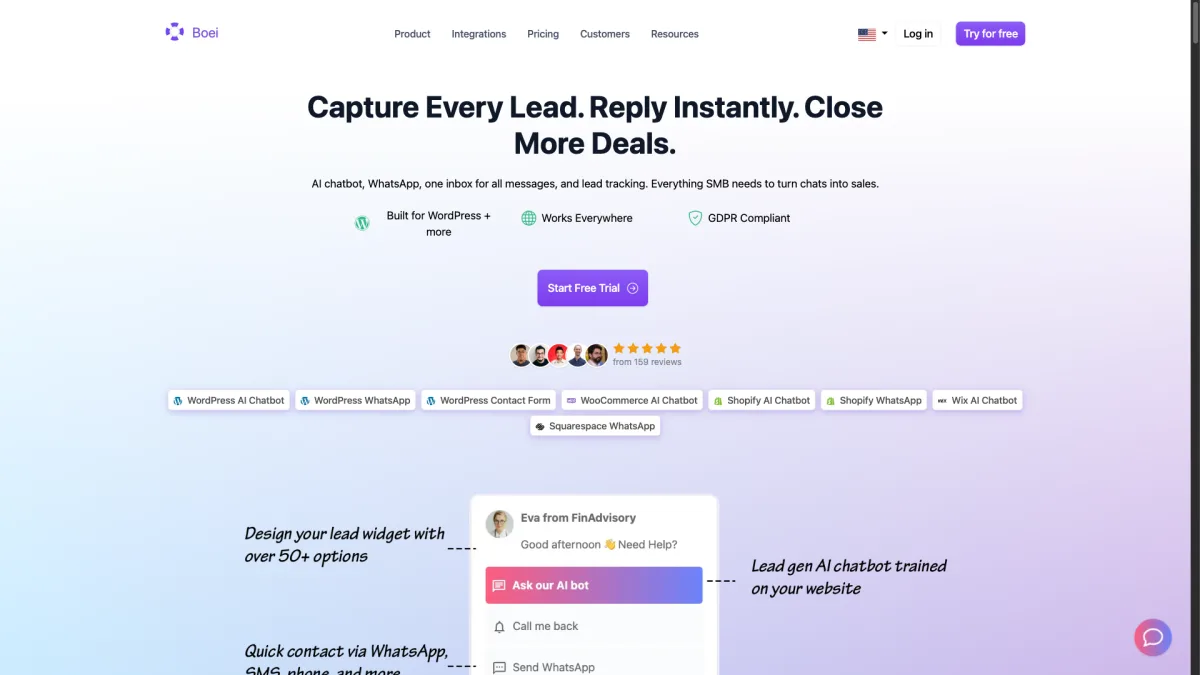
What makes Boei stand out is the mix of website presence and channel breadth. Where Chatfuel forces visitors into social media, Boei meets them where they already are. The AI handles common questions 24/7. When it can not answer, it routes the conversation to the right channel.
Weaknesses:
Best for: Businesses that want one tool for website chat, WhatsApp, and dozens of other channels.
Pricing: $8/month per domain for the widget, inbox, contacts, and analytics. $6/month AI chatbot add-on (2,000 replies). $6/month per live chat agent. Annual plan. 7-day free trial, no credit card needed.
Compare Boei vs Chatfuel in detail
Tidio is a popular pick for e-commerce stores on Shopify or WooCommerce. It combines live chat, an AI chatbot called Lyro, and email marketing in one dashboard. The free plan gives you basic live chat and 50 chatbot conversations per month.
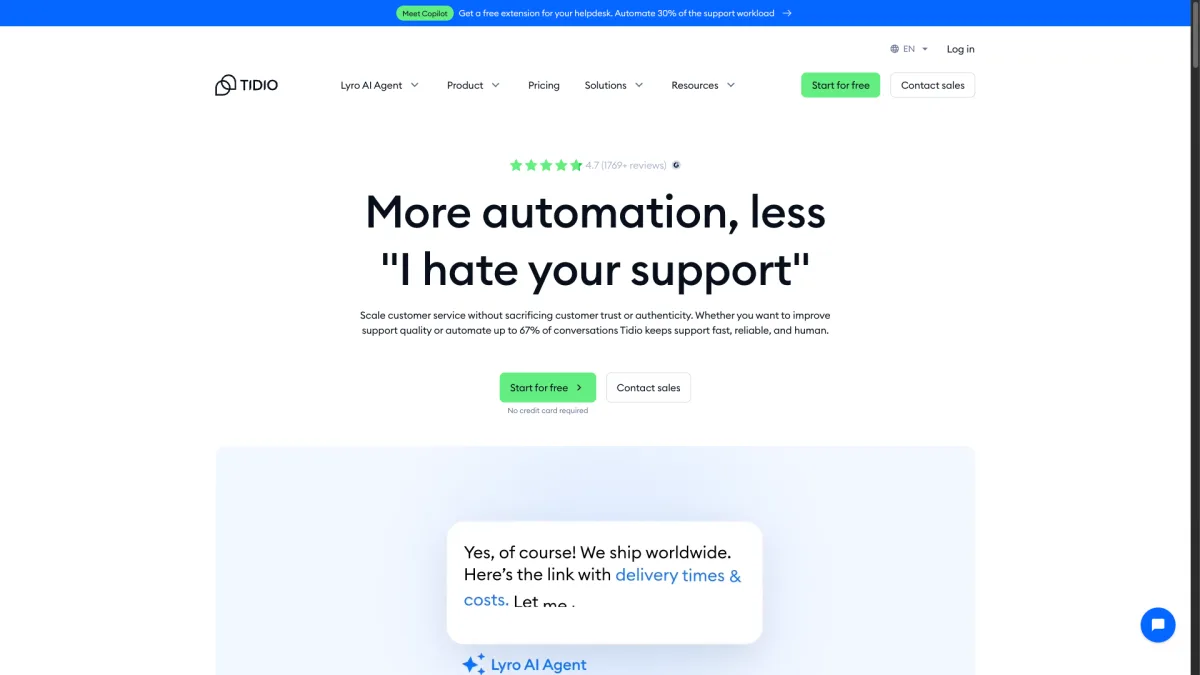
The AI chatbot handles product questions and order status inquiries well. Tidio connects to your product catalog, so the bot can recommend items and check stock. The visual chatbot builder needs no coding.
Weaknesses:
Best for: E-commerce stores that want an AI chatbot tied to their product catalog.
Pricing: Free plan available. Paid plans start at $29/month. Lyro AI costs $0.50 per conversation or $39/month for 200 conversations.
Botpress is a developer-focused chatbot platform with full control over conversation logic and deployment. It has an open-source foundation. The cloud version offers a generous free tier with pay-per-use pricing.
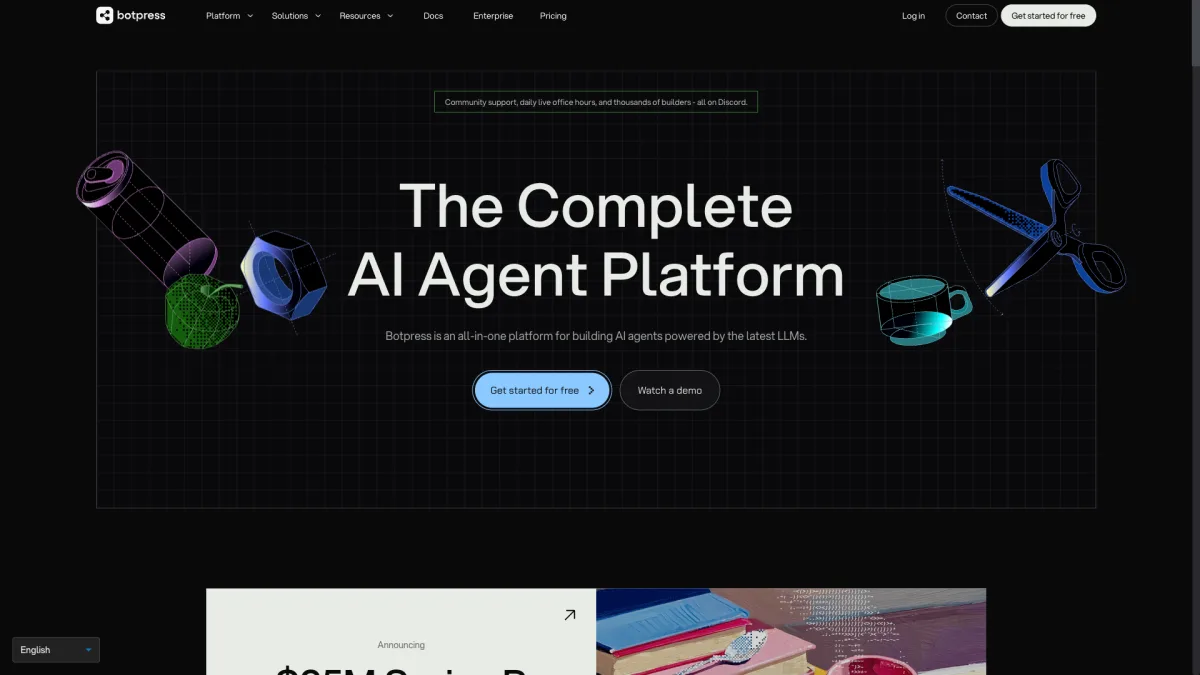
The platform uses a visual flow editor with natural language understanding powered by LLMs. You can create multi-turn conversations and connect external APIs. The knowledge base lets you upload documents so the bot answers from your own content.
Weaknesses:
Best for: Dev teams that need a customizable chatbot with full control over logic and deployment.
Pricing: Free tier available. Pay-per-use for AI interactions, typically a few cents per message. Team plans start at $495/month.
Crisp is a European-built messaging platform with live chat, a shared inbox, and a knowledge base. It appeals to EU-based teams who value GDPR compliance and data residency. The free plan supports two operators with basic live chat.
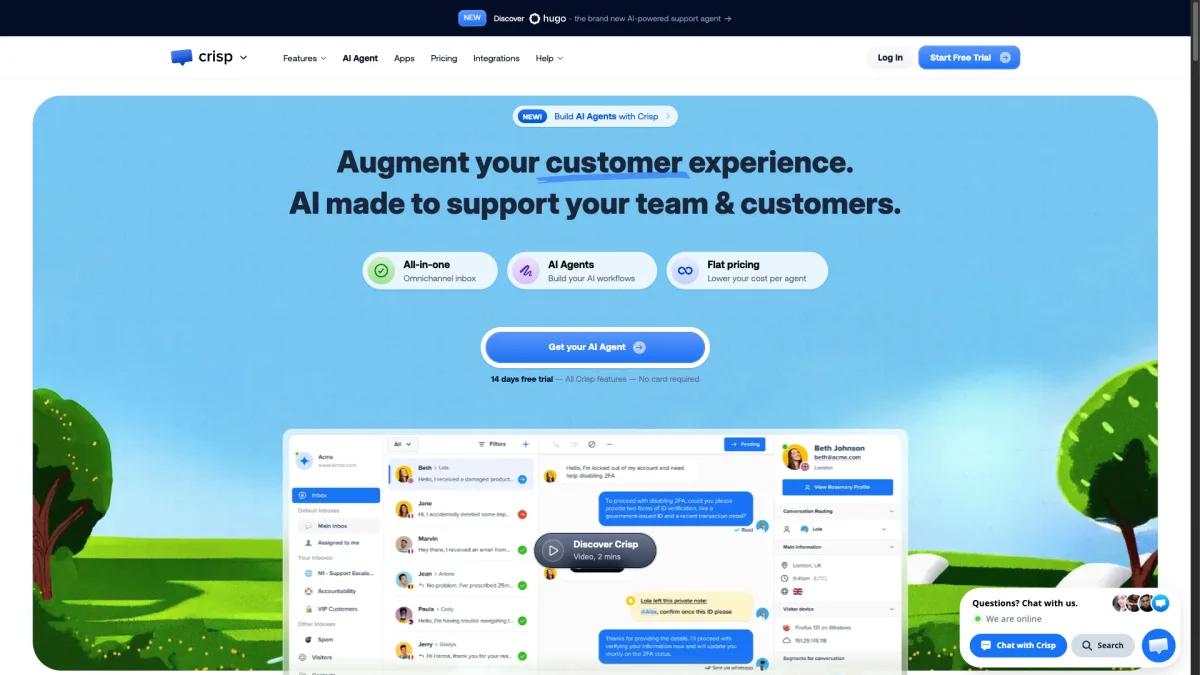
The chatbot builder uses a visual no-code editor. It is not as advanced as Botpress or Landbot for complex flows. But it handles lead qualifying, conversation routing, and FAQs well. The shared inbox pulls in messages from email, live chat, and social channels.
Weaknesses:
Best for: EU-based teams that need GDPR-compliant live chat with a solid shared inbox. (Boei also stores data on EU servers in Amsterdam, offering GDPR compliance with 50+ channels at a lower price point.)
Pricing: Free for 2 operators. Pro at $25/month. Unlimited at $95/month (includes AI and WhatsApp).
Landbot focuses on conversational experiences through a visual drag-and-drop flow builder. It is one of the most intuitive bot builders around. Marketing teams use it for interactive landing pages and lead qualification flows.
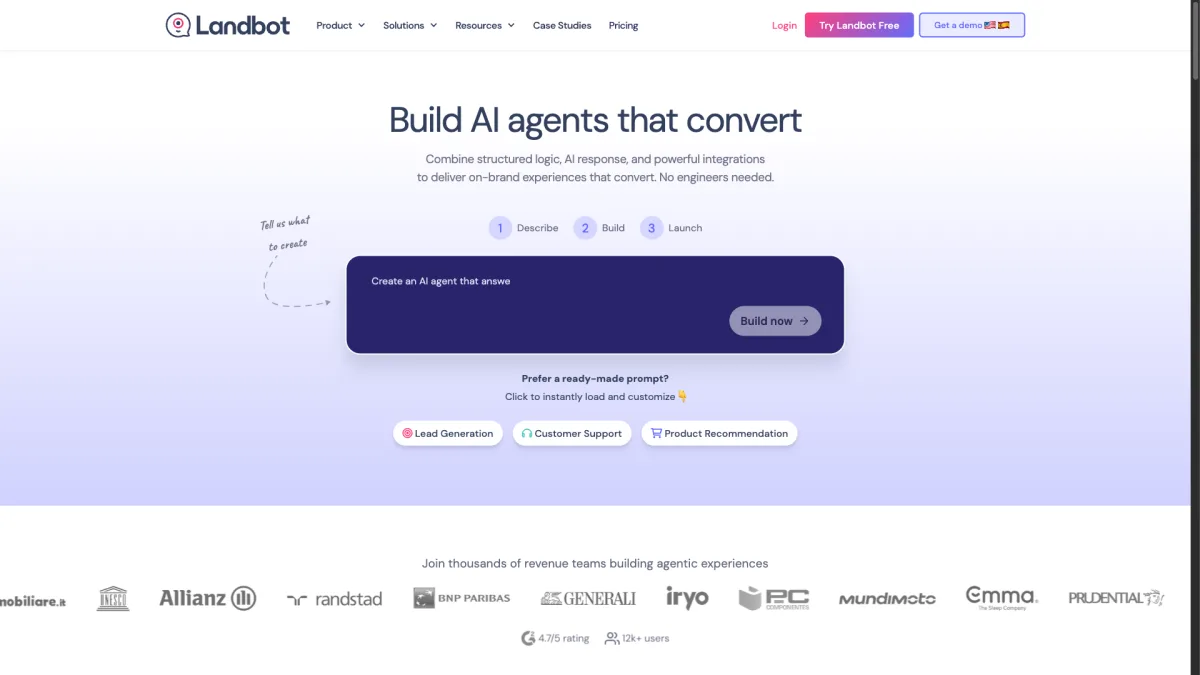
The web chat widget is polished. It supports rich media, buttons, carousels, and custom CSS. Landbot also has a WhatsApp bot builder, though it starts at $200/month.
Weaknesses:
Best for: Marketing teams that want visual conversation flows for lead generation.
Pricing: Starter at $40/month. Pro at $100/month. WhatsApp plans start at $200/month.
tawk.to is the go-to choice if your budget is zero. It offers fully free live chat with unlimited agents, unlimited history, and no message caps. AI chatbot, branding removal, and video chat are paid add-ons.
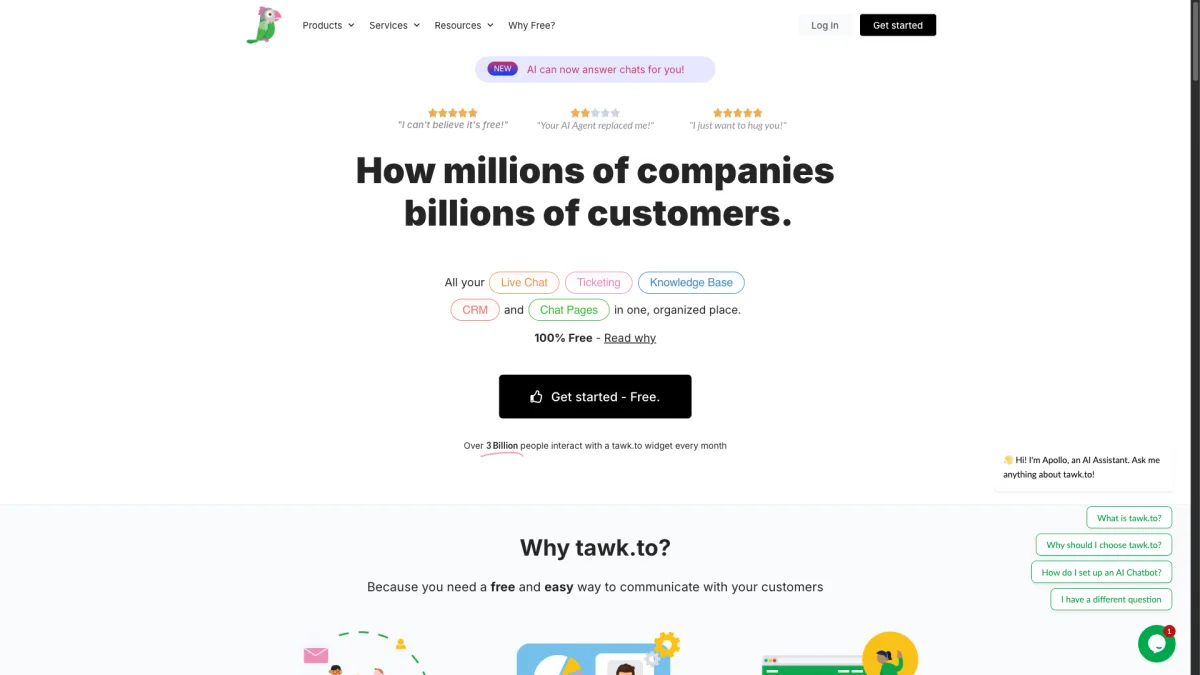
The widget works well but looks a bit dated next to newer tools. It includes visitor monitoring, canned responses, file sharing, and ticketing. tawk.to also lets you hire their agents for $1 per hour.
Weaknesses:
Best for: Small businesses and startups that need live chat with zero budget.
Pricing: Free. AI chatbot add-on at $29/month. Remove branding at $19/month. Hire agents at $1/hour.
Chatbase does one thing: it lets you build an AI chatbot trained on your own data. Upload documents, paste URLs, or connect your website. Chatbase creates a bot that answers questions from that content. Setup takes minutes.
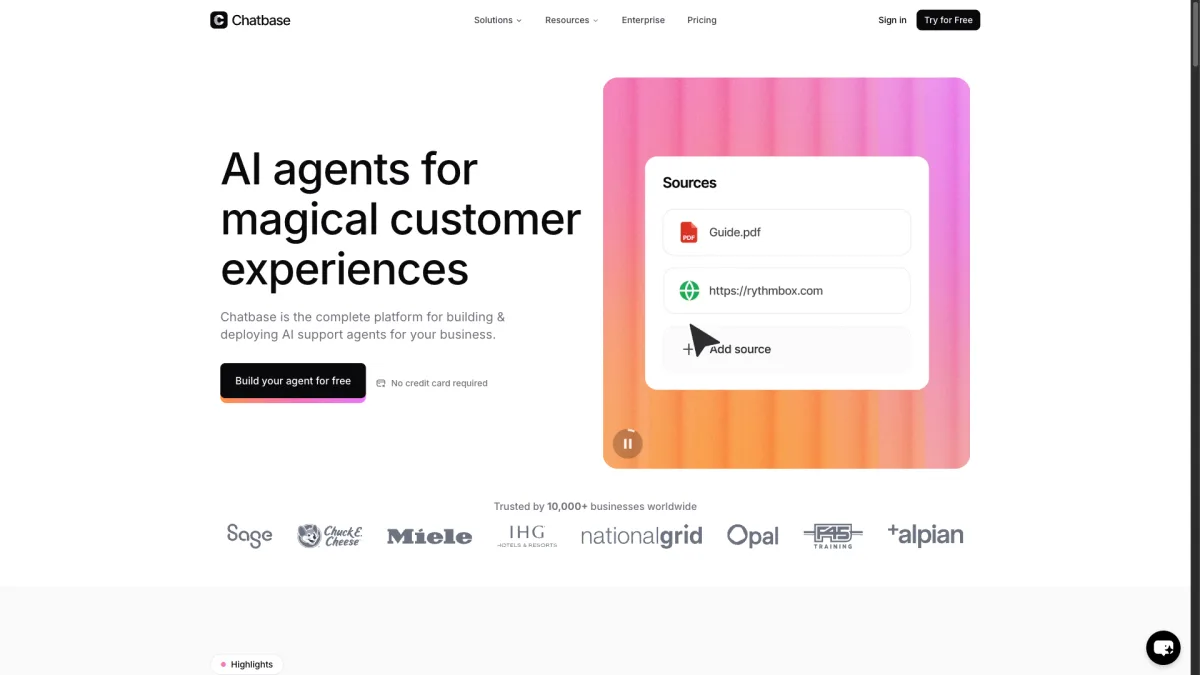
The platform is simple on purpose. No complex flow builder, no multi-channel routing, no shared inbox. You get a chat widget that answers questions using your content. If you want an AI assistant without the complexity of a full platform, Chatbase delivers.
Weaknesses:
Best for: Businesses that want a simple AI chatbot on their website without extra complexity.
Pricing: Free trial. Hobby at $40/month (20 credits/day). Standard at $99/month (100 credits/day). Unlimited at $399/month.
Kommunicate is a customer service automation platform with strong mobile SDK support. It combines an AI chatbot with live chat handoff, ticketing, and integrations with Zendesk and Freshdesk.
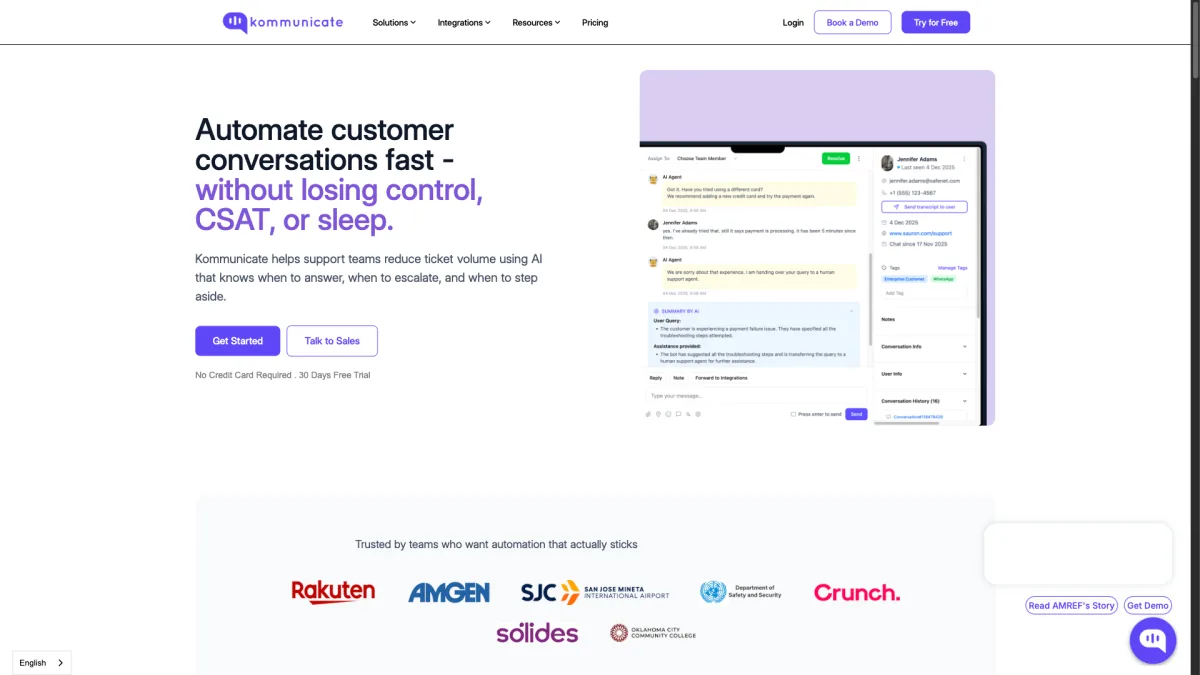
The mobile SDK is where Kommunicate shines. If you have an iOS or Android app, Kommunicate makes adding chat support easy. The SDK handles push notifications, rich messages, and conversation continuity. The AI bot trains on your help docs and hands off to humans when needed.
Weaknesses:
Best for: Businesses with mobile apps that need chat support in their iOS or Android experience.
Pricing: Lite at $40/month. Advanced at $80/month. Enterprise pricing on request.
Intercom is the enterprise standard for customer messaging. Its AI agent, Fin, resolves questions by learning from your help center and past conversations. Fin charges $0.99 per resolution.
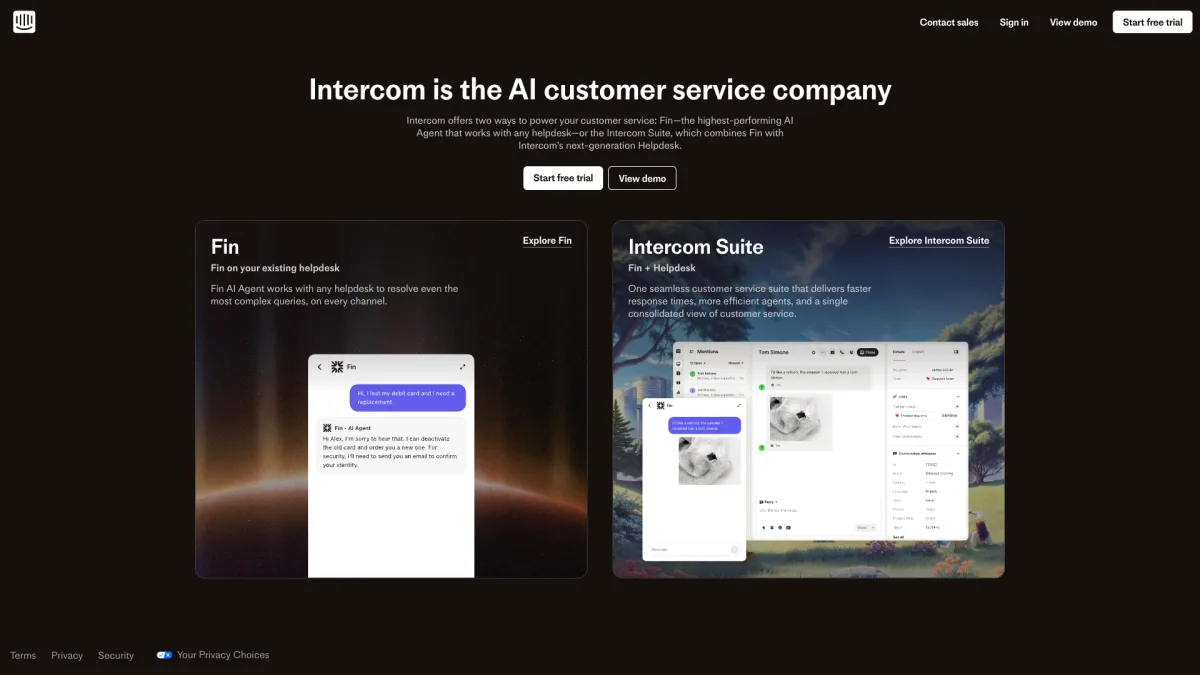
The platform goes far beyond chatbots. Intercom includes a help desk, shared inbox, product tours, and detailed analytics. It connects to virtually every business tool. For large teams with complex support workflows, Intercom offers unmatched capabilities.
Weaknesses:
Best for: Enterprise teams with dedicated support staff that need a full customer communication platform.
Pricing: Essential at $74/seat/month. Advanced at $169/seat/month. Fin AI at $0.99 per resolution.
ManyChat is the closest alternative to Chatfuel in what it does. It is built for social media automation on Instagram DMs, Facebook Messenger, WhatsApp, and SMS. If you need better features or pricing than Chatfuel, ManyChat is the natural pick.
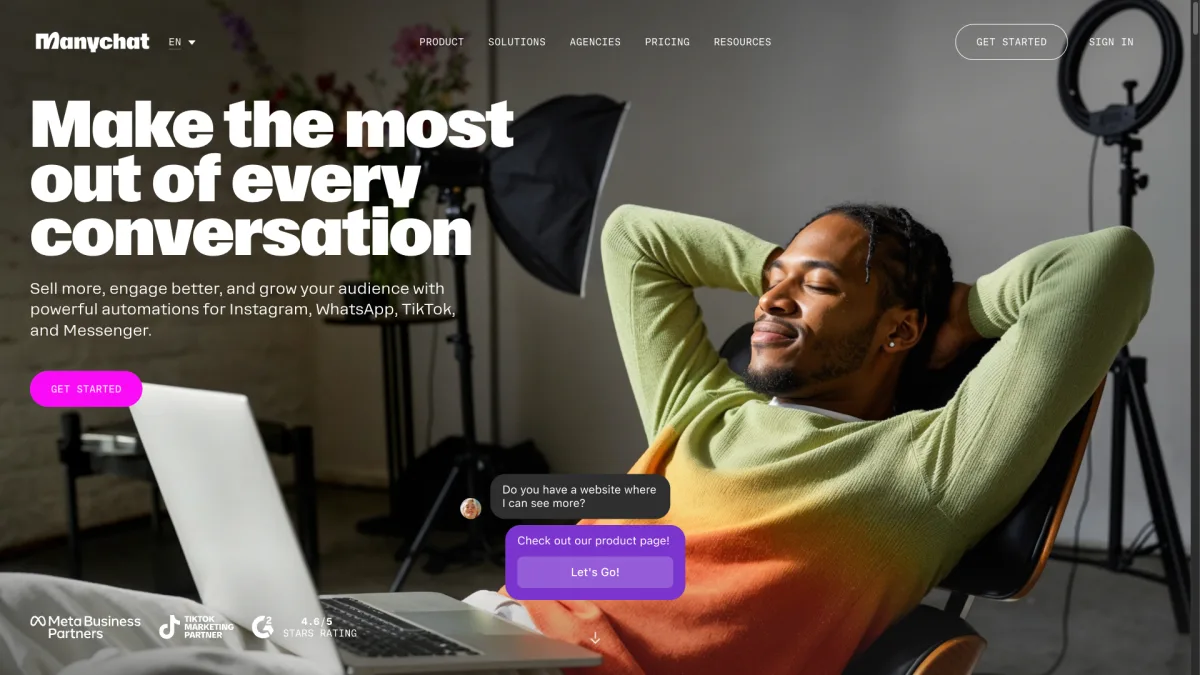
ManyChat also has a basic website widget called the Growth Tool. It captures leads and sends them into your social bot flows. It is not a full website chat, but it bridges your site and social channels.
Weaknesses:
Best for: Businesses that rely on Instagram and Messenger for customer acquisition and want a basic website presence.
Pricing: Free for up to 1,000 contacts. Pro at $15/month for unlimited contacts and advanced features.
We installed each tool on a test website and ran it for at least two weeks. We checked setup difficulty, widget design, load speed, AI accuracy, and pricing clarity. We also tested mobile performance on iOS and Android. Pricing was verified from each vendor's website in January 2026.
Boei is the strongest option for website chat. It supports over 50 channels from a single widget. The AI chatbot trains on your site content. Pricing starts at $8/month, with AI for $6/month more. Boei is built for websites, unlike Chatfuel which only works inside social media.
Yes, several can. ManyChat is the strongest for Instagram DM automation. Tidio, Crisp, and Intercom also support Instagram as an inbox channel. Boei lets you add Instagram as one of its 50+ contact channels.
Chatfuel excels at in-platform social media automation. It has pre-built templates for Instagram, Messenger, and WhatsApp campaigns. Its comment-to-DM automation on Instagram works especially well. If your strategy is social media messaging, Chatfuel is still strong.
For social media automation, ManyChat is generally more feature-rich. It supports more channels (adding SMS and email) and has a better free plan. But neither provides true website chat. Pairing ManyChat with Boei covers both social automation and website chat.
Boei leads with over 50 channels including WhatsApp, Telegram, Signal, Viber, SMS, email, and phone. The next closest is Tidio with around 10, followed by Botpress with 10+. Most tools on this list support between 1 and 6 channels.
Most tools need no coding beyond pasting an embed snippet into your website. Boei, Tidio, Crisp, tawk.to, Chatbase, Landbot, and ManyChat are all no-code. Botpress is the exception. It has a visual editor, but custom integrations need developer help.
Chatfuel is still capable for social media automation on Instagram, Messenger, and WhatsApp. But if you need website chat, fixed pricing, or more than three channels, the alternatives above have you covered.
For the best value, Boei gives you 50+ channels and an AI chatbot starting at $14/month. 7-day free trial, no credit card needed. You can start your free trial and have it running in under five minutes.

Article by
Ruben is the founder of Boei, with 12+ years of experience in conversion optimization. Former IT consultant at Ernst & Young and Accenture, where he helped product teams at Shell, ING, Rabobank, Aegon, NN, and AirFrance/KLM optimize their digital experiences. Now building tools to help businesses convert more website visitors into customers.
Get 30% more conversations and effortlessly convert them into customers.
Don't wait, experience it for free yourself!
URL
Trusted by 10,000+ businesses
Quick 5-min, no code setup






Discover how a lead generation chatbot captures, qualifies, and converts leads 24/7. Complete 2026 guide with strategies, examples, and setup steps.

Build a lead generation funnel that converts 3x better. Simple 6-step guide with examples, tools, and AI tips to turn visitors into customers.
Learn how to become a lead generation specialist and generate leads for your business. Discover the key skills, strategies, and tools needed for success.
Discover how to use Facebook Messenger auto reply to enhance your customer engagement and deliver prompt responses.

Discover how omnichannel chatbots are changing customer service by providing smooth and personalized experiences across multiple channels.


 from Utrecht