Looking for Tidio alternatives that include AI, WhatsApp, and more channels without add-on fees? Tidio is great for Shopify live chat, but costs climb fast once you add Lyro AI ($0.50/conversation), WhatsApp ($59/month), and extra operators. This guide compares 10 alternatives with honest pros, cons, and pricing.
| Software | Starting Price | AI Chatbot | Channels | Best For | |
|---|---|---|---|---|---|
| Boei | $14/mo with AI | Included | Included | 50+ | Best overall value |
| Crisp | Free / $25/mo | $95/mo plan | $95/mo plan | ~6 | EU-based teams |
| tawk.to | Free | $29/mo add-on | No | 1 | Zero budget |
| LiveChat | $20/agent | $52/mo extra | Via integration | 5 | Agent-focused teams |
| Intercom | $74/seat | $0.99/resolution | Higher plans | 6 | Enterprise |
| Freshchat | $15/agent | Add-on | Add-on | 8+ | Freshworks users |
| Chatbase | $40/mo | Included | Yes (via integration) | 1 | Pure AI chatbot |
| Zendesk Chat | $55/agent | $1/resolution | Suite | 8 | Zendesk users |
| Olark | $29/seat | No | No | 1 | Simple live chat |
| JivoChat | Free / $19/agent | Limited | Yes | 8+ | Multi-channel budget |
Best overall value: Boei, $14/month with AI, WhatsApp, and 50+ channels
Best free option: tawk.to, genuinely free live chat with unlimited agents and no hidden catches
Best for e-commerce on a budget: Boei or JivoChat, both offer multi-channel support without per-agent pricing that spirals as your team grows
Best for large support teams: Intercom or Zendesk, production-ready workflows, advanced routing, and deep analytics for teams with 10+ agents
Tidio does a lot of things right. But there are four recurring problems that push people toward alternatives.
1. Lyro AI costs spiral quickly. Tidio charges $0.50 per AI conversation with Lyro. If your site handles 200 AI chats per month, that is $100 just for the AI layer on top of your base plan. Competitors like Boei and Chatbase include AI in their base pricing with no per-conversation fees.
2. WhatsApp costs $59/month extra. WhatsApp is the most-used messaging app in Europe, Latin America, and large parts of Asia. On Tidio, adding it requires a separate $59/month add-on. Several alternatives include WhatsApp in their standard plans.
3. Per-operator pricing adds up. Tidio's Communicator plan starts at $25/month per operator. A team of five operators pays $125/month before any add-ons. Tools like tawk.to do not charge per seat at all. Boei charges $6/month per live chat agent instead of $25.
4. Limited to roughly 10 channels. Tidio supports live chat, email, Instagram, Messenger, and a few more. If you need Telegram, Signal, Viber, WeChat, SMS, phone callbacks, Discord, Slack, or contact forms, you are out of luck. Some alternatives offer 50+ channels from a single widget.
Tidio's add-on pricing stacks up fast: $39/month for Lyro AI, $59/month for WhatsApp, per-conversation fees on top. Boei bundles everything: AI chat, WhatsApp, forms, phone, and 50+ channels. For a flat $14/month with no surprise charges.
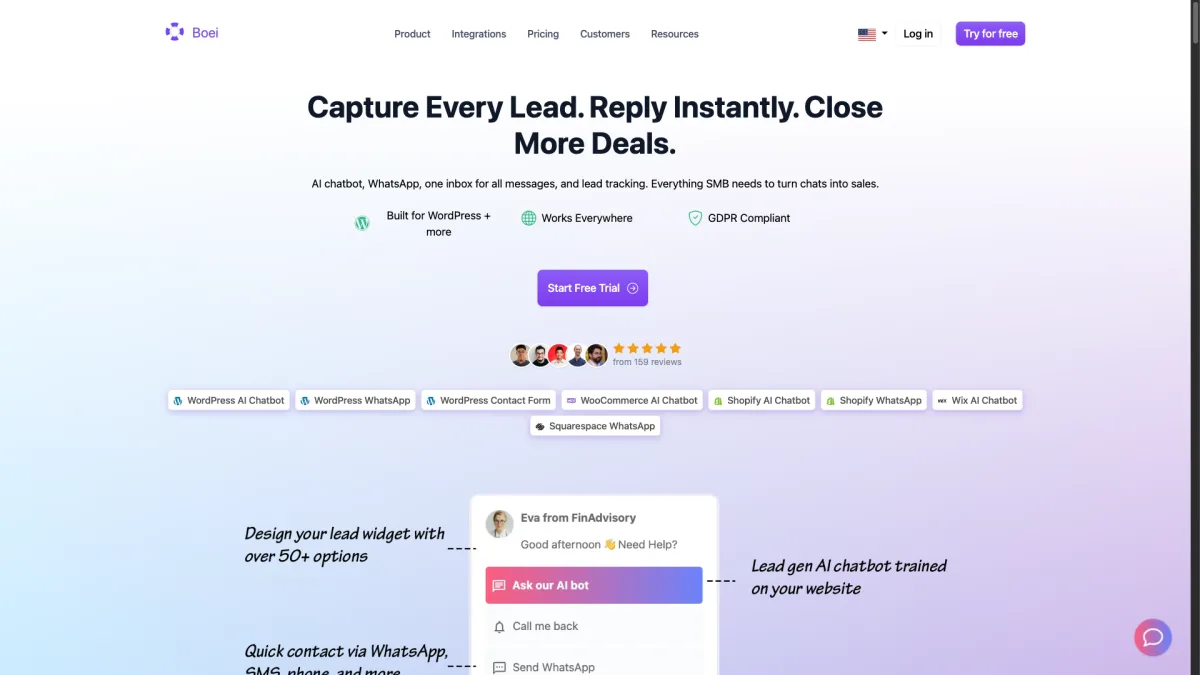
The AI chatbot is built in and trains on your own content. There is no per-conversation fee like Tidio's Lyro. You upload your knowledge base, and the chatbot handles common questions automatically. When it cannot answer, it routes visitors to the right channel.
50+ channels included: Where Tidio offers roughly 10 channels with add-on fees, Boei includes over 50 in every plan. WhatsApp, Telegram, Signal, Viber, Instagram DM, Facebook Messenger, phone, SMS, email, forms, and more
AI included for $6/month: The AI chatbot add-on costs $6/month and includes 2,000 AI replies. No $0.50 per conversation, no surprise bills. Train it on your content and let it handle repetitive questions around the clock
Low per-agent pricing: The base plan is $8/month per domain. Live chat agents cost $6/month each. A team of five agents with AI pays $44/month total ($8 + $6 AI + 5 x $6 agents)
Choose your AI model + Lead Flow for lead capture. Pick from OpenAI, Anthropic, Google, or Mistral models. Use Lead Flow to ask structured questions (name, email, phone, company) inside the chat. Set exact answers for specific questions with Excel bulk import. Leads sync to Mailchimp and analytics automatically
No visual chatbot flow builder: Tidio's drag-and-drop chatbot builder is great for creating complex conversation flows. Boei's AI chatbot is powerful but does not offer visual flow editing
Less deep Shopify product integration: Tidio can pull product data directly into chat and enable in-chat order tracking. Boei works on Shopify but does not have the same depth of product-level integration
Best for: Teams that need many communication channels without paying for each one separately.
Pricing: $8/month per domain for the widget, inbox, contacts, and analytics. $6/month AI chatbot add-on (2,000 replies). $6/month per live chat agent. Annual plan. 7-day free trial, no credit card required.
Compare Boei vs Tidio in detail
Crisp is a French-built customer messaging platform with a strong following among European teams. It offers a clean interface, EU data hosting, and a good free plan with two seats and basic live chat.
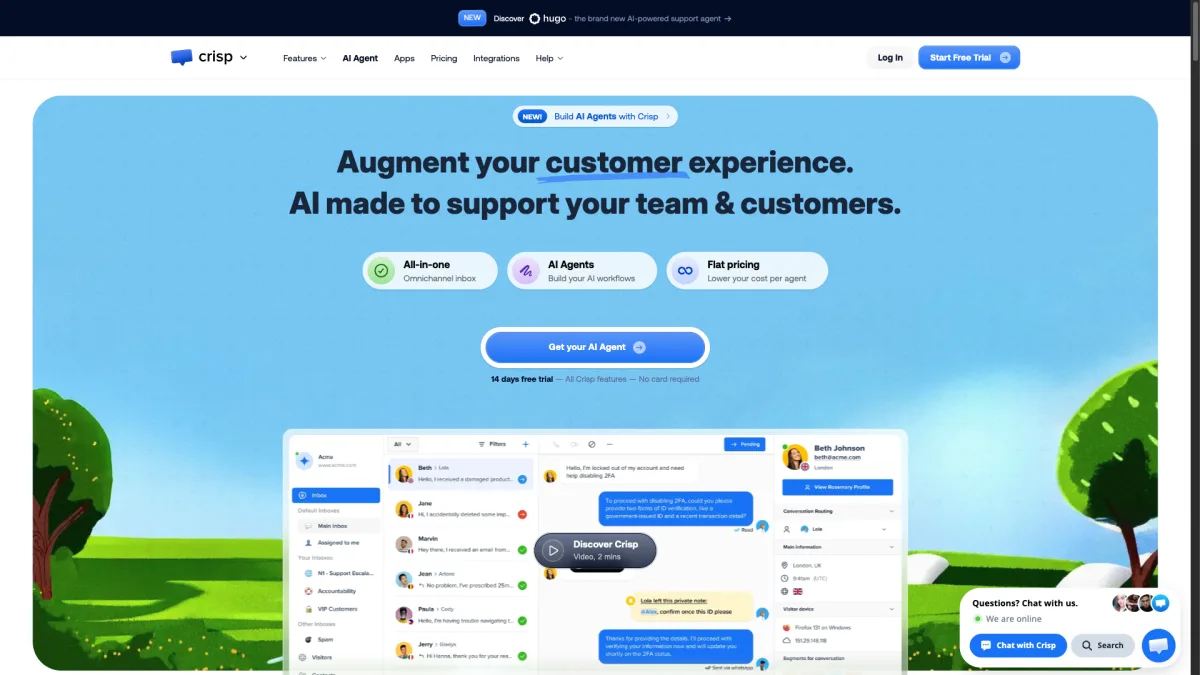
Crisp stands out with its commitment to data privacy and European hosting. For companies that need GDPR compliance without worrying about data transfers to the US, Crisp is a natural fit. Boei also offers EU servers (Amsterdam) and full GDPR compliance, so it is not your only EU-friendly option. The knowledge base feature is included in the Pro plan. Tidio charges extra for that.
EU-hosted with strong privacy: Data stays in Europe. For companies with strict GDPR requirements or European customers who care about data residency, this matters
Knowledge base included: The Pro plan at $25/month includes a help center you can embed on your site. Tidio does not offer a native knowledge base at a similar price
Decent free tier: Two seats and basic live chat for free. Good for freelancers and very small teams getting started
AI requires the $95/month plan: Crisp's AI features are locked behind the Unlimited plan at $95/month per workspace. That is a big jump from the $25/month Pro plan
Limited channel support: Crisp supports live chat, email, Messenger, Instagram, WhatsApp (on the Unlimited plan), and a few more. You will not find Telegram, Signal, Viber, or many other channels
Best for: EU-based teams that prioritize data privacy and need a solid knowledge base.
Pricing: Free for basic use, $25/month for Pro, $95/month for Unlimited with AI.
tawk.to is the rare live chat tool that is genuinely, completely free. There is no catch, no trial period, and no conversation limit.
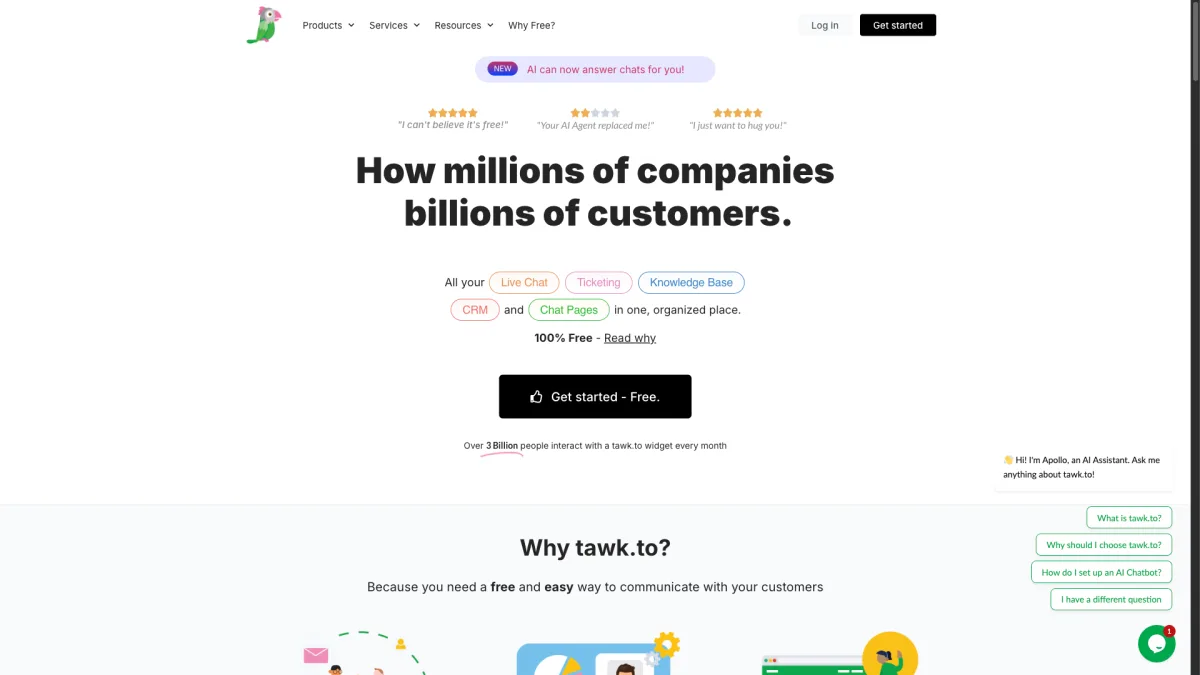
The business model relies on optional paid add-ons like hiring chat agents ($1/hour) and removing branding ($19/month). The core product, live chat with unlimited agents, costs nothing. If your only need is a live chat widget on your website, tawk.to delivers.
Genuinely free forever: Unlimited agents, unlimited chats, no conversation caps. The free plan is the real product, not a lead magnet for paid plans
Unlimited agents at no cost: Whether you have 2 agents or 20, the price stays at zero. This alone makes it great for growing teams on tight budgets
Solid mobile apps: The iOS and Android apps are well-maintained and let agents respond on the go
No AI features: tawk.to does not offer an AI chatbot. If you want automated responses, you need to look elsewhere or pay $29/month for the AI Assist add-on
No channels beyond live chat: There is no WhatsApp, no Instagram DM, no Telegram. It is a pure live chat tool. If you need multi-channel support, tawk.to will not cover it
Best for: Teams with zero budget that only need basic live chat on their website.
Pricing: Free. Optional add-ons for branding removal ($19/month) and AI Assist ($29/month).
LiveChat has been around since 2002 and spent over two decades refining its agent experience. The desktop app is fast, the interface is clean, and message sneak-peek gives agents a real edge.
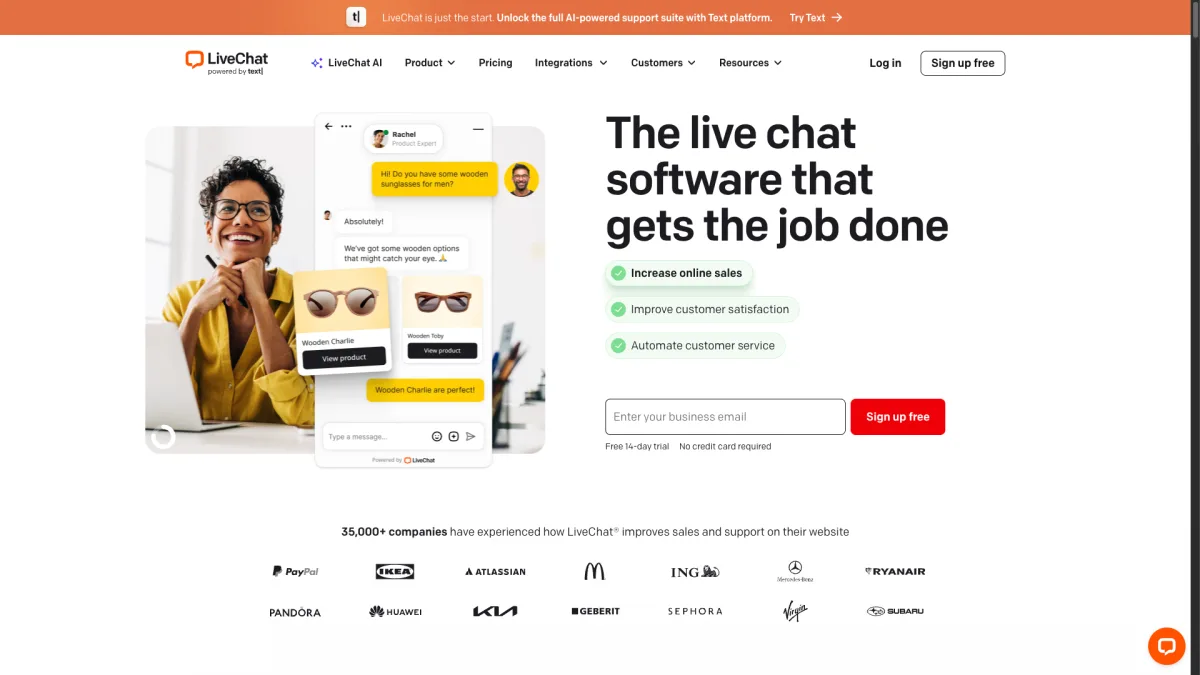
The platform connects with over 200 tools, including most e-commerce platforms, CRMs, and helpdesks. It also offers canned responses, chat tags, file sharing, and detailed analytics. The trade-off is per-agent pricing that adds up quickly.
Best-in-class agent desktop app: The agent experience is polished and fast. Message sneak-peek, canned responses, chat routing, and keyboard shortcuts make agents more productive
200+ integrations: LiveChat connects with Shopify, WooCommerce, Salesforce, HubSpot, and virtually every major tool your team already uses
Message sneak-peek: Agents can see what visitors are typing before they hit send. This small feature dramatically improves response times
AI is a separate product: LiveChat's AI features come through a separate product called ChatBot, which starts at $52/month. It is not included in any LiveChat plan
Per-agent pricing escalates: At $20/agent/month for Starter (and $39/agent for Business), a team of five pays $100-$195/month before any add-ons
Best for: Teams with dedicated support agents who prioritize the agent experience and workflow.
Pricing: $20/agent/month (Starter), $39/agent/month (Business). ChatBot AI is $52/month extra.
Intercom is the heavyweight of the customer messaging space. Its Fin AI agent handles complex conversations, the help center is solid, and workflow automation suits enterprise teams.
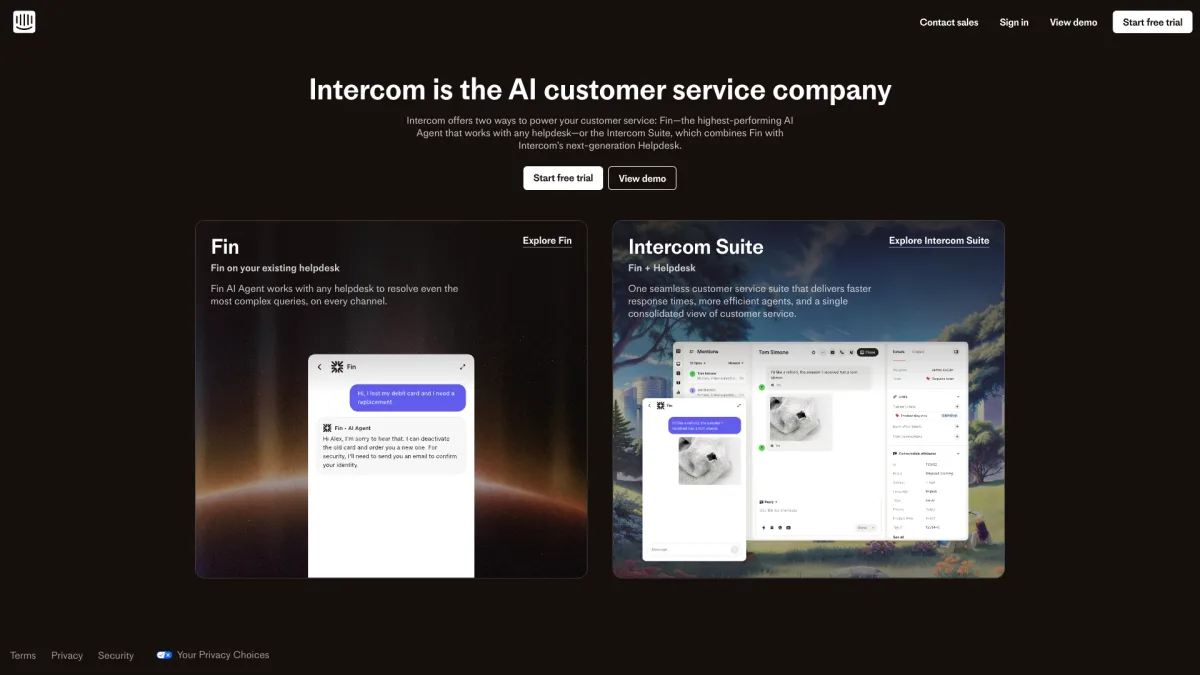
The flip side is price and complexity. Intercom starts at $74 per seat per month. Fin AI charges $0.99 per resolution. A team of five with 500 AI resolutions per month pays $865/month. Setup takes days or weeks, not minutes. This is a platform you commit to.
Fin AI is genuinely impressive: Fin resolves complex questions by pulling from your help center, past conversations, and custom data sources. It is one of the most capable AI chat agents available
Complete help center: A full knowledge base with articles, categories, and search, built into the same platform as your chat
Production-ready workflows: Custom bots, advanced routing rules, SLA tracking, and detailed reporting for teams that need operational control
Massive price jump from Tidio: Going from Tidio's $25/operator plan to Intercom's $74/seat plan is a big budget increase, especially for small teams
Weeks of setup required: Intercom is not a plug-and-play widget. Setting up workflows, training Fin, and building the help center takes real time and effort
Best for: Enterprise teams with large support operations that need advanced AI and workflow automation.
Pricing: $74/seat/month. Fin AI costs $0.99 per resolution on top.
Freshchat is the messaging part of the Freshworks ecosystem. If your team already uses Freshdesk or Freshsales, Freshchat slots in naturally.
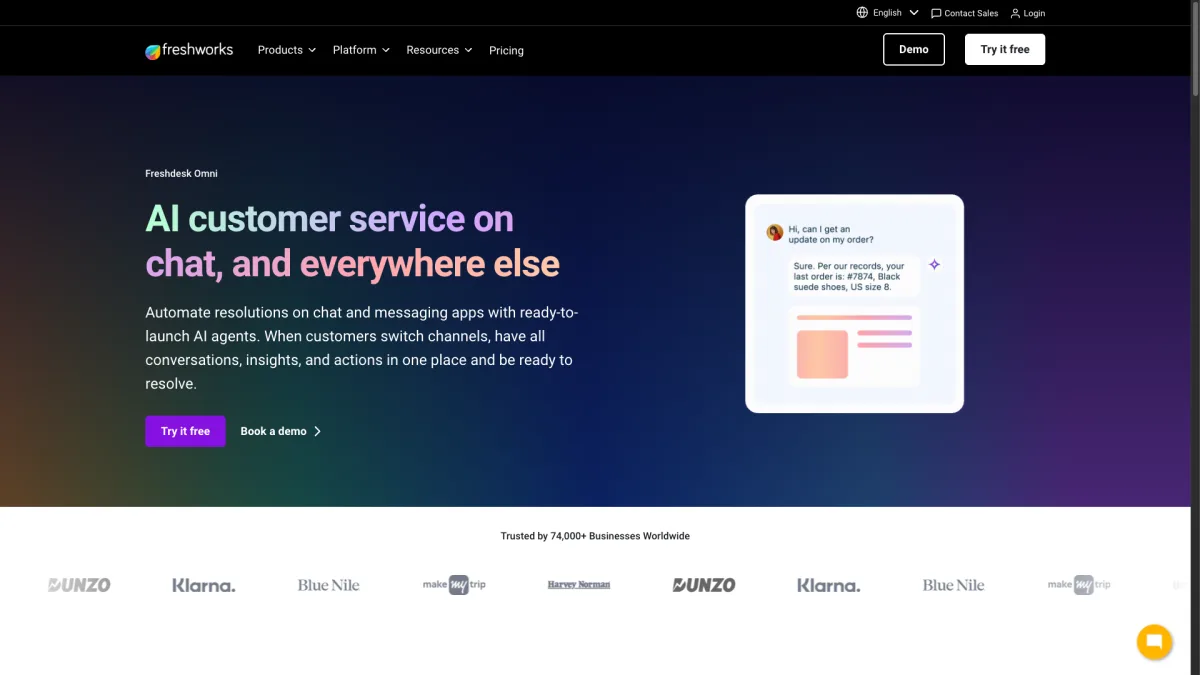
On its own, Freshchat is a solid messaging platform starting at $15 per agent per month. It supports web chat, email, WhatsApp, Facebook Messenger, Instagram, and Apple Business Chat. The AI chatbot (Freddy AI) is available as an add-on.
Seamless Freshworks integration: If you use Freshdesk or Freshsales, Freshchat connects without friction. Conversations flow into tickets, contacts sync, and your team works in one ecosystem
Reasonable starting price: At $15/agent/month, the entry point is lower than LiveChat, Intercom, and Zendesk. The free plan also allows up to 10 agents
Multi-channel from the start: Web chat, email, WhatsApp, Messenger, Instagram, and more are available without needing the most expensive plan
Per-agent pricing still applies: Like most competitors, Freshchat charges per agent. A team of five starts at $75/month and climbs with higher-tier plans
Advanced features gated behind higher tiers: Co-browsing, advanced routing, and some AI features require the Pro ($39/agent) or Enterprise ($79/agent) plans
Best for: Teams already using other Freshworks products who want a unified ecosystem.
Pricing: Free for up to 10 agents (limited), $15/agent/month (Growth), $39/agent/month (Pro), $79/agent/month (Enterprise).
Chatbase takes a completely different approach from Tidio. It is not a live chat tool with AI bolted on. It is a pure AI chatbot that you train on your own data.
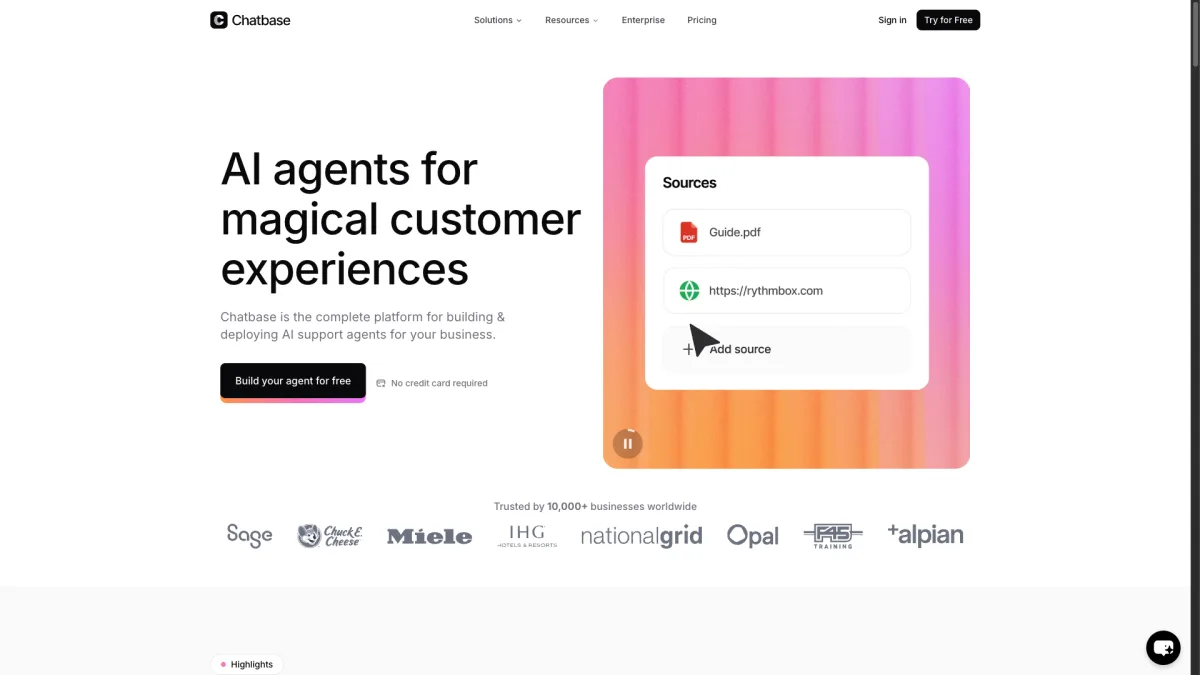
Upload documents, paste your website URL, or connect a knowledge base. Chatbase builds a conversational AI that answers visitor questions based on your content. There is no agent interface, no shared inbox, and no live chat fallback. If most of your support questions are repetitive and well-documented, Chatbase can handle them for much less than Tidio with Lyro.
Focused AI experience: Chatbase does one thing and does it well. The AI training interface is easy to use, and the chatbot quality is strong with good training data
Train on your own documents: Upload PDFs, paste website URLs, or connect to Notion. Chatbase builds its knowledge from your actual content, not generic templates
Good training UI: The interface for reviewing conversations, improving answers, and growing the knowledge base is clean and useful
Chat-focused with limited channels: Chatbase is primarily a website chatbot. WhatsApp is available via integration, but there are no forms, phone callbacks, or email. If you need full multi-channel, Chatbase does not cover it
Message credits limit usage: Plans come with a set number of message credits per month. High-traffic sites can burn through credits quickly and face overage charges
Best for: Teams that want a pure AI chatbot trained on their own content, without needing live chat or multi-channel support.
Pricing: $40/month, $99/month (Standard), $399/month (Unlimited).
Zendesk is the giant of customer support. Zendesk Chat (now part of Zendesk Suite) gives you live chat as part of a complete support platform.
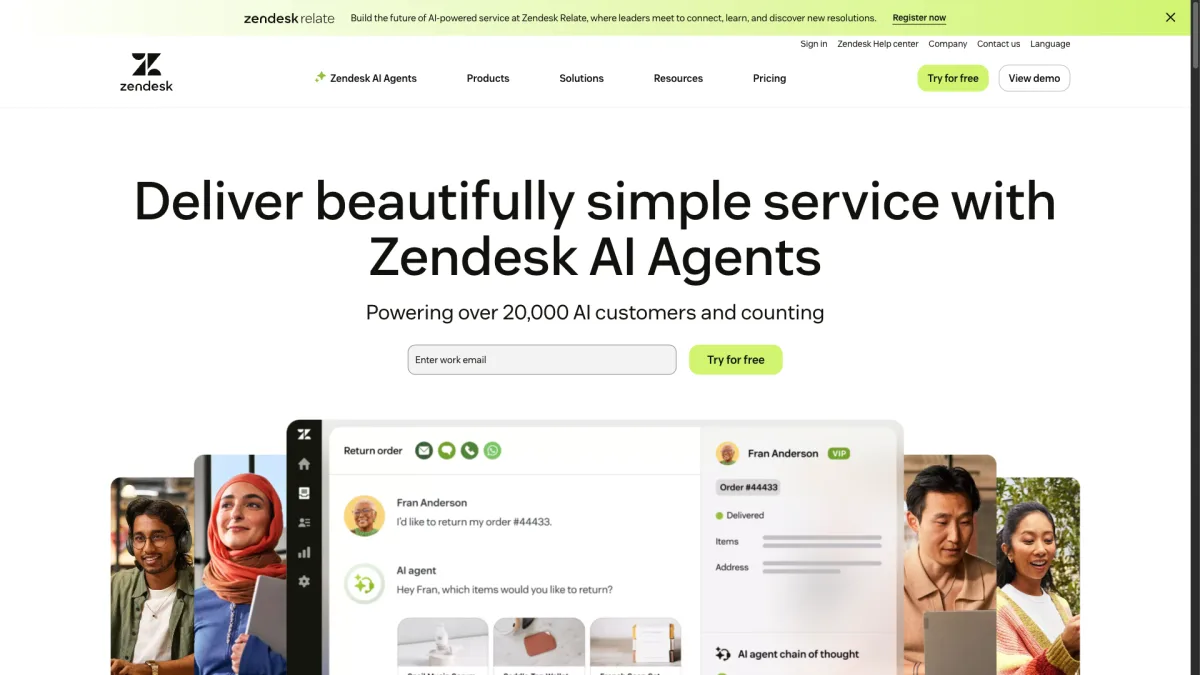
That includes ticketing, a help center, community forums, voice support, and advanced analytics. The AI agent (part of Zendesk's Advanced AI add-on) charges $1 per automated resolution. Like Intercom, this platform rewards scale. A team handling thousands of tickets per month can justify the cost.
Complete support platform: Ticketing, live chat, help center, community forums, voice, and analytics in one product. You do not need to piece together multiple tools
Enterprise-scale reliability: Zendesk handles millions of tickets for companies like Airbnb, Slack, and Shopify. Uptime and reliability are proven
Advanced analytics and reporting: Detailed reporting on agent performance, customer satisfaction, and response times. Useful for teams that need to optimize operations
$55/agent/month is steep: The Suite Team plan starts at $55/agent/month. A team of five pays $275/month before any AI add-ons
Complex setup: Zendesk has a learning curve. Setting up triggers, automations, views, and macros takes time and often needs a dedicated admin
Best for: Large support teams that need a complete, production-ready support platform with ticketing, chat, and help center in one place.
Pricing: $55/agent/month (Suite Team), $89/agent/month (Suite Growth), $115/agent/month (Suite Professional). AI add-on costs $1 per automated resolution.
Olark is refreshingly simple. It is a live chat tool that does live chat well and does not try to be a full support platform.
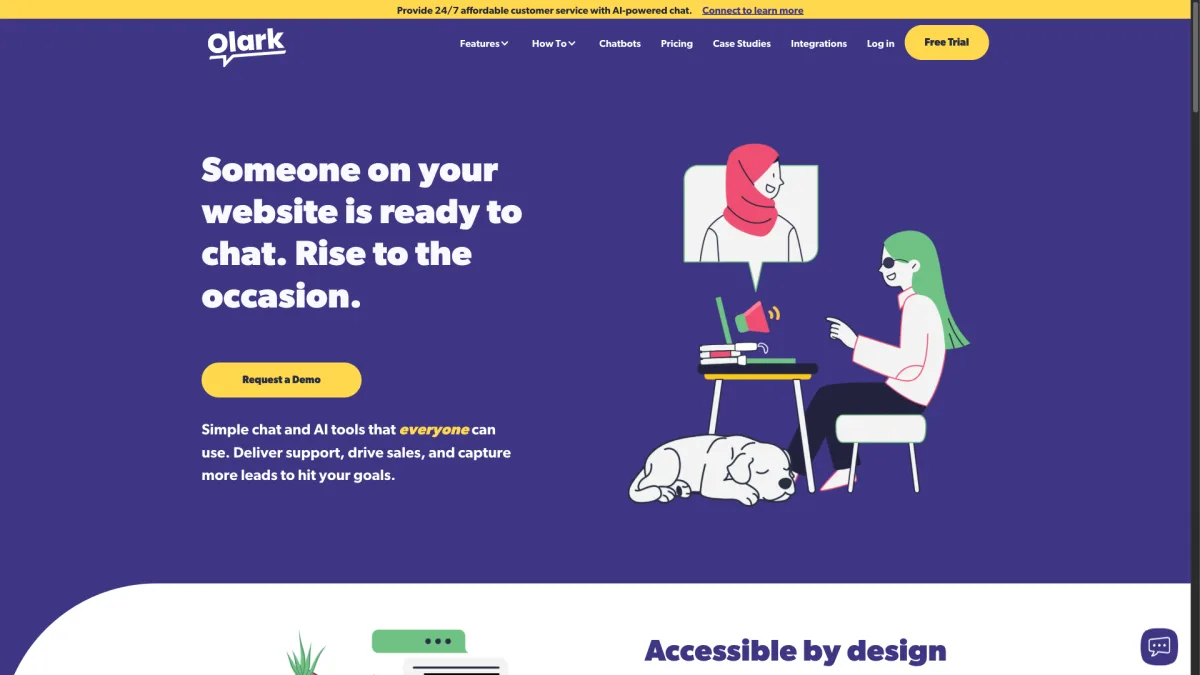
The widget is clean, the setup takes about five minutes, and the pricing is clear. Olark offers automated messages, chat transcripts, visitor insights, and basic reporting. It connects with popular CRMs and helpdesks. What it does not offer is AI, multi-channel support, or a knowledge base.
Simple and easy to set up: Copy a snippet, paste it on your site, and you are live. No complex setup, no workflow builders, no overwhelming dashboards
Clean, customizable widget: The chat widget looks good out of the box and can be styled to match your brand. It is lightweight and loads fast
Good for basic chat needs: Automated greetings, pre-chat surveys, transcript emails, and visitor insights cover the essentials without extra complexity
No AI chatbot: Olark does not offer any AI-powered automation. Every conversation needs a human agent to respond
No multi-channel support: There is no WhatsApp, no Messenger, no Instagram DM. Olark is web chat only. If visitors want to reach you through other channels, you need separate tools
Best for: Small teams that want simple, reliable live chat without the complexity and cost of feature-heavy platforms.
Pricing: $29/seat/month. Volume discounts available for annual billing.
JivoChat is an underrated option that packs a lot of multi-channel features into a competitive price. The free plan includes live chat for up to five agents.
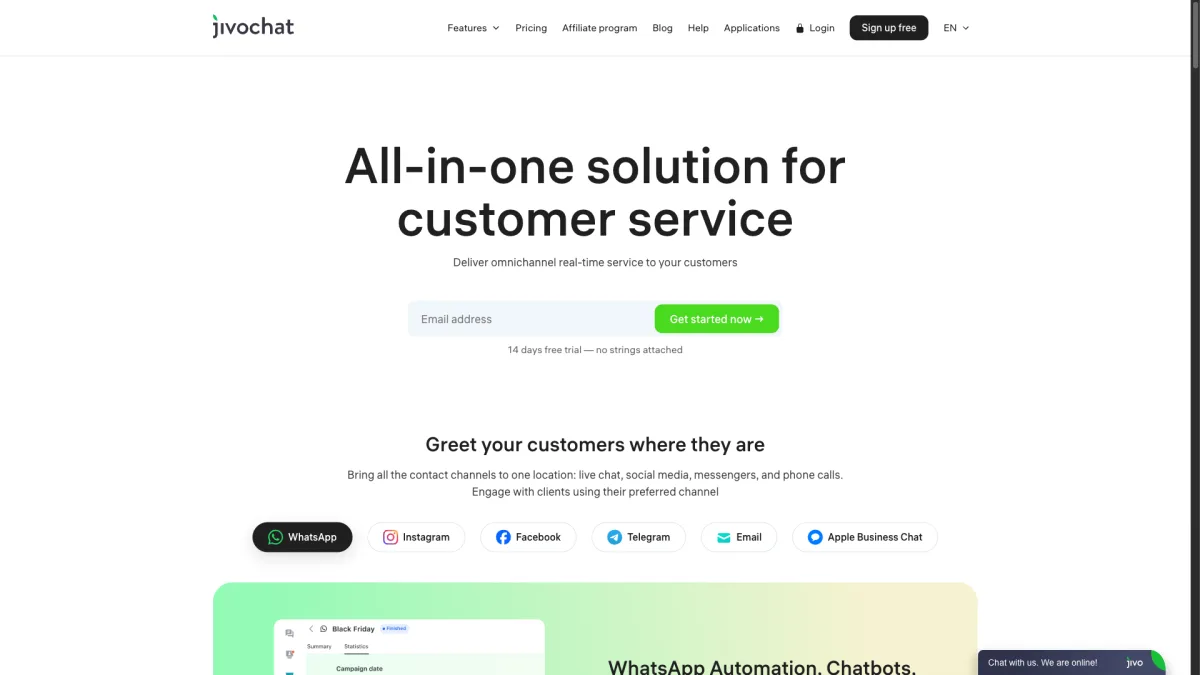
The Professional plan at $19/agent/month adds phone, email, Facebook, Instagram, WhatsApp, Telegram, and more. Originally popular in Russia and Eastern Europe, JivoChat has expanded globally and now serves over 300,000 businesses. The platform includes a built-in CRM, callback requests, and visitor monitoring.
Strong free plan: Five agents with live chat, visitor monitoring, and basic CRM for free. More generous than most competitors' free tiers
Multi-channel at $19/agent: Phone, WhatsApp, Telegram, Instagram, Facebook, email, and live chat in one dashboard for $19/agent/month. That is a lot of channels for the price
Built-in CRM and callbacks: Track leads, schedule callback requests, and manage contacts without a separate CRM tool. Useful for sales-focused teams
AI features are limited: JivoChat's AI is basic compared to dedicated tools like Chatbase or enterprise solutions like Intercom's Fin
Interface can feel cluttered: With so many channels and features in one dashboard, the interface sometimes feels crowded. New users may need time to find their way around
Best for: Budget-conscious teams that need multiple communication channels without enterprise pricing.
Pricing: Free for up to 5 agents (chat only), $19/agent/month (Professional with all channels).
Yes. Boei costs $14/month with AI ($8 base + $6 AI chatbot add-on) and includes 2,000 AI replies. Tidio's Communicator plan starts at $25/month per operator. Adding Lyro AI costs $0.50 per conversation. If you handle 100 AI conversations per month with one operator, Tidio costs $75/month. With 200 AI conversations and two operators, Tidio costs $150/month. Boei stays at $14/month regardless of conversation volume. Adding live chat agents costs $6/month each.
Yes, Tidio offers a free plan that is genuinely useful for getting started. It includes live chat for up to 50 conversations per month, basic chatbot flows, and email support. The free plan does not include Lyro AI, WhatsApp, or advanced chatbot triggers. Most growing businesses outgrow the free plan within a few months. That is when the add-on costs start adding up.
Both Boei and LiveChat work well with Shopify and install in minutes through the Shopify App Store. That said, Tidio's Shopify integration is genuinely deeper than most alternatives. Tidio can pull product cards into chat, enable in-chat order tracking, and trigger automations based on cart activity. If those specific Shopify features are critical to your workflow, Tidio may still be the better choice. But if you need more channels or want to avoid per-conversation AI fees, Boei and LiveChat are strong Shopify-compatible options.
Tidio has a few real strengths that not every alternative matches. Its visual chatbot flow builder lets you create complex conversation trees with drag-and-drop. Most alternatives use simpler rule-based setups or AI training instead. Tidio's deep Shopify integration supports in-chat product recommendations, order status lookups, and cart-based automations. And Tidio's Lyro AI, while expensive at scale, is well-built and easy to set up. These are real advantages. The question is whether they justify the total cost once you add AI, WhatsApp, and extra operators.
Yes. Most alternatives on this list install in 5 to 10 minutes. You paste a code snippet or install a plugin, set up your channels, and you are live. The harder part is migrating chatbot flows if you have built complex automations in Tidio's flow builder. AI-based tools like Boei and Chatbase work differently. You train them on your content rather than building flows. So there is no direct migration path for chatbot logic. But for the chat widget itself, the switch is fast.
Tidio is a strong product, especially for Shopify stores that value its visual chatbot builder and deep e-commerce integration. But its pricing model makes it expensive once you move beyond basic live chat. Per-operator base fees, $0.50/conversation AI, and $59/month WhatsApp add-ons add up fast.
If you want more channels, included AI, and predictable pricing, compare Boei vs Tidio side by side to see exactly where the differences are. Or start a free trial and see for yourself. Setup takes less than five minutes, and no credit card is required.

Article by
Ruben is the founder of Boei, with 12+ years of experience in conversion optimization. Former IT consultant at Ernst & Young and Accenture, where he helped product teams at Shell, ING, Rabobank, Aegon, NN, and AirFrance/KLM optimize their digital experiences. Now building tools to help businesses convert more website visitors into customers.
Get 30% more conversations and effortlessly convert them into customers.
Don't wait, experience it for free yourself!
URL
Trusted by 10,000+ businesses
Quick 5-min, no code setup






Discover how a lead generation chatbot captures, qualifies, and converts leads 24/7. Complete 2026 guide with strategies, examples, and setup steps.

Build a lead generation funnel that converts 3x better. Simple 6-step guide with examples, tools, and AI tips to turn visitors into customers.
Learn how to become a lead generation specialist and generate leads for your business. Discover the key skills, strategies, and tools needed for success.
Discover how to use Facebook Messenger auto reply to enhance your customer engagement and deliver prompt responses.

Discover how omnichannel chatbots are changing customer service by providing smooth and personalized experiences across multiple channels.


 from Utrecht