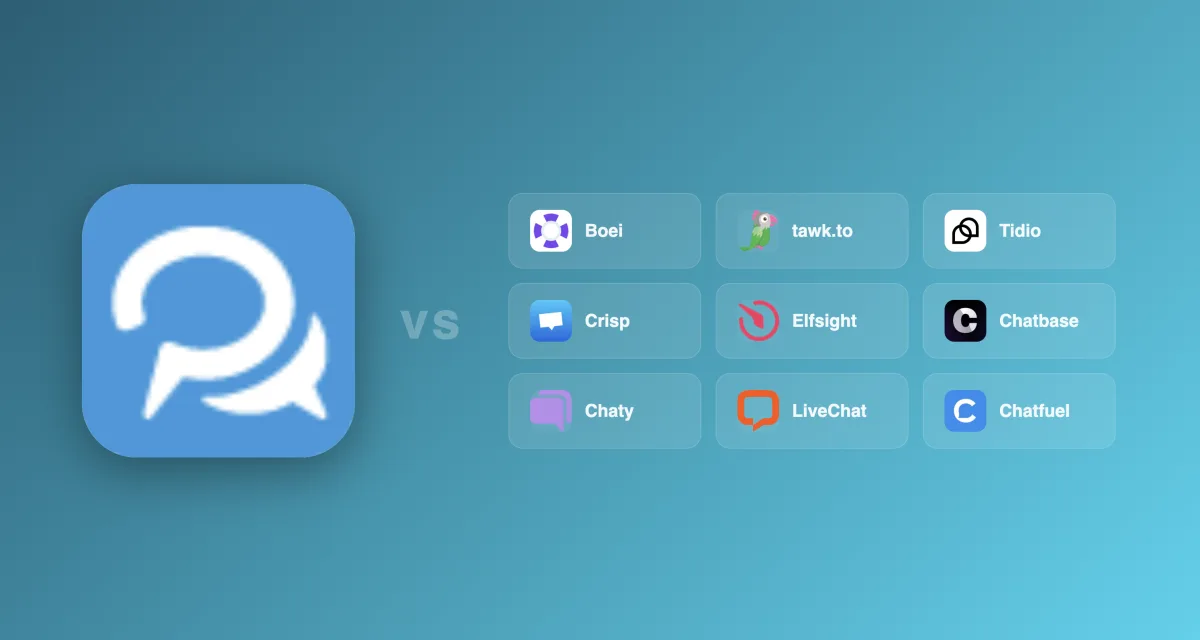
Looking for GetButton alternatives that go beyond a simple floating link? GetButton redirects visitors to external apps but lacks AI chat, forms, and analytics. These 10 tools fix those gaps. We scored each on channel variety, AI quality, lead capture, analytics, and pricing.
TL;DR: Boei is the best GetButton alternative, upgrading the multi-channel button concept with AI chat, forms, and analytics at $14/month. Prices range from free (tawk.to, Elfsight) to $74/seat (Intercom), with most tools adding the AI and lead capture that GetButton lacks. For a direct upgrade path from GetButton, Boei covers 50+ channels with built-in intelligence.
| Tool | Price | AI Chatbot | WhatsApp Chat | Channels | Best For |
|---|---|---|---|---|---|
| Boei | $14/mo with AI | Included | Included | 50+ | Best overall value |
| tawk.to | Free | $29/mo add-on | No | 1 | Zero budget |
| Tidio | Free / $29/mo | $0.50/conv | $59/mo extra | ~10 | E-commerce |
| Crisp | Free / $25/mo | $95/mo plan | $95/mo plan | ~6 | EU teams |
| Elfsight | Free / $5/mo | Separate widget | No | 80+ widgets | Widget variety |
| Chatbase | $40/mo | Included | Yes (via integration) | 1 | Simple AI chat |
| Chaty | Free / $15/mo | No | Yes | 20+ | Contact button |
| LiveChat | $20/agent | Separate product | Via integration | 5 | Agent teams |
| Chatfuel | $14.39/mo | Included | Yes | 3 social | Social media |
| HubSpot Service Hub | Free / $45/mo | Included | Higher plans | 8+ | HubSpot users |
GetButton works as a free floating button. But there are four main reasons people look for alternatives:
No AI chatbot. GetButton does not answer questions. It links visitors to WhatsApp, Messenger, or another app. If nobody is online, the visitor gets no response on your website
No contact forms or lead capture. There is no way to collect emails or phone numbers through GetButton. Every interaction leaves your site. You have no idea who clicked unless they message you
No analytics or visitor tracking. You cannot see how many people clicked your button or which channels they preferred. There is no dashboard and no way to measure ROI
No real-time chat on your website. GetButton is not a chat widget. It is a link launcher. If you want visitors to chat without leaving your page, GetButton cannot do that
If any of these matter, the alternatives below each address at least one gap. Several address all four.
The market for contact widgets has grown a lot. In 2026, you have options from free live chat to full AI-powered platforms. Most take less than five minutes to install.
GetButton is a solid free starting point, but it stops at linking to channels: no AI, no forms, no analytics, no inbox. Boei is the full upgrade path. It started with the same core idea. A floating button connecting visitors to contact channels. And built everything on top: AI chatbot, contact forms, lead tracking, analytics, and over 50 channel integrations.
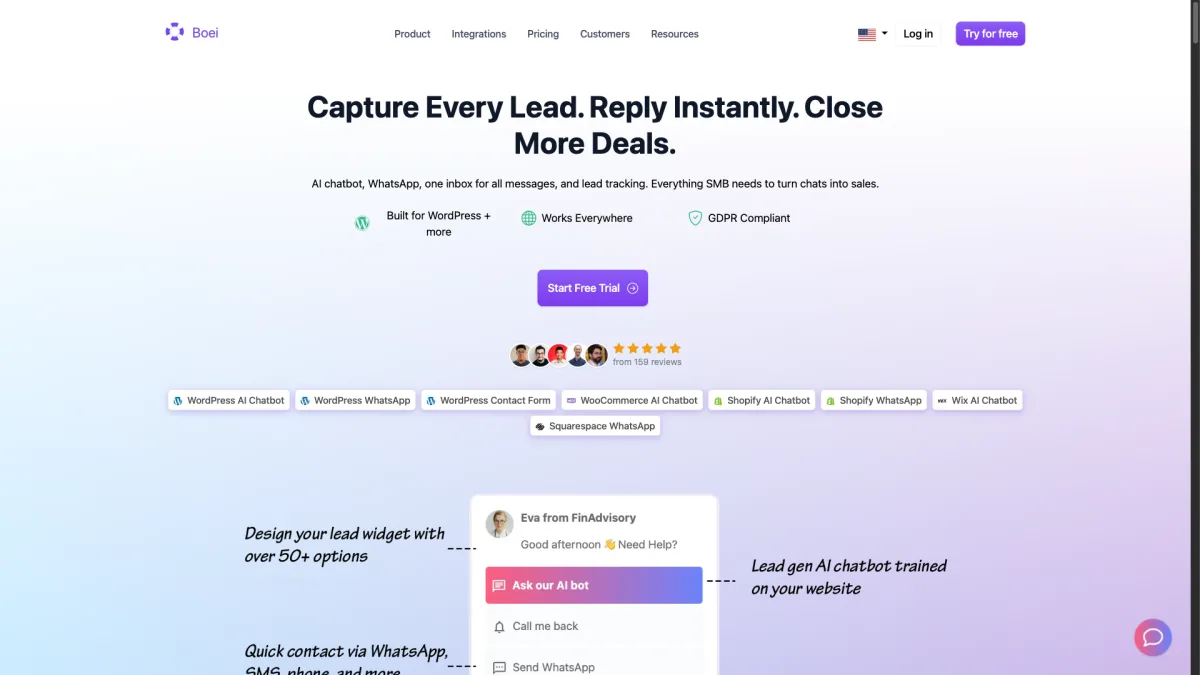
AI chatbot included. Boei's AI assistant answers visitor questions using your website content and documents. It works 24/7 and hands off to a human when needed. The AI add-on is $6/month on top of the $8/month base plan. That is $14/month with AI, not billed per conversation
50+ channels in one widget. WhatsApp, Messenger, Telegram, Instagram DM, email, phone, SMS, Signal, Viber, WeChat, Slack, Discord, and dozens more. You also get contact forms, FAQ widgets, newsletter signup, and feedback forms
Built-in analytics. See which channels visitors click, when they are most active, and how your widget performs. This data helps you decide which channels to keep
Choose your AI model + Lead Flow for lead capture. Pick from OpenAI, Anthropic, Google, or Mistral models. Use Lead Flow to ask structured questions (name, email, phone, company) inside the chat. Set exact answers for specific questions with Excel bulk import. Leads sync to Mailchimp and analytics automatically
Boei is not a full helpdesk with ticket routing and SLA management. If you need a 20-agent support desk with ticket escalation, look at a dedicated helpdesk. But for small and mid-sized businesses, Boei covers what you need in one widget.
Best for: Businesses that want GetButton's multi-channel concept with AI, forms, and analytics added.
Pricing: $8/month per domain for the widget, inbox, contacts, and analytics. $6/month AI chatbot add-on (2,000 replies). $6/month per live chat agent. Annual plan. 7-day free trial, no credit card required.
tawk.to is a free live chat widget. It has been around for years and remains popular because there is no catch. The core product is free forever, supported by optional paid add-ons.
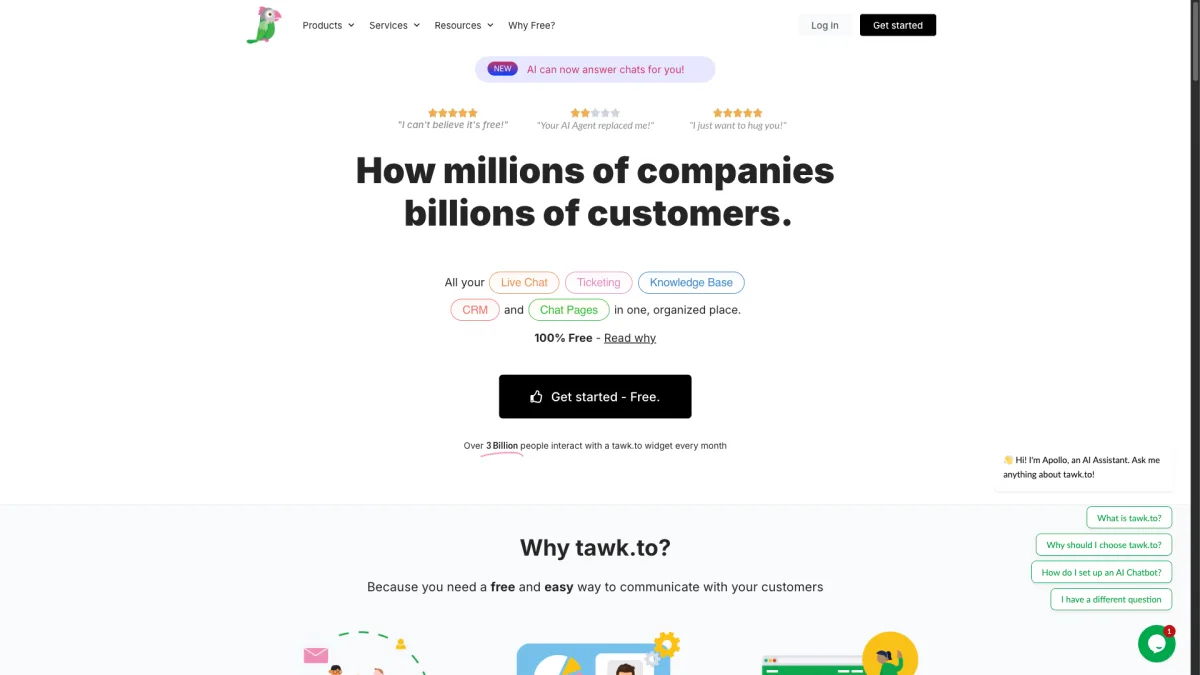
Truly free live chat. Unlimited agents, unlimited chat history, and no feature gating on the core chat widget
Hire agents through tawk.to. If you lack staff for chats, tawk.to lets you hire trained agents for $1/hour to respond on your behalf
The downsides are clear if you want multi-channel support. tawk.to only does live chat. There is no WhatsApp, no Messenger, and no floating multi-channel button. The AI chatbot is a $29/month add-on. The interface also looks dated compared to newer tools.
tawk.to also requires someone to be online. If all agents are offline, visitors see an offline form. There is no AI to answer questions in the meantime. For businesses in different time zones, this means missed conversations.
Best for: Businesses with zero budget that want live chat and do not need multiple contact channels.
Pricing: Free. AI add-on is $29/month. Hired agents are $1/hour.
Tidio is a customer communication platform aimed at e-commerce stores. It combines live chat, chatbot flows, and an AI assistant called Lyro.
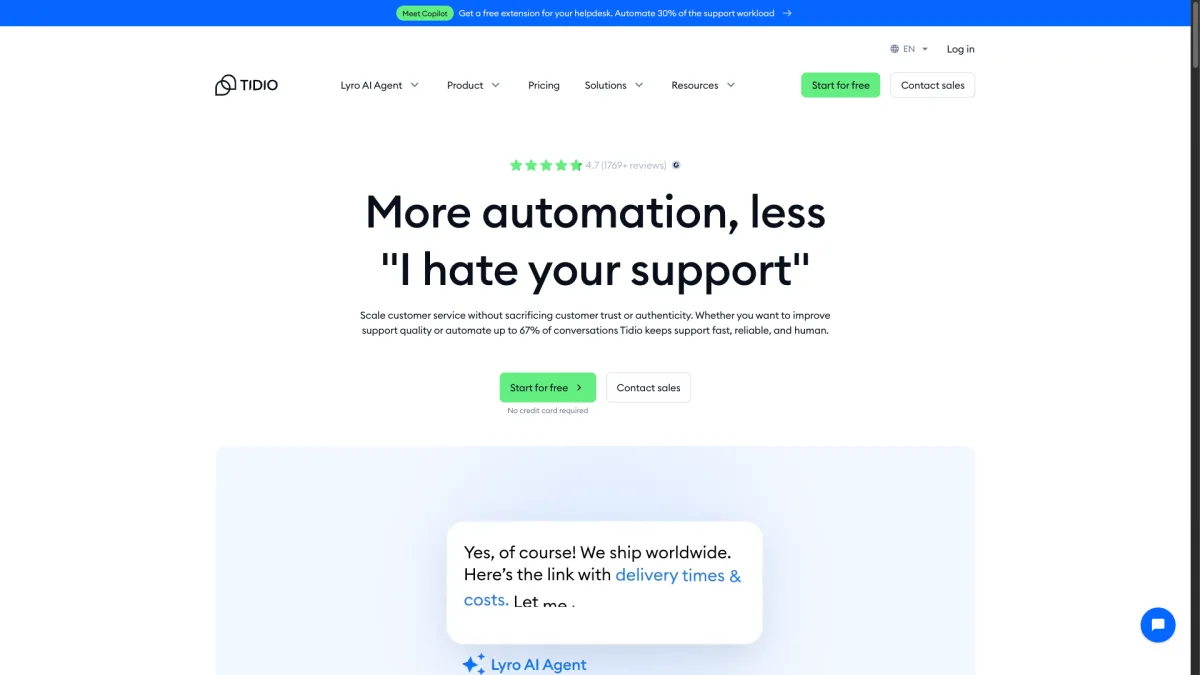
Lyro AI assistant. Tidio's AI chatbot learns from your FAQ and help content. It handles returns, order status, and common pre-sale questions well
Visual chatbot builder. Create automated chat flows with drag-and-drop. This works for lead qualification and routing visitors to the right department
E-commerce integrations. Tidio connects to Shopify and WooCommerce to pull order data. Agents can look up customer orders during a conversation
Pricing gets complicated fast. Lyro AI conversations cost $0.50 each after your free allowance runs out. High-traffic sites burn through the free tier in days. Adding WhatsApp requires the $59/month Communicator plan on top of your base plan. If you want both AI and multi-channel, expect $100+/month.
Best for: E-commerce stores on Shopify or WooCommerce that want AI-powered support.
Pricing: Free tier available. Paid plans start at $29/month. Lyro AI costs $0.50 per conversation. WhatsApp requires $59/month plan.
Crisp is a European customer messaging platform with a clean interface. It offers live chat, a shared inbox, and a knowledge base. The company is based in France, which appeals to EU businesses.
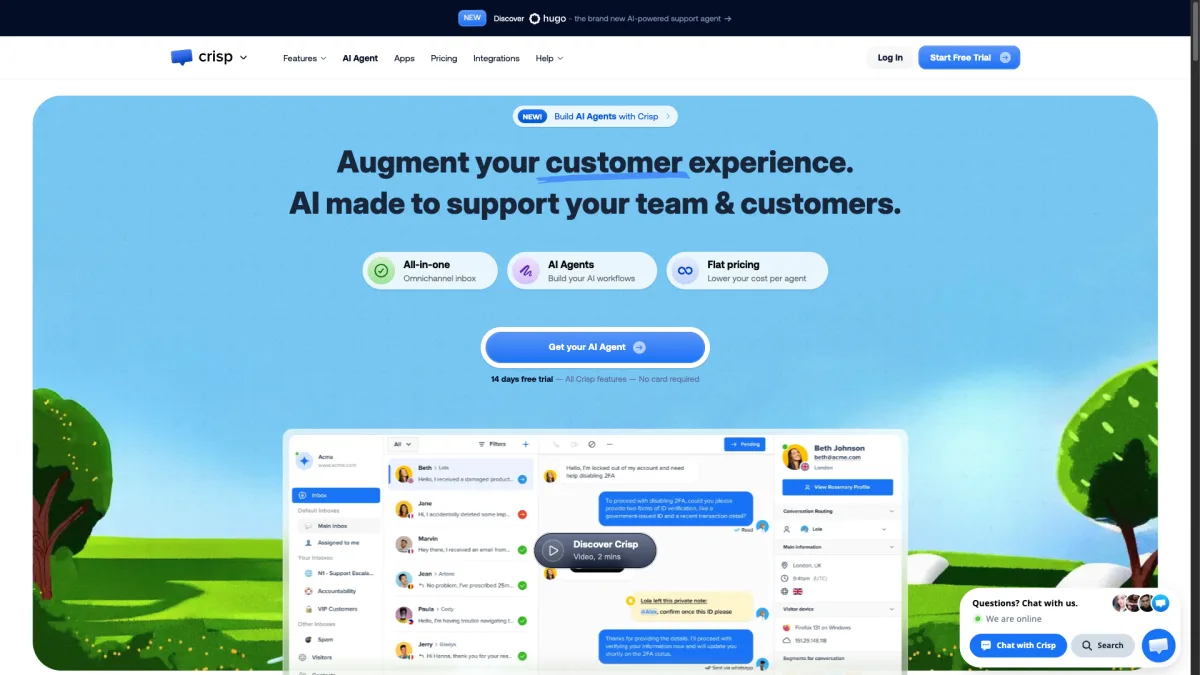
EU-based with strong privacy. Crisp stores data in Europe and complies with GDPR by design. This matters for businesses that need data within the EU. (Boei also runs on EU servers in Amsterdam for GDPR-conscious teams.)
Shared inbox for teams. All conversations from chat, email, and messaging apps land in one inbox. Team members can assign, tag, and collaborate without switching tools
MagicReply AI. Crisp's AI feature summarizes conversations and suggests replies. It helps agents respond faster but is not a standalone AI chatbot
The free plan is limited to two agents and basic chat. To get AI features and WhatsApp, you need the $95/month Unlimited plan. The mid-tier $25/month plan still misses several key features.
Crisp also has a steeper learning curve. The dashboard is powerful but dense. If you are coming from GetButton and want something quick, Crisp might feel like overkill.
Best for: EU-based teams that prioritize data privacy and want a shared inbox.
Pricing: Free for 2 agents. Pro plan at $25/month. Unlimited plan at $95/month for AI and all channels.
Elfsight is not a chat tool. It is a widget marketplace with over 80 different website widgets. From contact buttons and chat icons to Instagram feeds and countdown timers. If GetButton is too limited, Elfsight gives you a whole universe of widgets.
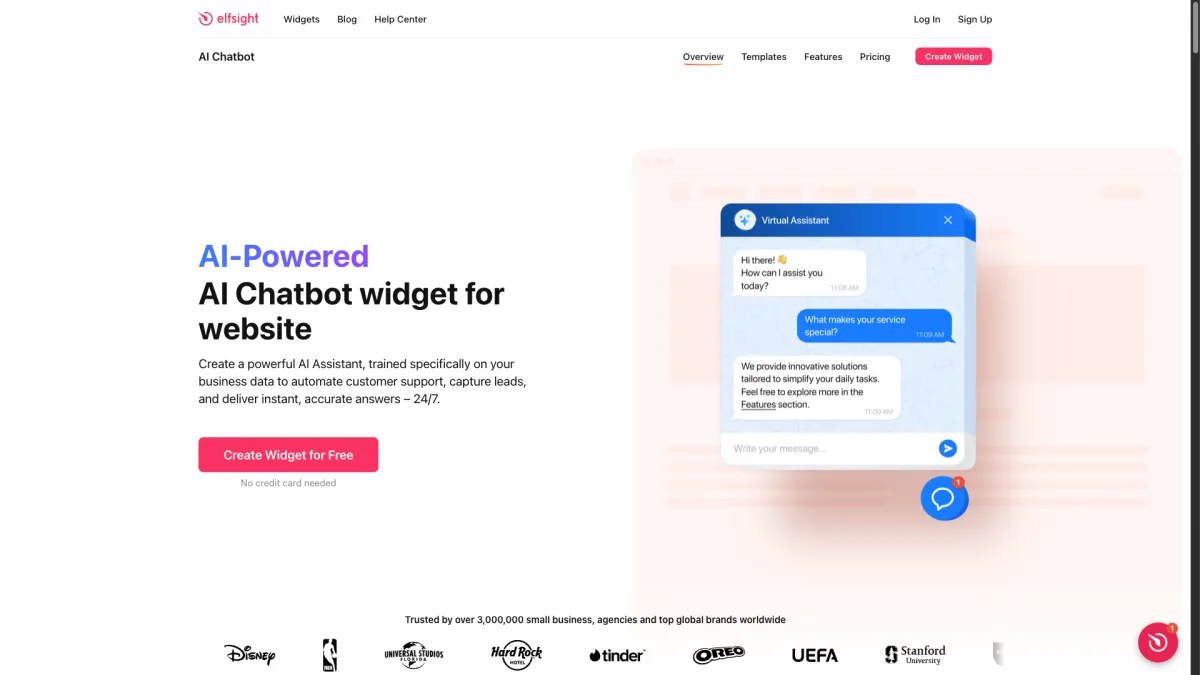
Massive widget variety. Over 80 widget types covering social proof, contact, e-commerce, and media
No coding required. Every widget has a visual editor. Pick a template, customize colors and content, copy the embed code, and paste it into your site
Elfsight recently added an AI Chatbot widget, but it is separate from the contact button widget. There is no real-time messaging, and analytics are limited to basic view counts. The contact button widget links to external apps just like GetButton. It just looks nicer.
Pricing adds up. The free plan limits you to one widget with Elfsight branding. Paid plans start at $5/month per widget. Three widgets on paid plans would cost $15/month, and you still would not have AI or chat.
Best for: Websites that need a variety of widgets beyond just a contact button.
Pricing: Free with branding. Paid plans from $5/month per widget.
Chatbase takes a different approach. Instead of a multi-channel button, it gives you an AI chatbot trained on your content. Upload documents, paste URLs, or connect your knowledge base.
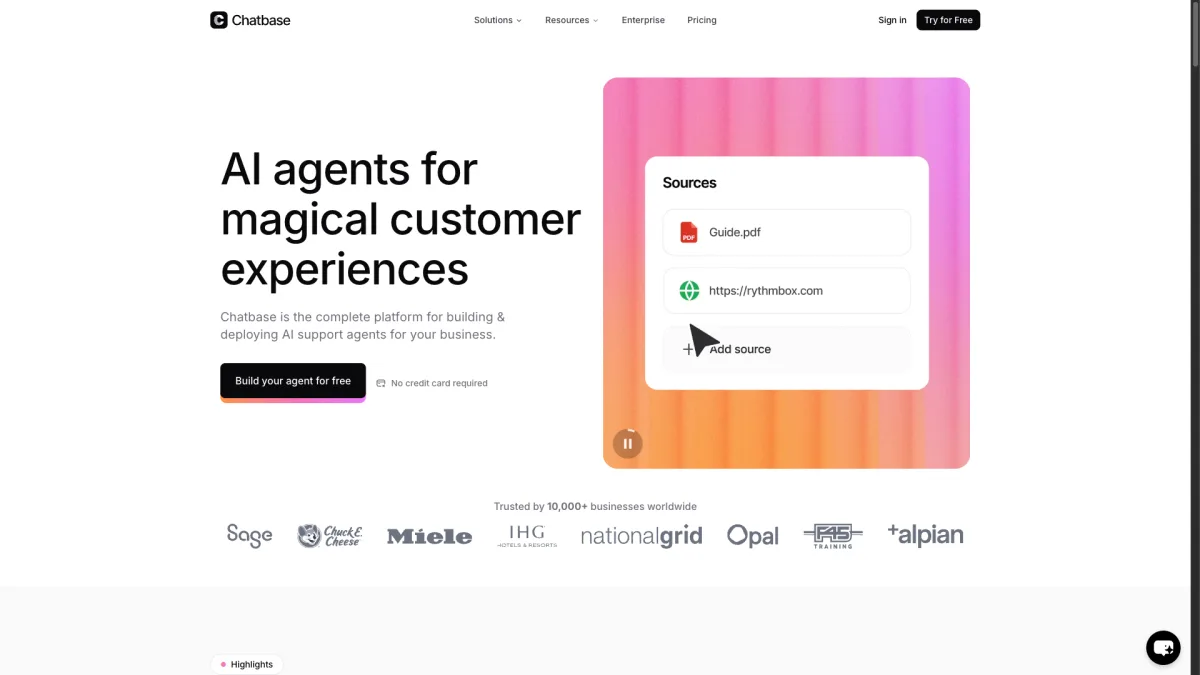
Custom AI chatbot from your data. Upload PDFs, paste website URLs, or type in Q&A pairs. Chatbase builds a GPT-5-powered chatbot using only your information
Lead collection built in. The chatbot can ask for name and email during the conversation, turning visitors into leads
Simple setup. You can have a working AI chatbot on your site in under 10 minutes
Chatbase primarily does AI chat. WhatsApp is available via integration, but there is no contact form, no phone link, and no multi-channel widget. If visitors want to reach you through anything other than the chatbot, options are limited. It also lacks the floating button design GetButton users know.
AI response quality depends on the data you provide. Thin or outdated content leads to incomplete answers. You need to invest time curating training data. Tools like Boei handle this more automatically by crawling your website.
Best for: Businesses that want a simple AI chatbot without a full messaging platform.
Pricing: Free tier with limited messages. Paid plans start at $40/month.
Chaty is the closest alternative to GetButton in concept. It is a floating contact button with 20+ messaging channels. WhatsApp, Messenger, Telegram, Viber, and more.
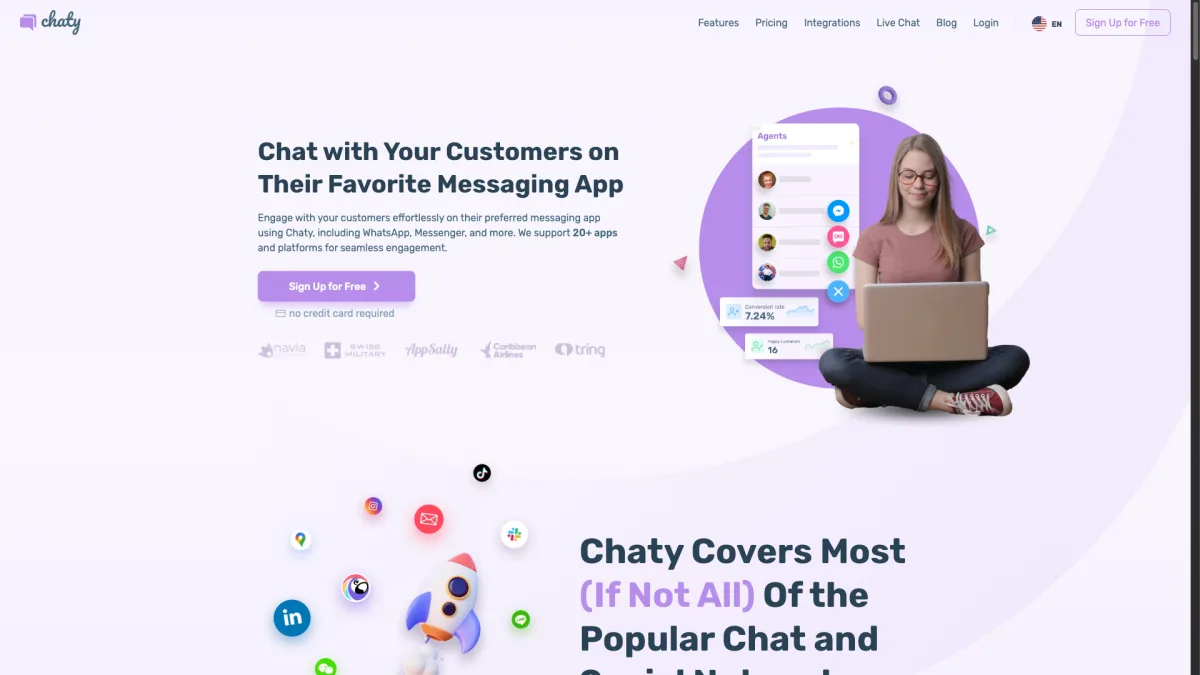
20+ contact channels. More channel options than GetButton, with support for popular and regional messaging apps. You can show different channels based on page or device
Better customization. More control over button placement, colors, animations, and triggers. You can set it to appear after a delay or on specific pages
The core limitation is the same as GetButton. Chaty is a link launcher, not a chat tool. There is no AI chatbot, no contact forms, and no real-time messaging. Clicking a WhatsApp button opens WhatsApp. It does not start a conversation on your page.
Chaty has a popular WordPress plugin with solid reviews. But if you are switching from GetButton because you want more features, not just more channels, Chaty will leave you with the same gaps.
Best for: Businesses that want a better-looking GetButton with more channels but do not need AI or forms.
Pricing: Free with branding. Paid plans from $15/month.
LiveChat is an production-ready live chat platform for support teams with multiple agents. It offers a polished chat widget, a robust agent dashboard, and deep integrations.
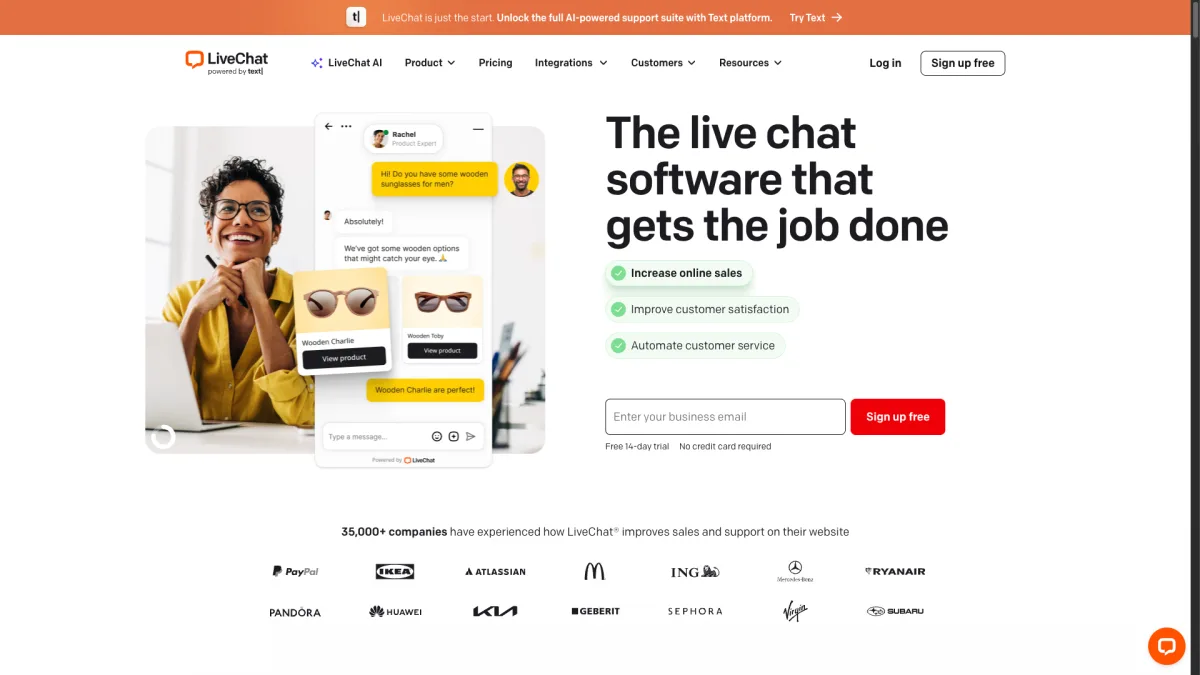
Professional agent tools. Canned responses, chat routing, agent groups, chat ratings, and performance reports
Chat supervision and monitoring. Managers can watch live conversations, step in when needed, and review transcripts
Extensive integrations. LiveChat connects to over 200 tools including CRMs, helpdesks, and e-commerce platforms
LiveChat costs $20/month per agent. A five-person team would pay $100/month for chat alone. The AI chatbot is a separate product (ChatBot by LiveChat) with its own pricing. WhatsApp requires extra setup. This is a full live chat platform, not a multi-channel contact button.
For small businesses coming from GetButton, LiveChat is likely more than you need. The onboarding is longer and the dashboard has more settings than a simple widget requires.
Best for: Support teams with multiple agents that need professional chat tools.
Pricing: $20/month per agent. ChatBot product priced separately.
Chatfuel is a chatbot builder for social media platforms. It started with Facebook Messenger and expanded to WhatsApp and Instagram.
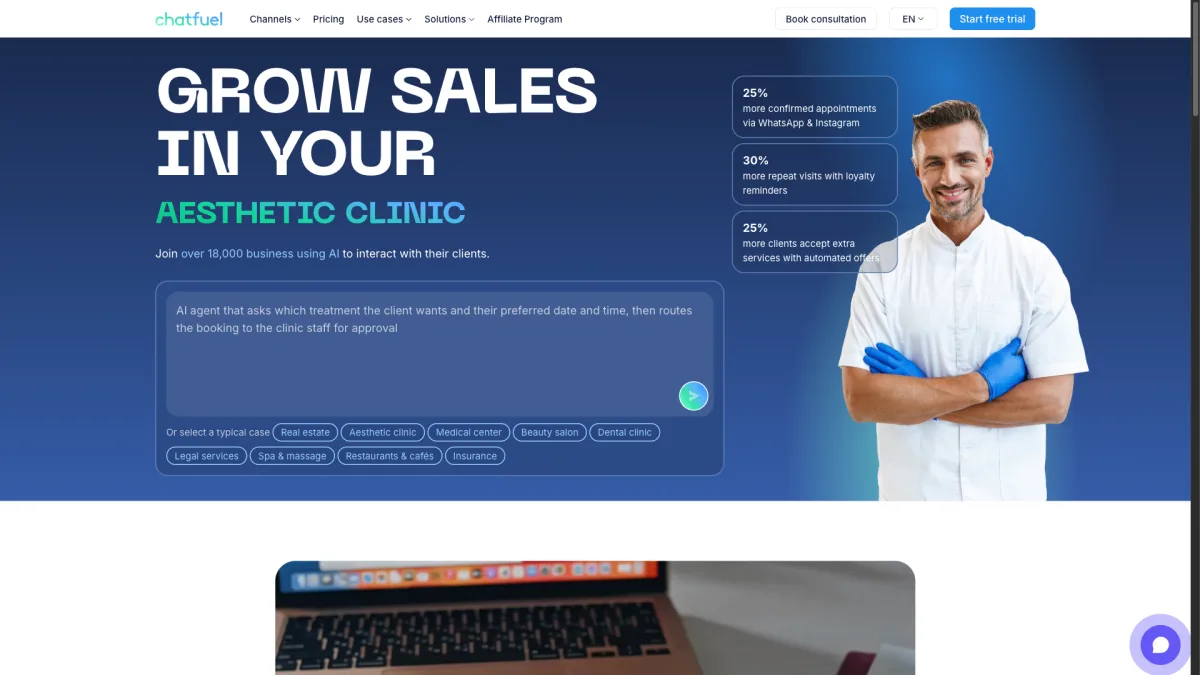
Social media automation. Build chatbots for WhatsApp, Messenger, and Instagram that handle FAQs, collect leads, and guide customers through sales flows
AI-powered responses. Chatfuel uses GPT-5 technology to understand messages and respond naturally. Train it on your business info and it handles conversations without rigid decision trees
E-commerce features. Abandoned cart recovery, order updates, and product recommendations through messaging apps
Chatfuel is limited to three social platforms. There is no website chat widget. The bot lives on Messenger, WhatsApp, or Instagram, not on your site. If you want a floating button on your website, Chatfuel does not do that. Plans start at $14.39/month.
Setup requires connecting your Facebook Business account and going through Meta's approval for WhatsApp API access. This can take a few days. If you just want a quick contact button, Chatfuel adds unnecessary steps.
Best for: Businesses that get most messages through WhatsApp, Messenger, or Instagram and want to automate replies.
Pricing: Starts at $14.39/month. Higher tiers for more conversations and features.
HubSpot Service Hub is the customer service arm of HubSpot. If you already use HubSpot for CRM, marketing, or sales, adding Service Hub gives you live chat, ticketing, a knowledge base, and AI features.
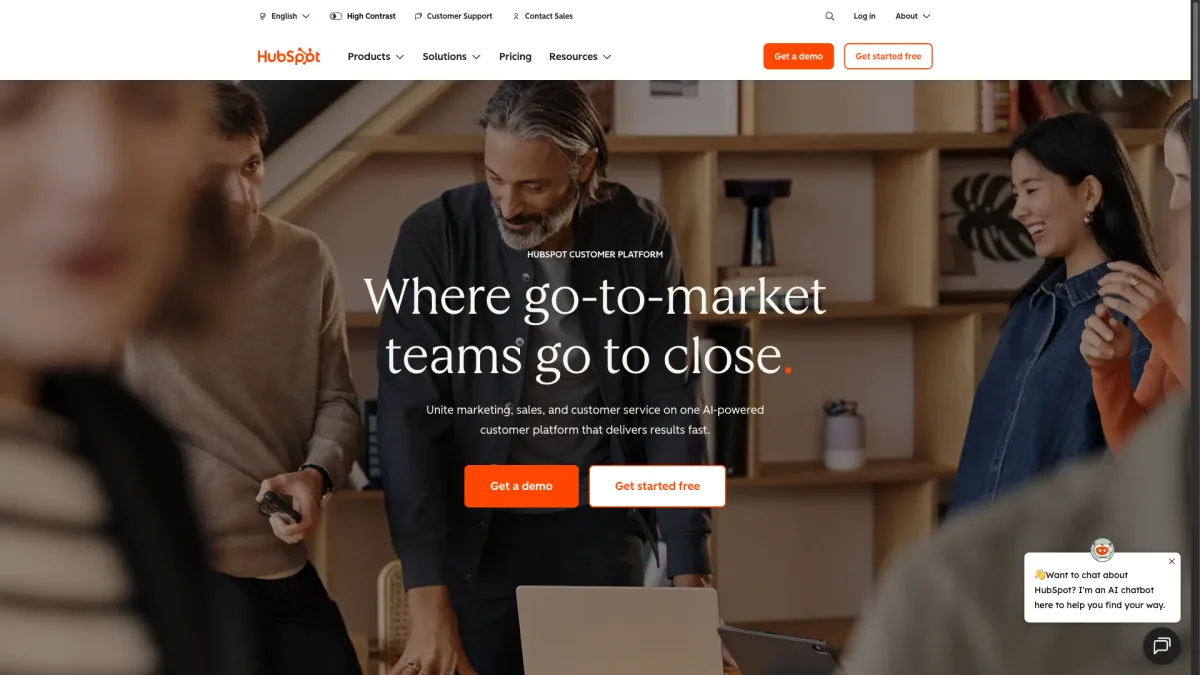
Deep CRM integration. Every chat conversation links to the contact record in HubSpot CRM. Agents see the full customer history in one view
AI chatbot with CRM context. HubSpot's AI assistant answers questions using your knowledge base. It can also pull customer-specific info from the CRM
Omnichannel inbox. Email, chat, forms, Facebook Messenger, and WhatsApp all flow into a single inbox
The free plan is limited but functional. To get WhatsApp, advanced AI, and automation, you need paid plans starting at $45/month. Pricing scales up fast as you add users and features. HubSpot is best when you already use the ecosystem.
If you are not a HubSpot user, adopting Service Hub just for a contact widget makes little sense. The value comes from the CRM connection. Without it, you pay premium prices for features standalone tools offer for less.
Best for: Businesses already using HubSpot CRM that want integrated service tools.
Pricing: Free tier available. Starter at $45/month. Professional and Enterprise tiers for advanced features.
Boei is the best GetButton alternative with AI included. It combines the multi-channel contact button concept with a built-in AI chatbot, contact forms, and analytics. The base plan is $8/month per domain, and the AI chatbot add-on is $6/month for 2,000 replies. That is $14/month with AI. The AI is not charged per conversation or locked behind a premium tier.
Yes, GetButton is genuinely free. There is no paid plan and no hidden fees. The trade-off is a very basic feature set. It is a floating button that links to messaging apps. No AI, no forms, no analytics, and no live chat. For very small websites that just need a WhatsApp link, free GetButton works fine. But most growing businesses quickly outgrow it.
A contact button (like GetButton or Chaty) links visitors to external messaging apps. Clicking the WhatsApp button opens WhatsApp. The conversation does not happen on your website. A chat widget (like tawk.to or LiveChat) opens a conversation directly on your page. Visitors can message you without leaving your site. Some tools like Boei offer both: multiple contact channels plus on-site chat and AI.
Boei supports over 50 channels and contact options, making it the most versatile alternative. Elfsight offers 80+ widgets total, but those are not all contact channels. They include things like Instagram feeds and countdown timers. For pure contact channel variety, Boei leads the category.
Yes, all 10 alternatives work on WordPress. Most offer a WordPress plugin or a simple embed code. Boei, Chaty, and Elfsight all have dedicated WordPress plugins. Just install, activate, and configure from your dashboard. The same applies to platforms like Shopify, Wix, and Squarespace.
You can use both, but it is not recommended. Two floating buttons create a confusing experience and can slow page load times. If your new tool covers the same channels plus more, there is no reason to keep both. Remove the GetButton script first, then add your new tool.
GetButton did something smart. It made it simple to add a multi-channel contact button to any website. But the web has moved on. Visitors in 2026 expect AI-powered answers, on-site forms, and seamless experiences. A contact button that only redirects to WhatsApp is no longer enough.
If you want the multi-channel button concept with everything GetButton is missing, Boei is the most direct upgrade. It gives you 50+ channels, AI chat, contact forms, and analytics starting at $8/month per domain ($14/month with AI).
Try Boei free for 7 days - no credit card required.

Article by
Ruben is the founder of Boei, with 12+ years of experience in conversion optimization. Former IT consultant at Ernst & Young and Accenture, where he helped product teams at Shell, ING, Rabobank, Aegon, NN, and AirFrance/KLM optimize their digital experiences. Now building tools to help businesses convert more website visitors into customers.
Get 30% more conversations and effortlessly convert them into customers.
Don't wait, experience it for free yourself!
URL
Trusted by 10,000+ businesses
Quick 5-min, no code setup






Discover how a lead generation chatbot captures, qualifies, and converts leads 24/7. Complete 2026 guide with strategies, examples, and setup steps.

Build a lead generation funnel that converts 3x better. Simple 6-step guide with examples, tools, and AI tips to turn visitors into customers.
Learn how to become a lead generation specialist and generate leads for your business. Discover the key skills, strategies, and tools needed for success.
Discover how to use Facebook Messenger auto reply to enhance your customer engagement and deliver prompt responses.

Discover how omnichannel chatbots are changing customer service by providing smooth and personalized experiences across multiple channels.


 from Utrecht