Does the WordPress plugin include an AI chatbot?
Yes. AI is included in every Boei plan, not a paid add-on. Your AI chatbot handles first responses, answers questions from your WordPress content, qualifies leads automatically. Escalates warm prospects to your team on WhatsApp or Messenger. 2,000 AI messages included per month.
Do I need to be online 24/7?
No. Your AI handles it. It answers visitor questions instantly, qualifies leads, and captures contact details around the clock. When your team is available, AI escalates warm leads directly to them. When you're offline, AI continues working and queues qualified leads for follow-up.
How quickly can I add AI live chat to WordPress?
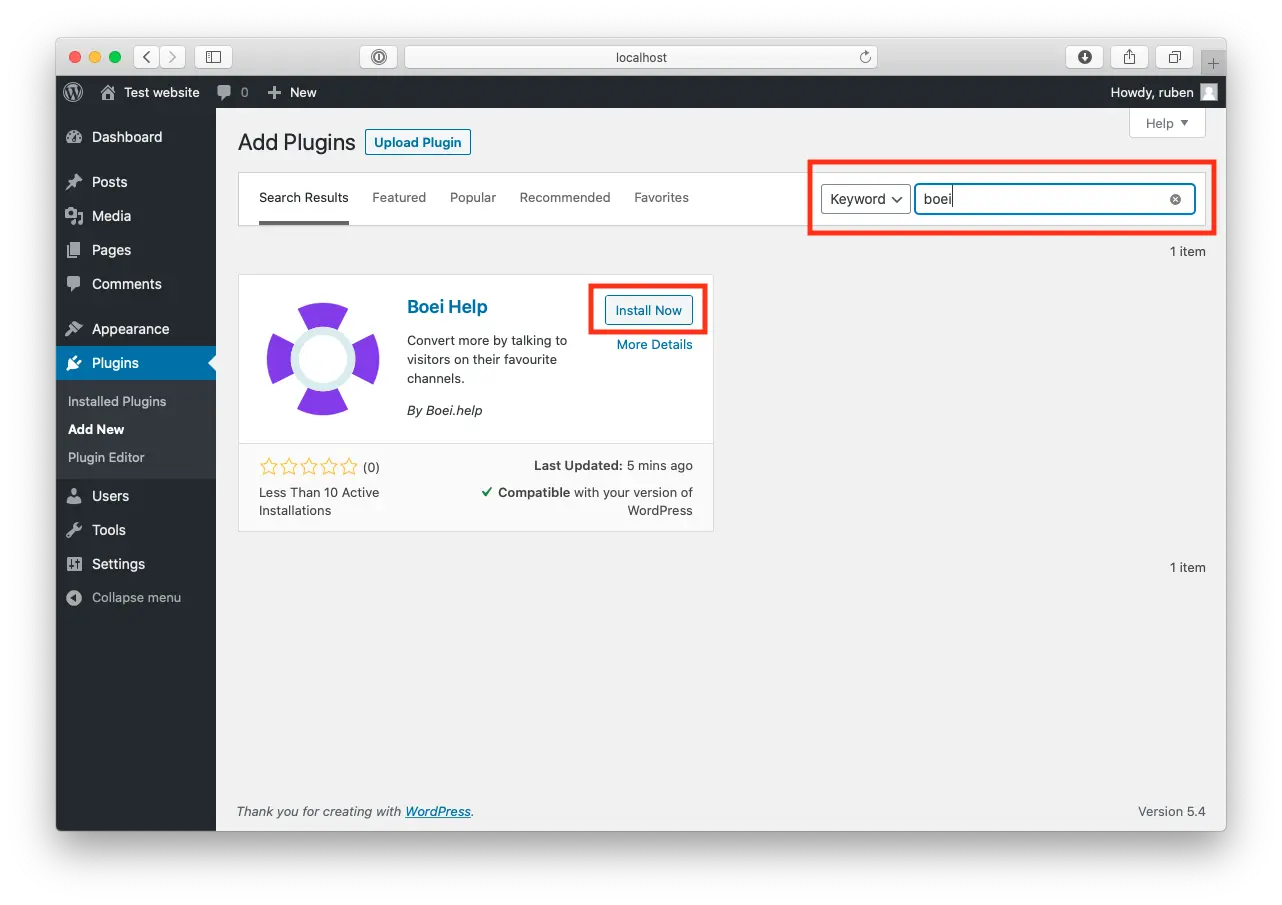
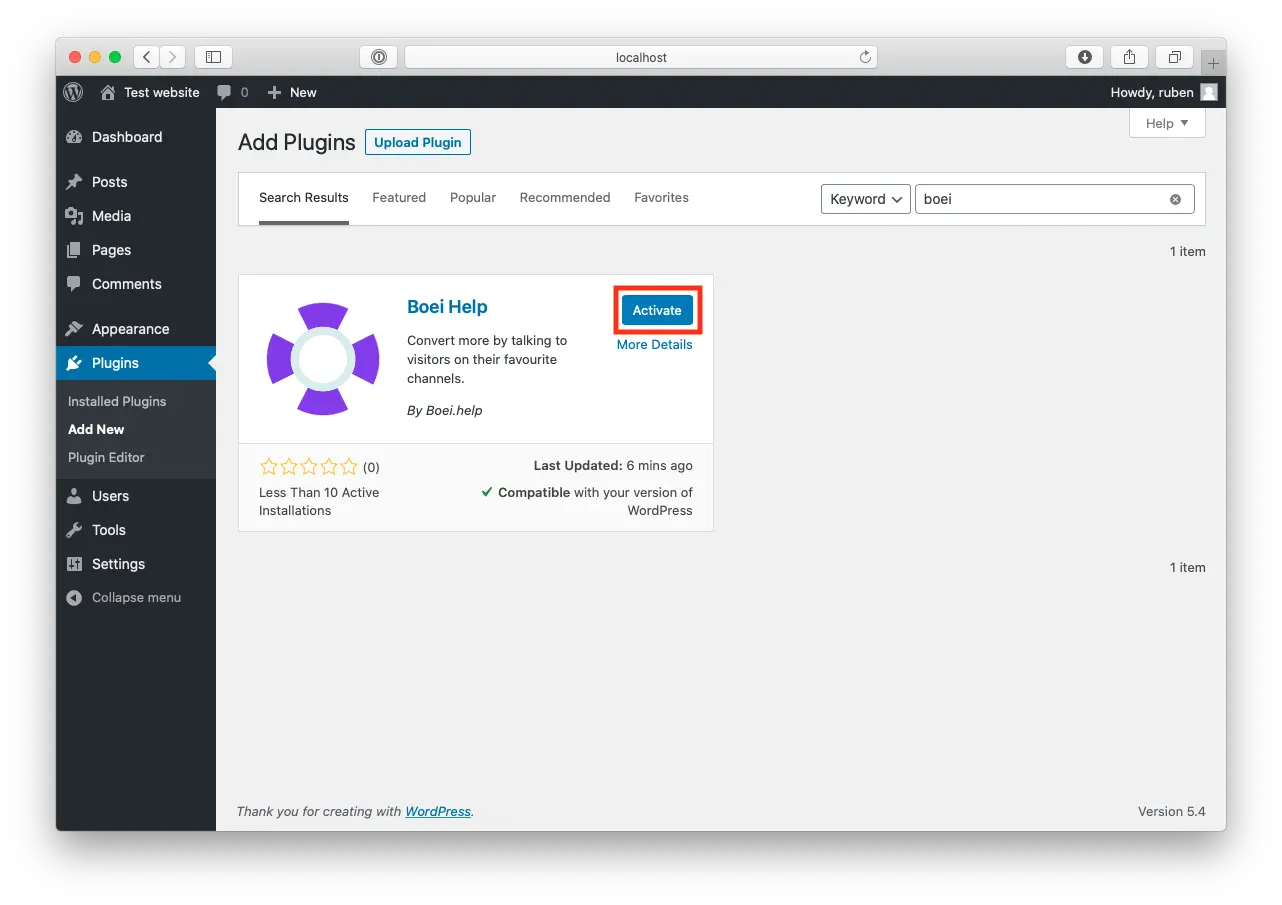
5 minutes. Install the Boei plugin from the WordPress repository, create your account, point the AI at your site URL, and you're live. The plugin is compatible with every WordPress theme and page builder.
See our installation guide.
Will this slow down my WordPress site?
No. Boei loads asynchronously after your page content, has no jQuery dependency, and uses CDN delivery. Zero impact on page load times or Core Web Vitals. Tested with all major caching plugins including WP Rocket, W3 Total Cache, and LiteSpeed.
Does it work with WooCommerce?
Yes. Perfectly. AI answers product questions, handles shipping and returns inquiries, recommends products, and recovers abandoned carts by proactively engaging hesitant shoppers. Works with all WooCommerce themes and extensions.
How does AI-to-human handover work?
You define the rules: escalate when a lead is qualified, when AI can't answer, when the visitor asks for a human, or when pricing negotiations start. Your team gets the full conversation history and lead score on WhatsApp, Messenger, or email.
Can I use multiple team members?
Yes. Unlimited team seats at no extra cost. Configure smart routing for escalated conversations: round-robin, random assignment, or manual claim. AI handles qualification, your team handles closing.
What channels does it support besides live chat?
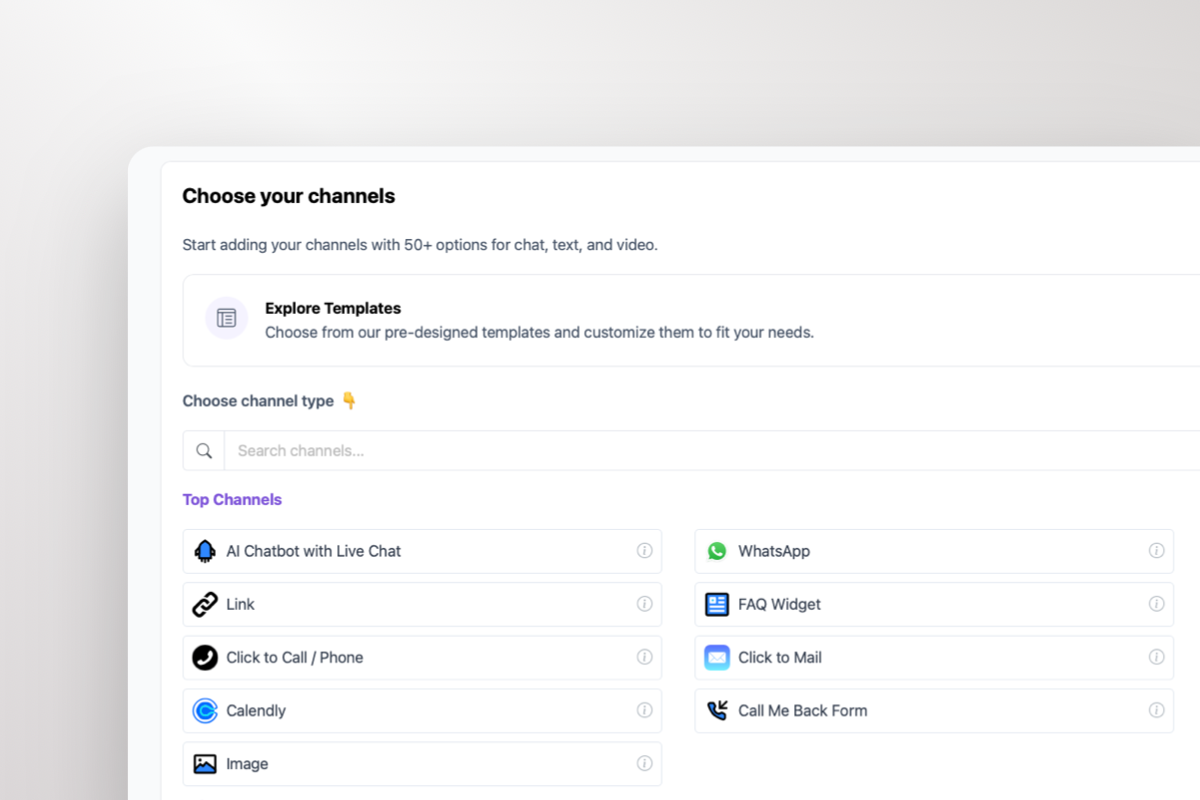
50+ channels including
WhatsApp,
Messenger,
Telegram,
Instagram DM,
contact forms,
email,
phone,
SMS, and more. Your AI works across all channels from one WordPress widget.
Is it compatible with my WordPress theme?
Yes. Boei works with every WordPress theme and page builder including Elementor, Divi, Gutenberg, GeneratePress, Astra, Kadence, and custom themes. It also works alongside all major plugins: WooCommerce, LearnDash, MemberPress, Contact Form 7, Yoast SEO, and more.
Is Boei GDPR compliant?
Yes. Boei is built by a Dutch company with all servers in Amsterdam. The WordPress plugin runs cookieless by default. No consent banner needed for the widget itself. We provide a DPA for enterprise WordPress agencies.
What's included for from $11/month?
AI chatbot (2,000 messages), unlimited conversations, unlimited team seats, all 50+ channels, lead scoring, analytics, CRM inbox, and use on unlimited WordPress multisite installations. One flat price. No per-agent fees like Tidio or LiveChat.
Can I try it free?
Yes. 7-day trial with full AI access. Install the WordPress plugin, train AI on your pages, and watch it qualify visitors in real-time. No credit card required.






 Shopify
 Wix
Wix
 Squarespace



























 from Utrecht