Looking for Zendesk Chat alternatives that won't break your budget? At $55 per agent per month, plus $1 per AI resolution, Zendesk pricing hits small teams hard. Five agents with 500 AI conversations costs $775/month. This guide compares ten affordable alternatives with live chat, AI, and multichannel messaging. We tested each for setup speed, channel coverage, AI quality, and total cost.
TL;DR: Boei is our top pick at $14/month with AI and 50+ channels, saving over 94% compared to a five-agent Zendesk setup at $775/month. Alternatives range from free (tawk.to) to $74/seat (Intercom), with most options under $100/month. Unless you need enterprise ticketing, SLA management, and 1,000+ integrations, you can get comparable chat and AI at a fraction of Zendesk's cost.
| Tool | Starting Price | AI Chatbot | Channels | Best For | |
|---|---|---|---|---|---|
| Boei | $14/mo (with AI) | $6/mo add-on | Included | 50+ | Overall value |
| Tidio | Free / $29/mo | $0.50/conv | $59/mo extra | ~10 | E-commerce |
| Crisp | Free / $25/mo | $95/mo plan | $95/mo plan | ~6 | EU-based teams |
| tawk.to | Free | $29/mo add-on | No | 1 | Zero budget |
| LiveChat | $20/agent/mo | Separate product | Via integration | 5 | Agent teams |
| Freshchat | $15/agent/mo | Add-on | Add-on | 8+ | Freshworks users |
| HubSpot Service Hub | Free / $45/mo | Included | Higher plans | 8+ | HubSpot ecosystem |
| Help Scout | $20/user/mo | Included | No | 4 | Email-first support |
| Intercom | $74/seat/mo | $0.99/resolution | Higher plans | 6 | Enterprise |
| Kommunicate | $40/mo | Included | Yes | ~5 | Mobile apps |
Zendesk Suite Team starts at $55 per agent per month on an annual contract. A team of five agents pays $3,300 per year just for the base plan. The Professional tier unlocks custom analytics and skills-based routing. It jumps to $115 per agent. That is $6,900 per year for five agents, or $575 per month. For small teams that need only live chat and a few channels, the math does not work. Tools like Boei start at $8/month per domain for the widget. Add AI for $6/month. Even premium picks like Intercom cost less once you count features Zendesk locks behind higher tiers.
Zendesk was built for large support operations. Its admin panel shows that heritage. Setting up a basic workflow means navigating triggers, automations, views, macros, and SLA policies across multiple pages. Small teams often spend hours setting up features they will never use. In our testing, it took about 45 minutes to set up a Zendesk chat widget with basic routing. Simpler tools like Boei or tawk.to took under five minutes.
Zendesk added AI agents in 2024, but they cost $1 per automated resolution. That fee sits on top of your per-agent subscription. If your AI bot handles 500 conversations per month, that is an extra $500. That could exceed your entire base subscription. Many competitors now bundle AI into their standard plans. When you add AI to a five-agent Zendesk setup, your monthly bill jumps from $275 to $775. That is a 182% increase just for automating part of your workload.
Zendesk Chat delivers its best value when paired with Zendesk Support, Guide, and Explore. Using the chat widget alone means paying premium prices without the integrations that justify them. If you do not need the full suite, you are paying for features built for someone else. Moving away gets harder over time. Your team builds habits around Zendesk workflows. Your conversation history and customer data live inside their system.
Many small businesses just need a way for visitors to reach them. A chat bubble that connects to WhatsApp, a contact form, maybe a few auto-answers. Zendesk solves a different problem entirely. It manages high-volume, multi-tier support with SLA tracking, workforce scheduling, and cross-department escalation. If your support model is "three people answering questions between other tasks," you are paying for a 50-person call center setup. The overhead is not just financial. Every minute in Zendesk's admin panel is a minute not spent helping customers.
Zendesk Chat locks you into the full Zendesk Suite at $55/agent/month and charges $1 per AI resolution on top. Boei gives you AI chat and 50+ channels as a standalone tool for $14/month. No ecosystem lock-in required. You do not need to buy a helpdesk, a CRM, and a knowledge base just to add chat to your website.
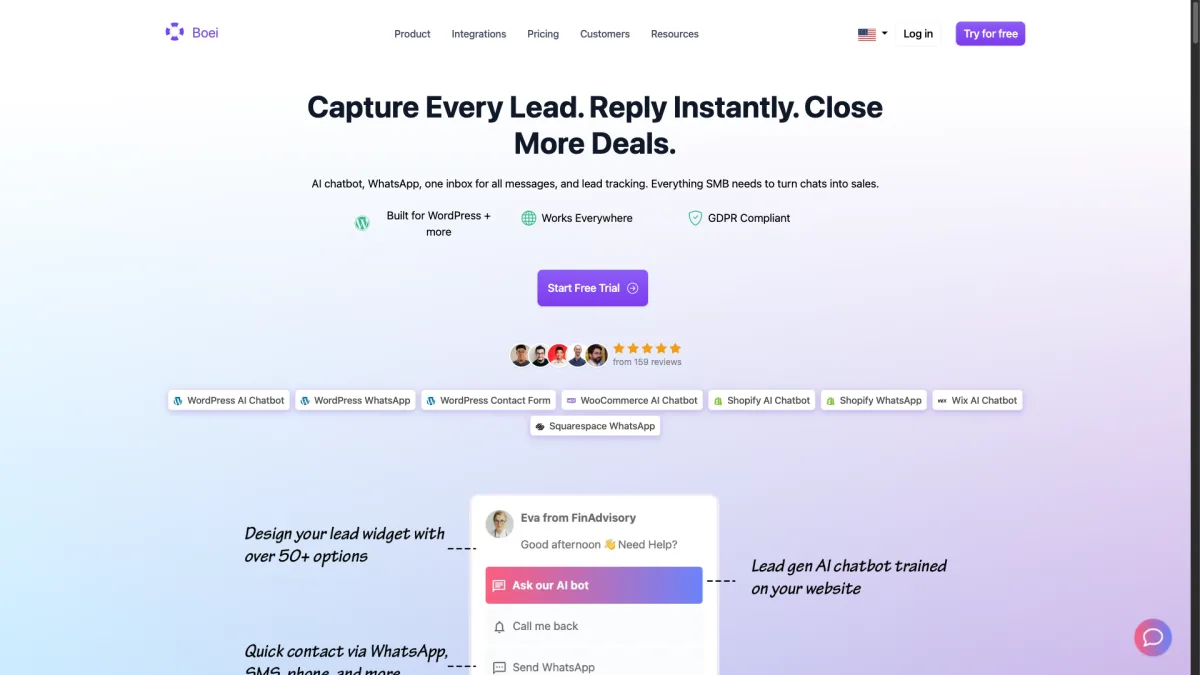
Setup takes under five minutes. You paste a single script tag into your site. Choose which channels to display. Then set up your AI chatbot using your existing FAQ content or website pages. There is no complex admin panel to learn. The product was designed for small teams from day one. The AI chatbot add-on costs $6/month and handles common questions on its own. It only routes truly complex issues to your human team. The add-on includes 2,000 AI replies per month. That is more than enough for most small businesses.
What stands out most is the pricing model. The base widget costs $8/month per domain. That covers WhatsApp, contact forms, a shared inbox, contacts, and analytics. Add the AI chatbot for $6/month. Need live chat? Each agent costs $6/month. So a small team can get started with AI for just $14/month. For small businesses burned by per-seat pricing, that clarity is worth a lot. There is a 7-day free trial with no credit card required.
For teams leaving Zendesk, the switch is simple. Remove the Zendesk script tag from your site. Add the Boei snippet. Set up your channels. The whole process takes minutes, not days. You will not find Zendesk's ticketing queues or SLA tools here. But if your team was not using those anyway (and many small teams are not), you gain 50+ channels and AI at a fraction of the cost. Boei shines brightest for a small business that wants WhatsApp, Messenger, and live chat at the same time without enterprise pricing.
Strengths:
Weaknesses:
Best for: Small teams that want maximum channel coverage and AI without enterprise pricing.
Pricing: $8/month per domain (widget + inbox + contacts + analytics). AI chatbot $6/month add-on. Live chat agents $6/month each. Annual plans. 7-day free trial, no credit card required.
Ratings: 4.7 on G2, 5 on Capterra, 4.7 on Trustpilot. Used by 10,000+ businesses.
Compare Boei vs Zendesk Chat in detail
Tidio has built a strong spot in e-commerce live chat. It is popular with Shopify and WooCommerce store owners. The platform combines live chat with a visual chatbot builder called Flows. You create automated conversation paths using drag-and-drop. For online stores, the pre-built templates for abandoned cart recovery, order status, and product tips deliver value right away.
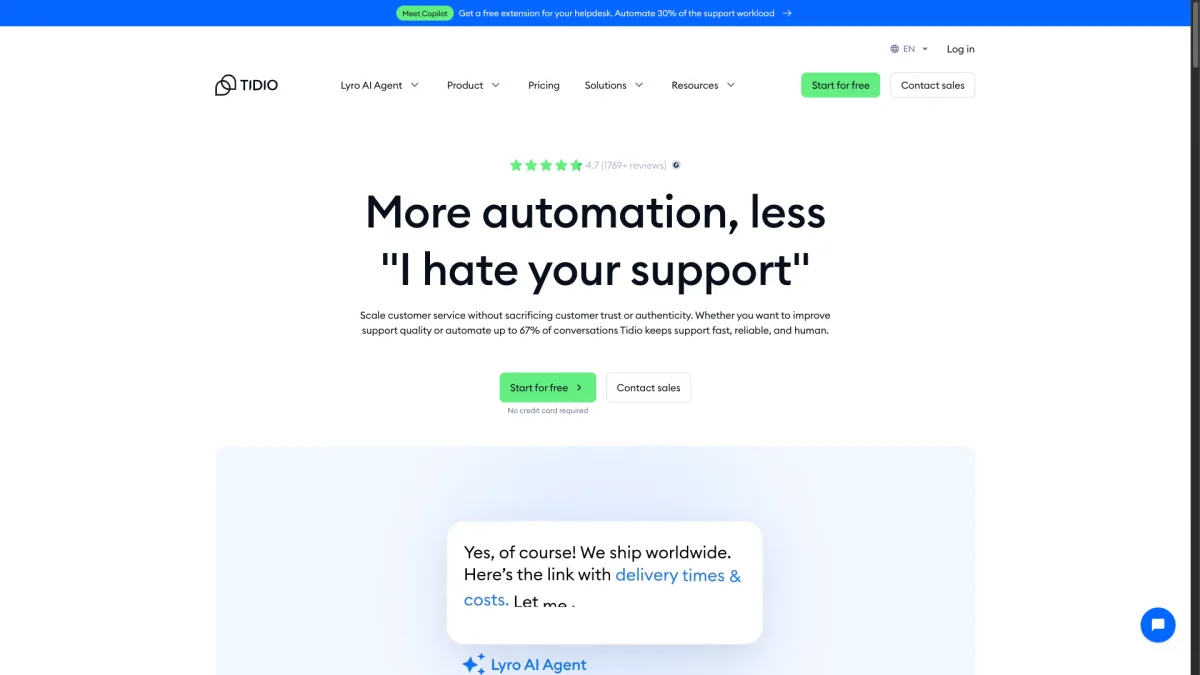
The free plan is useful. It offers live chat for up to 50 conversations per month and basic chatbot features. The Communicator plan at $29 per month unlocks unlimited conversations and visitor info panels. The AI-powered Lyro add-on is where costs climb. Lyro charges $0.50 per conversation. WhatsApp needs the Tidio+ plan starting at $59 per month. A team of five handling 500 AI conversations per month would pay $29 base plus $250 in Lyro fees. That is roughly $280 per month before adding WhatsApp, which pushes past $340.
The interface is clean. The shared inbox pulls in messages from live chat, email, Instagram, and Messenger. The mobile app works well for on-the-go support. Where Tidio falls short is channel count. It covers about ten channels compared to Boei's fifty-plus. Adding premium channels pushes you into higher pricing tiers.
For teams leaving Zendesk, Tidio feels familiar if you used Zendesk's chatbot features. The Flows builder is easier to use than Zendesk's bot builder. The e-commerce integrations are deeper out of the box. Tidio excels for a mid-size Shopify store doing 200 to 1,000 orders per month that wants automated pre-sale support and cart recovery.
Strengths:
Weaknesses:
Best for: E-commerce stores on Shopify or WooCommerce that want chatbot automation.
Pricing: Free for basics; $29/month for Communicator; Lyro AI at $0.50/conversation extra.
Crisp is a French-built customer messaging platform. It appeals to European teams who care about GDPR compliance and data sovereignty. The product covers live chat, a shared inbox, a knowledge base, and a chatbot builder. The interface feels modern and clean. The real-time message preview shows what visitors type before they hit send. That gives agents a head start on responses.
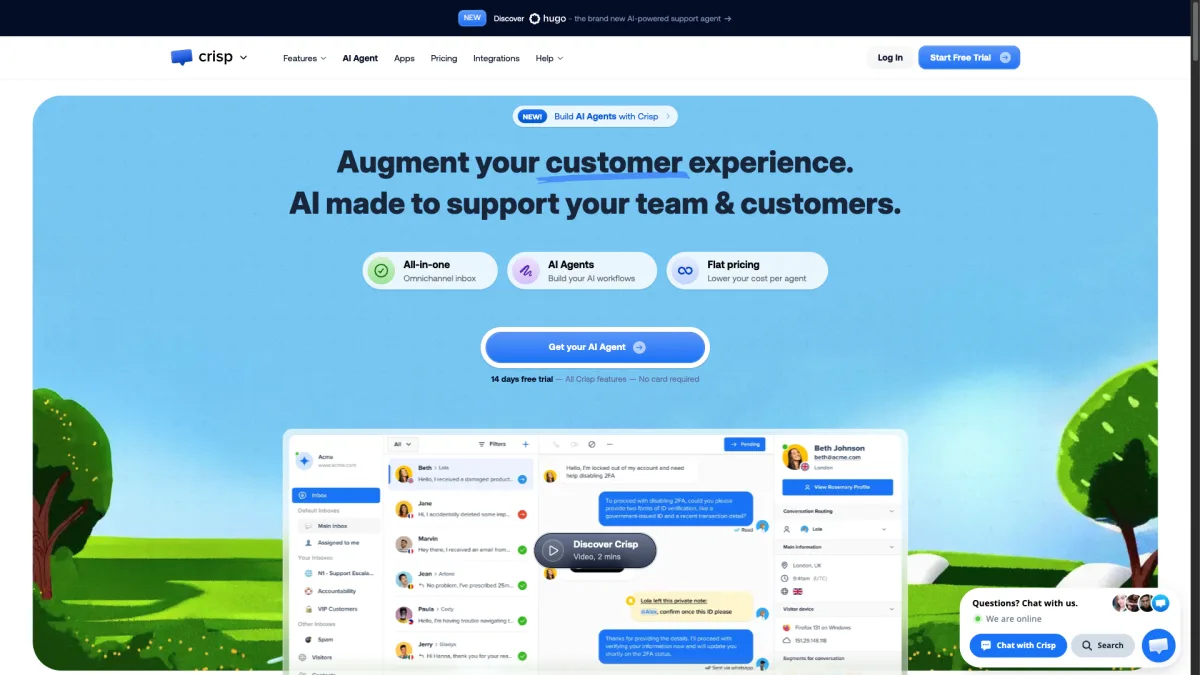
The free plan supports two agents with basic live chat. The Pro plan at $25 per month per workspace (not per agent) adds the knowledge base and automated messaging. For the AI chatbot, WhatsApp, and advanced analytics, you need the Unlimited plan at $95 per month per workspace. That is a big jump. Teams wanting AI or WhatsApp must commit to a plan with features they may not need.
Crisp handles about six channels: live chat, email, Messenger, Instagram, X (formerly Twitter), and WhatsApp (top plan only). The MagicReply AI uses OpenAI to suggest responses from your knowledge base. It works well when your docs are thorough. For EU teams who want data stored on European servers, Crisp is a solid choice. But the pricing gap between Pro and Unlimited is steep.
Switching from Zendesk to Crisp works well if you relied on Zendesk's knowledge base and shared inbox. Crisp bundles both. The workspace pricing is a relief after Zendesk's per-agent model. A team of five on the Unlimited plan pays $95 per month total, not $95 per person. Crisp fits best for a European SaaS company with three to eight support agents that needs GDPR-compliant chat with a knowledge base.
Strengths:
Weaknesses:
Best for: EU-based teams that prioritize data sovereignty and GDPR compliance. (Boei also hosts data on EU servers in Amsterdam, so it is another GDPR-friendly option with broader channel coverage.)
Pricing: Free for 2 agents; $25/month Pro; $95/month Unlimited.
tawk.to holds a unique spot in live chat: it is completely free. No conversation limits, no agent limits, no feature gates. The company makes money through optional paid add-ons. You can hire tawk.to agents to handle your chats ($29/month per agent), remove branding ($19/month), or add AI Assist ($29/month). If you just want a live chat widget and have your own people to staff it, you pay nothing.
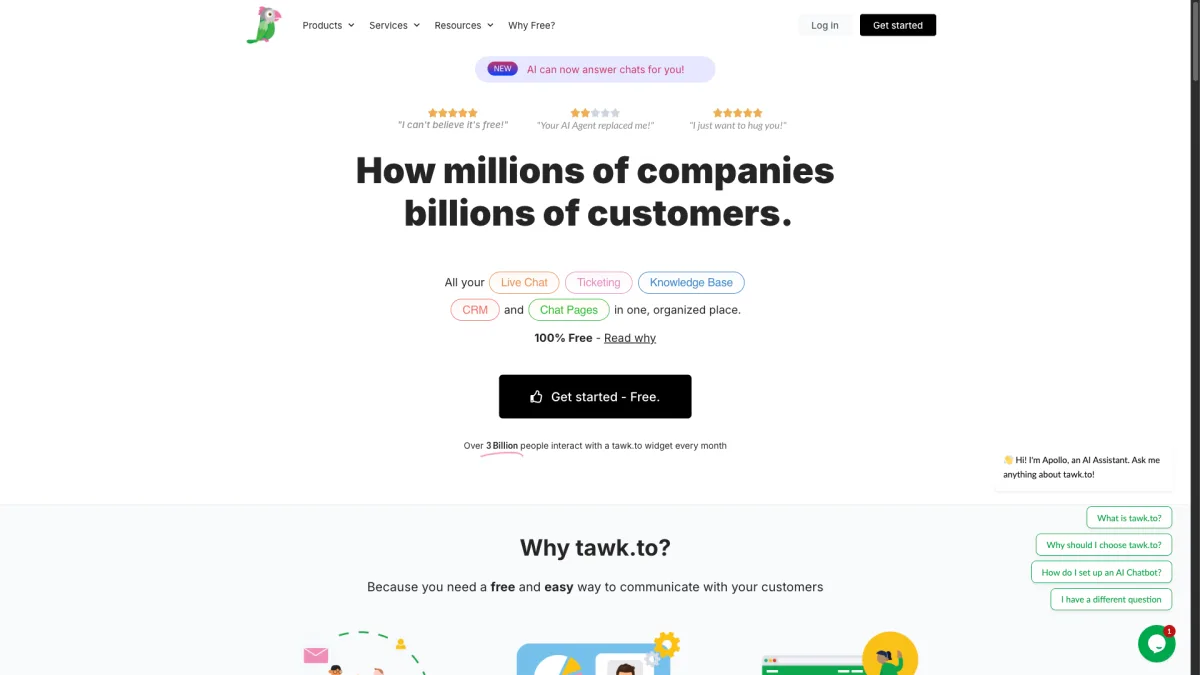
The feature set is deep for a free product. You get canned responses, visitor tracking, file sharing, a ticketing system, a knowledge base, and a customizable widget. The dashboard shows real-time visitor activity on your site. You can start conversations with people browsing specific pages. The mobile apps for iOS and Android work well.
The trade-offs are clear. There is no WhatsApp or social media integration. tawk.to is a website live chat tool, and only that. The AI Assist feature is a paid add-on. The interface looks dated compared to newer tools. And because the product is free, support for tawk.to itself can be slow. For teams with zero budget that need basic live chat, though, tawk.to is hard to beat.
For a team of five switching from Zendesk, tawk.to offers the biggest cost cut possible. From $275 per month (or $775 with AI) down to $0, or $29 if you add AI Assist. The switch is simple: remove the Zendesk widget, paste the tawk.to script, set up your canned responses. The catch is you lose every channel except website chat. If your Zendesk setup handled WhatsApp, Messenger, or email, tawk.to cannot match that breadth. The ideal use case is a local service business (a plumber, a dentist, a small law firm) that gets most inquiries through its website.
Strengths:
Weaknesses:
Best for: Teams with zero budget that need basic live chat and nothing more.
Pricing: Free; optional add-ons: AI Assist $29/month, branding removal $19/month.
LiveChat is one of the oldest live chat platforms on the market. The product shows that maturity. The agent console is refined. The clean layout makes handling multiple chats at once feel easy. Chat transfers between agents, chat tags, and built-in satisfaction surveys are polished from years of work.
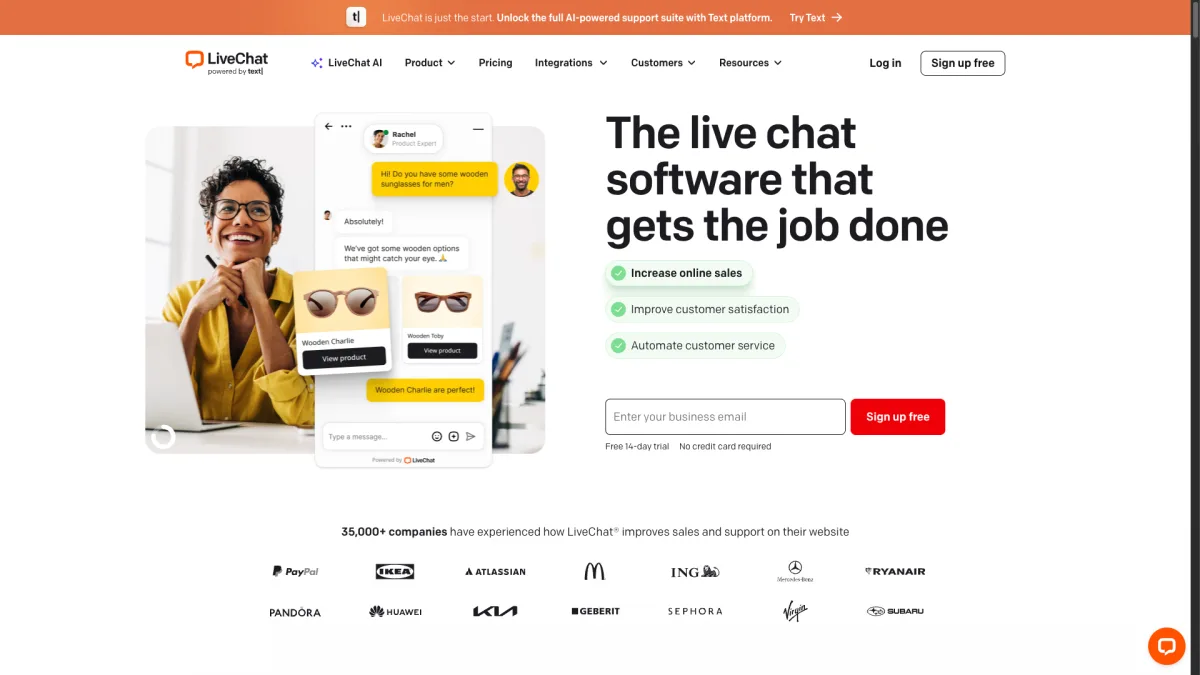
The Starter plan at $20 per agent per month includes chat history, basic widget styling, and a ticketing system. The Team plan at $41 per agent adds unlimited chat history, agent groups, and better reporting. LiveChat is strictly a live chat product. The company sells separate products called ChatBot, HelpDesk, and KnowledgeBase. Each has its own subscription. If you want AI alongside LiveChat, you need ChatBot, starting at $52 per month on top of your LiveChat fee.
WhatsApp needs a third-party connection through the marketplace. LiveChat covers about five channels: website chat, email, Facebook Messenger, SMS, and Apple Messages. The product excels at pure agent-to-visitor live chat. But per-agent pricing plus separate subscriptions for AI and ticketing make it costly for small teams. A team of five on Starter pays $100 per month for live chat alone. Add ChatBot at $52 and you hit $152. Still cheaper than Zendesk, but with fewer channels.
Moving from Zendesk to LiveChat makes sense if your main complaint was complexity, not cost. LiveChat is simpler and more focused. But the per-agent model is the same. You may pay similar amounts once you add companion products. LiveChat shines for a sales team that uses live chat to close deals. The real-time engagement features and chat routing are built for fast-paced conversations where response time drives revenue.
Strengths:
Weaknesses:
Best for: Teams focused on live agent chat that want a proven, stable platform.
Pricing: $20/agent/month Starter; $41/agent/month Team.
Freshchat is the messaging part of the Freshworks suite. It sits alongside Freshdesk, Freshsales, and Freshservice. If your team already uses a Freshworks product, Freshchat fits right in. You get shared contacts, unified billing, and cross-product workflows. The interface follows the same design as the rest of Freshworks. The learning curve is minimal for existing users.
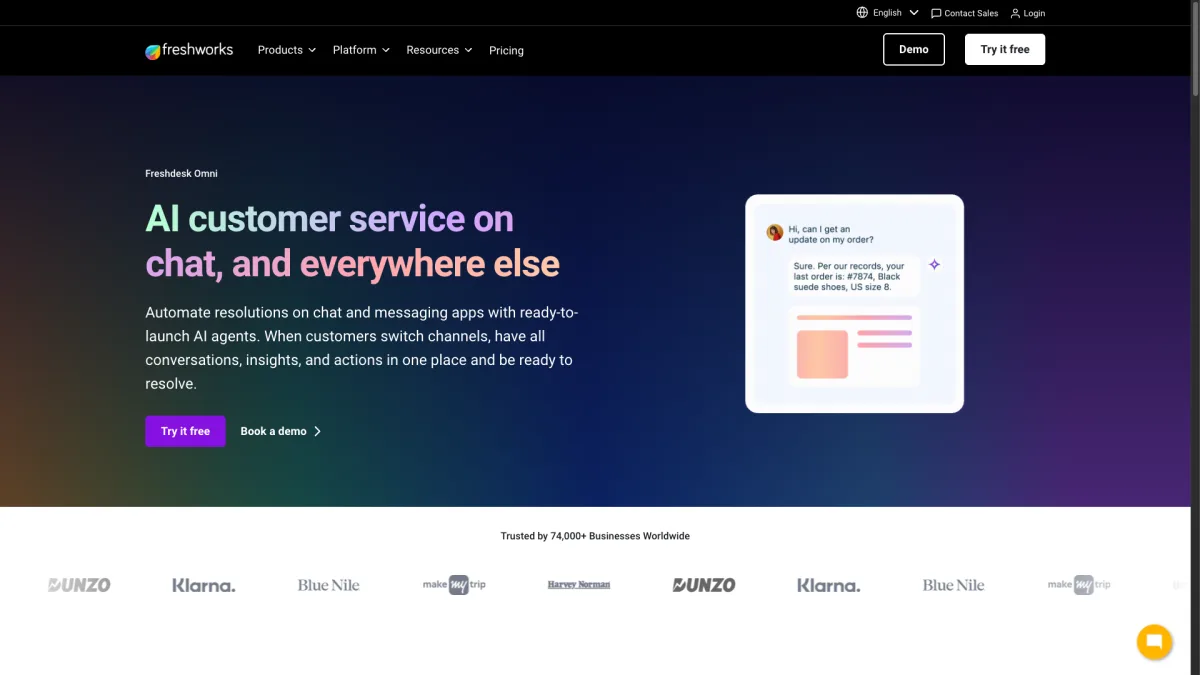
The Growth plan starts at $15 per agent per month. It includes live chat, a basic chatbot builder (called Freddy), email, and Facebook Messenger. WhatsApp, Apple Business Chat, and LINE are add-ons with per-message fees. The AI through Freddy is improving fast. The bot suggests articles, handles FAQ questions, and routes conversations by intent. The most advanced AI features need the Enterprise plan at $79 per agent per month or separate Freddy AI credits.
Freshchat supports over eight channels with all add-ons. That is decent for multichannel support. IntelliAssign routes conversations to agents based on skill level and current workload. That is useful for teams larger than three. The downside is that Freshchat's full power only shows within the Freshworks ecosystem. Add-on pricing for WhatsApp makes the total cost less clear than fixed-rate tools. A team of five on Growth pays $75 per month for the base. Adding WhatsApp and AI can push past $200.
Switching from Zendesk to Freshchat is one of the smoother moves on this list. Both products overlap in structure. Both use per-agent pricing and tiered plans. The key win is the lower entry price: $15 per agent versus Zendesk's $55. Freshchat fits best for a team already using Freshdesk for ticketing that wants live chat from the same vendor.
Strengths:
Weaknesses:
Best for: Teams already using Freshdesk or other Freshworks products.
Pricing: $15/agent/month Growth; $39/agent/month Pro; $79/agent/month Enterprise.
HubSpot Service Hub wraps live chat into the broader HubSpot CRM platform. Every chat is linked to a contact record with full visibility into their marketing history, sales pipeline stage, and past support conversations. For teams already using HubSpot for marketing or sales, this context is gold. Your agent sees which emails the visitor opened and which pages they browsed before starting a chat.
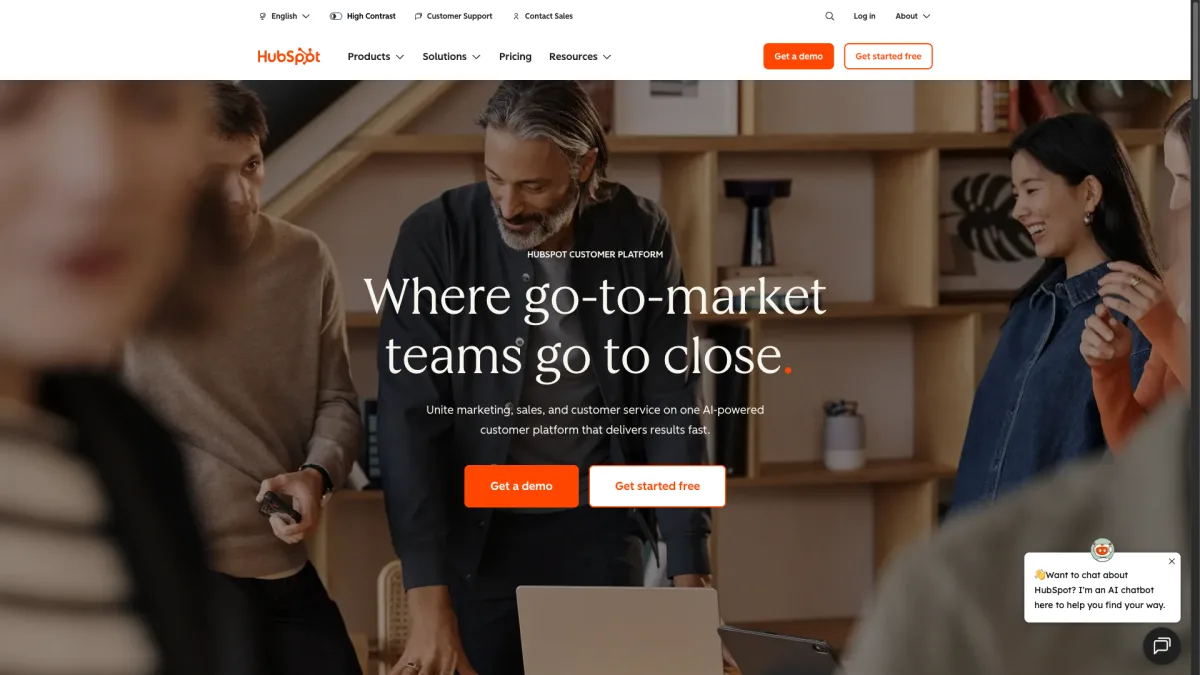
The free plan includes basic live chat and a chatbot builder with limited features. The Starter plan at $45 per month (for two users) adds conversation routing, simple automation, and canned snippets. WhatsApp, advanced chatbot flows, and custom reporting need the Professional plan at $450 per month. That is a steep jump. HubSpot's AI features through ChatSpot and Breeze are included without per-resolution charges. That is a real edge over Zendesk's $1/resolution model.
The platform supports eight or more channels: live chat, email, Facebook Messenger, WhatsApp (Professional and above), forms, and calling. The shared inbox pulls everything into one view. HubSpot Service Hub is excellent if you already pay for HubSpot Marketing or Sales Hub. As a standalone chat tool, the free-to-Professional jump makes it tough to recommend for teams outside the HubSpot world.
For teams coming from Zendesk, HubSpot offers a different pitch: deeper CRM context but less support-specific depth. Zendesk excels at SLA policies, skills-based routing, and workforce tools. HubSpot excels at knowing who your customer is across every touchpoint. The ideal use case is a B2B SaaS company with 50 to 500 customers where marketing, sales, and support all share one customer timeline.
Strengths:
Weaknesses:
Best for: Teams already using HubSpot for marketing or sales.
Pricing: Free basic; $45/month Starter; $450/month Professional.
Help Scout comes from an email-first mindset. Its live chat feature (called Beacon) extends that thinking. Beacon is a widget that combines live chat, knowledge base search, and a contact form. When agents are online, visitors can start a real-time conversation. When they are offline, the widget switches to an email form. No awkward "we're offline" messages.
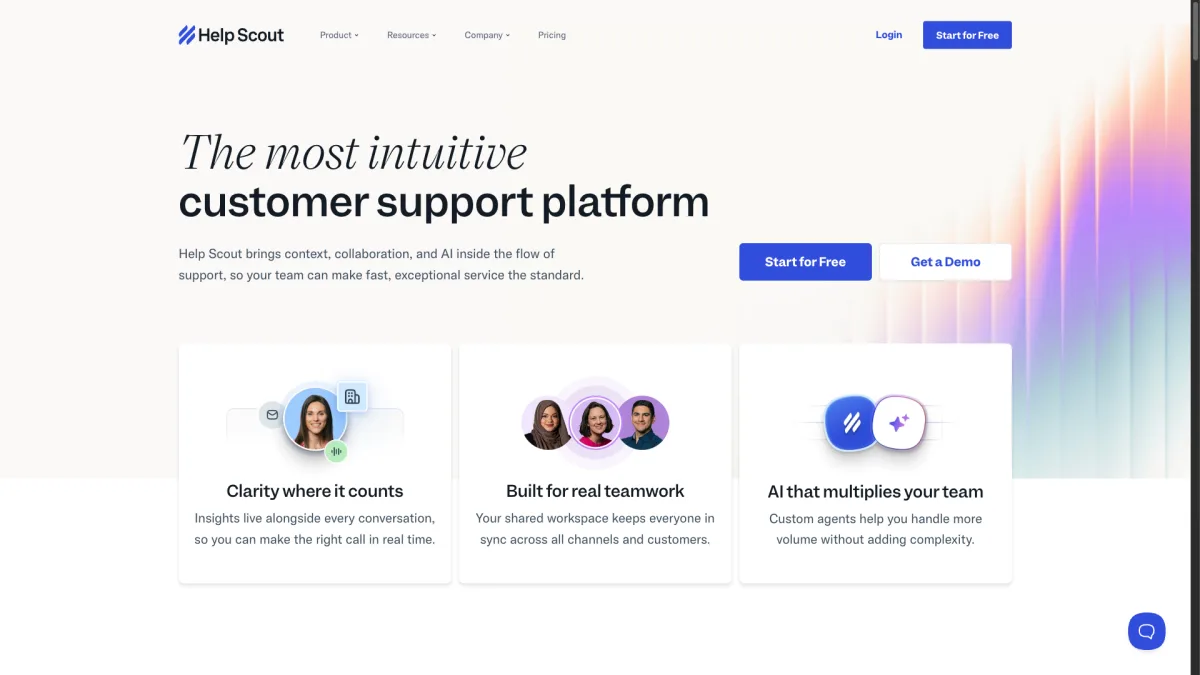
The Standard plan at $20 per user per month includes Beacon, a shared email inbox, a knowledge base, and basic reporting. The Plus plan at $40 per user adds custom fields, Salesforce integration, and advanced permissions. Help Scout's AI features (AI Assist) are included in all plans. They help agents draft replies, summarize long threads, and adjust tone. There are no per-resolution charges.
The limit is channel breadth. Help Scout covers four channels: email, live chat, in-app messaging, and social media (via integrations). There is no WhatsApp, no Telegram, and no SMS. If your customers mostly use email and sometimes live chat, Help Scout is a great tool. If you need WhatsApp, Instagram, and Messenger at the same time, look elsewhere.
Coming from Zendesk, Help Scout feels refreshingly simple. But only if your support is mostly email-based. A team of five on Standard pays $100 per month. That is much less than Zendesk's $275. The AI features are included without extra fees. Help Scout excels for a B2B software company where customers send detailed technical questions via email and use live chat for quick follow-ups.
Strengths:
Weaknesses:
Best for: Email-first support teams that want a polished live chat add-on.
Pricing: $20/user/month Standard; $40/user/month Plus.
Intercom is the closest rival to Zendesk in scope and ambition. It has moved faster on AI. The Fin AI agent launched in 2023 and keeps getting better. It can resolve customer questions using your help center, past conversations, and custom knowledge sources. Fin is strong. In testing, it handled nuanced multi-step questions that simpler bots would escalate right away.
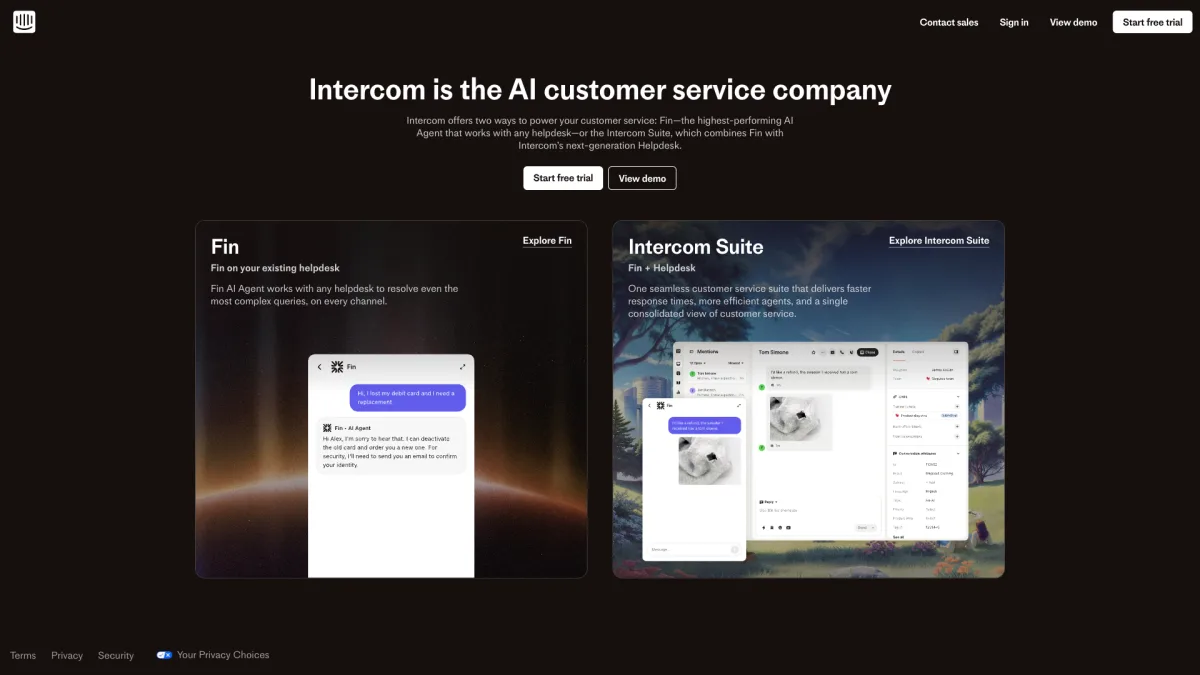
The Essential plan starts at $74 per seat per month. It includes the Messenger widget, a shared inbox, basic automation, and Fin. But Fin charges $0.99 per resolution. Your monthly cost depends on volume. A team of five with 500 AI conversations per month pays $370 in seat fees plus $495 in Fin charges. That totals $865 per month, more than the same Zendesk setup. WhatsApp and SMS are on higher plans or as add-ons. Intercom supports about six channels: Messenger, email, WhatsApp, SMS, Instagram, and Facebook.
The platform is powerful and deeply customizable. Series (Intercom's visual automation builder) lets you create multi-step workflows. These can combine messages, emails, product tours, and surveys. Custom bots qualify leads, book meetings, and route conversations. For teams that have outgrown simpler tools, Intercom delivers. But per-seat pricing plus per-resolution AI fees put it in the premium tier.
Moving from Zendesk to Intercom is a lateral move, not a downgrade. Both target a similar market. The reason to switch is that Intercom's AI and automation feel more modern. Its Messenger widget is more native to web and mobile products. Its onboarding features go beyond Zendesk. The ideal user is a funded SaaS company with 1,000+ active users that needs proactive messaging, in-app education, and AI support in one platform.
Strengths:
Weaknesses:
Best for: Growing companies ready to invest in production-ready conversational support.
Pricing: $74/seat/month Essential; $0.99 per Fin AI resolution.
Kommunicate focuses on AI-first support with a strength in mobile app integration. The platform offers SDKs for iOS, Android, React Native, and Flutter. That makes it easy to embed chat directly in your mobile app, not just your website. For companies where the mobile app is the main customer touchpoint, this focus matters.
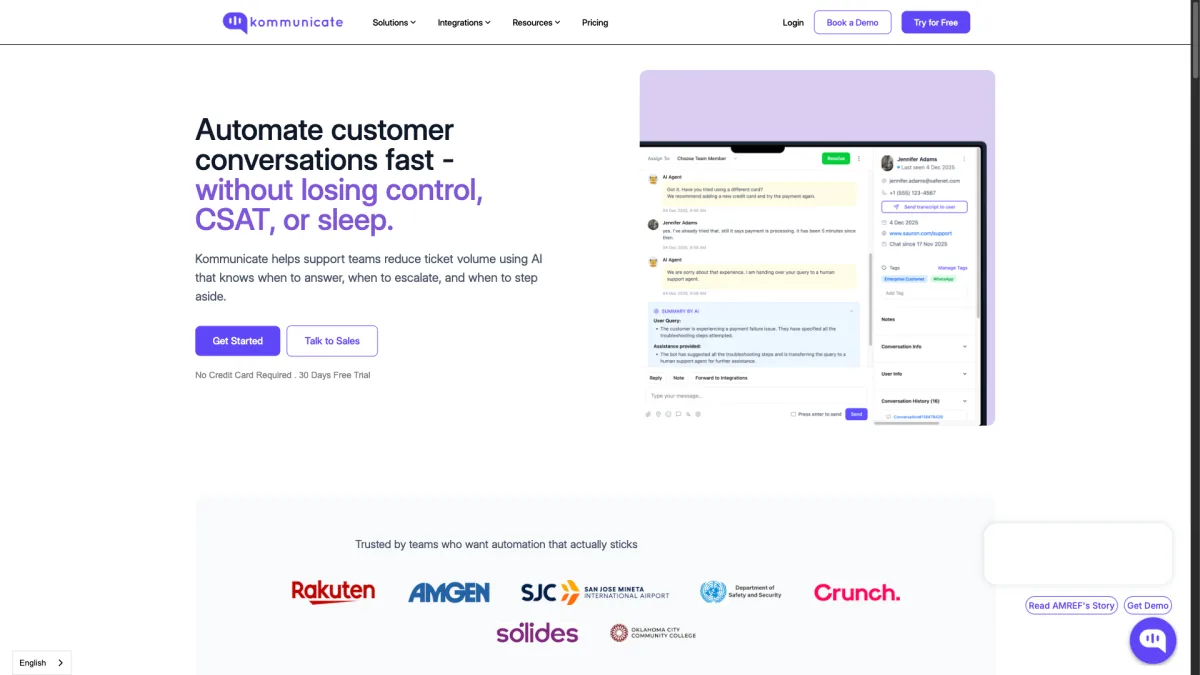
The Lite plan at $40 per month includes two agents, the AI chatbot (powered by OpenAI, Anthropic, or custom models), WhatsApp, and a web chat widget. The AI bot trains on your website content, help center articles, or uploaded documents. It handles conversations in over 100 languages. The setup is guided and clear. You can have a working AI chatbot trained on your content within an hour.
Kommunicate supports about five channels: web chat, WhatsApp, Facebook Messenger, LINE, and Telegram. It also connects to helpdesk tools like Zendesk and Freshdesk. You can use Kommunicate as the front-end chat layer while keeping your existing ticketing system. The trade-off is a narrower feature set. There is no built-in knowledge base or email management.
For teams leaving Zendesk, Kommunicate is interesting. It does not try to replace Zendesk entirely. You can keep Zendesk for ticketing and layer Kommunicate on top as a smarter AI front end. This hybrid setup preserves your workflows while boosting your automated resolution rate. A team of five with 500 AI conversations pays $40 per month on Lite. AI conversations are included, not charged per resolution. The ideal user is a mobile-first fintech or healthtech startup that needs in-app chat with strong AI and multilingual support.
Strengths:
Weaknesses:
Best for: Mobile-first teams that need in-app chat with AI and WhatsApp.
Pricing: $40/month Lite (2 agents); $100/month Growth.
We signed up for a trial or free plan of each tool. We ran each through a standard set of tests. We installed the chat widget on a test website and set up at least three messaging channels (where supported). We tested the AI chatbot with twenty common customer questions. We measured setup time from first login to a working widget. We also calculated total cost for a team of five agents handling 500 conversations per month. That includes any AI or channel add-on fees. Our editorial team has no commercial link to any listed tool except Boei.
Comparing chat tools on base price alone is misleading. Per-agent fees, per-resolution AI charges, and premium channel add-ons can double or triple your monthly spend. Below is what each tool actually costs for a team of five agents handling 500 AI conversations per month.
| Tool | Base Cost | AI Cost | Total Monthly Cost |
|---|---|---|---|
| Zendesk | $55 x 5 = $275 | $1 x 500 = $500 | $775/mo |
| Boei | $8 + ($6 x 5 agents) = $38 | $6/mo add-on | $44/mo |
| Tidio | $29 (Communicator) | $0.50 x 500 = $250 | ~$280/mo |
| Crisp | $95 (Unlimited, needed for AI) | Included | $95/mo |
| tawk.to | Free | $29/mo (AI Assist) | $29/mo |
| LiveChat | $20 x 5 = $100 | $52 (ChatBot product) | $152/mo |
| Freshchat | $15 x 5 = $75 | Add-on fees vary | $75+/mo |
| HubSpot | $45 (Starter, 2 users) | Included | $45+/mo |
| Help Scout | $20 x 5 = $100 | Included | $100/mo |
| Intercom | $74 x 5 = $370 | $0.99 x 500 = $495 | $865/mo |
| Kommunicate | $40 (Lite, 2 agents) | Included | $40-100/mo |
The gap is clear. Zendesk and Intercom both cross $750 for a modest five-person team. Per-resolution AI fees drive most of that cost. Boei comes in at $44 per month for a full five-agent team with AI. That is 94% less than Zendesk for the same team size. Even mid-range picks like Help Scout and Crisp offer big savings over Zendesk's pricing model.
A few notes: HubSpot's $45 Starter plan includes only two users. A five-person team needs Professional at $450 per month. Freshchat's actual cost depends on WhatsApp message volume. Kommunicate's Lite plan caps at two agents, so five agents need the $100 Growth plan. Still, the pattern is clear. For small teams, Zendesk is the most expensive option on this list.
Boei at $14 per month ($8 base + $6 AI add-on) includes an AI chatbot with 2,000 AI replies per month. There are no per-resolution fees. Live chat agents cost $6/month each. tawk.to offers AI as a $29/month add-on. Tidio charges $0.50 per AI conversation. Both exceed Boei's price at moderate volumes. A team handling just 30 AI conversations per month on Tidio already pays $15 in AI fees alone.
Most alternatives let you go live within an hour. Chat widgets are independent. You simply replace the Zendesk script tag with the new provider's code. Conversation history usually cannot move between platforms. Export your Zendesk transcripts before canceling if you need them. Contact lists and customer data can be exported as CSV and imported into the new tool.
Zendesk excels at large-scale support operations. It handles skills-based routing across dozens of agents. It manages SLAs with escalation policies. It plans shifts with workforce tools. It reports deeply across all channels. It also has a marketplace with over 1,000 integrations. If you manage more than twenty agents and need SOC 2 or HIPAA compliance, Zendesk's breadth is hard to match.
Yes. tawk.to, Help Scout, Freshchat, HubSpot Service Hub, and Intercom all have built-in ticketing or shared inboxes. Boei focuses on initial contact and conversations rather than ticket management. Teams needing full ticket workflows may want to pair Boei with a helpdesk or use a tool that bundles ticketing.
Boei supports over 50 channels out of the box. That includes WhatsApp, Facebook Messenger, Telegram, Instagram, Signal, Viber, WeChat, Slack, Discord, SMS, phone, email, and dozens more. HubSpot and Freshchat each offer about eight channels. Both need higher-tier plans to unlock all of them.
tawk.to is the best free option. It offers unlimited agents, unlimited conversations, and no feature limits on core live chat. Tidio and Crisp both have free plans but cap conversations or agent seats. HubSpot has a free tier with basic chat, though it is limited. For most small teams, starting free and upgrading when volume grows is a smart move.
Boei and Tidio are the strongest picks for WordPress. Boei has a WordPress plugin that installs in under two minutes. It gives you all 50+ channels and the AI chatbot without code editing. Tidio also has a solid WordPress plugin with deep WooCommerce integration. That makes it better if e-commerce chatbot automation is your priority. tawk.to has a WordPress plugin too, but it only does live chat. Crisp and LiveChat also offer WordPress plugins with narrower feature sets.
Zendesk dropped its standalone Chat product. It now only sells Suite plans. As of 2026, you cannot buy Zendesk Chat on its own. You must subscribe to Zendesk Suite, starting at $55 per agent per month. Legacy standalone Chat users have been moved to Suite plans. This is a key reason small teams look for alternatives. You cannot buy just the chat widget without paying for ticketing, knowledge base, and reporting.
For raw AI power, Intercom's Fin agent and Kommunicate's flexible model approach lead the pack. Fin excels at multi-step reasoning. It can pull from multiple knowledge sources at once. Both charge premium prices for this. For the best balance of AI quality and price, Boei offers an AI chatbot trained on your content for $6/month. It handles FAQ-style questions well and only escalates truly complex issues. Help Scout's AI Assist is also included in all plans. It is strong at helping agents draft and refine replies.
Not every team should switch. Zendesk is still right for teams that genuinely use its full feature set. If you run a support department with more than fifteen agents across multiple time zones, enforce SLAs with automated escalation. Need SOC 2 or HIPAA compliance, Zendesk's depth is hard to match. The workforce tools, quality scoring, and cross-channel analytics justify per-agent pricing at scale.
Zendesk also makes sense if you are deep in its marketplace. With over 1,000 integrations, many enterprise tools connect to Zendesk in ways they do not connect to smaller platforms. If your team relies on custom links between Zendesk and your CRM, billing system, or internal tools, the switching cost is not just the subscription gap. It is rebuilding those connections. For companies where support is a core function with dedicated staff and budget, Zendesk's total cost is justified by the control it provides.
Zendesk Chat is an excellent product for enterprise support teams. It works best with the budget, headcount, and admin bandwidth to justify it. For small teams where three people handle support alongside their other work, the per-agent pricing, AI surcharges. Admin complexity add up to a poor return.
If you want the broadest channel coverage with AI at a clear price, Boei delivers over 50 channels and an AI chatbot starting at $14 per month ($8 base + $6 AI). Live chat agents cost $6/month each. No per-resolution charges. No surprises. Start your free trial and see how it compares to what you pay now.

Article by
Ruben is the founder of Boei, with 12+ years of experience in conversion optimization. Former IT consultant at Ernst & Young and Accenture, where he helped product teams at Shell, ING, Rabobank, Aegon, NN, and AirFrance/KLM optimize their digital experiences. Now building tools to help businesses convert more website visitors into customers.
Get 30% more conversations and effortlessly convert them into customers.
Don't wait, experience it for free yourself!
URL
Trusted by 10,000+ businesses
Quick 5-min, no code setup






Discover how a lead generation chatbot captures, qualifies, and converts leads 24/7. Complete 2026 guide with strategies, examples, and setup steps.

Build a lead generation funnel that converts 3x better. Simple 6-step guide with examples, tools, and AI tips to turn visitors into customers.
Learn how to become a lead generation specialist and generate leads for your business. Discover the key skills, strategies, and tools needed for success.
Discover how to use Facebook Messenger auto reply to enhance your customer engagement and deliver prompt responses.

Discover how omnichannel chatbots are changing customer service by providing smooth and personalized experiences across multiple channels.


 from Utrecht