These Kommunicate alternatives solve three common problems: limited channels, high pricing, and rigid per-agent billing. Kommunicate starts at $40/month with about 5 channels. That works for native mobile app chat with Dialogflow. But teams that need broader reach hit walls fast. These 10 tools offer more flexibility, better channel coverage, or lower pricing.
TL;DR: Boei is the top Kommunicate alternative at $14/month with AI and 50+ channels, compared to Kommunicate's $40/month with about 5 channels. Prices across the 10 tools range from free (tawk.to) to $74/seat (Intercom). If you need more channels and lower pricing without mobile SDK dependency, Boei offers 10x the channel coverage at a third of the price.
| Tool | Starting Price | AI Chatbot | Channels | Best For | |
|---|---|---|---|---|---|
| Boei | $14/mo with AI | Included | Included | 50+ | Best overall value |
| Tidio | Free / $29/mo | $0.50/conv | $59/mo extra | ~10 | E-commerce |
| Crisp | Free / $25/mo | $95/mo plan | $95/mo plan | ~6 | EU teams |
| tawk.to | Free | $29/mo add-on | No | 1 | Zero budget |
| Chatbase | $40/mo | Included | Yes (via integration) | 1 | Simple AI chat |
| Botpress | Free / pay-per-use | Included | Requires setup | 10+ | Developers |
| Freshchat | $15/agent | Add-on | Add-on | 8+ | Freshworks users |
| LiveChat | $20/agent | Separate product | Via integration | 5 | Agent teams |
| HubSpot Service Hub | Free / $45/mo | Included | Higher plans | 8+ | HubSpot users |
| Intercom | $74/seat | $0.99/resolution | Higher plans | 6 | Enterprise |
Before jumping into the alternatives, here is why teams outgrow Kommunicate in the first place. There are four common reasons.
Limited to about 5 channels. Kommunicate covers website chat, Facebook Messenger, WhatsApp, and a couple of others. Want Telegram, Instagram DM, Viber, Signal, or SMS? You are out of luck
$40/month starting price is steep for what you get. A small business that just needs a chat widget with AI should not pay $40 before adding a second agent. Free and sub-$20 options exist
Mobile SDK focus means the web widget is secondary. Kommunicate shines for native app chat. But if your main touchpoint is a website, the web widget feels less polished than competitors
Per-agent pricing on higher tiers adds up. Once you add team members beyond the Lite plan, your bill scales with headcount rather than usage
Kommunicate offers around 5 channels and starts at $40/month. Boei gives you 10x the channel breadth at $14/month with AI included. WhatsApp, Facebook Messenger, Telegram, Instagram DM, Signal, Viber, SMS, email, phone, live chat, and dozens more. All from a single widget.
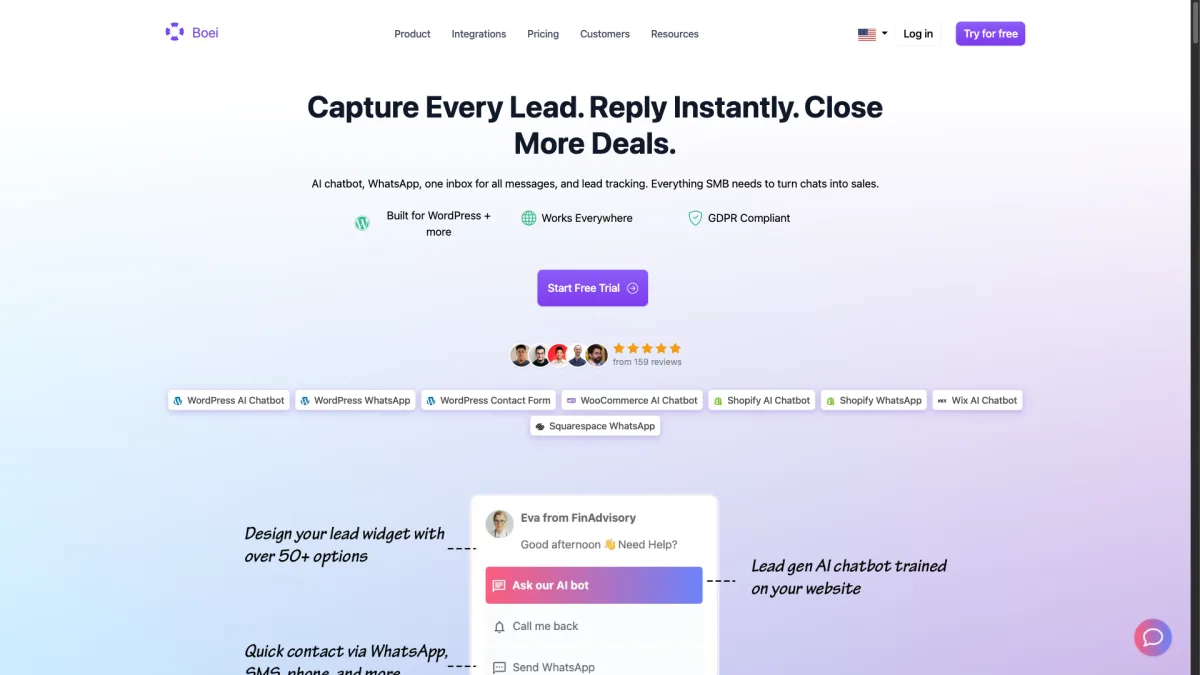
The AI chatbot trains on your website content, documents, and FAQ pages. It handles common questions and hands off to a human when needed. This is similar to Kommunicate's handoff, but with far more channel options. The widget is lightweight and loads fast on any website.
Where Boei pulls ahead is the math. At $14/month with AI ($8 base + $6 AI chatbot add-on), you pay a third of Kommunicate's starting price. You also get ten times the channel coverage. Live chat agents cost $6/month each. For small businesses that want to reach customers everywhere, this is the best option on the list.
Strengths:
Weaknesses:
Best for: Teams that need broad channel coverage and simple pricing.
Pricing: $8/month per domain + $6/month AI chatbot add-on + $6/month per live chat agent. Annual plan. 7-day free trial, no credit card needed at boei.help/signup.
Tidio has carved out a strong niche in e-commerce. It works especially well for Shopify and WooCommerce stores. The chatbot builder uses drag-and-drop, so you can create flows for order tracking, product tips, and cart recovery without code.
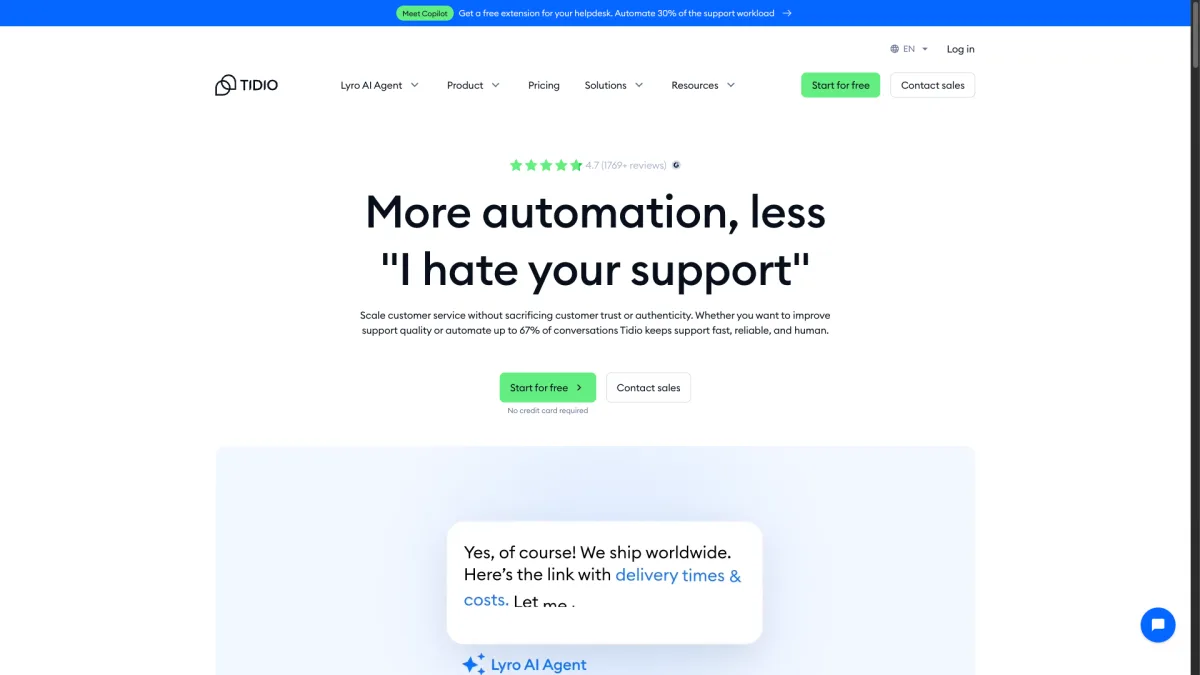
The AI component (Lyro) charges $0.50 per conversation instead of a monthly fee. This works for low-volume stores but gets expensive at scale. WhatsApp needs the Tidio+ plan at $59/month. The free tier is solid for small stores: 50 live chat conversations and 100 chatbot triggers per month.
Tidio supports about 10 channels including email, Messenger, Instagram, and WhatsApp. That is double what Kommunicate offers. The Shopify integration pulls in order data and customer history directly into chats. If your world revolves around an online store, Tidio is built for that.
Strengths:
Weaknesses:
Best for: Shopify and WooCommerce stores that want chat-driven sales automation.
Pricing: Free tier available. Paid plans from $29/month. Lyro AI at $0.50/conversation.
Crisp is a French company that takes data privacy seriously. This matters if you operate under GDPR. Servers are in the EU. The platform was built with European compliance from the start, not as an afterthought.
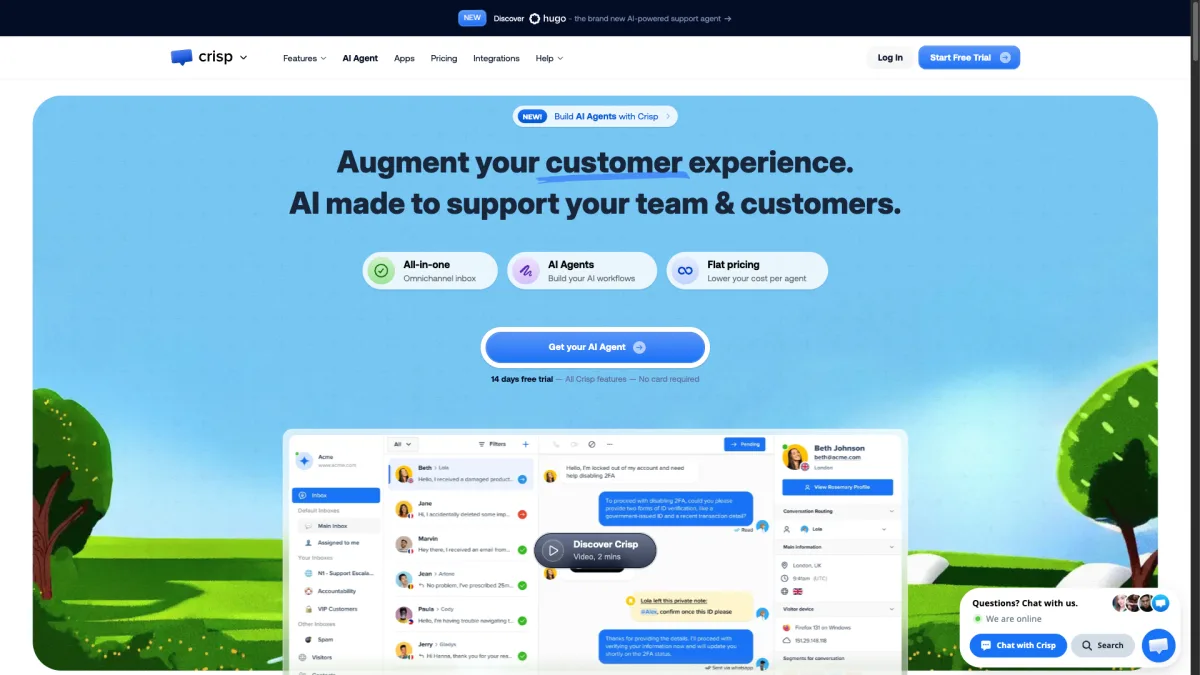
The free tier supports two agents with basic live chat. That is more generous than most competitors. The Pro plan at $25/month per workspace adds a knowledge base, automated messages, and audio/video calls. But the AI chatbot and WhatsApp both need the Unlimited plan at $95/month. That is a big jump.
Crisp covers about 6 channels: live chat, email, Messenger, Instagram, Telegram, and WhatsApp (top plan only). The shared inbox handles multi-channel conversations cleanly. The MagicBrowse feature lets agents see and interact with a visitor's screen in real time. This is useful for technical support.
Strengths:
Weaknesses:
Best for: EU-based teams that prioritize data sovereignty and GDPR compliance.
Pricing: Free for 2 agents. Pro at $25/month per workspace. Unlimited at $95/month.
tawk.to is completely free for live chat. Not a limited trial. It is genuinely free with unlimited agents, unlimited chat history, and no conversation caps. The product makes money through paid add-ons and a hire-an-agent service at $1/hour.
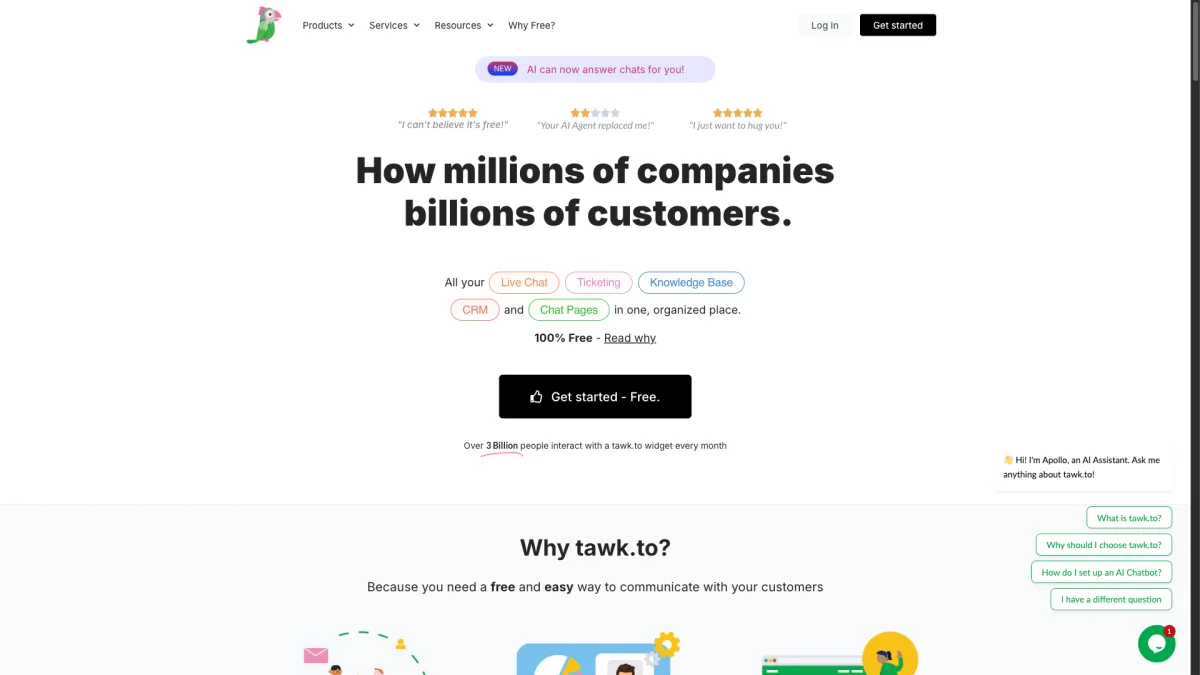
There is no built-in AI chatbot. You can add one through tawk.to's AI Assist add-on at $29/month. WhatsApp is not supported. The platform is a live chat widget and nothing more. That means one channel. But that one channel works well, loads fast, and handles high volume.
If you are leaving Kommunicate because of cost and only need website live chat, tawk.to removes the software cost entirely. The trade-off is clear. You lose AI, you lose multi-channel, and the widget design is basic. But for bootstrapped teams where every dollar matters, free is free.
Strengths:
Weaknesses:
Best for: Bootstrapped startups and solo founders who need live chat at zero cost.
Pricing: Free. AI Assist add-on at $29/month. Remove branding at $19/month.
Chatbase focuses only on AI chatbots trained on your content. Upload documents, paste URLs, or connect your knowledge base. Chatbase builds a GPT-5-powered chatbot that answers questions about your business. No live chat, no human handoff, and limited multi-channel options. Just a focused AI chat experience.
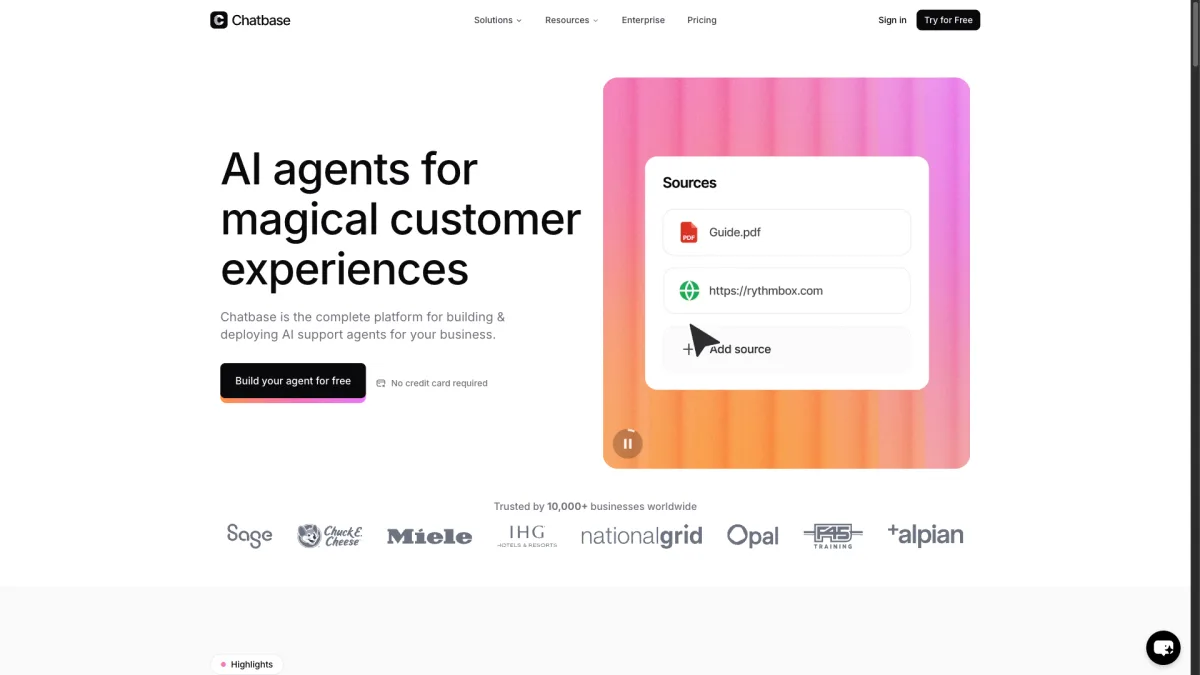
The builder is simple. Create a bot, feed it data, customize the look, and embed it on your site. Response quality depends on the training data you provide. For well-documented products, the results are surprisingly accurate. The $40/month starter plan includes 2,000 message credits. That is enough for most small business sites.
Compared to Kommunicate, Chatbase is narrower but deeper in AI. If you want to deflect repetitive support questions without live agents, Chatbase does that well. It costs about half the price of Kommunicate.
Strengths:
Weaknesses:
Best for: Small businesses that want to automate FAQ responses without managing live agents.
Pricing: Free tier with 100 messages/month. Standard at $40/month. Pro at $99/month.
Botpress is an open-source chatbot platform. It gives developers full control over conversation design, NLU models, and deployment. The visual flow editor handles simple bots. But the real power is in the code. You can write custom actions, integrate APIs, and build complex multi-turn conversations.
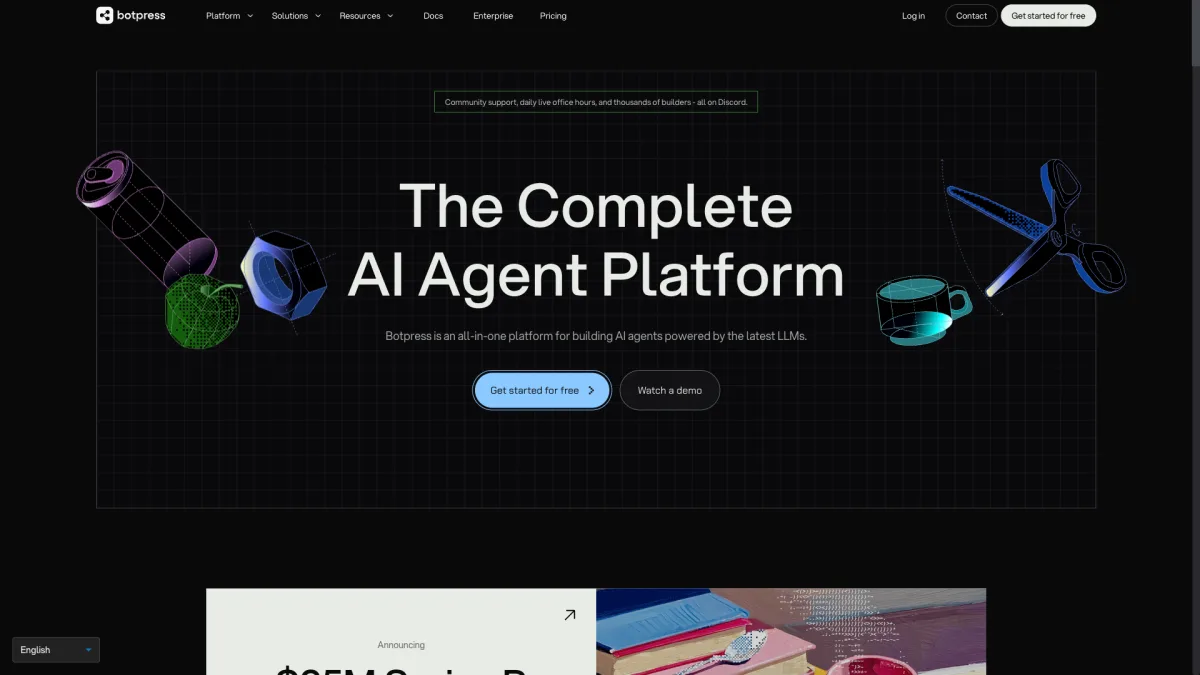
The hosted cloud version is free to start with pay-per-use pricing for AI. WhatsApp, Telegram, Messenger, Slack, and other channels are supported. They require manual setup through the integration framework. This is not plug-and-play. Expect to spend time on setup and testing.
For technical teams that found Kommunicate too limiting, Botpress opens up the full conversational AI stack. You can pick your LLM, control the training pipeline, and self-host if needed. The trade-off is time and skill. Non-technical users will struggle. Even developers should budget several days for a production-ready setup.
Strengths:
Weaknesses:
Best for: Development teams that want full control over their chatbot stack.
Pricing: Free to start. Pay-per-use for AI and messaging. Self-hosted option available.
Freshchat is the messaging piece of the Freshworks ecosystem. It sits alongside Freshdesk, Freshsales, and Freshservice. If you already use Freshworks, Freshchat integrates with shared contacts, unified ticketing, and cross-product workflows.
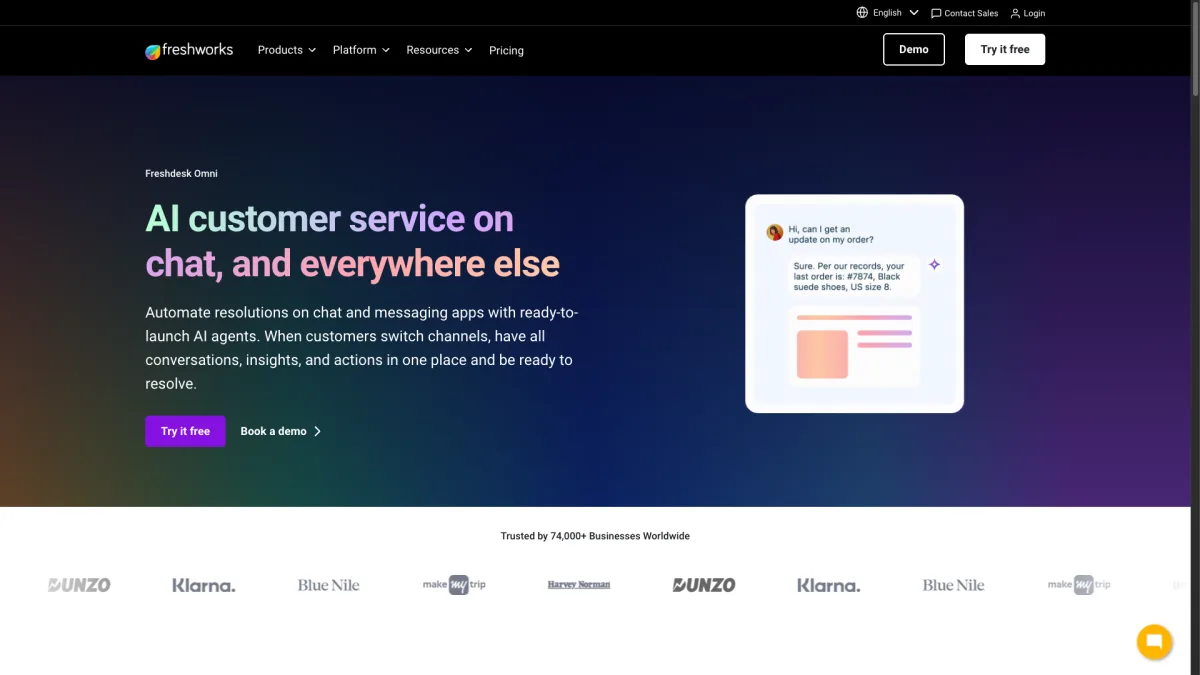
The platform supports 8+ channels. These include web chat, email, Facebook Messenger, Instagram, WhatsApp, Apple Business Chat, LINE, and Google Business Messages. AI chatbots and WhatsApp are add-ons. The base price of $15 per agent does not include everything. The bot builder uses Freddy AI, which handles intent detection and automated responses well enough.
Freshchat offers more channels and deeper CRM integration than Kommunicate. But the per-agent pricing model is the same structure. The win is ecosystem value. If Freshworks is your stack, adding Freshchat beats bolting on a standalone tool.
Strengths:
Weaknesses:
Best for: Teams already invested in the Freshworks ecosystem.
Pricing: From $15/agent/month. AI and WhatsApp available as paid add-ons.
LiveChat is one of the oldest live chat platforms. The agent interface is fast, well-organized, and handles high chat volumes without issues. Canned responses, chat routing, and queue management are all polished through years of updates.
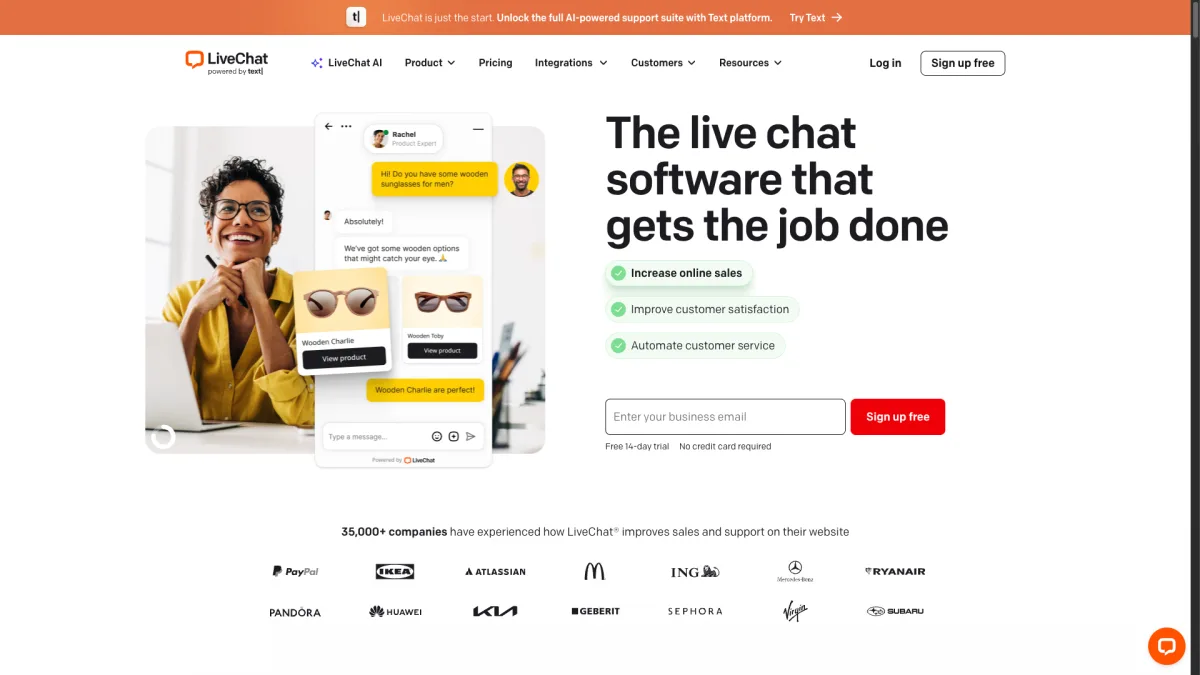
AI is a separate product called ChatBot (same company, separate cost). WhatsApp needs a third-party integration. The platform covers about 5 channels: website chat, Facebook Messenger, email, SMS, and Apple Business Chat. That is on par with Kommunicate, not a step up.
The value of LiveChat is not channels or AI. It is the agent experience. If your team handles dozens of chats at once, the management tools are best in class. Chat supervision, agent groups, and workload distribution all work great. Teams leaving Kommunicate for better agent tools will find what they need here.
Strengths:
Weaknesses:
Best for: Teams with dedicated support agents who need optimized chat management tools.
Pricing: From $20/agent/month. ChatBot is a separate product starting at $52/month.
HubSpot Service Hub includes live chat, a chatbot builder, and a shared inbox. These are part of the broader HubSpot CRM platform. The free tier is surprisingly capable. You get basic live chat, a simple chatbot, and ticketing for free. Everything is branded with the HubSpot logo though.
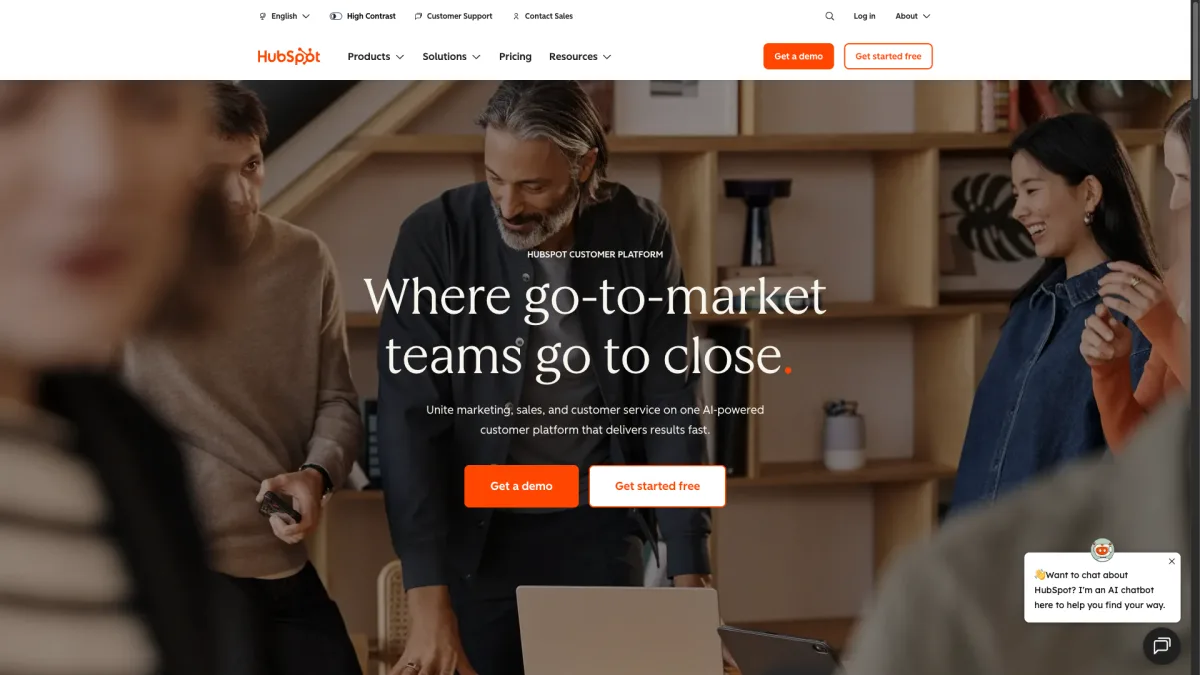
AI features improve on the $45/month Starter plan. You get conversation intelligence, AI-powered chatbots, and automated routing. WhatsApp needs the Professional plan at $450/month. That steep jump only makes sense if you use HubSpot across marketing, sales, and service.
The real strength is data. Every chat, bot interaction, and ticket feeds into the same CRM your marketing and sales teams use. This unified customer view is something standalone chat tools cannot match. If HubSpot is your system of record, Service Hub is the natural pick. If not, the pricing is hard to justify for chat alone.
Strengths:
Weaknesses:
Best for: Teams already running HubSpot CRM across marketing, sales, and service.
Pricing: Free tier available. Starter at $45/month. Professional at $450/month.
Intercom is the premium option on this list. At $74 per seat per month with AI resolutions at $0.99 each, the bill adds up fast. But for enterprise teams that need advanced automation, Intercom delivers polish that smaller tools cannot match.
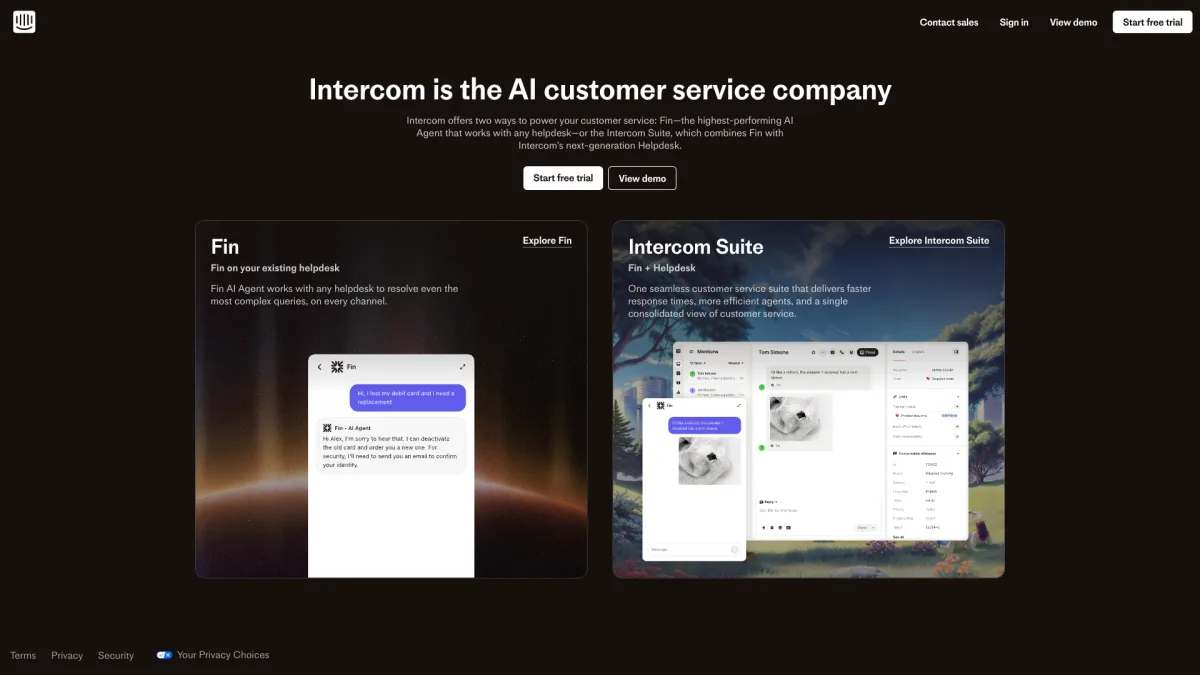
The Fin AI agent is one of the best in the industry. It handles nuanced conversations and multi-step processes with impressive accuracy. It pulls from your help center, past conversations, and custom data sources. The human handoff is seamless, with full conversation context preserved.
Intercom supports about 6 channels: web chat, email, Messenger, Instagram, WhatsApp (higher plans), and in-app messaging. The channel count is similar to Kommunicate. But the depth of each integration is better. If budget is not a concern and you want the most polished support platform, Intercom is hard to beat. For everyone else, alternatives like Boei are far more practical.
Strengths:
Weaknesses:
Best for: Enterprise teams with budget for premium tooling and high support volumes.
Pricing: Essential at $74/seat/month. AI resolutions at $0.99 each. Custom enterprise plans available.
tawk.to is the cheapest at completely free for live chat. If you want AI and multi-channel support, Boei at $14/month with AI is the most affordable paid option. That is less than half of Kommunicate's $40/month starting price.
Freshchat and Intercom both offer native mobile SDKs for iOS and Android. Botpress can be added to mobile apps through its API. Most other tools on this list, including Boei, focus on web widgets rather than native app embedding.
Kommunicate's strongest point is native mobile SDK support for iOS, Android, and Flutter. The Dialogflow integration is also well done. If your main use case is embedding AI chat inside a native mobile app, Kommunicate is still a solid choice.
Intercom's Fin agent is the most advanced. Chatbase and Botpress offer the most customizable AI. Boei, Tidio, and Freshchat handle FAQ-style queries well. tawk.to and LiveChat require separate products or add-ons for AI.
Boei leads with 50+ channels at every pricing tier. Botpress supports 10+ with developer setup. Tidio and Freshchat cover about 8-10 each. Most others support 5-6 channels, similar to Kommunicate.
Most tools do not offer direct migration from Kommunicate. You will need to rebuild your chatbot flows. For AI-powered bots, this means retraining on your content (Boei, Chatbase, Tidio) or rebuilding conversation flows (Botpress, Freshchat). Budget a few hours for basic setups and a few days for complex bots.
Kommunicate works well for one use case: AI chat inside mobile apps with Dialogflow. But if you need more channels, simpler pricing, or both, these alternatives have you covered.
For most teams, Boei offers the best mix of value, channels, and AI at a fraction of the cost. At $14/month with AI and 50+ channels, it replaces what costs $40+ on Kommunicate.
Ready to try it? Start a free 7-day trial and see how many more channels you can offer your customers.

Article by
Ruben is the founder of Boei, with 12+ years of experience in conversion optimization. Former IT consultant at Ernst & Young and Accenture, where he helped product teams at Shell, ING, Rabobank, Aegon, NN, and AirFrance/KLM optimize their digital experiences. Now building tools to help businesses convert more website visitors into customers.
Get 30% more conversations and effortlessly convert them into customers.
Don't wait, experience it for free yourself!
URL
Trusted by 10,000+ businesses
Quick 5-min, no code setup






Discover how a lead generation chatbot captures, qualifies, and converts leads 24/7. Complete 2026 guide with strategies, examples, and setup steps.

Build a lead generation funnel that converts 3x better. Simple 6-step guide with examples, tools, and AI tips to turn visitors into customers.
Learn how to become a lead generation specialist and generate leads for your business. Discover the key skills, strategies, and tools needed for success.
Discover how to use Facebook Messenger auto reply to enhance your customer engagement and deliver prompt responses.

Discover how omnichannel chatbots are changing customer service by providing smooth and personalized experiences across multiple channels.


 from Utrecht