Open source chatbot platforms give you full control over your code, data, and deployment. You can self-host, modify the source, and avoid vendor lock-in. For teams with developers and specific requirements, that freedom is worth the investment.
But open source is not free. You pay in hosting costs, development time, and ongoing maintenance. If you just want a working chatbot on your website tomorrow, a SaaS tool will get you there faster and cheaper than spinning up Docker containers.
This guide covers the 5 best open source chatbot platforms in 2026, with an honest look at what each one does well and where it falls short. I also explain when a SaaS alternative like Boei makes more sense — especially for small businesses that need results fast.
TL;DR: Botpress is the best overall open source chatbot platform for most teams, offering a visual builder and built-in AI. Rasa is the top choice for enterprise NLU with ML teams. Realistic self-hosting costs run $100-500+/month when you factor in hosting, API fees, and developer time. If you want a working chatbot without managing servers, a SaaS tool like Boei from $11/month is faster and cheaper for most businesses.
| Platform | Primary Language | AI / NLU Support | Self-Hosted | Setup Difficulty | Cost |
|---|---|---|---|---|---|
| Botpress | TypeScript | Built-in (GPT-based) | Yes (Cloud also available) | Medium | Free (open source), Cloud plans from $0 |
| Rasa | Python | Built-in NLU engine | Yes | Hard | Free (open source), Rasa Pro is paid |
| Typebot | TypeScript | Via integrations | Yes | Easy-Medium | Free (open source), Cloud from $89/mo |
| Chatwoot | Ruby on Rails | Via integrations | Yes | Medium | Free (open source), Cloud from $19/mo |
| Botonic | React / TypeScript | Via integrations | Yes (deploy anywhere) | Medium-Hard | Free (open source) |
| Boei (SaaS) | N/A (no-code) | Built-in AI with RAG | No (cloud-hosted) | Very Easy | From $11/mo |
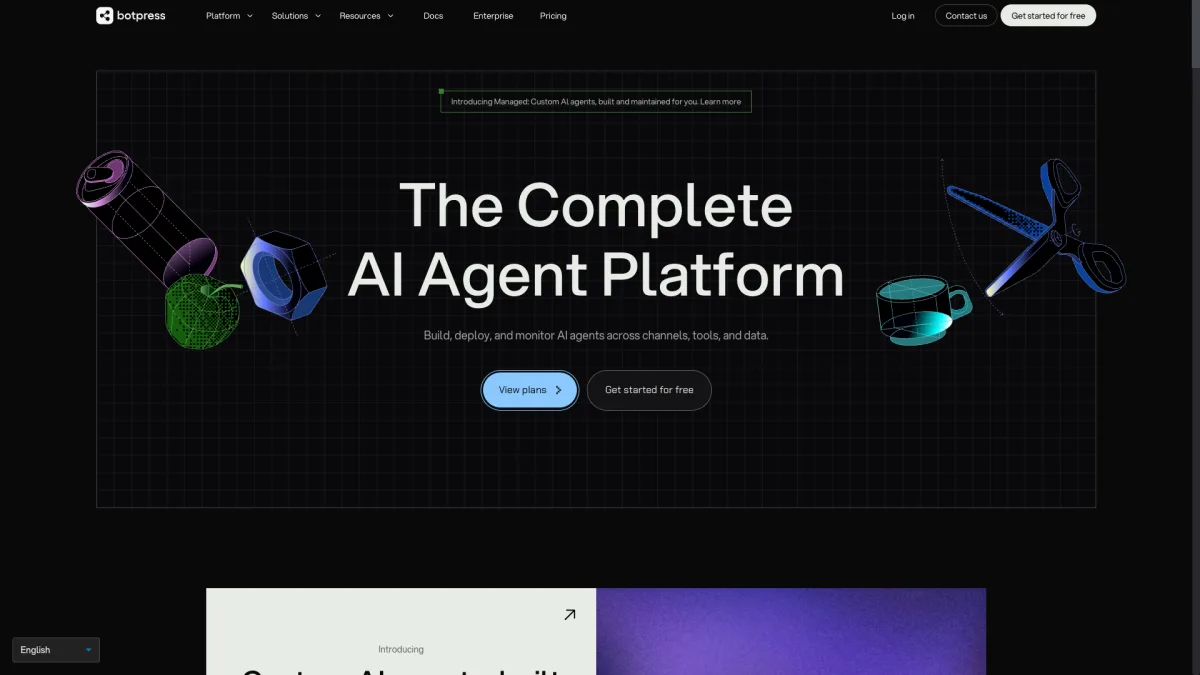
GitHub: 14,000+ stars | License: MIT | Language: TypeScript
Botpress is the most well-known open source chatbot platform, and for good reason. It combines a visual flow builder with modern AI capabilities, making it accessible to both developers and non-technical users.
Botpress is the best choice if you want the closest thing to a SaaS experience in an open source package. The visual builder lowers the barrier for non-developers, and the AI features are competitive with commercial products. However, be aware that the company is increasingly focused on their cloud offering, so the self-hosted version may lag behind.
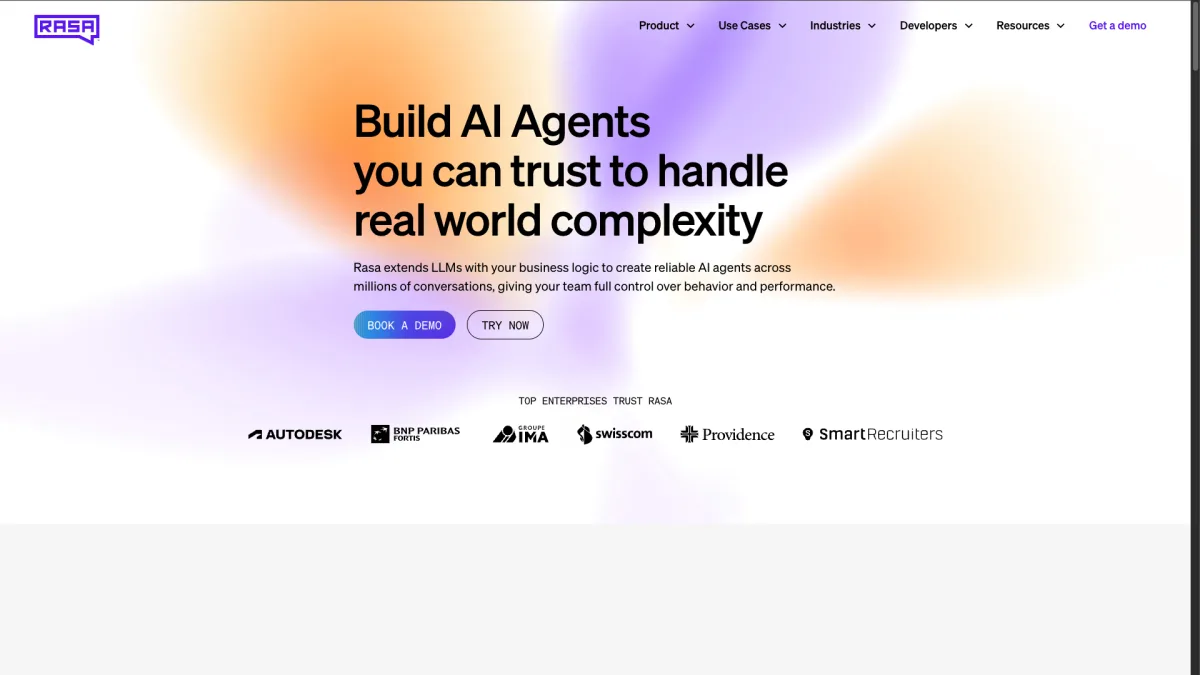
GitHub: 19,000+ stars | License: Apache 2.0 (open source) / Commercial (Rasa Pro) | Language: Python
Rasa is the heavyweight of open source chatbot platforms. It offers the most sophisticated natural language understanding engine available in an open source package, but it demands serious technical skill to use effectively.
Rasa is built for teams that have machine learning engineers or experienced Python developers. It excels in regulated industries (healthcare, finance) where you need full control over data processing and model training. If your team cannot write Python and manage ML pipelines, Rasa is not the right choice.
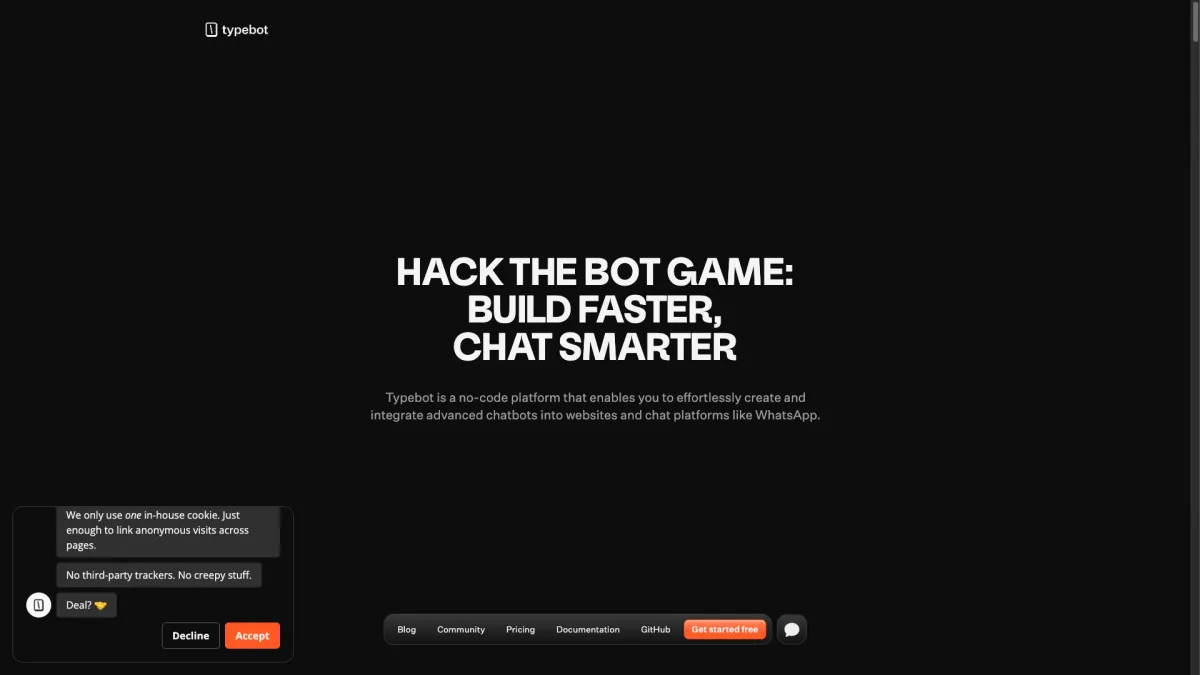
GitHub: 7,500+ stars | License: AGPLv3 | Language: TypeScript
Typebot takes a different approach than traditional chatbot platforms. Instead of building AI-powered conversation agents, it focuses on creating beautiful, interactive conversational forms. Think Typeform, but open source and self-hosted.
Typebot is perfect if your primary goal is lead capture, surveys, or guided onboarding flows. It is not the right tool if you need an AI chatbot that can answer questions from a knowledge base. For conversational forms specifically, Typebot is arguably the best open source option available.
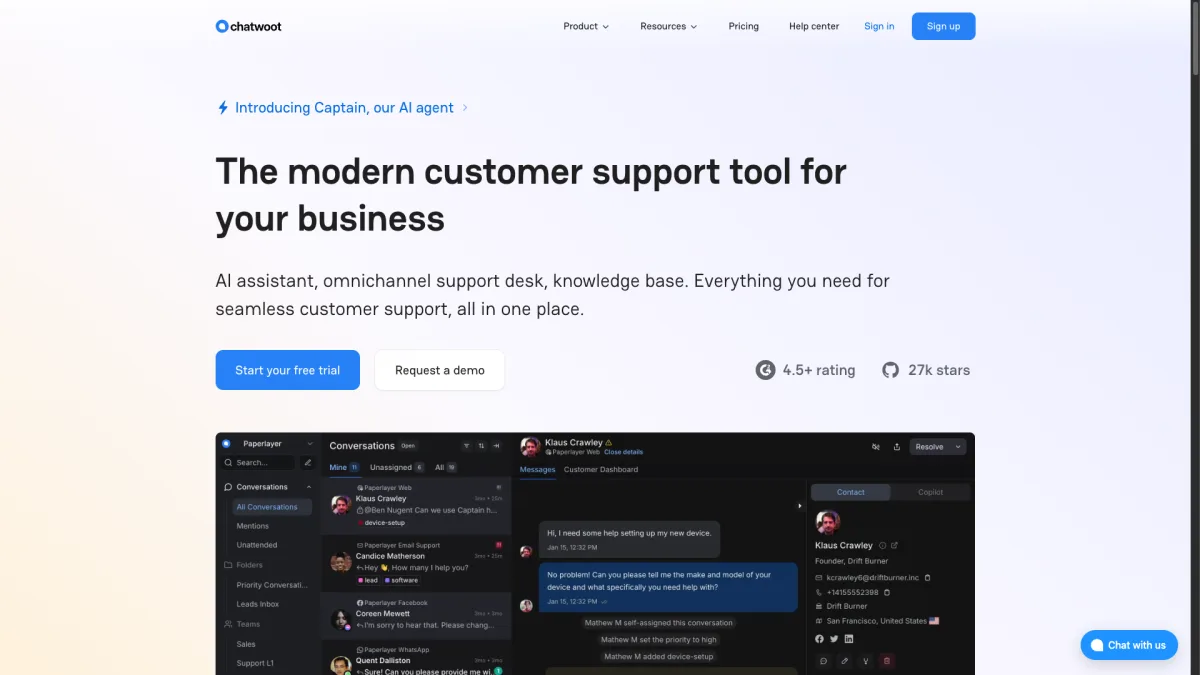
GitHub: 21,000+ stars | License: MIT | Language: Ruby on Rails
Chatwoot is not a chatbot-first platform. It is an open source customer support tool (similar to Intercom or Zendesk) that includes chatbot capabilities. If you need a full support stack with chatbot features, Chatwoot covers a lot of ground.
Chatwoot is the right choice if you need an open source alternative to Intercom or Freshdesk that happens to include chatbot capabilities. It works best when paired with a dedicated chatbot engine like Rasa or Botpress for the AI piece. On its own, it is a support platform, not a chatbot platform.
GitHub: 900+ stars | License: MIT | Language: React / TypeScript
Botonic takes a code-first approach to chatbot building. Built on React, it treats chatbots as React components, which makes it feel natural for frontend developers.
Botonic is a good fit for frontend-heavy teams that want to build chatbots the same way they build web applications. If your team already uses React and TypeScript, Botonic will feel familiar. But if you are choosing a platform from scratch, Botpress or Rasa offer more features and larger communities.
Before you commit to self-hosting an open source chatbot, consider whether it is actually the right approach for your situation. Here is how the two options compare in practice.
Open source: Even with simpler tools, expect at least 30 minutes to deploy. Botpress and Chatwoot need 2-4 hours for basic setup. Rasa can take weeks before you have something production-ready. And that is just the initial deployment: you still need to configure, train, and customize.
SaaS: A tool like Boei takes about 5 minutes to set up. Add a script tag to your site, upload your training data, and you have a working AI chatbot. No Docker, no databases, no server configuration.
Open source: "Free" is misleading. You pay for:
Realistic total: $100-500+/month when you factor in developer time.
SaaS: Boei starts from $11/month with AI included. No hosting, no API keys, no maintenance. The cost is predictable and scales with your needs.
Open source: You bring your own model. This gives you flexibility but also responsibility. You need to choose the right model, configure RAG pipelines, tune prompts, and handle edge cases. The quality ceiling is high, but so is the effort.
SaaS: Pre-integrated and optimized. With Boei, the AI is trained on your data using RAG and works out of the box. You do not need to understand embeddings or vector databases. The trade-off is less control over the underlying model.
Open source: Community support via GitHub issues and Discord. Response times vary. If something breaks at 2 AM, you are on your own.
SaaS: Dedicated support with guaranteed response times. Updates and security patches are handled for you. Uptime is the provider's responsibility.
Open source chatbot platforms make sense when you have:
SaaS makes sense when you want:
For most small and mid-sized businesses, a SaaS tool delivers better results at lower total cost. If you are curious, check out the full AI chatbot feature list or try Boei free for 7 days. No credit card required.
Not every team should default to SaaS. Here are the scenarios where open source chatbot platforms genuinely shine.
If you operate in healthcare, finance, or government, you may need to keep all conversation data on your own servers. Open source platforms like Rasa and Chatwoot let you deploy entirely within your own infrastructure, in any region, with full control over data storage and processing.
If your chatbot needs to integrate with proprietary systems, handle domain-specific NLU, or provide a completely custom UI, open source gives you the source code to modify anything. Botpress and Botonic are particularly flexible here.
If your organization already employs machine learning engineers, Rasa lets them build and fine-tune NLU models specifically for your domain. This can deliver significantly better accuracy than general-purpose AI for specialized vocabulary and workflows.
If the chatbot is your product (not just a feature), open source gives you the foundation to build on without licensing fees eating into your margins. Many SaaS chatbot companies themselves are built on open source foundations.
This is the most common mistake. A non-technical founder or marketing team picks an open source chatbot because it is "free," then spends weeks trying to deploy it. If nobody on your team can manage a Linux server and Docker containers, open source will cost you more in time than SaaS costs in money.
Open source platforms require setup, configuration, training, testing, and deployment. Even optimistically, you are looking at days for a basic deployment and weeks for something production-ready. If you need a chatbot handling customer questions by Friday, use a SaaS tool.
Counterintuitively, open source is more expensive at small scale. The developer hours needed for maintenance exceed the cost of a SaaS subscription. Open source starts saving money when you reach scale where SaaS per-seat or per-message pricing becomes expensive.
If your goal is answering common questions from your website content, you do not need the flexibility of open source. A SaaS AI chatbot trained on your URLs will do this better, faster, and cheaper than a self-hosted setup. Check out our guide on how to build an AI chatbot for a step-by-step walkthrough.
Use this decision framework:
For a broader comparison of AI chatbots (including commercial options), see our roundup of the best AI chatbots in 2026.
Botpress is the best overall free open source chatbot platform. It offers a visual flow builder, built-in AI, and a large community. It is free to self-host, though you will pay for hosting infrastructure and AI API usage.
The software itself is free, but running it is not. You need to budget for server hosting ($20-100+/month), potential AI API costs ($10-50+/month), and developer time for setup and maintenance. For small teams, the total cost often exceeds what you would pay for a SaaS chatbot like Boei from $11/month.
Botpress and Typebot offer visual builders that reduce the need for coding during bot design. However, you still need technical skills for deployment, hosting, and maintenance. If you truly want a no-code experience end-to-end, a SaaS platform is a better fit.
Rasa supports the most languages because it lets you train custom NLU models for any language. Botpress also supports multiple languages through its AI capabilities. For less common languages, Rasa is the strongest option since you can train language-specific models with your own data.
Most open source chatbot platforms integrate with AI through APIs. Botpress has built-in GPT integration. Rasa uses its own NLU engine but can be extended with LLM integrations. Typebot and Chatwoot connect to AI services through webhook integrations. In all cases, you need your own API key and pay per usage.
Yes, but the migration effort depends on complexity. Simple FAQ bots are easy to migrate. You just re-upload your training data to the new platform. Complex conversation flows with custom logic are harder and may need to be rebuilt. Starting with a SaaS tool and migrating to open source later (if needed) is usually easier than the reverse.
Open source chatbot platforms (like those in this article) give you the complete application: UI, conversation management, deployment tools, and sometimes AI. AI chatbot APIs (like OpenAI's API or Anthropic's API) give you just the language model. You still need to build everything else: the chat interface, conversation history, knowledge base, and deployment infrastructure. Platforms save you from building that infrastructure yourself.
Yes, but its role has shifted. Rasa's strength is no longer just NLU. It is the conversation management and enterprise deployment features. Rasa Pro (the commercial version) integrates LLMs through its CALM approach, combining traditional dialogue management with generative AI. The pure open source version is still relevant for teams that need full control over their NLU pipeline, especially in regulated industries.
Open source chatbot platforms offer genuine advantages: full code ownership, data control, and unlimited customization. Botpress and Rasa lead the pack for teams with the technical resources to use them effectively.
But be realistic about the costs. "Free" open source often costs more than paid SaaS when you factor in hosting, API fees, and developer time. For most businesses that just need a chatbot answering customer questions, a SaaS solution delivers faster results at lower total cost.
If you have developers and specific needs that SaaS tools cannot meet, go with open source. Botpress for a balanced approach, Rasa for enterprise NLU, Typebot for conversational forms, Chatwoot for full support stacks.
If you want a working AI chatbot in 5 minutes without managing servers, give Boei a try. Plans start from $11/month (Lite) with AI included, and you can start a free 7-day trial without a credit card. For a deeper dive into chatbot pricing across the market, check out our chatbot pricing comparison.
Related reading:

Article by
Ruben is the founder of Boei, with 12+ years of experience in conversion optimization. Former IT consultant at Ernst & Young and Accenture, where he helped product teams at Shell, ING, Rabobank, Aegon, NN, and AirFrance/KLM optimize their digital experiences. Now building tools to help businesses convert more website visitors into customers.
Get 30% more conversations and effortlessly convert them into customers.
Don't wait, experience it for free yourself!
URL
Trusted by 17,000+ businesses
Quick 5-min, no code setup






Easily add a WhatsApp chat button to your website with our step-by-step guide. Enhance communication and user engagement effortlessly.
AI agent vs AI chatbot: what's the real difference? Learn how agents take actions while chatbots answer questions, and which one your business needs.
How to use an AI chatbot for booking appointments. Setup guide, industry examples, and comparison with Calendly and Acuity.
AI chatbot for car dealerships captures leads after hours, books test drives, and shows inventory. See how dealerships automate sales in 2026.
Use an AI chatbot for customer onboarding to reduce churn, speed up activation, and guide new users to value faster.


 from Utrecht