WooCommerce logo

Best AI Chatbot for WooCommerce

AI Chatbot for WooCommerce

A chatbot that actually knows your products. Boei crawls your WooCommerce catalog and answers questions about sizing, shipping, availability, and returns. Installed as a WordPress plugin in 2 minutes.

Trusted by 14,368 online stores

WordPress plugin available

Andrew Lee David S. Vance W. Grant Nitesh Manav
from 159 reviews

Try the WooCommerce AI Chatbot

Why WooCommerce Stores Need an AI Chatbot

WooCommerce powers over 5 million online stores. But most store owners still answer the same product questions manually: "Is this in stock?", "What size should I get?", "How long is delivery?" An AI chatbot for WooCommerce handles all of that automatically, around the clock.

What makes Boei different from generic chatbots is that it actually understands your store. Point it at your WooCommerce site and the AI crawls every product page, variation, category, and policy page. It builds a knowledge base from your real content, not generic templates.

How WooCommerce store owners use Boei:

  • Pre-sale questions: "Does the XL run large?" "Is this compatible with my phone model?" Answered instantly from your product descriptions
  • Shipping inquiries: "Do you ship to Germany?" "How long is delivery?" Pulls from your shipping policy page
  • Return concerns: "Can I return if it doesn't fit?" Reduces checkout hesitation with clear policy answers
  • Stock availability: "When will this be back in stock?" Captures emails for restock notifications
  • Product comparison: "What's the difference between the Pro and Basic?" Helps shoppers decide faster

WooCommerce stores typically see 70-80% of repetitive questions handled by the chatbot, freeing you to focus on orders, marketing, and growing your business. Compare our transparent pricing or explore AI chatbots for ecommerce in detail.

Key Benefits

Why WooCommerce Stores Choose Boei

πŸ“¦

Knows Your Entire Catalog

The AI learns every product, variation, and category page. It answers specific questions about features, materials, compatibility, and pricing without you lifting a finger.

πŸ›’

Fewer Abandoned Carts

68% of carts are abandoned due to unanswered questions. The chatbot addresses shipping costs, return policies, and payment options right when shoppers hesitate.

πŸ‘€

Turn Browsers Into Leads

Most visitors leave without buying. The chatbot captures emails and phone numbers during helpful conversations, building your list for follow-up campaigns.

⏰

24/7 Sales Assistant

Your store never closes, and neither does your chatbot. Night owls and international shoppers get the same quality support as during business hours.

Quick Setup

Install on WooCommerce in 2 Minutes

Boei installs as a WordPress plugin β€” if you can install a plugin, you can add AI chat

1

Install the WordPress Plugin

In your WordPress dashboard, go to Plugins β†’ Add New. Search for 'Boei' and click Install Now, then Activate.
2

Enter Your Widget Key

Go to Settings β†’ Boei. Copy the Widget Key from your Boei dashboard and paste it. Click Save.
3

Train on Your Products

In the Boei dashboard, enter your WooCommerce store URL. The AI automatically crawls all your products, categories, and policy pages.
4

Go Live

That's it. The chatbot appears on your store and starts answering product questions immediately. Fine-tune with custom instructions if needed.

Watch: WooCommerce Chatbot Setup

See the complete installation process

WooCommerce Features

Built for Selling Online

Everything your WooCommerce store needs from a chatbot

🏷️

Product Variations

Handles questions about sizes, colors, and variants. 'Does this come in red?' answered from your actual product data.

🚚

Shipping Policies

Trained on your shipping zones, rates, and delivery times. Answers 'How much is shipping to France?' automatically.

πŸ”„

Return & Refund Info

Pulls directly from your refund policy page. Reduces checkout anxiety with clear, instant answers.

🌍

Multilingual Support

Auto-detects visitor language and responds in 95+ languages. Works with WPML and Polylang for multilingual WooCommerce stores.

πŸ“Š

Lead Capture & CRM

Collects emails during conversations. Integrates with Mailchimp, Klaviyo, HubSpot via webhooks.

πŸ”Œ

Plugin Compatible

Works alongside Elementor, Divi, WP Rocket, Wordfence, WPML, and all popular WooCommerce extensions.

Compare Options

Boei vs Other WooCommerce Chat Solutions

See how we stack up against popular alternatives

Feature Boei Tidio LiveChat tawk.to
Starting price €14/mo €39/mo €52/mo Free (ads)
AI messages included 2,000/mo 50-1,000 1,000 None
Learns from products Automatic Manual setup Manual setup No AI
WhatsApp + 50 channels ✓ Yes
WooCommerce plugin ✓ Yes ✓ Yes ✓ Yes ✓ Yes
GDPR compliant (EU servers) ✓ Yes

Bottom line: Boei learns your WooCommerce catalog automatically and includes 2,000 AI messages for €14/mo. Competitors charge 2-4x more and require manual product training.

Like a Sales Associate That Never Sleeps

Your best sales associate knows every product inside and out. Boei's AI does the same thing, but for every visitor simultaneously. It reads your product descriptions, specs, and reviews to give accurate, helpful answers that drive purchases.

  • Answer sizing and compatibility questions from product specs
  • Explain differences between similar products to help shoppers choose
  • Share current coupon codes and active promotions
  • Handle 'Is this in stock?' and capture emails for out-of-stock items
  • Suggest related products based on what the visitor is asking about
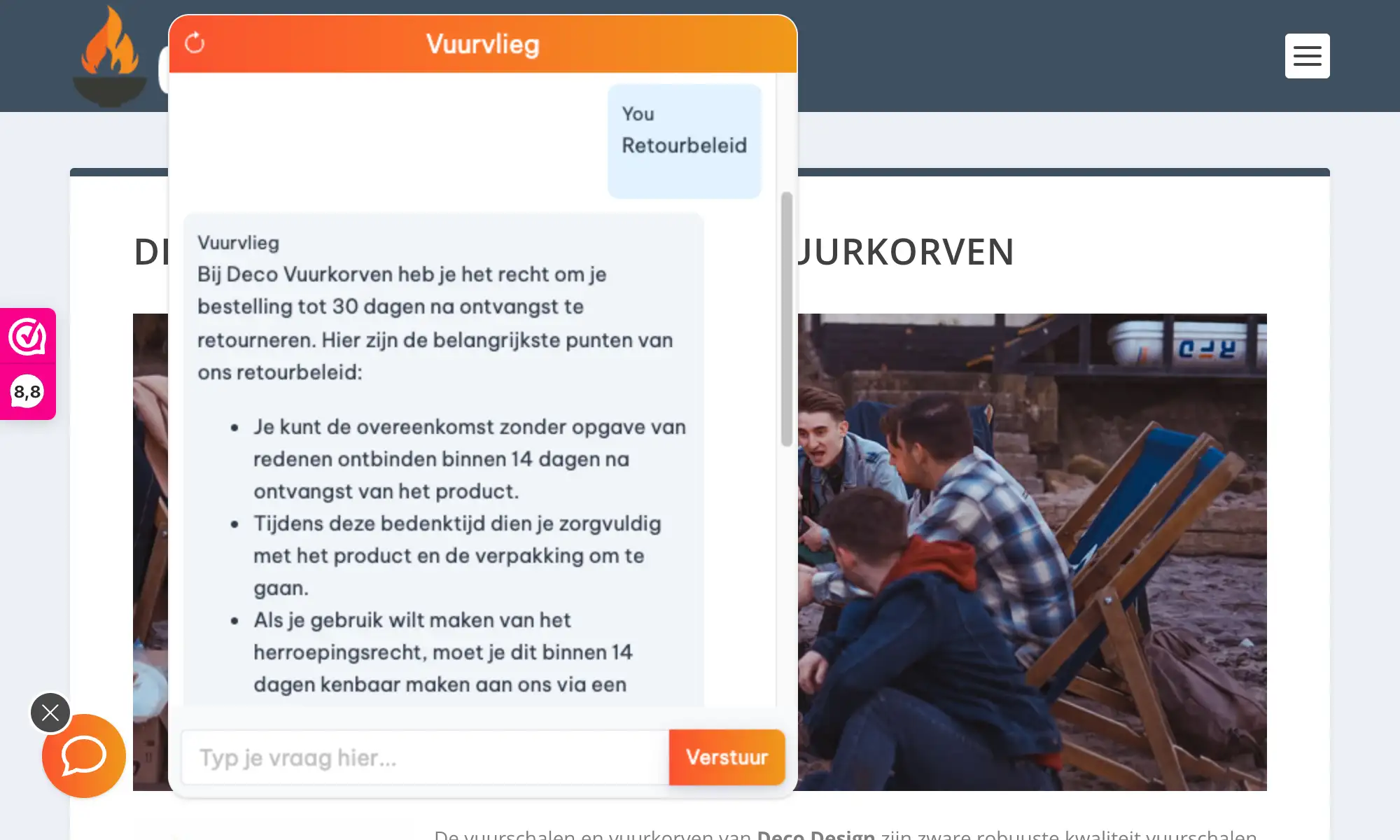
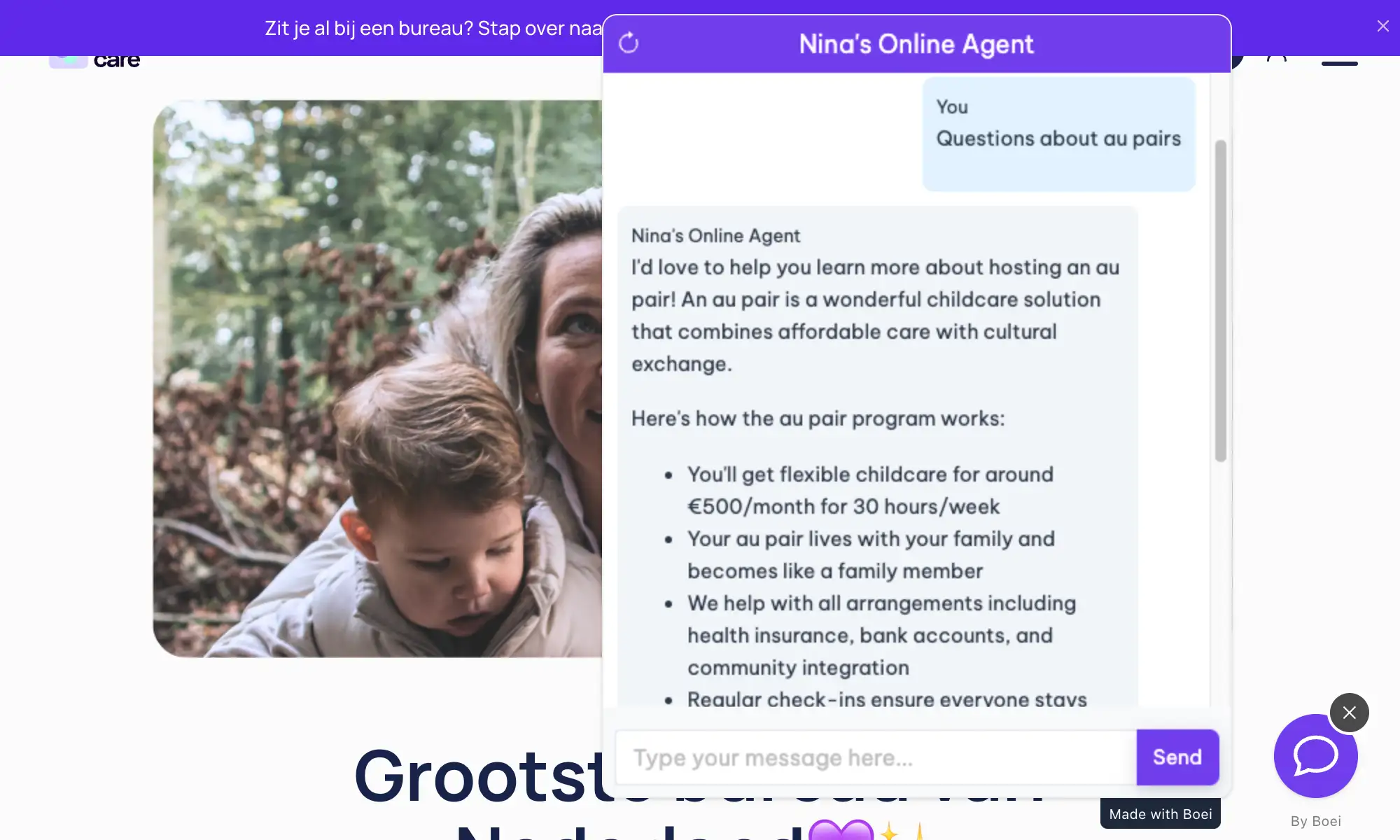
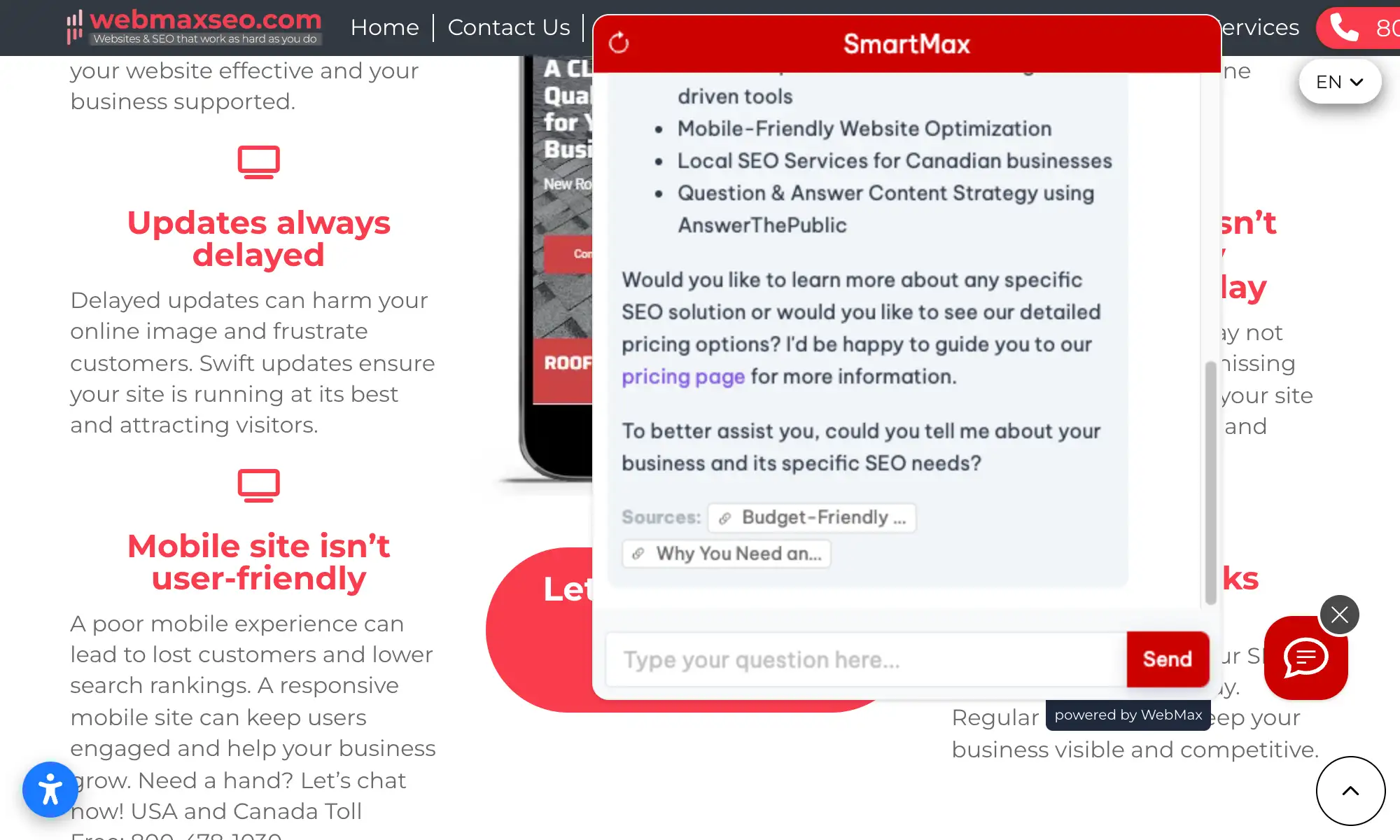
WooCommerce AI chatbot answering product questions

Pro Tips

Maximize Your WooCommerce Chatbot

1

Write Better Product Descriptions

The AI learns from your product pages. Include sizing info, materials, use cases. Better descriptions = smarter chatbot answers.

2

Create a Shipping & Returns Page

If you don't have dedicated policy pages, create them. The chatbot uses these to answer the most common pre-purchase questions.

3

Upload Your Product CSV

Export your WooCommerce products as CSV and upload to Boei for deeper training. Covers specs that might not be on the public page.

4

Add Quick Reply Buttons

Set up buttons for your top questions: 'Shipping costs', 'Return policy', 'Size guide', 'Track my order'. Faster for returning customers.

Need Help?

Common WooCommerce Questions

Widget not appearing on my store?
Clear your WordPress cache (WP Rocket, W3 Total Cache, LiteSpeed) and browser cache. Verify the Boei plugin is activated in Plugins and the Widget Key is entered in Settings β†’ Boei.
AI not finding my products?
Make sure your products are published (not draft or private). Try adding your sitemap URL (yoursite.com/product-sitemap.xml) directly in the Boei training section for faster product crawling.
Wrong product information in answers?
The AI learns from your live product pages. If you've updated products recently, re-crawl your store in the Boei dashboard β†’ Training β†’ Refresh. Allow 5-10 minutes for changes to take effect.
Conflicts with other plugins?
Boei is compatible with most WooCommerce plugins. If you see issues, temporarily deactivate other chat or popup plugins to isolate the conflict. Contact support with the conflicting plugin name.

What Store Owners Say

See AI Chatbot in Action

Real stores using Boei's AI chatbot to sell more

Add More Contact Channels

Combine AI chatbot with other ways for shoppers to reach you

Related Resources

Learn more about AI chatbots for ecommerce

E-commerce Guide

AI chatbots for online stores

WordPress

AI chatbot for WordPress sites

Pricing

Transparent AI chatbot pricing

WooCommerce Chatbot Pricing

Simple pricing, no per-product fees

Vance
Vance: " Helps me to convert website visitors to warm leads " β˜…β˜…β˜…β˜…β˜…

$8 /month

Billed annually at $96 β€’ Cancel anytime

Number of websites β“˜

Optional Add-ons

Optional

Enhance your plan with these extras

What's included

  • βœ“Show 50+ contact channels β“˜
  • βœ“Shared inbox included β“˜
  • βœ“Unlimited leads & conversations β“˜
  • βœ“Smart visitor targeting β“˜

βœ“ No contracts β€’ Cancel anytime βœ“ Trusted by 14.368 businesses

Start 7-Day Free Trial

Prices exclude VAT, calculated at checkout

Need an Agency or Enterprise Solution?

Get custom pricing, priority support, and advanced features such as custom domains and mailers

Contact Sales

Questions?

WooCommerce AI Chatbot FAQ

How do I install the AI chatbot on WooCommerce?

Same as any WordPress plugin: go to Plugins β†’ Add New, search 'Boei', install, activate. Enter your Widget Key in Settings β†’ Boei. The chatbot appears on your store immediately.

Does the chatbot learn my WooCommerce products?

Yes. Enter your store URL in the Boei dashboard, and the AI crawls all your product pages, categories, descriptions, and variations. It also learns from your policy pages.

Will it slow down my WooCommerce store?

No. The script is under 50KB, loads asynchronously, and is compatible with WP Rocket, W3 Total Cache, and LiteSpeed Cache. No impact on PageSpeed scores.

Can the chatbot handle product variations?

Yes. If your product descriptions mention sizes, colors, or other variations, the AI can answer questions about them. For best results, include variation details in your product descriptions.

Does it work with WooCommerce Subscriptions?

Yes. The chatbot can answer questions about subscription products, billing cycles, and cancellation policies if you describe them on your site.

Can I use it alongside other WooCommerce plugins?

Yes. Boei works alongside WooCommerce Subscriptions, Bookings, Memberships, Product Bundles, and all other popular extensions. No conflicts.

How does it handle out-of-stock products?

The AI tells visitors when a product is out of stock (based on page content) and captures their email for restock notifications. Turns a missed sale into a future opportunity.

Is it GDPR compliant?

Yes. EU-based servers in Amsterdam, no training on your customer conversations, cookieless mode available. DPA provided on request.

Does the AI chatbot work on WhatsApp too?

Yes. Boei's AI chatbot works on your WooCommerce site and on WhatsApp. Incoming WhatsApp messages get automatic AI replies using your product knowledge.

Ready to Add AI Chat to Your WooCommerce Store?

Install in 2 minutes. The AI learns your products automatically.

7-day free trial β€’ No credit card required β€’ Works with any WooCommerce theme
Andrew Lee David S. Vance W. Grant Nitesh Manav
from 159 reviews