Training Your AI Chatbot
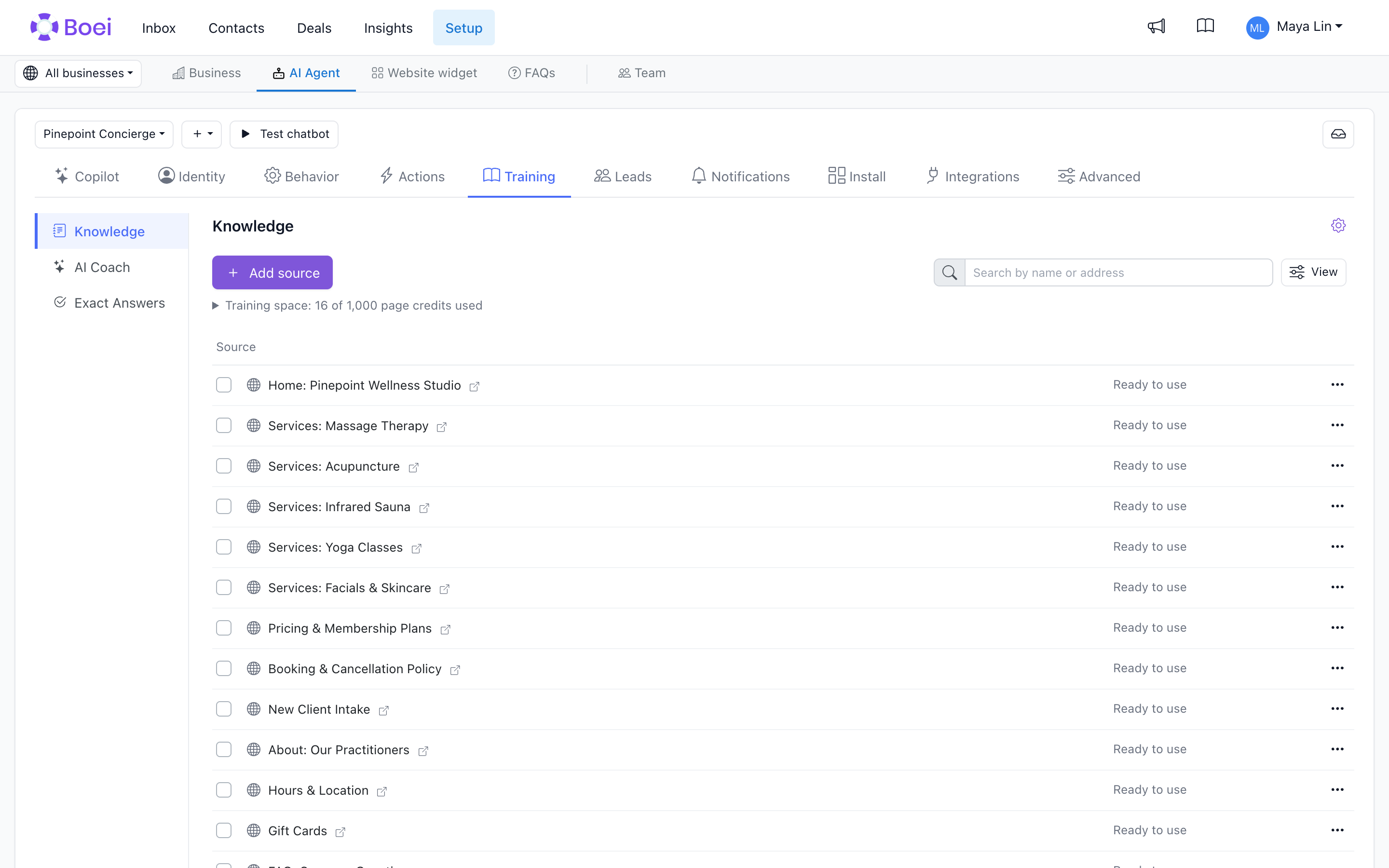
Open Setup → AI Agent, choose your chatbot, then Training → Knowledge.
Add knowledge
Click Add source and choose Website, Files, Text, Questions and answers, Products, or Conversations. Website sources and linked FAQ collections open to show their contents. Individual files and text entries appear directly in the same list.
- Website: Paste a website address, sitemap or several page addresses. Review the discovered pages and select what the chatbot should learn.
- Files: Upload multiple documents or paste public file links. Accepted files start processing automatically.
- Text: Write knowledge that is not on your website.
- Questions and answers: Create or connect FAQ collections. A collection can be shared with other chatbots.
- Products: Open your catalogue to add or import product data.
- Conversations: Save useful replies from the Inbox as knowledge.
Use Q&A for common questions and complete answers. Use specific instructions for behaviour rules.
Train and leave it running
Select the discovered content you want to use and click Train chatbot. Boei reads and trains it in the background. You can leave the page and return to the same progress. The completion-email checkbox controls whether you receive a message when the run finishes or needs attention.
If your chatbot was created through onboarding, only an initial selection may have been trained. Open the website source to see the remaining pages and choose which to train next. They are not all trained just because onboarding finished.
Understand progress and limits
A discovered address does not tell Boei how much content the page contains. Exact page-credit requirements become known after reading it. Boei trains what fits, keeps measured content for resuming, and limits how far it reads ahead when space runs out. If some pages are still unread, the remaining total is not yet exact.
Expand Training space for account usage and the largest sources. See Training credits. Products do not count against the page-credit limit.
Keep answers useful
Include current customer-facing information. Skip irrelevant archives, duplicate content and pages you do not want the chatbot to use. Open a source or search by name/address; use View for filters and the row's ··· menu for actions.
Use Test chatbot to try real questions. Use Review sources to check and update the knowledge behind an answer, and use Insights to review outcomes, topics, and missing answers.