Newsletter Signup icon

Drupal + Newsletter Signup

Free Newsletter Signup plugin for Drupal turns visitors into customers

Communicate via Newsletter Signup with your Drupal visitors to convert them into loyal customers. Start for free today.

DRUPAL URL

https://
https://

Trusted by 100+ Drupal sites

Quick 5-min, no code setup

Andrew Lee David S. Vance W. Grant Nitesh Manav
from 159 reviews

Get People to Sign up to Your Newsletter From Drupal

Boost Lead Generation

Capture valuable contact information directly from your Drupal site to grow your mailing list and generate more leads.

Easy Integration

Quickly add the form using a extension or a single line of code, making it simple to start collecting inquiries right away.

Automated Results

Automatically send form submissions to your email, Slack, or webhook, ensuring you never miss an opportunity to connect with potential customers.

3 Steps to Add the Newsletter extension to Your Drupal Site

1

Create an account

2

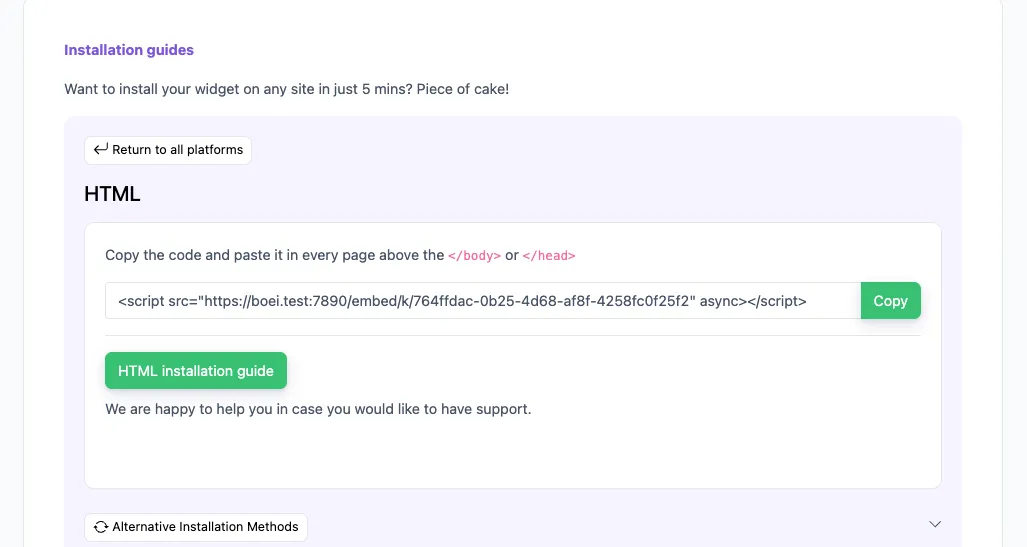
Install on your Drupal site

3

Get more leads

How to add Newsletter Signup to Drupal

  1. Open your Boei dashboard.
  2. Add the Newsletter Signup channel.
  3. Copy the snippet to your Drupal site.
  4. Done — your Drupal button appears instantly!

Start free now

collect more leads

Watch How Boei Transforms Your Site with the Newsletter Signup Form

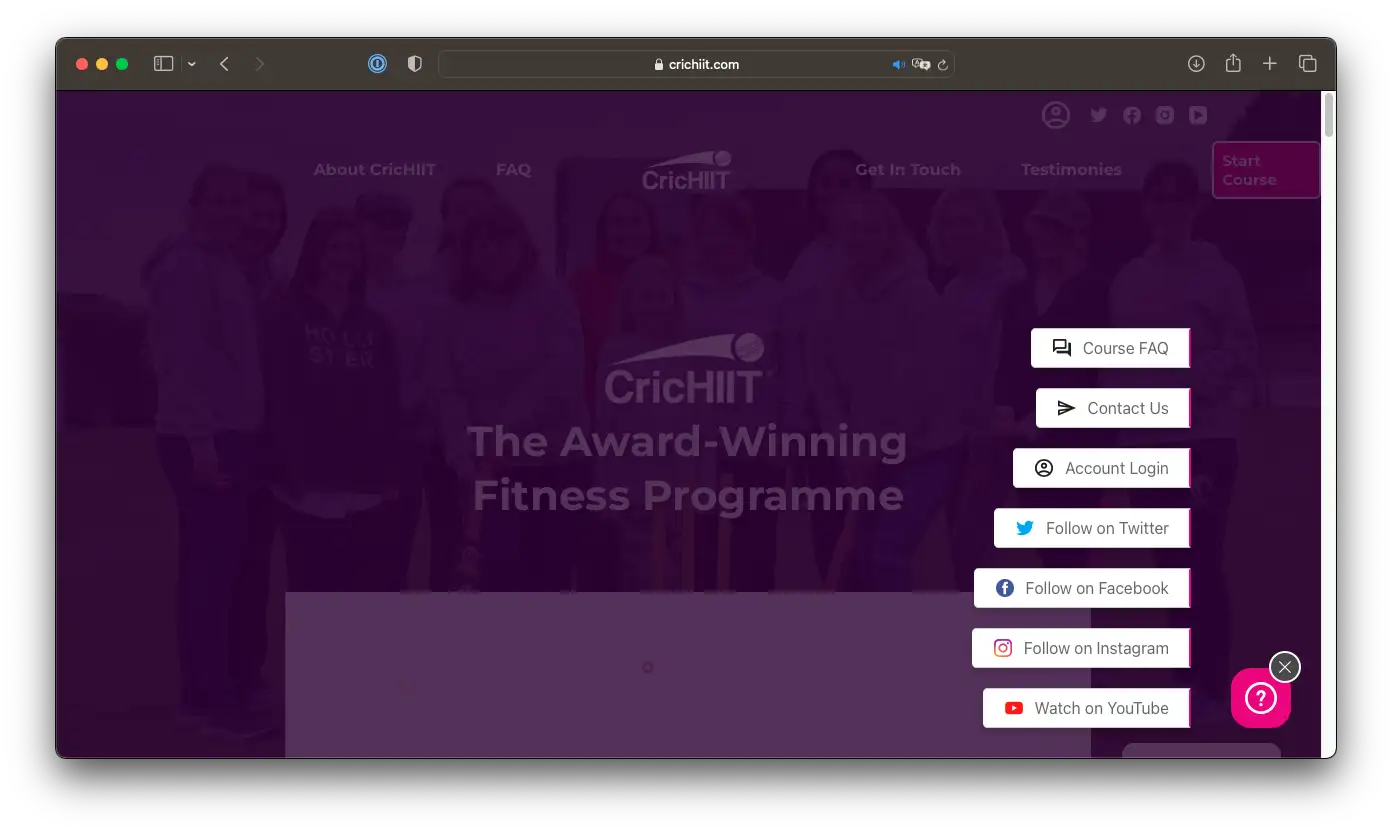
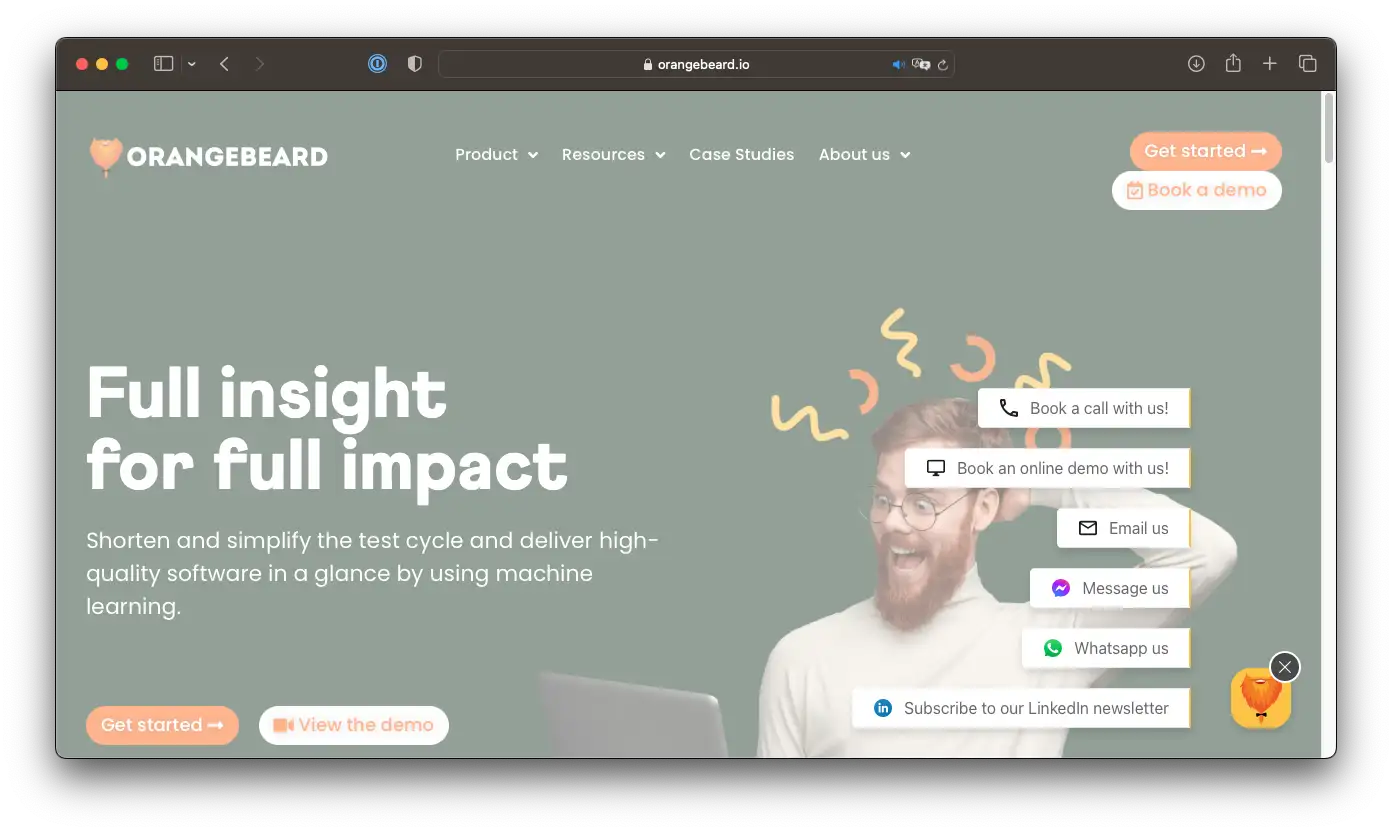
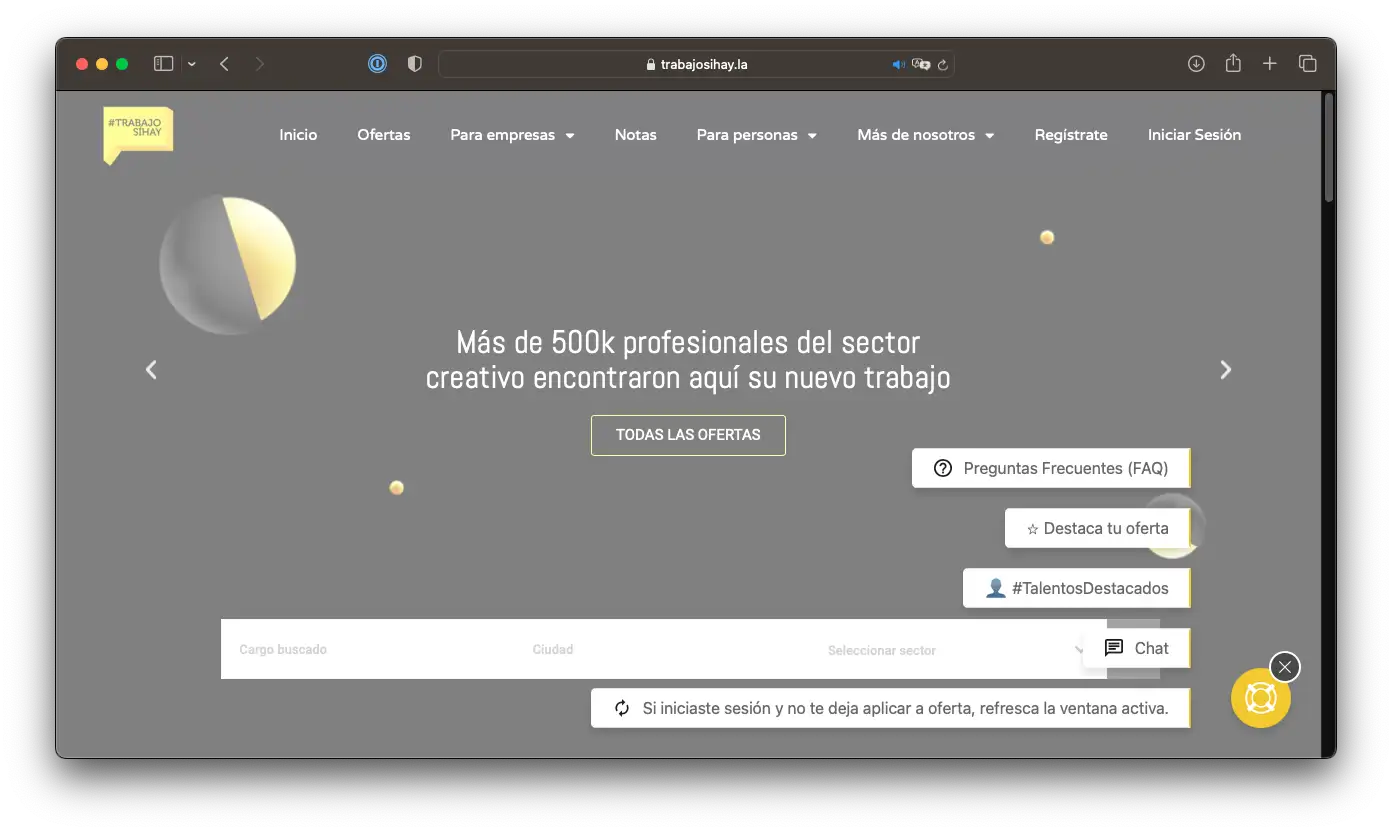
With Boei, you always show the most important buttons of your Drupal website, like Newsletter Signup.

No annoying chatbot keeping visitors from an employee, but a solution that actually helps visitors get in touch more easily.

Try for free

100% No Code

Deploy powerful, interactive widgets without writing a single line of code.

50+ Channels

From contact forms and chat features to social media links; Boei offers a wide range of widget options to engage every visitor.

Customizable Appearance

Match Boei's design perfectly with your brand with customizable colors, icons, and messages. Even with custom CSS.

Automatic Triggers

Set Boei to pop up at the right time, based on user behavior, for maximum engagement.

Vary by Device

Smart QR codes for desktop users and app-specific options make every contact moment unique.

Lightning Fast

Boei is as light as a feather, loads in a blink of an eye, and keeps your pages fast and smooth.

Extensive Lead Analytics in Boei, Google Analytics, Tag Manager & more →

More than 10,000 companies from 150+ countries grow thanks to Boei

Moebelfaktor customer logo Productlift customer logo Boot-huur customer logo Orangebeard customer logo Lumedik customer logo

Setting Up the Newsletter Signup Form on Your Drupal Site

With Boei's Newsletter Signup Form, integrating a contact form on your Drupal site is a breeze. Simply install the extension and customize the text to fit your brand's voice. You can even add a name field for a more personalized touch.

Once the form is set up, visitors can easily submit their information directly on your site. Their details will be sent straight to your email, Slack channel, or a webhook like Zapier. This makes managing inquiries and growing your mailing list effortless.

By using Boei's Newsletter Signup Form, you turn your Drupal site into a powerful lead generation tool. Keep your audience engaged and informed, and watch your subscriber list grow with minimal effort.

Newsletter Signup icon

Newsletter Signup

A Newsletter Signup Form is a simple tool that allows your customers to subscribe to your email list. It's a great way to keep your audience updated about your latest news, offers, and content. Did you know that businesses using email marketing see an average ROI of $42 for every $1 spent? Plus, 60% of consumers say they've made a purchase as a result of a marketing email they received. With a Newsletter Signup Form, you can easily grow your audience and boost your sales.

Drupal

Drupal is a powerful and flexible content management system (CMS) used by millions of websites worldwide. Known for its robust security and scalability, Drupal powers over 1.5 million websites, including high-traffic platforms like NASA and Tesla. With a large community of developers and a wide range of modules, Drupal is perfect for creating customized, high-performance websites.

Showcase

Success stories with Boei

Discover how companies worldwide deploy our Drupal chat plugin for superior customer service and more leads.

The voice of 10,000+ Boei fans

Meet the inspiring entrepreneurs making their dream businesses a reality with Boei

Make widgets with more than Newsletter Signup

Without code, you can deploy 50+ channels for lead generation, like Whatsapp, contact or quote form, callback request, as well as Facebook messenger and many more.

Conversion icon

Boost Your Leads

Make it super easy for customers to reach you and see your leads increase.

Time planning icon

Flexible and Fun

Customize Boei for each campaign or page. Experiment and find what works!

Like icon

Smart Measuring

Get a clear view of your success. Track conversions seamlessly via Boei, Google, and Meta.

Settings icon

Plenty of Choices

With 50+ channels and countless settings, you always set the perfect tone for your audience.

Add Every Communication Channel to Your Drupal Site

AI Chatbot icon
AI Chatbot on Drupal
Learn about Drupal AI Chatbot → Try
Instagram DM icon
Instagram DM on Drupal
Learn about Drupal Instagram DM → Try
Contact form icon
Contact form on Drupal
Learn about Drupal Contact form → Try
All Drupal contact options

AI Chatbot with Live Chat AI Chatbot with Live Chat WhatsApp WhatsApp Contact Form Contact Form FAQ Widget FAQ Widget SMS / Text Message SMS / Text Message Calendly Calendly Call Me Back Form Call Me Back Form Newsletter Signup Form Newsletter Signup Form Instagram DM Instagram DM Telegram Telegram Discord Discord Viber Chat Viber Chat TikTok TikTok Feedback Form Feedback Form Google Maps Google Maps Signal Signal Snapchat Snapchat WeChat WeChat Zalo Profile Zalo Profile

Drupal & Newsletter Signup FAQ

How do I add the Newsletter Signup Form to my Drupal site?

You can add the form by installing the Boei extension or by embedding an iFrame or a single line of code.

Can I customize the text on the form?

Yes, all text on the Newsletter Signup Form is fully customizable to match your brand's voice.

Do I need a extension to add the form?

While using the Boei extension is the easiest way to add the form to Drupal, you can also use an iFrame or a single line of code.

Who should use the Newsletter Signup Form?

Any business looking to grow their mailing list and generate more leads should use the Newsletter Signup Form on their Drupal site.

What is a Newsletter Signup Form?

A Newsletter Signup Form is a form on your website where visitors can enter their email addresses to subscribe to your newsletter.

How popular are Newsletter Signup Forms?

They are very popular. Over 80% of businesses use email marketing, and a signup form is the most common way to build an email list.

How can I get more leads using a Newsletter Signup Form?

Offer incentives like discounts or free resources for signing up. Make your form easy to find and fill out. Promote it on social media.

Should I use a Newsletter Signup Form?

Yes, if you want to grow your email list and engage with your audience regularly. It's an effective way to keep your customers informed and drive sales.

Is my data secure with a Newsletter Signup Form?

Yes, reputable services offer secure forms that comply with data protection laws. Always check the service's privacy policy.

What about privacy?

Your subscribers' privacy is important. Ensure you have a clear privacy policy and only use their data for the purposes you state.

In what countries are Newsletter Signup Forms used?

They are used worldwide. Email marketing is a global practice, and businesses everywhere use signup forms to grow their audience.

What is the pricing for using a Newsletter Signup Form?

Pricing can vary. Some services offer free basic plans, while others have tiered pricing based on the number of subscribers and features.

What is Drupal?

Drupal is an open-source content management system (CMS) that allows you to build and manage websites easily. It is known for its flexibility, security, and scalability.

How much does Drupal cost?

Drupal itself is free to download and use. However, you may incur costs for hosting, premium themes, and additional modules.

Does Drupal have a free plan?

Yes, Drupal is completely free to use. It is open-source software, which means you can download, use, and modify it without any cost.

Is Drupal a good CMS?

Yes, Drupal is highly regarded for its security, flexibility, and scalability. It is used by many large organizations and high-traffic websites.

How often is Drupal used?

Drupal is used by over 1.5 million websites worldwide, making it one of the most popular CMS platforms.

How can I get more leads with Drupal?

You can get more leads with Drupal by optimizing your site for SEO, using lead capture forms, and integrating communication tools like Boei to engage visitors in real-time.

Free Newsletter Signup plugin for Drupal turns visitors into customers

Communicate via Newsletter Signup with your Drupal visitors to convert them into loyal customers. Start for free today.

URL

https://
https://

Trusted by 100+ Drupal sites

Quick 5-min, no code setup

Andrew Lee David S. Vance W. Grant Nitesh Manav
from 159 reviews

How does Boei differ from a live chat solution?

While live chat is great for direct, synchronous conversations, it requires both parties to be online simultaneously. Boei supports asynchronous communication across more than 50 channels. This means customers can reach out when it's convenient for them and businesses can respond when they're able. Boei also offers the flexibility to proactively start conversations and present a wide range of interactive content to engage visitors.

Why would I need Boei if I already have live chat?

Boei is a perfect complement to live chat. Not all customers prefer live chat - some might want to send an email, make a phone call, or reach out on social media. Boei caters to all these preferences by offering multiple ways for customers to connect with you. Additionally, Boei allows you to proactively engage visitors with custom messages, FAQ questions, callback forms, videos, and more.

I already use social media for customer service. Why should I use Boei?

Social media is an important channel for customer service, but it's only one of many. Customers have different communication preferences, and Boei caters to these by offering 50+ channels to connect with your business. Plus, Boei centralizes these communication options in one place, making it easier for you to manage.

How can Boei increase my sales?

Boei turns your website into a proactive customer engagement tool. By offering your customers multiple convenient ways to connect, you can answer their questions and address their concerns more effectively, leading to higher customer satisfaction and increased conversions. The ability to proactively display messages and content can guide visitors towards making a purchase.

I only need one communication channel. Is Boei still useful for me?

Absolutely. While Boei supports 50+ channels, you can choose to use only one if that suits your business best. But remember, Boei is more than just a contact tool - you can also use it to display custom messages, videos, and various forms to engage visitors proactively.

Can Boei manage my customer interactions centrally?

Boei is designed to initiate interactions with your customers across multiple channels. However, it does not provide a way to manage responses centrally. Each platform you connect to Boei will have its own way of managing and responding to customer interactions. The goal of Boei is to provide a versatile tool that enhances your website's ability to engage visitors and turn them into leads.