Managing FAQ Items
Add, edit, reorder, and delete questions inside an FAQ collection.
How to get there: Go to Setup → FAQs in the top menu → open an FAQ collection. If you have only one collection, it opens automatically.
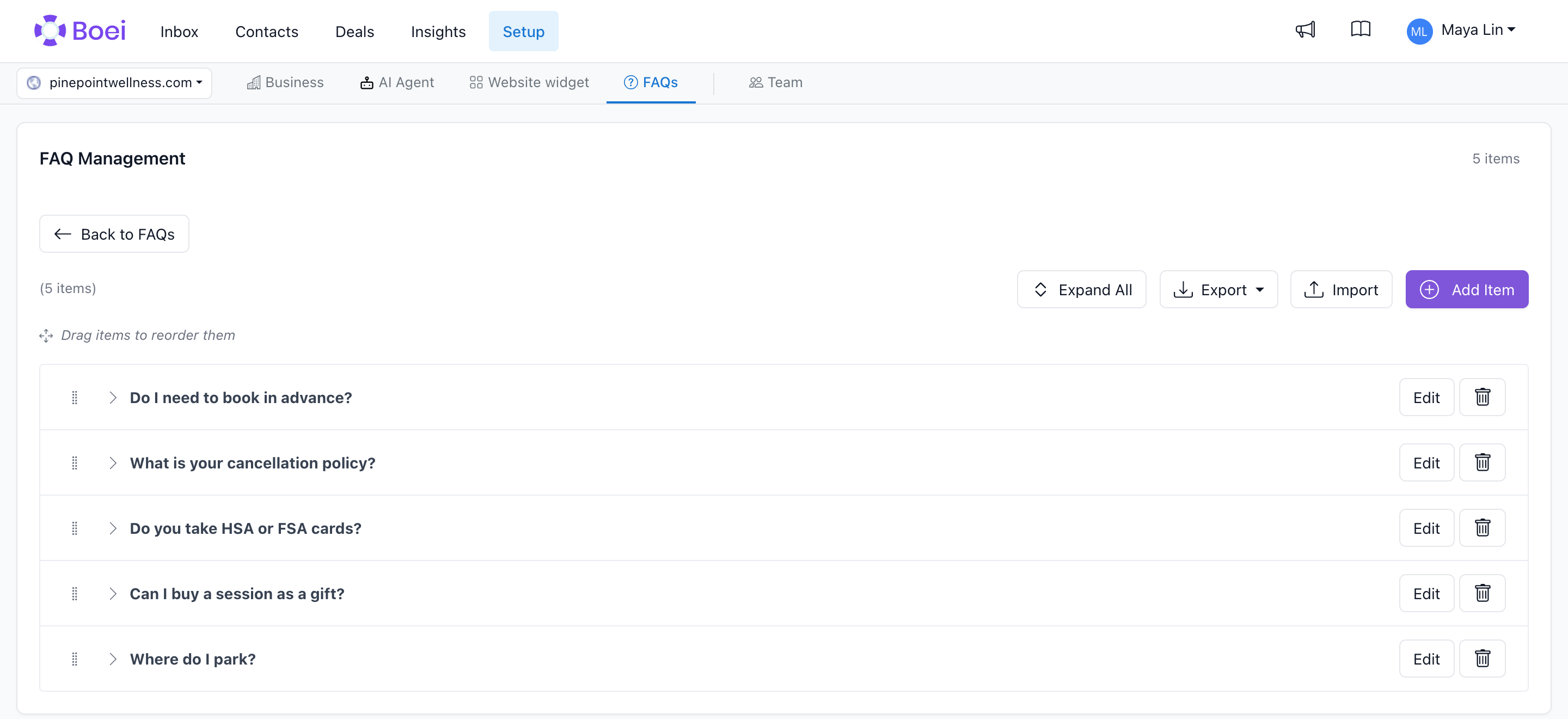
Adding a Question
- Open the FAQ collection
- Click Add Question
- Enter the Question as visitors would phrase it (e.g., "How long does shipping take?")
- Enter the Answer using Markdown formatting
- Choose the collection at the bottom. You can move the question to another collection of the same business, or use + New collection.
- Open Validity dates (optional) to set a start or end date if needed.
- Click Save question
The new question is added to the bottom of the list. New questions are searchable immediately, though the AI embeddings used for semantic search may take a minute or two to update.
Editing a Question
Click a question to expand its answer, then click Edit answer. You can change the question, the answer, or both. Saving regenerates the embedding so the updated content is reflected in search.
Reordering Questions
Drag any question by the handle on the left to change its order. The order you set is the order visitors see in the widget. Put the most common questions at the top.
You can also use position numbers if you have many questions and prefer not to drag.
Moving or deleting a question
Open a question and click Edit answer to choose another collection of the same business. To delete a question, expand its answer and click Delete question, then confirm.
Importing Questions
If you have an existing FAQ in a spreadsheet, you can import it:
- Open ··· → Import questions in the collection
- Upload a CSV, Excel or JSON file with
questionandanswercolumns - Review the preview and confirm
Markdown Formatting
Answers support Markdown:
**bold**for emphasis- itemfor bullet lists1. itemfor numbered lists[text](url)for links## Headingfor sub-sectionsfor images