Hide private contact details and old prices
Use Never share these details to hide a private phone number, email address, or old price from your chatbot's replies. This is useful when the detail still appears in a source that you have not updated yet.
Add a detail to hide
- Open your chatbot and go to Behavior → Instructions.
- Scroll to Never share these details.
- Click Add blocked item.
- Choose Contact detail or Price and enter the value.
For phone numbers, include the country code, such as +447700900123. Spaces and common formatting differences are ignored. Email matches ignore uppercase and lowercase letters.
For prices, enter the amount and select the currency. For example, a rule for 14.00 EUR also matches €14 and 14,00 EUR. It does not hide 14 people or 14:00.
Price rules apply to all products. Update the source and remove the rule when the old price is no longer needed.
What visitors see
Boei checks the AI's reply before sending it to the visitor. If a blocked detail appears, it is replaced with •••. The rest of the sentence stays visible. Boei does not automatically replace it with another phone number or price.
For example, if the AI writes:
You can reach our shop manager at +44 7700 900123.
The visitor sees:
You can reach our shop manager at •••.
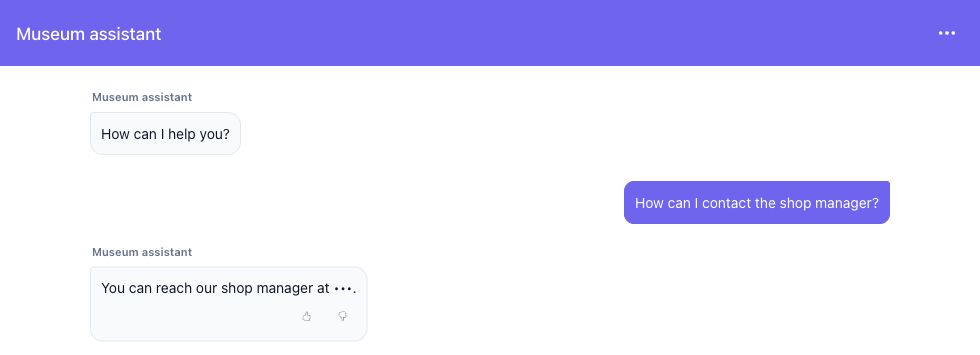
The screenshot uses fictional business names and contact details.