Installing Your Chatbot
Once your chatbot is set up, you need to add it to your website so visitors can use it. Boei supports several installation methods.
How to get there: Go to Setup → AI agent in the top menu → click your chatbot → Install section in the sidebar.
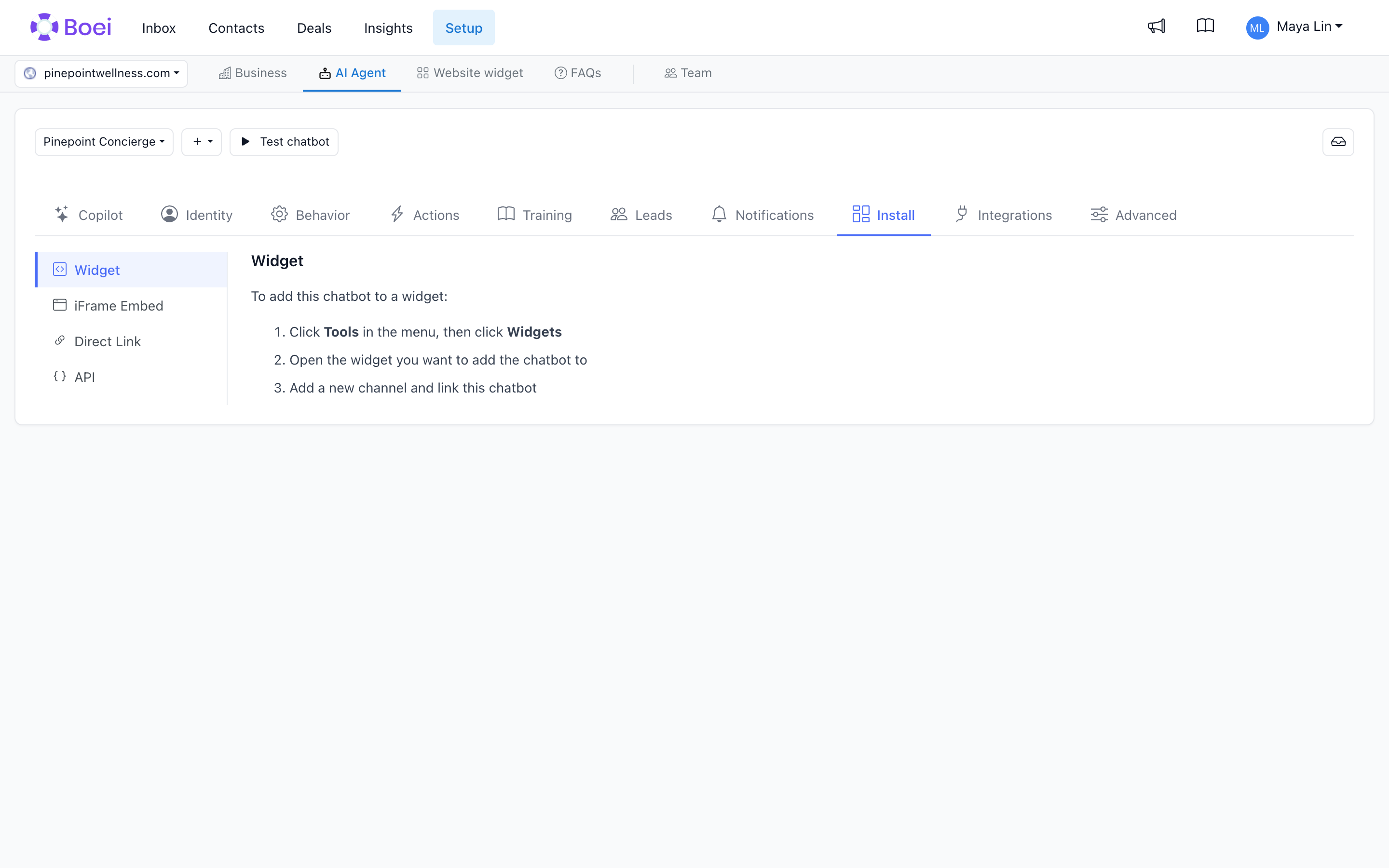
Installation Methods
Widget (Recommended)
The most common way to add your chatbot. It appears as a chat bubble in the corner of your website. One line of code, works on any website.
For step-by-step instructions for your specific platform, see the Installation guides:
And many more platforms in the Installation section.
Embed on a Page
Place the chatbot directly inside a page (not as a popup). Useful for dedicated support pages or landing pages where you want the chat front and center.
Direct Link
Get a shareable link that opens the chatbot in its own page. Useful for sharing via email, social media, or QR codes.
Developer Access
For developers who want to connect to the chatbot from their own code. Requires technical knowledge.