Drift Channel
Boei can easily be connected to Drift. It is super simple!
This is how it will look like:

How to get there: Go to Setup → Website widget in the top menu → click your widget → click Add Channel and select Drift.
Installation
Step 1. Install Boei on your website
See Installation Guides.
Step 2. Load Drift regularly
You don't need to change anything on how you currently load Drift. No coding needed!
Keep your Drift embed code installed on your site. You can check that it works when you (temporarily) remove the Boei embed code because when Boei "sees" Drift, it will automatically hide it.
Step 3. Create a Drift channel in Boei
Add a new channel with the type Drift.
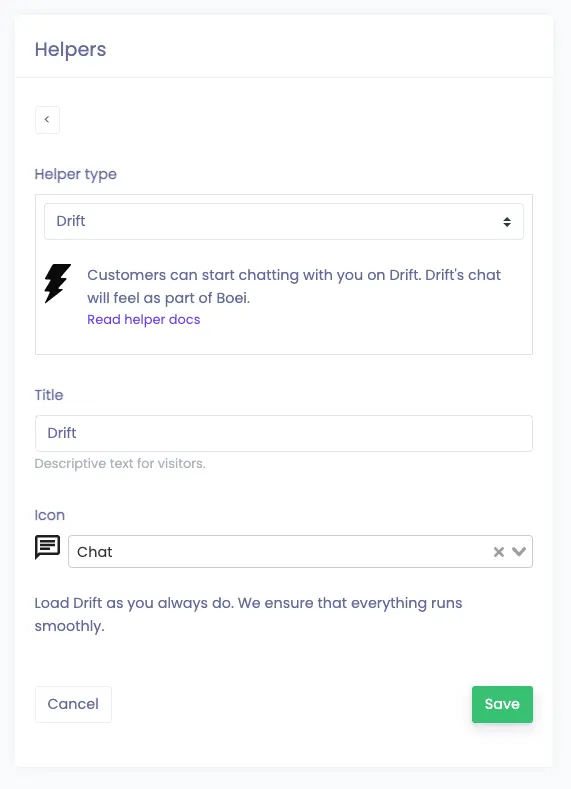
Give it a test to see if everything is set up correctly.
Done!